

Everything on setting up your home office
Everything on setting up your home office
- 591 results
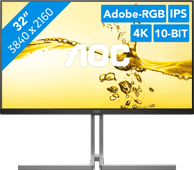

Our choice for a monitor for demanding graphic design
|
31.5 inches
| 3840x2160 resolution
| HDMI, DisplayPort

Affordable Second Chance
from
534,-

Wired
| Multimedia shortcuts
| No backlit keys
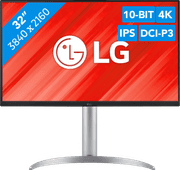
Our choice for a monitor with USB-C for your MacBook or iMac
|
32 inches
| 3840x2160
| HDMI, DisplayPort, USB-A, USB-B, USB-C

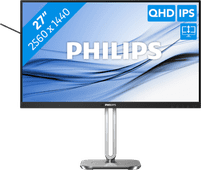


Our choice for a 27-inch monitor that's energy-efficient
|
27 inches
| 2560x1440 resolution
| HDMI, DisplayPort

Affordable Second Chance
from
188,-
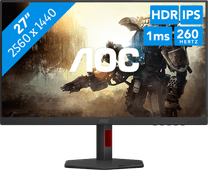
Our choice for a gaming monitor for QHD gaming or better with an RTX 4060 video card
|
27 inches
| 2560x1440 resolution
| HDMI, DisplayPort

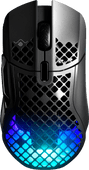
Our choice for a wireless gaming mouse
|
Wireless
| Optical sensor
| 100 - 18,000DPI
Affordable Second Chance
from
74,-
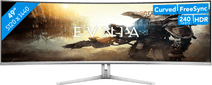
49 inches
| 5120x1440 resolution
| HDMI, DisplayPort, USB-A, USB-C
Affordable Second Chance
from
846,-
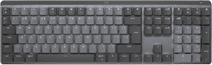
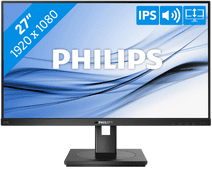
Our choice for a 27-inch monitor for your (home) office
|
27 inches
| 1920x1080 resolution
| HDMI, DisplayPort, VGA, DVI
Affordable Second Chance
from
123,-

Wireless USB + Bluetooth
| Compact (75%)
| No ergonomic design

34 inches
| 3440x1440 resolution
| HDMI, DisplayPort, USB-C
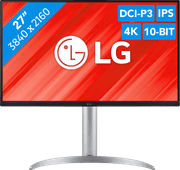
Our choice for a monitor for video editing
|
27 inches
| 3840x2160
| HDMI, DisplayPort, USB-A, USB-B, USB-C
Affordable Second Chance
from
368,-
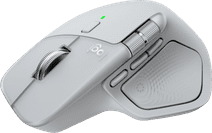
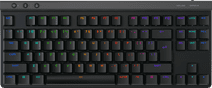
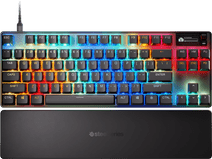
Our choice for a mechanical gaming keyboard that responds quickly during gaming
|
Mechanical
| TKL
| Wireless
Affordable Second Chance
from
96,-
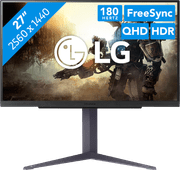
Our choice for a gaming monitor if your play medium demanding games on your PC
|
27 inches
| 2560x1440 resolution
| HDMI, DisplayPort
Affordable Second Chance
from
225,-
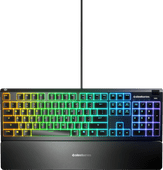
Our choice for a gaming keyboard for beginners
|
Membrane
| Complete (100%)
| Wired
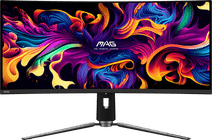
31.5 inches
| 3440x1440
| HDMI, DisplayPort, USB-A, USB-B, USB-C
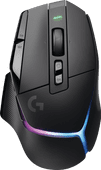
13 buttons
| 25.600DPI
| Wireless
| 140-hour battery life

49 inches
| 5120x1440 resolution
| HDMI, DisplayPort, USB-C
