
Written by Rowan
Edited on
8 September 2026
·
12:49
How do you choose the size of an Apple MacBook?
You're looking for a new MacBook, but don't know which size suits you. That's understandable, as there are many sizes to choose from. You choose the size based on your usage situation. The size in real life often differs from your online expectations. That's why we are happy to help you choose the right MacBook size in this article.
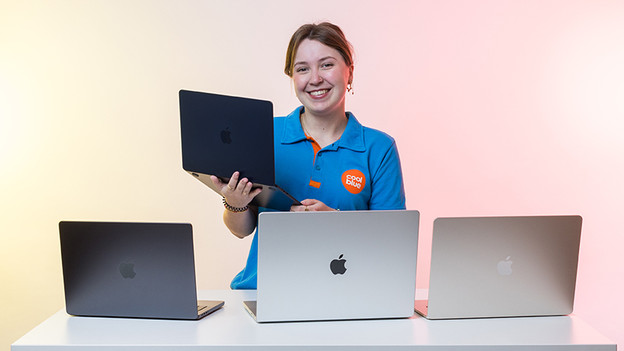
Choose MacBook size
We measure the sizes of Apple MacBook models in inches, but how large is a MacBook inch? 1 inch is about 2.54cm. With MacBook, you can choose between 13, 14, 15, and 16 inches. Before making the right decision, ask yourself the following questions:
- What are you going to use your MacBook for?
- Do you edit lots of detail and have a fixed workplace?
- Will you often take your MacBook with you and are you on the go often?

A suitable size for every usage situation
The MacBook size you choose, depends on your usage situation. For example, a small size is convenient when you're often on the go and take you MacBook with you in your bag every day. If you often work in a fixed spot and value seeing details more, we recommend a larger screen.
Apple MacBook Pro
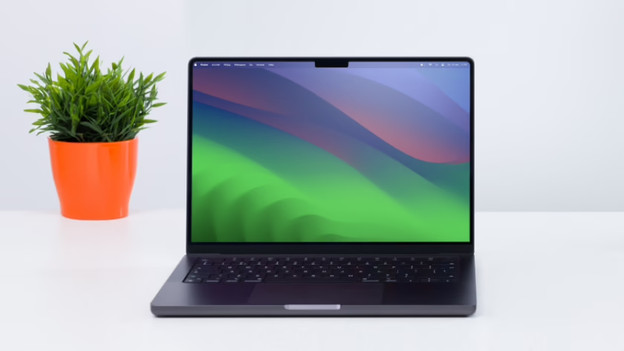
14 inches: the smallest MacBook Pro
The 14-inch MacBook Pro has a 36cm screen size diagonally. That's useful when you often take your MacBook with you, but also want a bit more screen space. It weighs about 1.61kg. The casing is a bit thicker than that of the MacBook Air, but you do have more connectors.
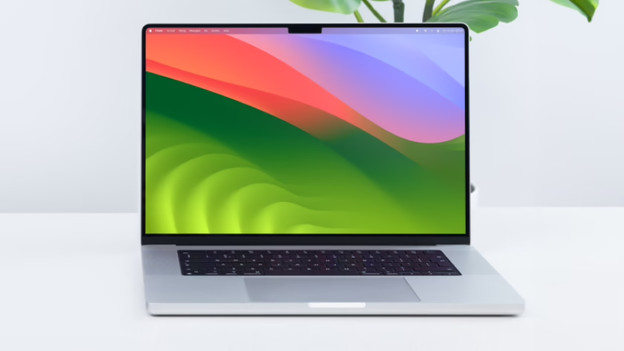
16 inches: the largest MacBook Pro
The 16-inch MacBook Pro has a 41cm screen size diagonally. This way, you can comfortably work in many tabs at a time or smoothly edit detailed files. Thanks to the large size and 2.1kg weight, this MacBook is harder to take with you.
Apple MacBook Air
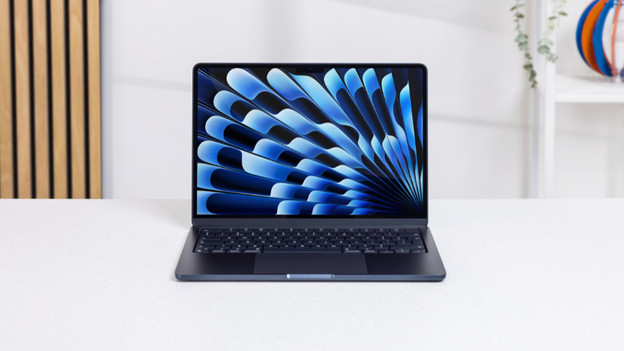
13 inches: the smallest MacBook Air
The 13-inch MacBook Air has a 33cm screen size diagonally. Thanks to the slim design of the casing, this MacBook is ideal for on the go. It fits in every backpack and even on narrow tables on the train. Due to the limited umber of ports, you're more likely to need a docking station. At 1.24kg, this MacBook doesn't weigh much.
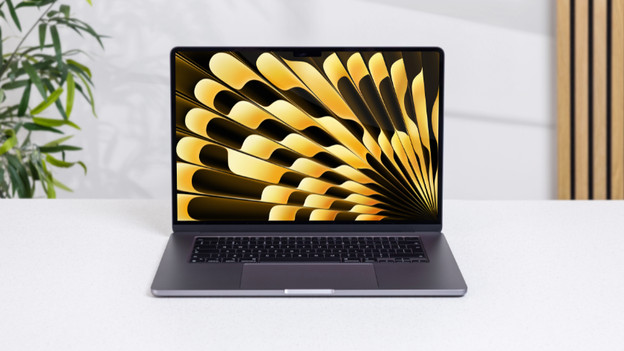
15 inches: the largest MacBook Air
The 15-inch MacBook Air has a 38cm screen size diagonally. This model also has a thin design, so you can take it with you. You can see more details on the larger screen, but it doesn't fit on small surfaces as well. You can place this MacBook on your lap, because it weighs about 1.5kg.
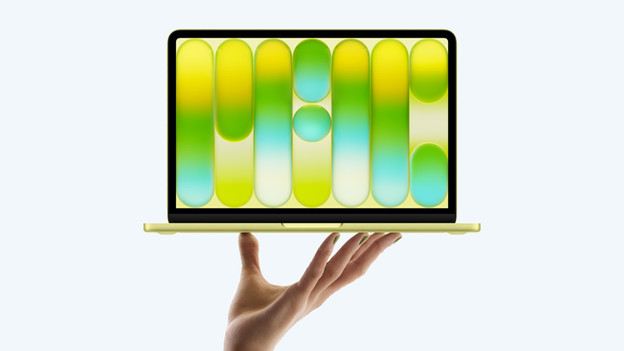
Apple MacBook Neo: 13 inches only
The MacBook Neo only has a 13-inch screen size. This makes the MacBook Neo the smallest MacBook. You can easily take it on the go, but it's less easy to maintain an overview of your apps and files. The MacBook Neo doesn't have many ports to connect accessories, so you're more likely to need a docking station.

View the sizes in our store
In real life, you can experience which MacBook size suits you best. Ask an employee for assistance, hold it, lift it, put it on your lap, and check whether it fits in your bag. That way, you're sure your new MacBook meets your expectations.
Article by Rowan
Apple expert
