Written by Robyn
Edited on
28 December 2022
·
11:18
How do you update your Apple TV?
The operating system of the Apple TV, tvOS, is regularly updated by Apple. These updates provide access to new functions on your Apple TV, or they resolve bugs. You can easily install these updates for tvOS manually, or automatically on your Apple TV. In this article, we'll explain how this works.
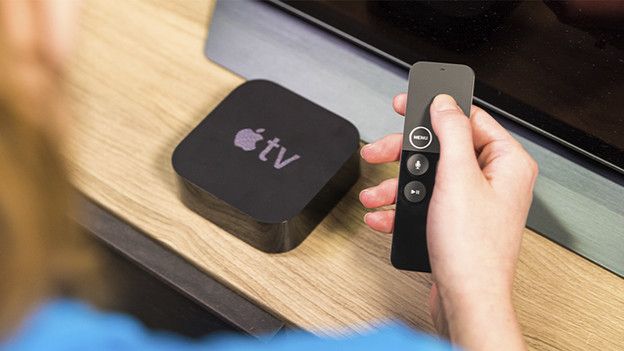
Get started with updating the Apple TV
You can update your Apple TV in 2 ways.
- Update manually
- Update automatically
It differs per type of Apple TV how you can manually update your media player.
Update Apple TV 4K and Apple TV HD
To update the tvOS software manually, you have to turn on your AppleTV.
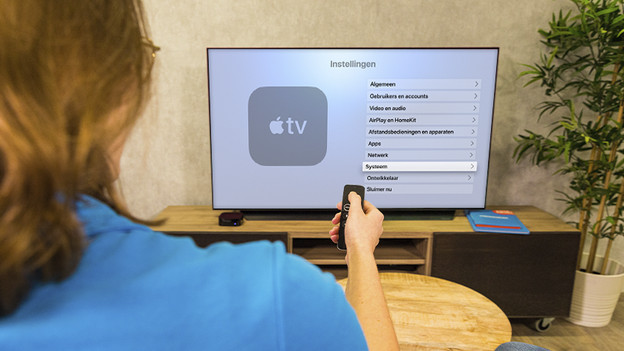
- Go to Settings and go to System.
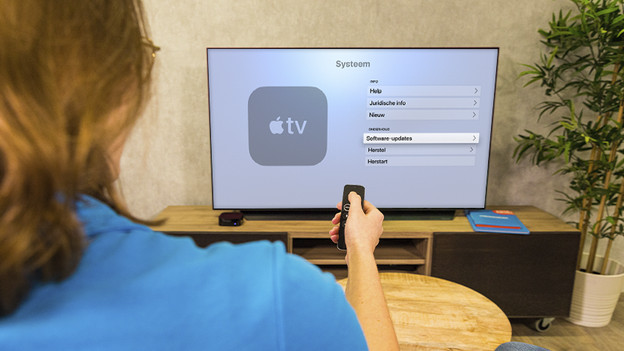
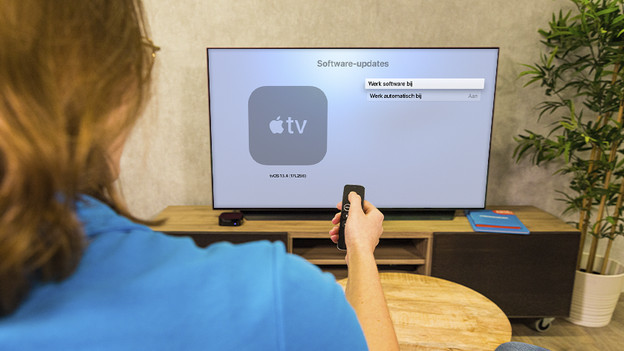
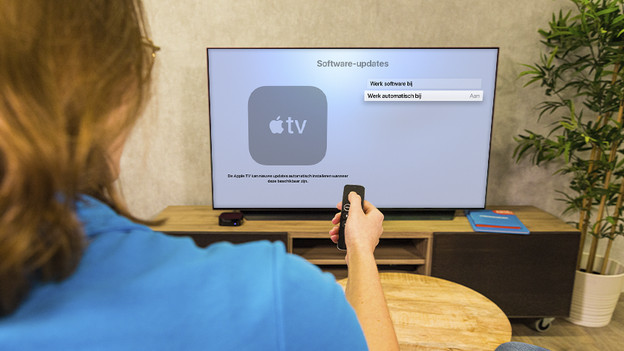
- Click Software updates and then on Update software.
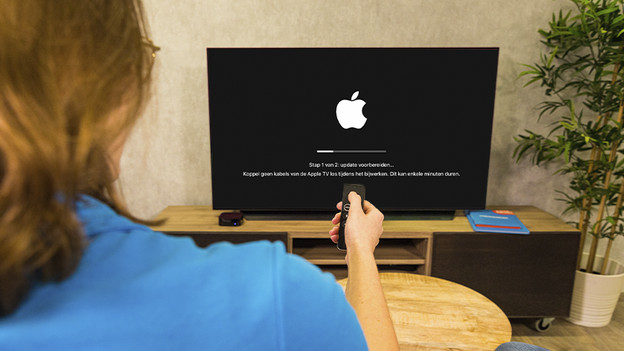
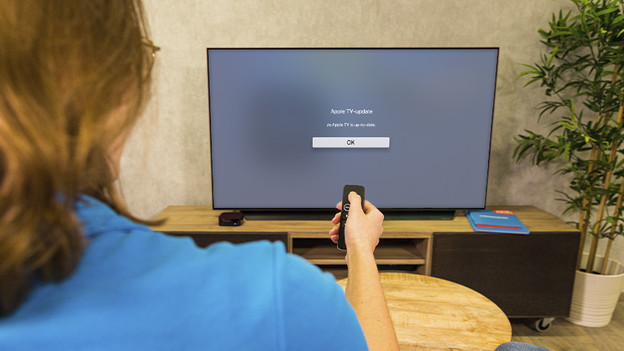
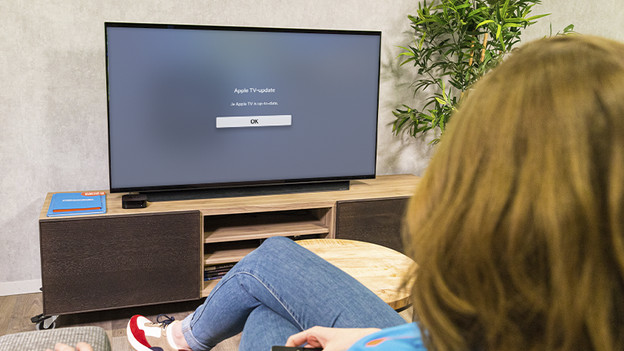
- The Apple TV now searches for software updates. If there's an available update, you can follow the steps on the screen to install it. If the Apple TV is already up-to-date, you don't have to do anything.
You can also install software updates automatically.
- Go to Settings and then to System
- Go to Software updates and enable Update automatically.
Go to 'System' in 'Settings'
Click 'Software updates'
Tap 'Update software'
The Apple TV now looks for updates, and it will install them if they're available
For automatic updates, go to 'System' and tap 'Update automatically'
New updates are installed automatically, so the Apple TV is always up-to-date
Update Apple TV (3rd generation)
You can update the Apple TV (3rd generation) the same way.
- Go to Settings and navigate to General. Click Software updates and then on Update software.
- The Apple TV now searches for software updates. Is there one available? Follow the steps on the screen.
You can also install software updates automatically.
- Go Settings and then to General.
- Enable the option Update automatically under Software updates.