Written by Robyn
Edited on
12 July 2024
·
15:23
How do you update your Apple Watch?
Apple regularly releases new software updates for the operating system of the Apple Watch, which is watchOS. With these updates, Apple provides new functions for the Apple Watch or improves existing functions. In this article, we'll explain how you update your Apple Watch to the latest watchOS version.
Compatibility
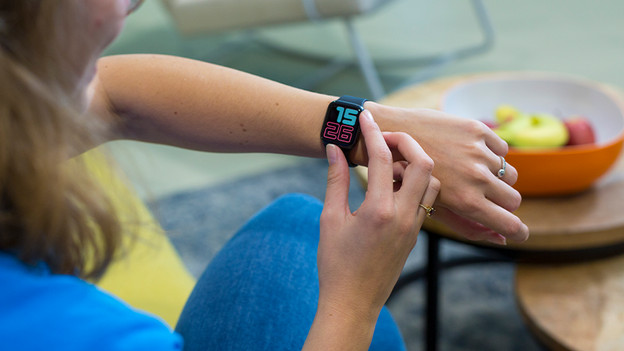
WatchOS 10 is the latest software for the Apple Watch. You can install watchOS 10 on an Apple Watch 4 or newer. To install this latest software, you need an Apple iPhone X or newer with iOS 17 or newer. Make sure you check which Apple Watch and Apple iPhone you have before you start updating your Apple Watch.
Update via Apple iPhone
You get a notification on your Apple Watch when there's an update available. If you want to manually update your Apple Watch, you need your iPhone.
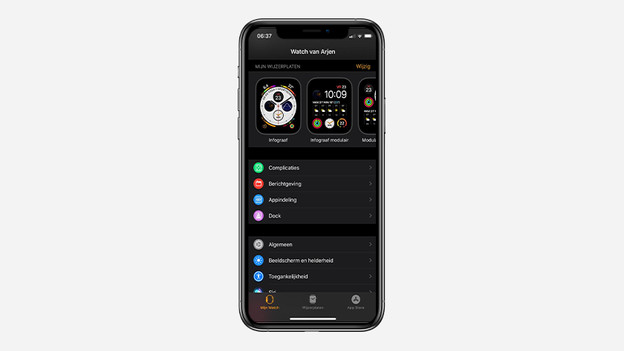
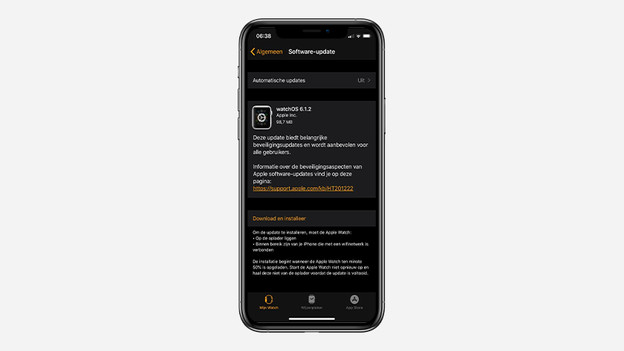
- Open the Apple Watch app on your iPhone and go to My Watch.
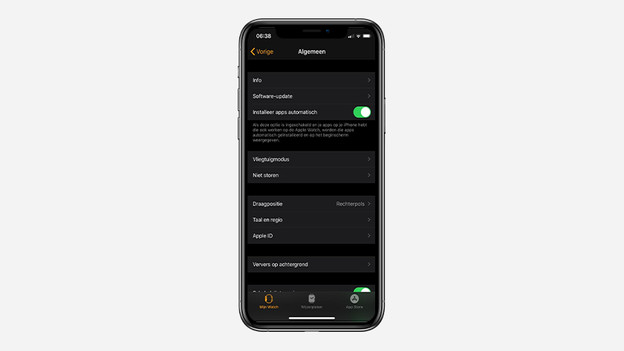
- Go to General and then Software Update.
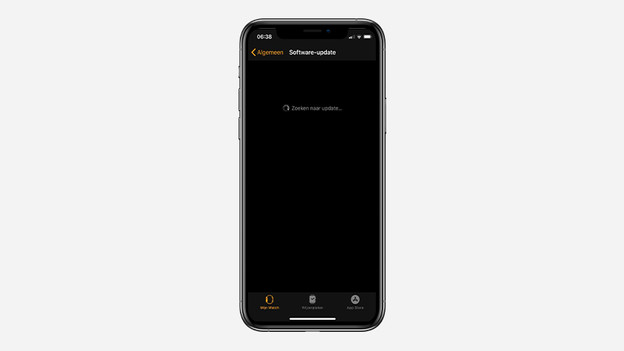
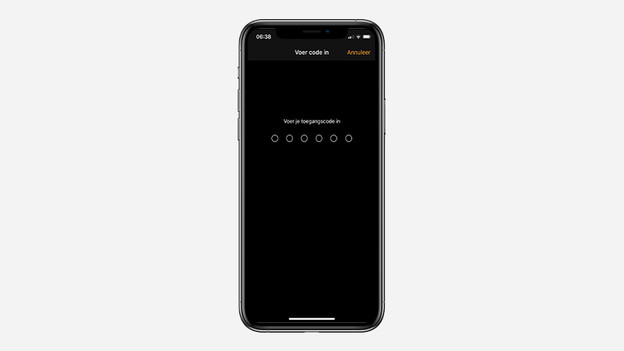
- There's a new version of the Apple Watch software available, so you can download the update. Enter the passcode of your iPhone to continue and accept the terms and conditions.
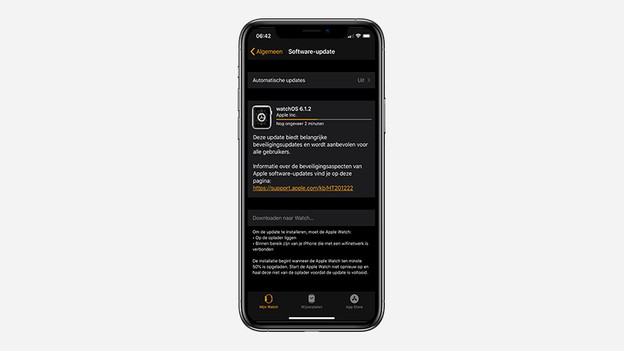
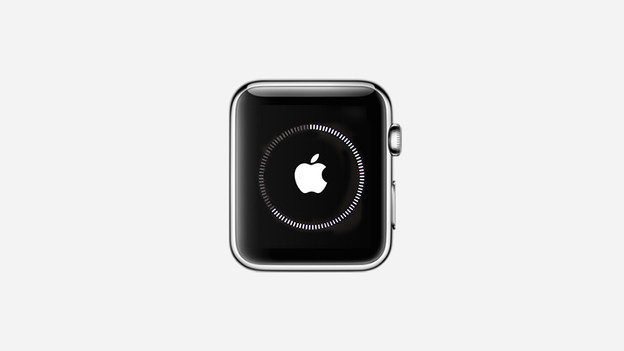
- Your Apple Watch will now start te update. You can see the progress on your smartwatch. Make sure to wait until your Apple Watch is completely ready.
1. Open the Apple Watch app on your iPhone
2. Go to 'General' and then 'Software Update'
3. Your iPhone will now look for new updates
4. There's a new update available. Click 'Download and Install'
5. Enter your passcode for the iPhone
6. Accept the terms and conditions
7. The update will now be downloaded

Update on Apple Watch itself
You can also update your Apple Watch if you don't have your iPhone nearby. The Apple Watch does need a WiFi connection for this.
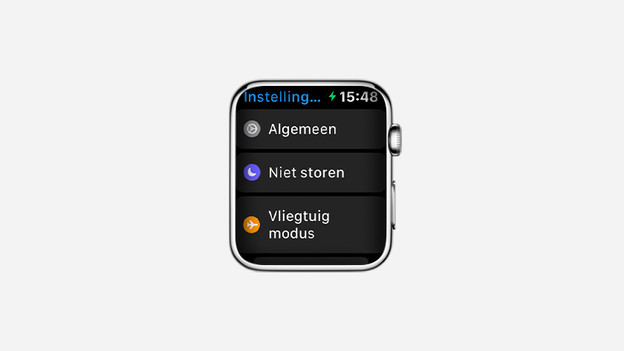
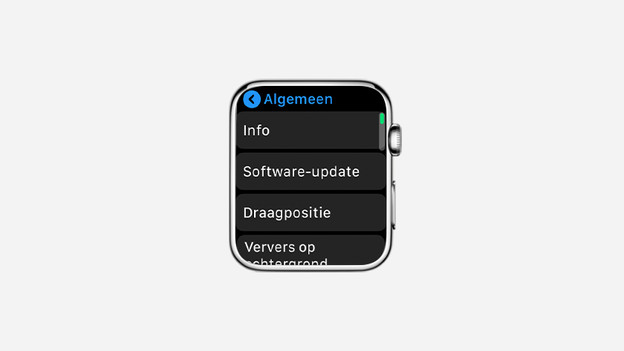
- Open the Settings app on your Apple Watch.
- Go to General and click Software Update.
- The latest software update will appear on the screen. Click Install Now and follow the rest of the instructions that appear on the screen.
1. Go to the 'Settings' app on the Apple Watch
2. Click 'General' and then 'Software Update'
3. Download the latest software update and go through the steps on the screen
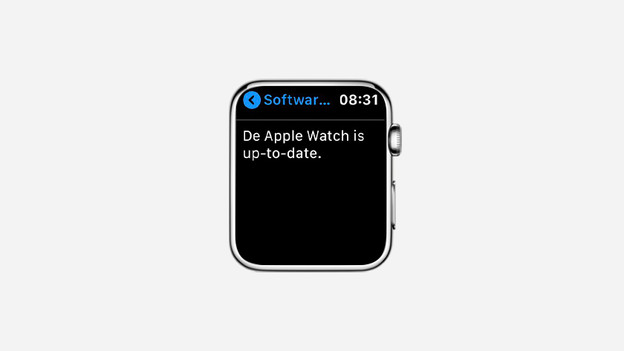
4. Your Apple Watch is now completely up to date
Article by Robyn
Smartwatch Expert.