Written by Iris
Edited on
15 December 2023
·
15:26
How do you prevent an extra remote for your soundbar?
It's nice if your soundbar is connected. You finally have better sound with your television. The only thing that is less practical is that you now have an extra remote to control the sound. Below, you can read 3 options to prevent stressful situations.

No extra remote
There are 3 ways to say goodbye to extra remotes. You can read step by step how you can do this in the paragraphs below.
Option 1: use your own remote
Option 2: use an app
Option 3: buy a universal remote

Option 1: use your own remote
If you want to control your soundbar (and other devices) via the remote of your television, you should connect your soundbar via the HDMI ARC cable. You also need this cable to transmit the sound from the TV to the soundbar. This function requires an HDMI cable of 1.4 or higher, but almost every new cable has this nowadays.
Option 2: use an app
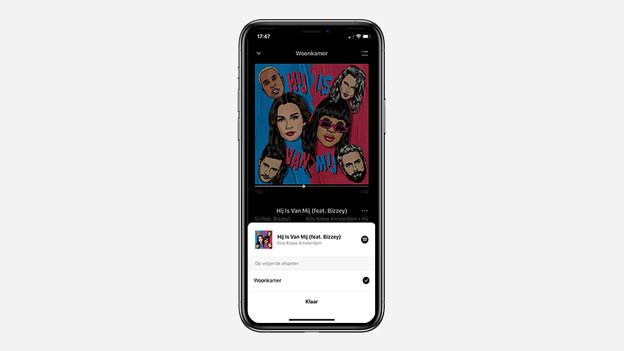
Some soundbars can be controlled via an app. A few also have a voice assistant or Chromecast. You can choose the music, volume, and streaming service in one smart application or with your voice. It's important that all of your devices are set up in the same smart home application, for example in Google Home.

Option 3: buy a universal remote
If the above options don't work, a universal remote offers a solution. These can be programmed according to your wishes, so you'll never have different remotes lying around the room again.