Docking stations for Apple MacBook
Search results and filtering
37Docks for laptops
With a docking station for the Apple MacBook Pro or Apple MacBook Air, you can expand the amount of ports and connect all your peripherals. When choosing a MacBook dock, keep the port on your laptop you want to use in mind. Going for a dock you connect on 1 port? Or do you choose a dock that uses both USB-C ports? Also check if the docking station has enough connectors for all your peripherals. Keep that in mind, so you'll choose the best docking station for your MacBook Pro or Air.
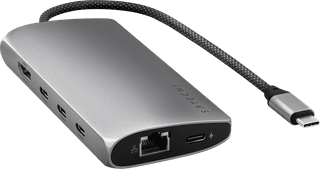
USB-C|1x HDMI|None headphone jack
120,-
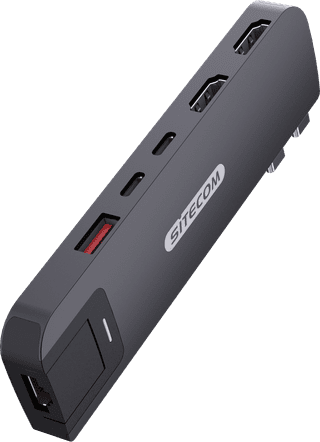
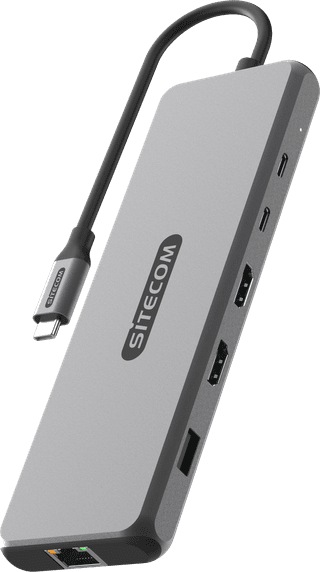
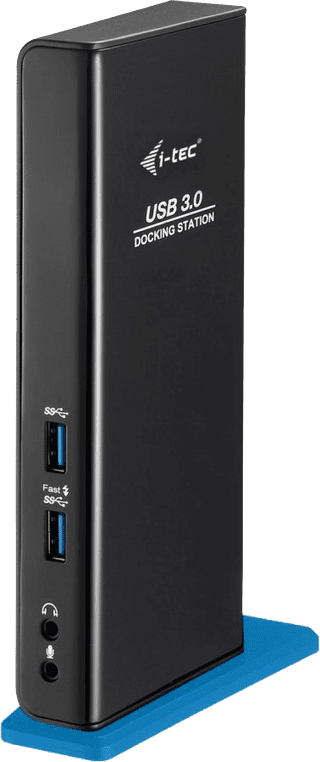
USB-A|2x HDMI|Black
127,-
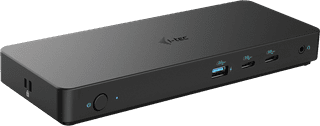
USB-C|1x HDMI, 2x DisplayPort|Black
210,-
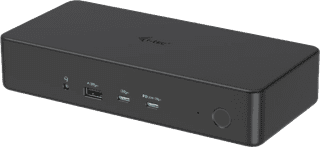
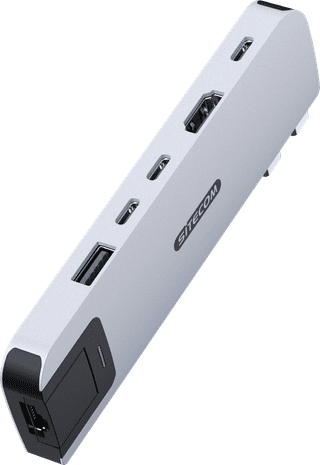
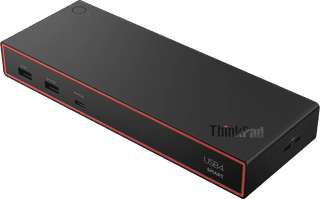
USB-C|1x HDMI, 2x DisplayPort|None headphone jack
226,-
Temporarily sold out
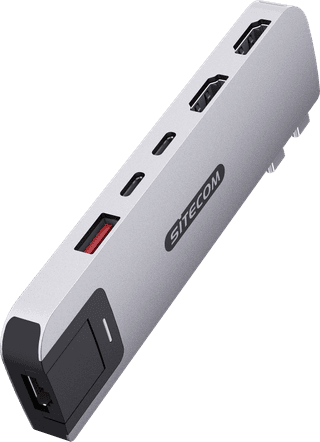
Dubbel Usb c (for MacBook)|2x HDMI|Silver
90,-
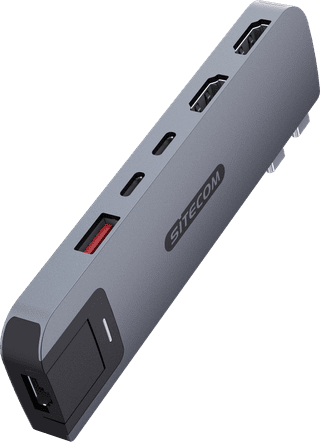
Dubbel Usb c (for MacBook)|2x HDMI|Gray
90,-
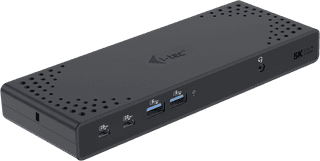
USB-C|2x DisplayPort, 2x HDMI|Black
221,-
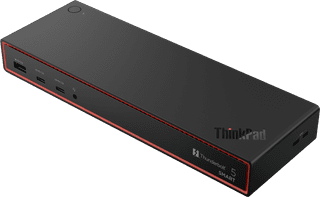
USB-C|1x HDMI, 2x DisplayPort|None headphone jack
384,-
Temporarily sold out
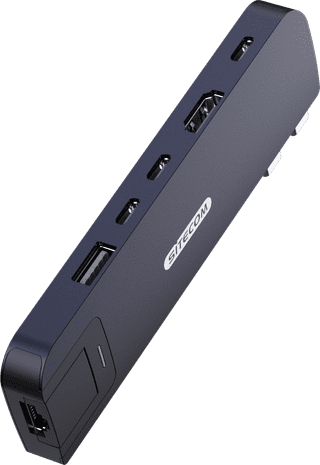
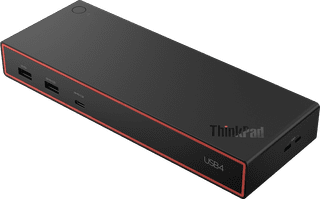
USB-C|1x HDMI, 2x DisplayPort|None headphone jack
178,-
Temporarily sold out
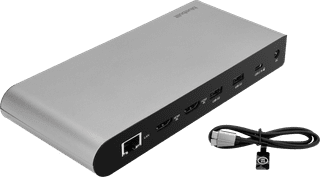
USB-C|2x HDMI|Space Gray
148,-
Temporarily sold out