With a docking station that's suitable for all laptops, you can easily connect an extra monitor to your laptop. A dock completes every workplace, whether you're working from home or at the office. You can open more windows on an extra monitor, so you increase your productivity. Many docks also have extra connectors for your peripherals, such as a mouse, keyboard, or USB flash drive. With the use of a docking station, you keep as many ports on your laptop available for other devices as possible. A docking station is also useful when your laptop doesn't have that many ports.

Our choice for a docking station for 1 extra monitor with your laptop|None power source|Space Gray|None thunderbolt connector
Retail price110,-
86,-
In stock
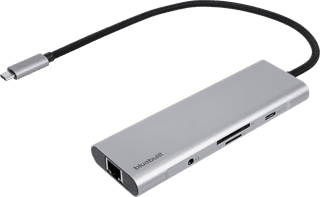
Our choice for a docking station for a flexible workspace with 1 extra monitor|None power source|Space Gray|None thunderbolt connector
Retail price79,99
52,-
In stock
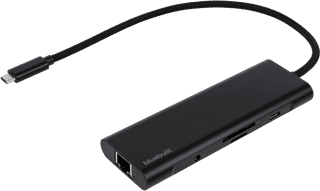
None power source|Space Gray|None thunderbolt connector
Retail price79,99
54,-
In stock
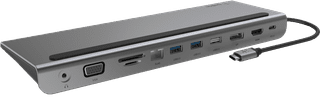

None power source|None thunderbolt connector|DisplayPort connector
Retail price129,99
79,-
In stock
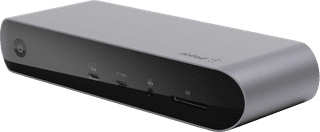
Power source|Gray|Thunderbolt connector
Retail price429,99
255,-
In stock