With a 2-in-1 Chromebook, you can also use your Chromebook as a tablet. You can control the touchscreen with your fingers or with the keyboard and the touchpad. Fold the touchscreen 360 degrees and convert your Chromebook into a tablet. Use the keyboard as a stand and watch your favorite movies or series on the touchscreen. With a 2-in-1 Chromebook, you have the best of both worlds.
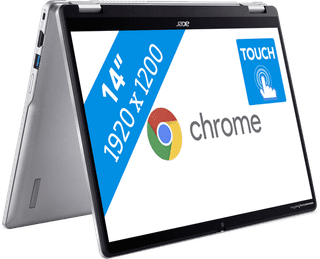
Our choice for a Chromebook that you can also use as a tablet|Higher education, Primary school|HDMI connector|1200 pixels
- You can easily turn this Chromebook into a tablet, so you can easily get started via the touchscreen.
- You can easily take this Chromebook with you or comfortably place it on your lap thanks to the low weight.
- You can also store documents offline on your Chromebook thanks to the 128GB local storage.
502,-
In stock
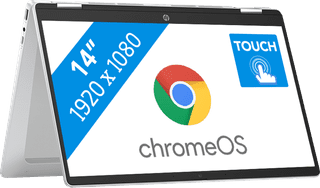
Our choice for a Chromebook for watching movies and series|Primary school|None HDMI connector|1080 pixels
- You can comfortably watch all your favorite movies and series and see all details well on the Full HD screen.
- You can easily turn this Chromebook into a tablet, so you can easily get started via the touchscreen.
- You can easily take this Chromebook with you or comfortably place it on your lap thanks to the low weight.
452,-
Temporarily sold out