Business monitors with adjustable height
If you want to work ergonomically, choose a height-adjustable monitor for business use. You can move the screen up and down so employees of any height can look straight at the screen. This ensures a comfortable working posture and prevents neck and back pain. There are also monitors that you can tilt upwards or downward. That's less comfortable than a height-adjustable monitor. You also have monitors that can turn left and right or tilt 90 degrees. For the best sitting position, choose a monitor that is adjustable in any way.
1
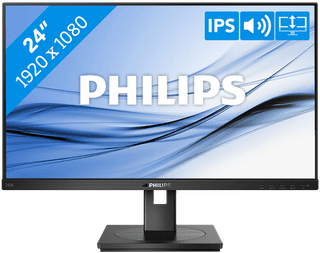
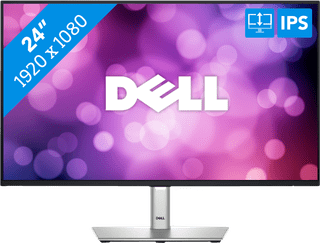
Our choice for a business 24-inch monitor that's energy-efficient|HDMI cable, Monitor|Plastic|Not curved
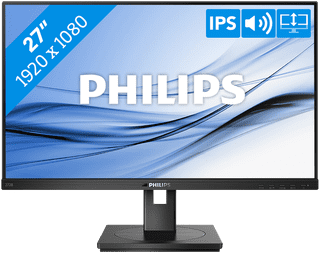
HDMI cable, Monitor|Plastic|Not curved
Retail price179,-
169,-
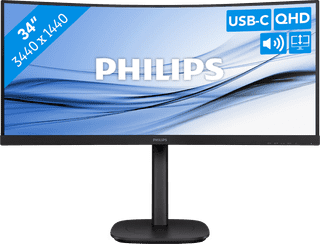
Metal, Plastic|Curved|None DVI connector
4
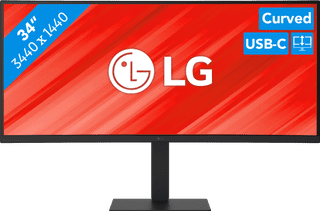
Our choice for a business monitor for data and finance tasks|Metal, Plastic|Curved|None DVI connector
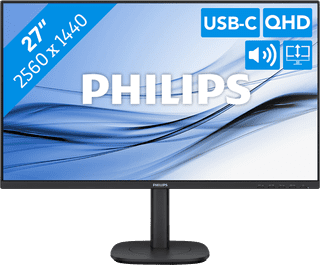
Our choice for a 27-inch monitor for your studies|Metal, Plastic|Not curved|None DVI connector
Retail price269,-
249,-
7
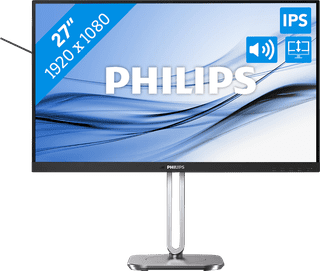
Our choice for a 27-inch monitor for your (home) office|Metal, Plastic|Not curved|None DVI connector
8
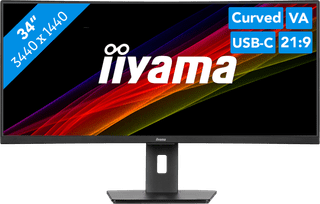
No accessories|Plastic|Curved
9
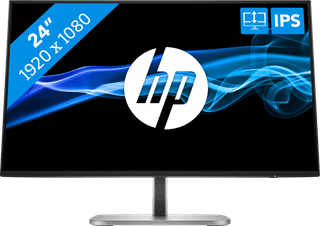
Metal, Plastic|Not curved|None DVI connector
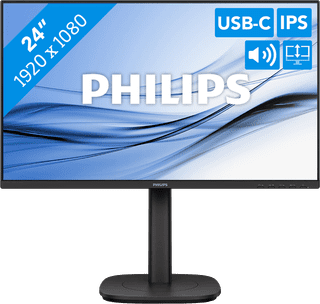
Metal, Plastic|Not curved|None DVI connector