Gaming monitors
Find the gaming monitor that suits you
Gaming monitors
Gaming monitors deals
Gaming monitors

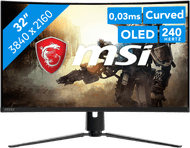
OLED gaming

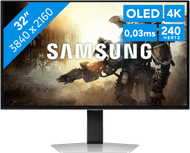
4K gaming

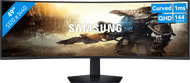
Curved gaming

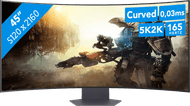
Ultrawide gaming
Holiday Pay deals gaming monitors

Play fast shooters or racing games with smooth images thanks to the 180Hz refresh rate.
Retail price Samsung
499,-379,-
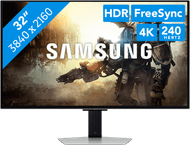
Thanks to the 4K resolution, the world of your game looks sharp and realistic.
Retail price LG
599,-399,-
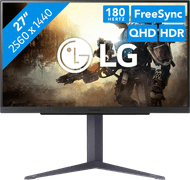
You can game with realistic colors thanks to the OLED panel, so you're game looks more vibrant.
Retail price Philips
179,-159,-
You can game with sharp images and vibrant details thanks to the Quad HD resolution.
Retail price MSI
1.299,-699,-
Thanks to the OLED panel, you can enjoy vibrant and realistic colors.
Thanks to the high refresh rate and low response time, you game with smooth images.

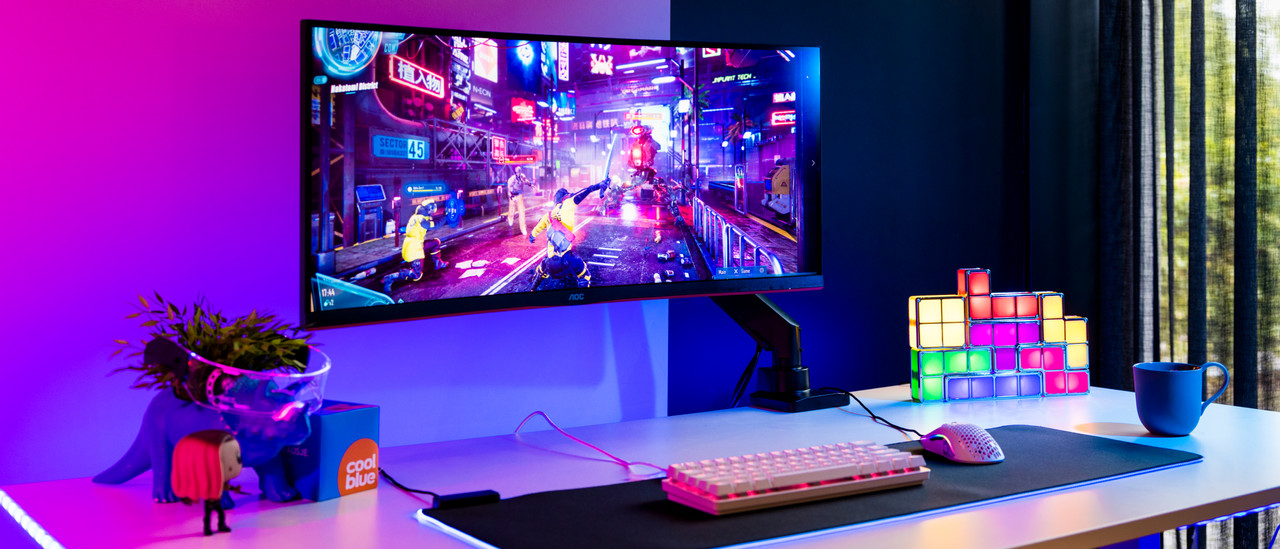
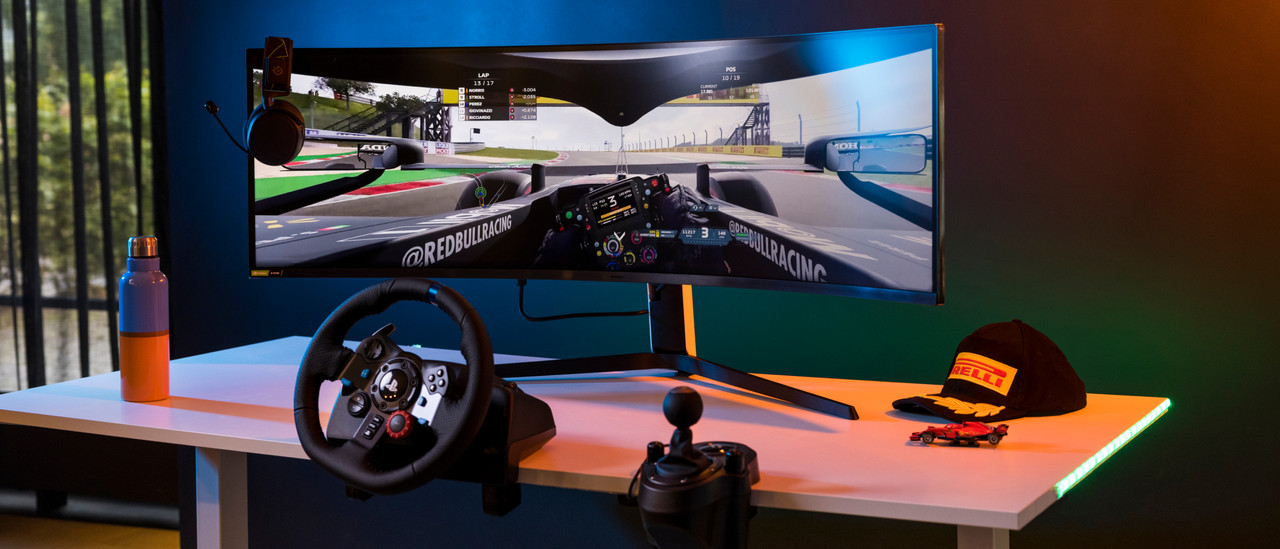
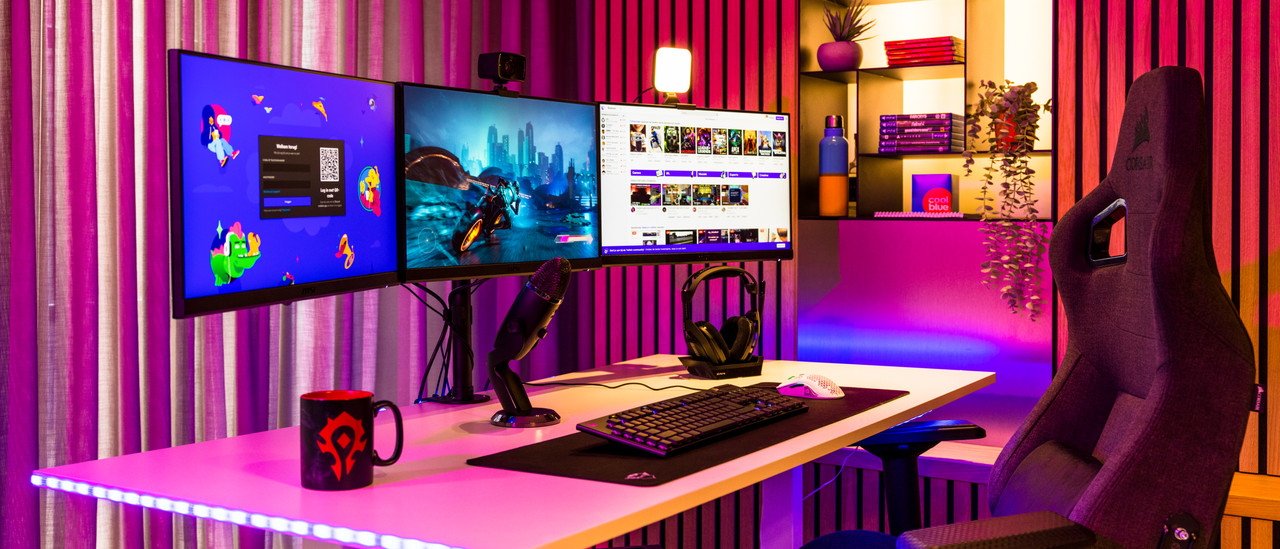
View which gaming setup suits you best here
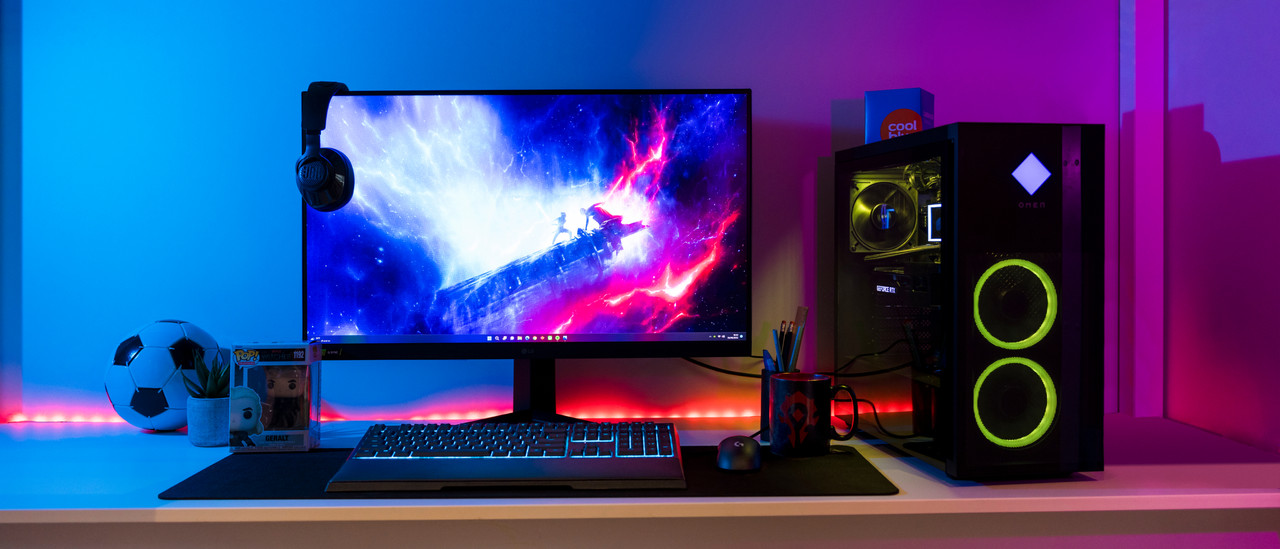
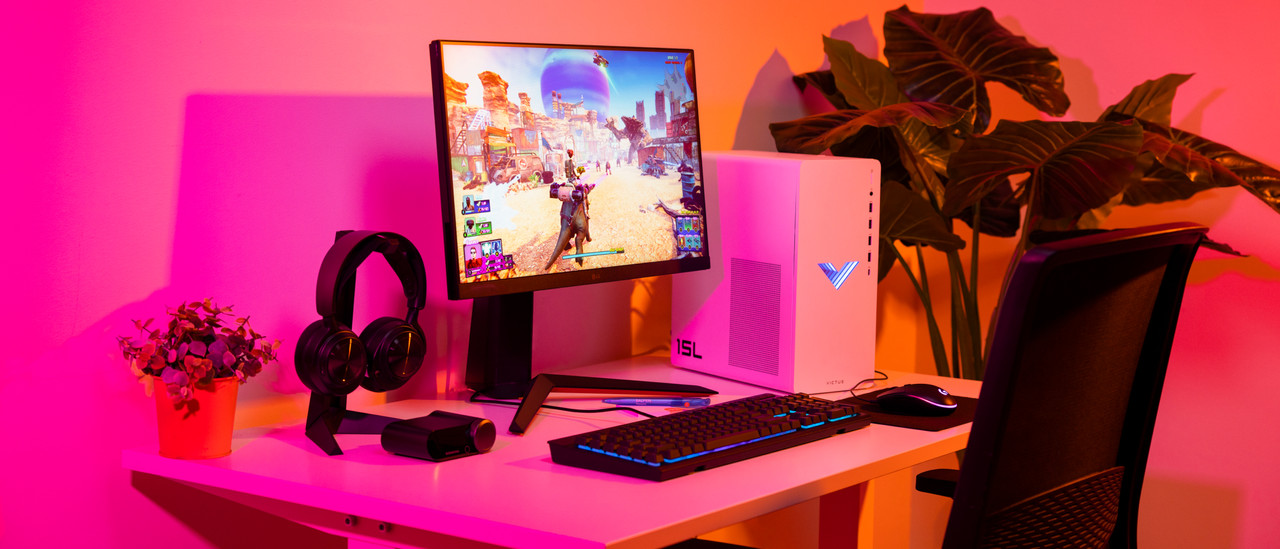
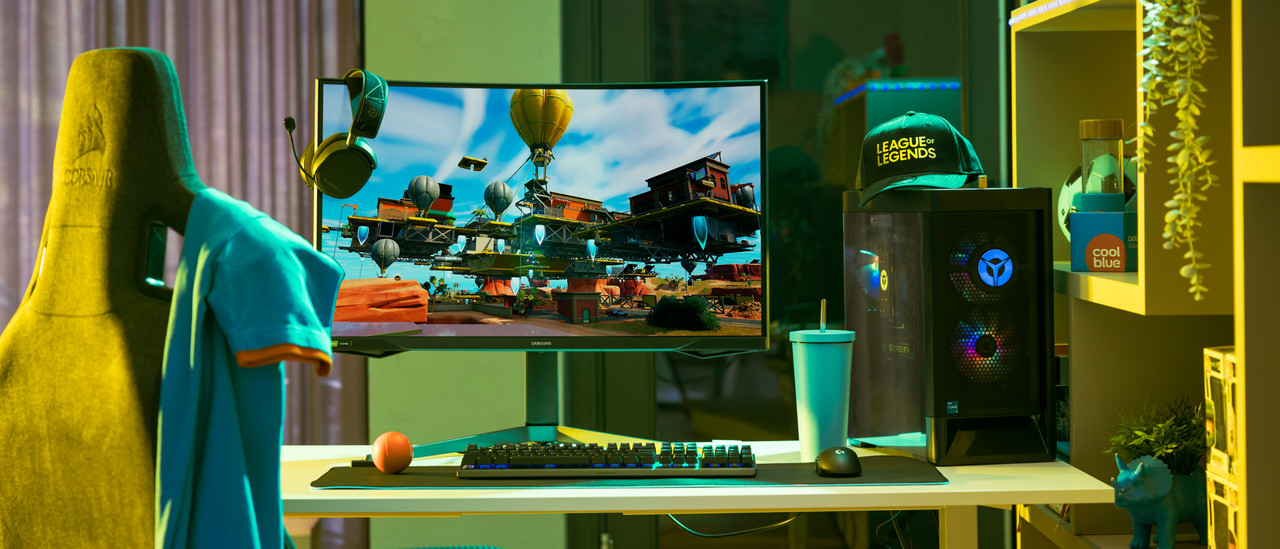
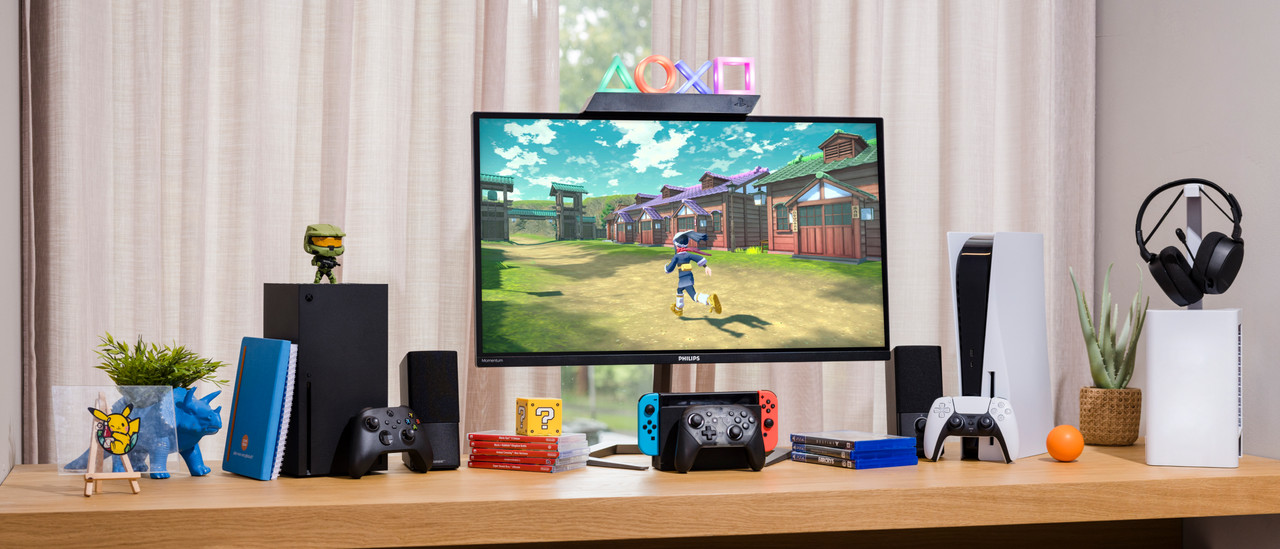
Complete your gaming setup







Frequently asked questions
Which HDMI or DisplayPort cable do I need?
Every HDMI and DisplayPort cable works with a gaming monitor. The higher the version, the more powerful the cable. You need an HDMI 2.1 for 4K 120Hz console gaming. In the next advice article, we'll explain more about the right cable for your gaming monitor.
Is a DisplayPort connector better than HDMI for my gaming monitor?
When you want to start with PC gaming, choose DisplayPort. Thanks to the higher bandwidth, a higher resolution and a higher number of frames per second are possible. More of a console gamer? Choose the highest HDMI version possible.
What are the advantages of a curved gaming monitor?
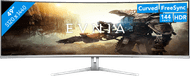
Thanks to the curve of the screen, the screen curls around your field of view. This panoramic effect lets you experience more depth and makes it look like you're right in the middle of the game. Tip: play games in first-person mode for the best effect.
How do you set the refresh rate of your gaming monitor?
You can manually set the refresh rate via the settings on your screen or the settings menu. Here, you can select your desired refresh rate. We'll help you on your way with the step-by-step plan in the following advice article.
How does a gaming monitor work with a console?
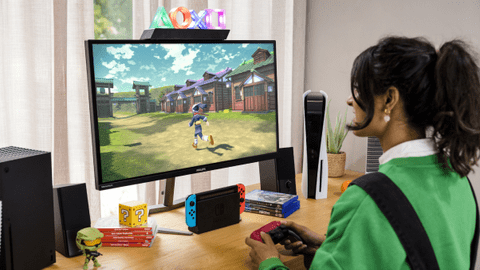
Consoles have a maximum refresh rate of 120Hz. You can connect a console to your monitor with an HDMI cable. You can connect your PlayStation 5, Xbox Series X or S, and Nintendo Switch 3 with an HDMI 2.1 cable for smooth images. Keep in mind that an ultrawide monitor doesn't support consoles.
Bestselling gaming monitors
Retail price ASUS
379,-279,-
Retail price MSI
1.299,-699,-
Retail price MSI
699,-399,-
Retail price Philips
179,-159,-
Retail price Samsung
649,-529,-
Retail price Samsung
499,-299,-
Retail price ASUS
1.499,-849,-
Retail price MSI
1.199,-699,-
Retail price MSI
1.299,-749,-
Retail price LG
1.999,-1.499,-
Retail price Philips
229,-199,-
Retail price ASUS
1.199,-849,-
Retail price ASUS
969,-769,-
Retail price ASUS
1.099,-849,-
Retail price Acer
149,-129,-
Retail price ASUS
1.099,-829,-
Retail price Philips
279,-249,-
Retail price LG
599,-399,-
Retail price LG
1.299,-799,-
Retail price LG
219,-139,-
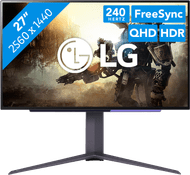
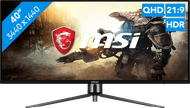
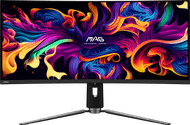
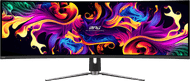


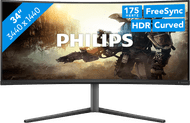
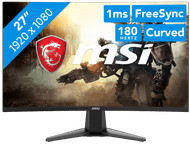
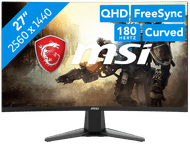

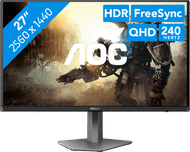
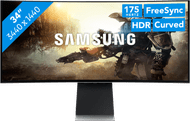
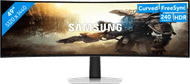

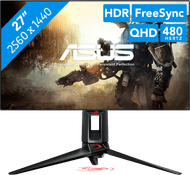


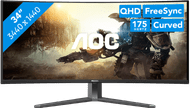


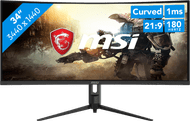
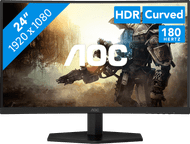
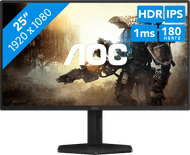
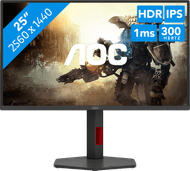


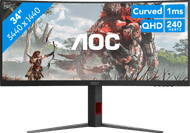

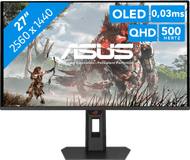
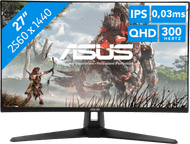


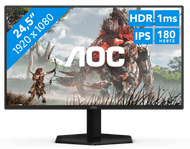




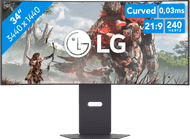

Discover our gaming monitors
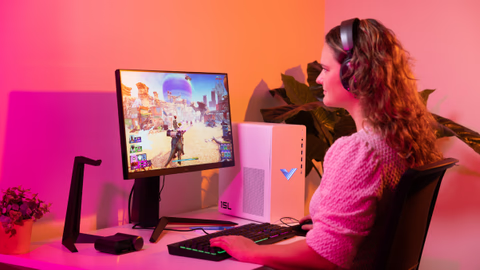
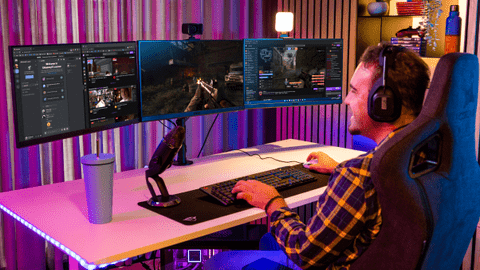
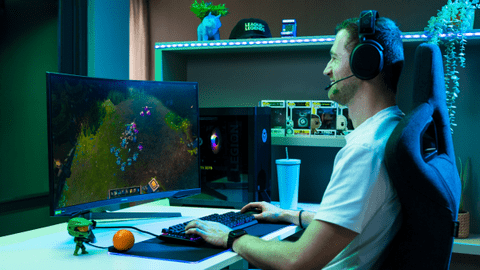
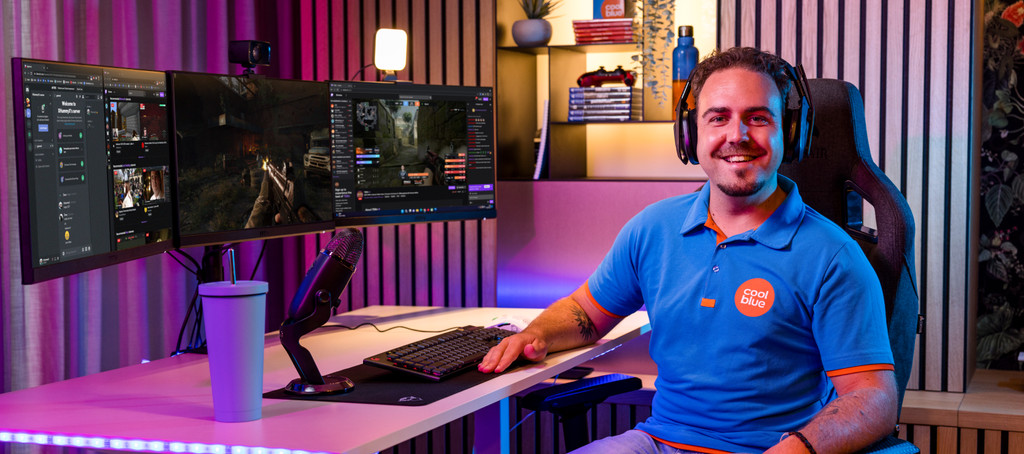
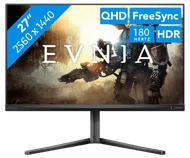
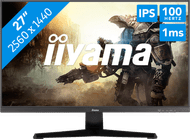
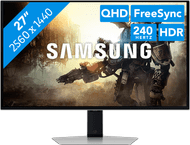
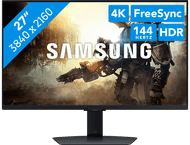
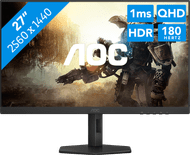
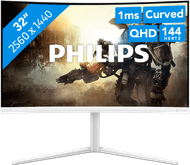
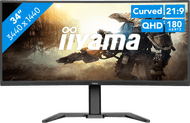
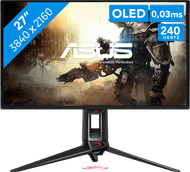
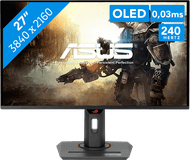
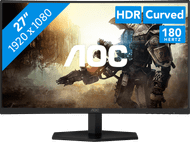
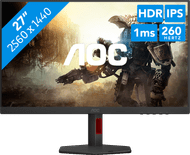
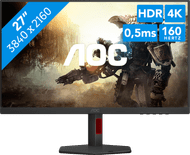
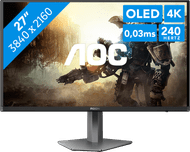
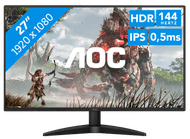
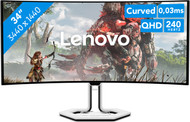
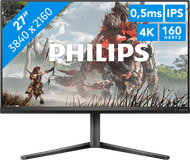
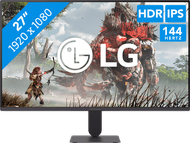
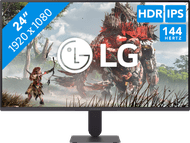
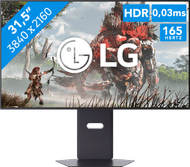
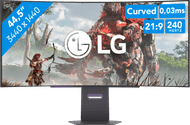
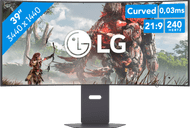
If you're looking for a new gaming monitor, it's important that you know what kind of games you're going to play. That means you can play immersive games, like open world or racing games on an OLED monitor with a high resolution. This way, you can enjoy realistic images while gaming. You can play competitive games like online shooters on a gaming screen with a high refresh rate, so every opponent comes into view quickly and sharply.
Advice on Gaming monitors
Can't choose? View the advice from our expert.