Monitors for daily use
Perform your work with a monitor for daily use. These monitors have a blue light filter, so you can keep working in the evening without being bothered by strained eyes. You can also tilt them, so you can work with a good viewing angle. Use several windows at the same time? Choose an ultrawide monitor. This way, you can keep a good overview over your work.
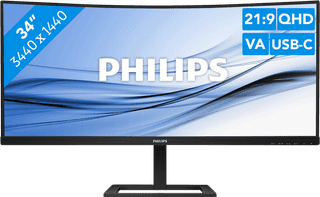
Our choice for an ultrawide monitor for daily use|USB-C cable|USB port|Metal, Plastic
- Thanks to the ultrawide format, you can open multiple windows or programs side by side.
- You can read graphs and tables better and enjoy sharp images thanks to the Quad HD resolution.
- Thanks to the curved screen, you have to twist your head less and you're less likely to get a sore neck.
Retail price329,-
249,-
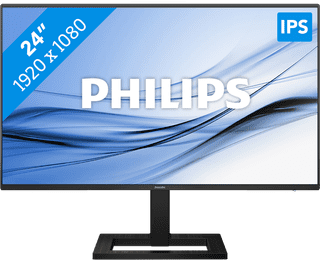
Our choice for a 24-inch monitor for your (home) office|HDMI cable, USB-C cable|USB port|Metal, Plastic
- This combination of properties makes this AOC Coolblue's Choice for a monitor for your home office.
- Thanks to the IPS panel, you can work with sharp images and bright colors from every viewing angle.
- Thanks to the built-in blue light filter, you're less bothered by strained eyes, so you can keep working for longer.
Retail price139,-
119,-
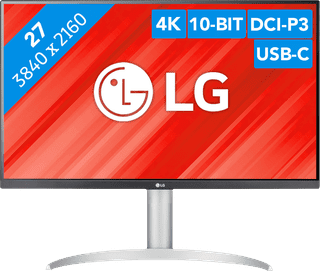
Our choice for a monitor with USB-C for your MacBook or iMac|No accessories|USB port|Plastic
- You can connect your MacBook or iMac to this USB-C monitor without a converter.
- Thanks to the 4K resolution, this monitor displays images from your MacBook or iMac sharply and in detail.
- You can adjust the monitor in height or tilt it for an ergonomic sitting posture, so you're less bothered by neck or back complaints.
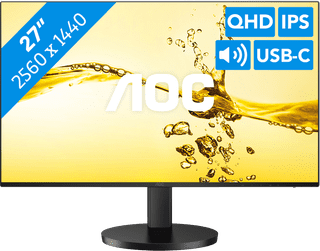
Our choice for a monitor for photo editing|USB port|Metal, Plastic|Not curved
- Thanks to HDR10 support and Quad HD resolution, you can edit the best photos with razor-sharp details and high color contrasts.
- Thanks to the 117% coverage of the sRGB color space, you can edit your photos with realistic colors.
- You can see bright colors from every viewing angle thanks to the IPS panel.
Retail price199,-
169,-
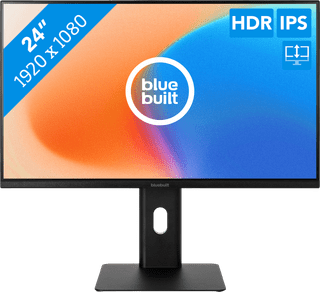
Our choice for a monitor for email and text processing|None USB port|Metal, Plastic|Not curved
- You can work in the evening for longer thanks to the blue light filter, so you're not bothered by strained or irritated eyes.
- You can work with bright images from every viewing angle thanks to the IPS panel.
- Thanks to the HDMI port, you can easily connect a second montior.
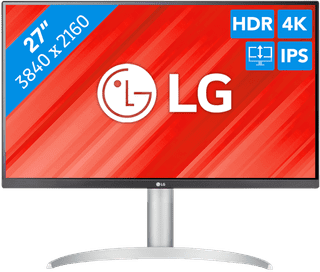
Our choice for a monitor for video editing|DisplayPort cable, HDMI cable, USB-C cable|USB port|Metal, Plastic
- You can edit the best videos with razor-sharp images and colorful details thanks to the 4K resolution, HDR10, and DisplayHDR 400 support.
- You can enjoy high color contrasts thanks to the DCI-P3 color space, so you can see more differences between light and dark colors.
- The screen is tiltable and adjustable in height, so you can work with a comfortable sitting posture and you're not bothered by your neck or back.
Retail price329,-
269,-
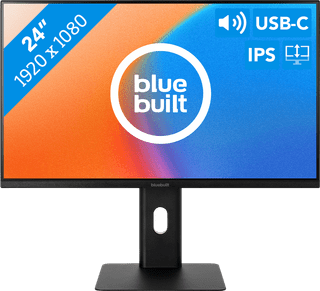
Our choice for a 24-inch monitor for your studies|USB port|Metal, Plastic|Not curved
- Connect your laptop to the monitor via the USB-C port and use 1 cable for image, power, and data.
- You can tilt, turn, or adjust the monitor in height for a comfortable sitting posture, so you can work on your projects for longer.
- Thanks to the built-in speakers, you can listen to your favorite podcast or artists while you work.
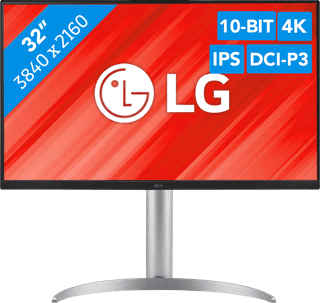
Our choice for a monitor for demanding graphic design|DisplayPort cable, HDMI cable, USB-C cable|USB port|Metal, Plastic
- You can enjoy sharp images and realistic colors thanks to the 4K resolution and HDR support.
- Thanks to the IPS panel, you can see bright colors from every viewing angle.
- You can enjoy high color contrasts thanks to the DCI-P3 color space, so you can see more differences between light and dark colors.
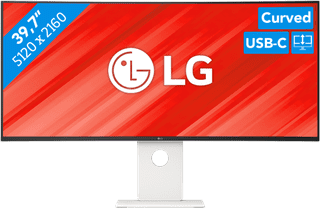
Our choice for an ultrawide monitor for demanding graphic design|USB port|Plastic|Curved
- Thanks to the large 40-inch screen size, you can open multiple programs at once, such as Adobe Photoshop and Premiere Pro.
- You can edit images with razor-sharp details thanks to the 5K resolution and DisplayHDR 600 support.
- You can enjoy high color contrasts thanks to the DCI-P3 color space, so you can see more differences between light and dark colors.
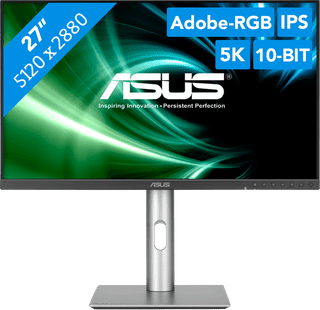
Our choice for a 27-inch monitor for demanding graphic design|USB port|Plastic|Not curved
- You can enjoy razor-sharp details and realistic colors thanks to the 5K screen and HDR support.
- Thanks to the IPS panel, you can see bright colors from different viewing angles.
- Thanks to the DCI-P3 color space, you can work withvibrant and precise colors.
727,-
Temporarily sold out
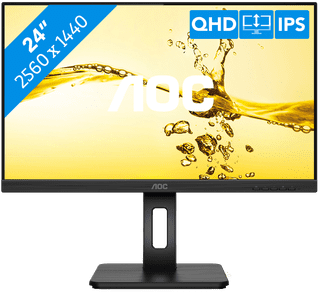
Our choice for a 24-inch monitor for photo and video editing|HDMI cable, No accessories|USB port|Plastic
- Thanks to the high color coverage of 116% of the sRGB color gamut, you can see vibrant and accurate colors.
- You can see bright colors from every viewing angle thanks to the IPS panel.
- You can enjoy sharp images thanks to the Quad HD resolution, so you can see more details in your photos and videos.
204,-
No longer available