If your monitor has a thin bezel, you can place a second monitor next to it without being bothered by a thick bezel in the middle. That way, the screens neatly blend into each other. This is nice when you're watching a movie or series. They also have a sleek design, so they look good on your desk.
1
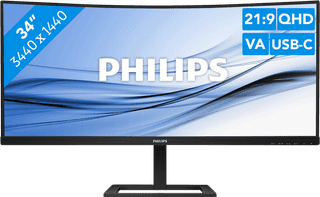

Our choice for an ultrawide monitor for daily use|USB-C cable|USB port|Metal, Plastic
Retail price329,-
259,-
In stock
2
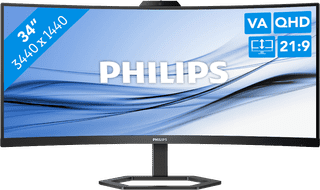
USB port|Metal, Plastic|HDMI cable included
Retail price359,-
309,-
In stock
3
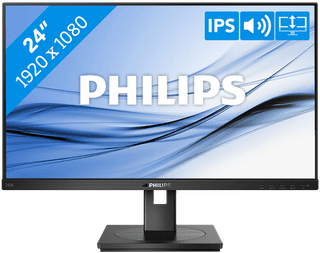
Our choice for a business 24-inch monitor that's energy-efficient|HDMI cable, Monitor|USB port|Plastic
139,-
In stock
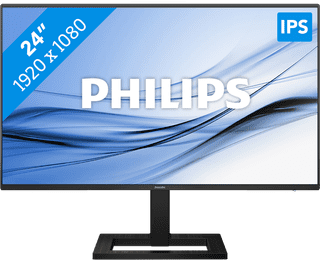

Our choice for a 24-inch monitor for your (home) office|HDMI cable, USB-C cable|USB port|Metal, Plastic
Retail price139,-
129,-
In stock
5
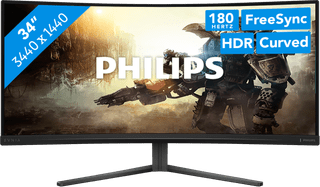
DisplayPort cable, HDMI cable|None USB port|Metal, Plastic
Retail price249,-
209,-
In stock
6
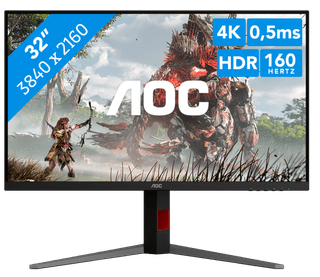
No accessories|USB port|Metal, Plastic
379,-
In stock
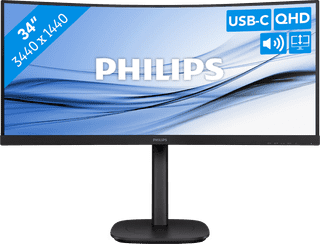
USB port|Metal, Plastic|Curved
350,-
In stock
8
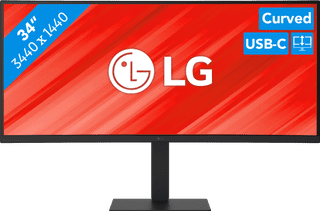
Our choice for a business monitor for data and finance tasks|USB port|Metal, Plastic|Curved
399,-
In stock
9
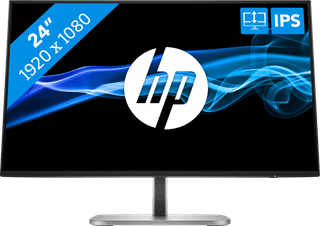
USB port|Metal, Plastic|Not curved
164,-
In stock
10

Our choice for a gaming monitor for Flight Simulator|No accessories|USB port|Metal, Plastic
242,-
In stock