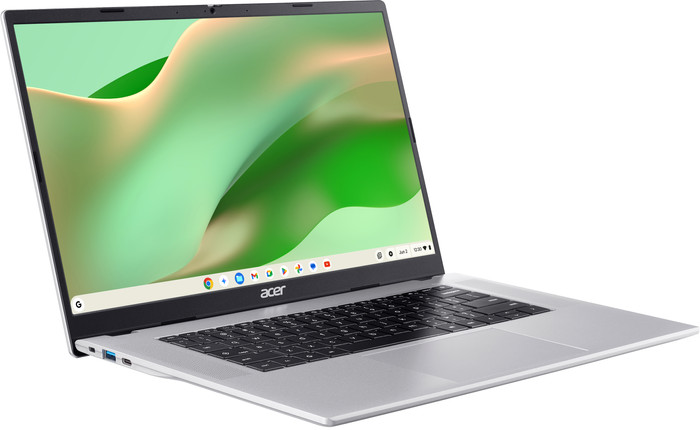


Acer Chromebook 315 CB315-8H-893M

  • Show all accessories
  • View all
    Acer laptops
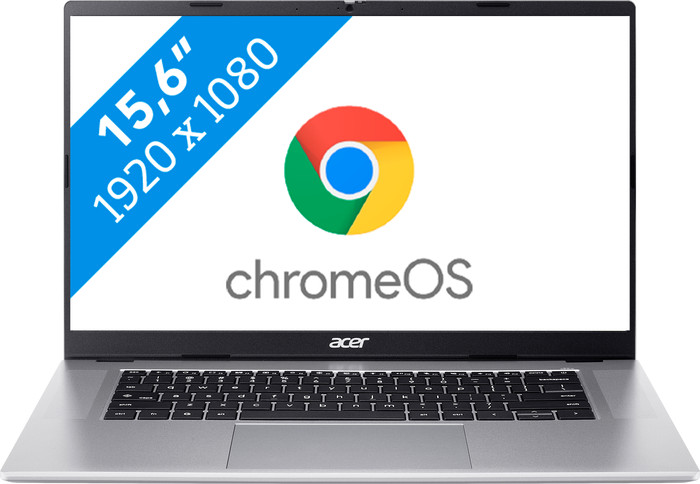
  • Acer Chromebook 315 CB315-8H-893M Main Image
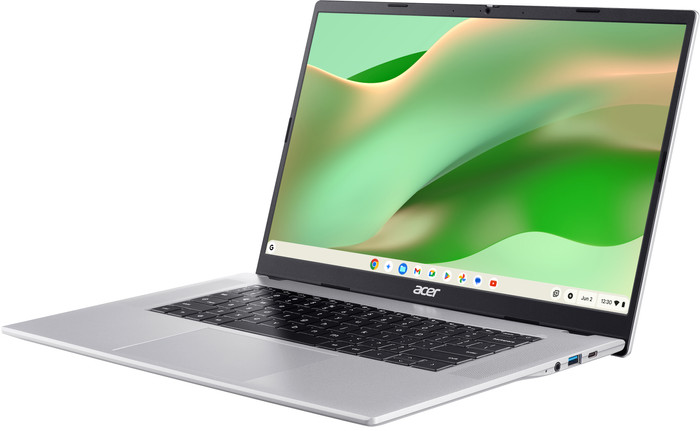
  • Acer Chromebook 315 CB315-8H-893M right side
  • Acer Chromebook 315 CB315-8H-893M left side
  • Acer Chromebook 315 CB315-8H-893M visual Coolblue 1
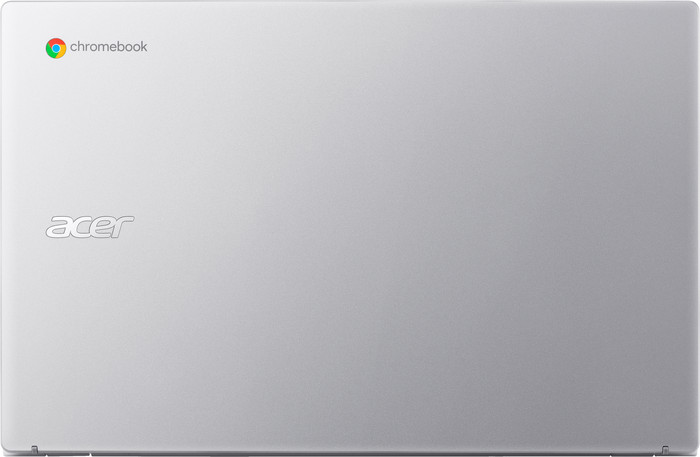
  • Acer Chromebook 315 CB315-8H-893M back
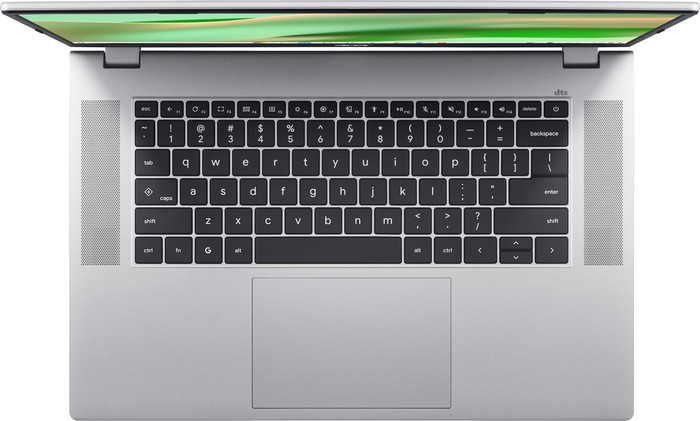
  • Acer Chromebook 315 CB315-8H-893M top
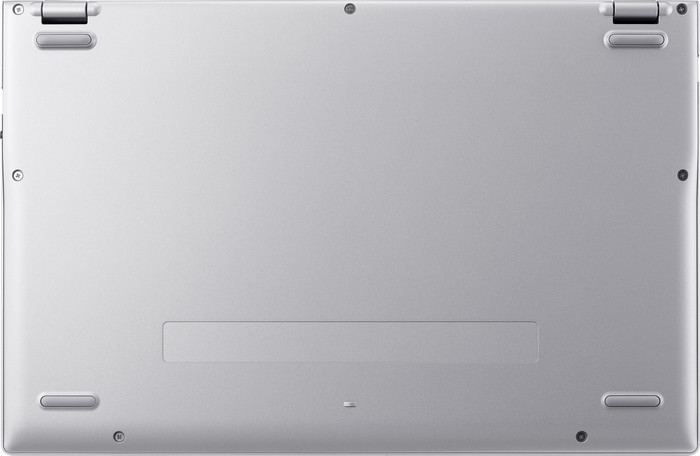
  • Acer Chromebook 315 CB315-8H-893M bottom
  • Acer Chromebook 315 CB315-8H-893M left side
  • Acer Chromebook 315 CB315-8H-893M right side
  • Acer Chromebook 315 CB315-8H-893M visual supplier
  • Acer Chromebook 315 CB315-8H-893M visual Coolblue 2
  • Acer Chromebook 315 CB315-8H-893M visual Coolblue 3
  • Acer Chromebook 315 CB315-8H-893M visual Coolblue 4
  • Acer Chromebook 315 CB315-8H-893M visual Coolblue 4
Select an option

Choose your laptop

No touchscreen - Kompanio 540 - 4GB - 128GB SSD

Choose the more powerful Chromebook to perform demanding tasks with

Acer Chromebook Plus 515 (CB515-2H-32UH)
Acer Chromebook Plus

Better model

You can quickly perform more demanding tasks, store more files locally, and have video calls in high quality.

Choose your laptop

Charger not included
Retail price379,-

299,-

Recommended price by Acer

In stock

Highlighted

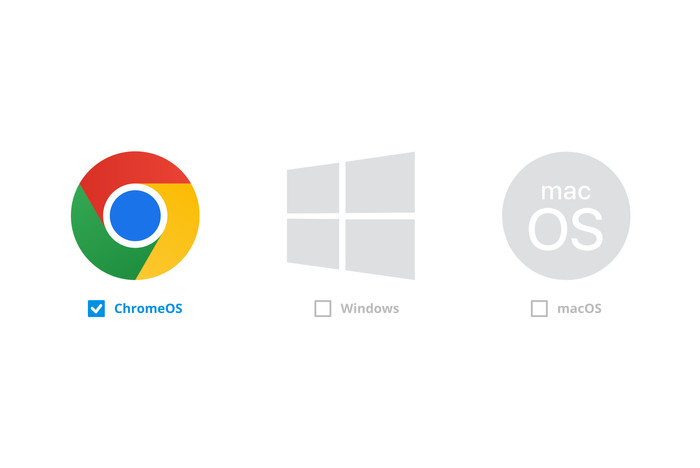
  • Chromebook models work with ChromeOS

    ChromeOS is the operating system from Google and works differently than Windows or macOS. All Chromebook models work with ChromeOS. You're well protected from viruses, because you can only download apps from the Google Play Store. You mainly work with apps from Google, such as Gmail, Google Drive, and Google Docs. You work a lot in the cloud and online. ChromeOS is a light operating system, so the battery of Chromebook models lasts longer.
  • Differences between Chromebook models and other laptops

    The largest difference between Chromebook models and other laptops is the operating system, because Chromebook models work with ChromeOS. Other laptops work with the Windows or macOS operating system. With a Chromebook, you mainly work with apps and web apps. As a result, Chromebook models are well protected from viruses. Chromebook models have less local storage, because you mainly work online and in the cloud.
  • How do you choose a Chromebook?

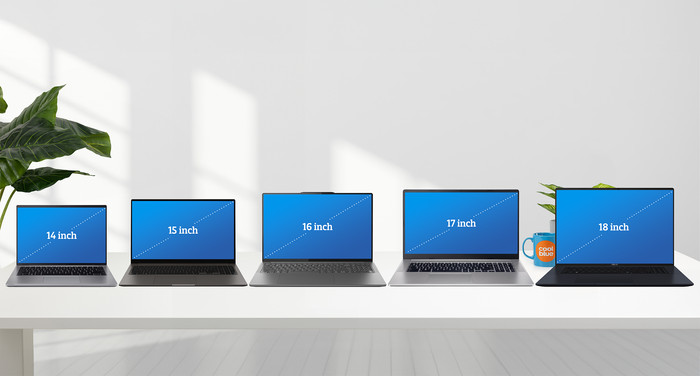
    Which Chromebook suits you, depends on what you want to use it for. First consider which tasks you want to perform with your Chromebook. A 2-in-1 Chromebook is useful if you also want to use it as a tablet. A Chromebook Plus is useful if you're going to work on demanding tasks. Choose a small size if you want to take your Chromebook with you often and choose a larger size if you mainly use it in 1 spot.
  • Use Microsoft Office on a Chromebook

    On a Chromebook, you can easily use the web app or online versions of Microsoft Office programs. Keep in mind that this can look different than on Windows laptops or an Apple MacBook. You can log in with your Microsoft account and install the web app on your Chromebook via the browser. That way, you can easily switch between the various Microsoft Office programs.
  • Which apps can you use on a Chromebook?

    On a Chromebook, you work with apps. You can only install apps from the Google Play Store, you can't download programs via the internet. That way, you're protected from viruses. With Chromebook models, you can easily work via the web apps of Microsoft Office programs or use apps from Google Workspace. You can also install the Adobe Photoshop web app or the regular Adobe Lightroom app.
Insure your laptop

  • Coolblue takes care of everything, from taking out an insurance to repairs

  • For almost all accidents (such as a spilled glass of water)

  • More coverage in case of damage than your standard warranty

  • No deductible

How do I insure my laptop?

First, add your laptop to your shopping cart. On the next page, choose one of the Protection Plans below. You always have a 30-day return window and pay no deductible in case of damage or theft.

  • 2-year Protection Plan

    19,99

    one-time
  • 2-year Protection Plan with theft cover

    21,99

    one-time
  • Protection Plan - Monthly cancelable

    2,31

    per month
  • Protection Plan with theft cover - Monthly cancelable

    2,40

    per month
Read more about insurance
Acer Chromebook 315 CB315-8H-893M

12 months free 100GB Google Drive storage.

If you purchase a Chromebook, you receive free 100GB Google Drive storage space for 1 year. View all advantages here.

12 months free 100GB Google Drive storage.

Chromebook models don't support Windows programs

ChromeOS is the operating system of Chromebook models. This works differently than Windows or macOS, which means some apps work differently as well. On this page, you can read everything on Chromebook models. Read how to use Microsoft Office on a Chromebook here.

Chromebook models don't support Windows programs

Specifications

Product

Product

Product number

980996

Manufacturer code

NX.JUUEH.003

Brand

Acer

Processing of your defect

Via Coolblue

Old product returned for free

Screen

Screen

Screen size

15,6 inches

Screen quality: laptops

Basic

Touchscreen

Panel type

TN panel

Sharpness

Full HD (1080p)

Resolution width

1920 pixels

Resolution height

1080 pixels

Refresh rate

60 Hz

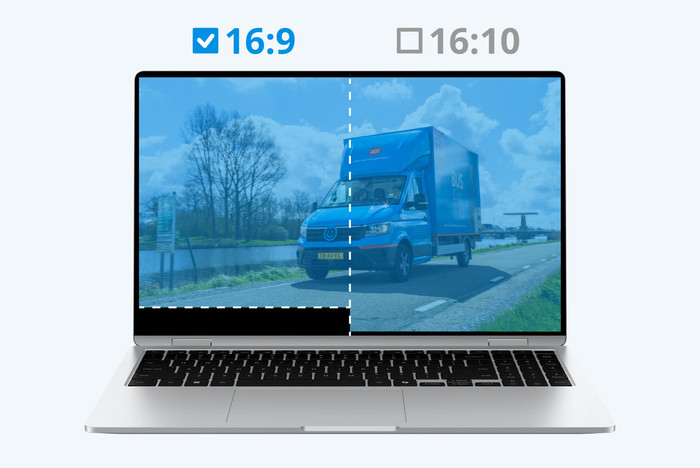
Aspect ratio

16:9

Screen reflection

Anti-glare

Adaptive Sync

Brightness

220 cd/m2

Blue light filter

HDR support

Processor

Processor

Processor

MediaTek Kompanio

Processor number

540

Processor cores

Octa-Core (8)

Clock speed

2,6 GHz

Speed class laptops

Stand

RAM

RAM

Internal RAM

4 GB

Maximum internal memory

8 GB

Memory composition

1x 4GB

Memory slot 1

4 GB

Total number of RAM slots

1

RAM type (DDR type)

DDR5

Number of replaceable RAM slots

1

Number of free RAM slots

0

RAM expandable up to

8 GB

Storage

Storage

Total storage capacity

128 GB

Storage type

SSD

SSD storage capacity

128 GB

Hard drive type

NVMe

Video card

Video card

Video card

MediaTek Integrated Arm Mali Graphics

Type of video card

Shared

Operating system

Operating system

Operating system

Google ChromeOS

Usage

Usage

Recommended for use

Internet, email, and text processing

Physical properties

Physical properties

Build quality laptops

Basic

Laptop model

Chromebook

Color

Silver

Material

Plastic

Material top of laptop

Plastic

Material keyboard casing laptop

Plastic

Material bottom of laptop

Plastic

Height

1,7 cm

Width

35,8 cm

Depth

23,6 cm

Weight

1,48 kg

Operating system language

Multiple languages can be configured

Wireless connections

Wireless connections

Mobile data connection

No

WiFi standards

Wireless A (WiFi 2), Wireless AC (WiFi 5), Wireless AX (WiFi 6), Wireless AXE (WiFi 6E), Wireless B (WiFi 1), Wireless G (WiFi 3), Wireless N (WiFi 4)

Bluetooth

Bluetooth version

5.0

Wired connections

Wired connections

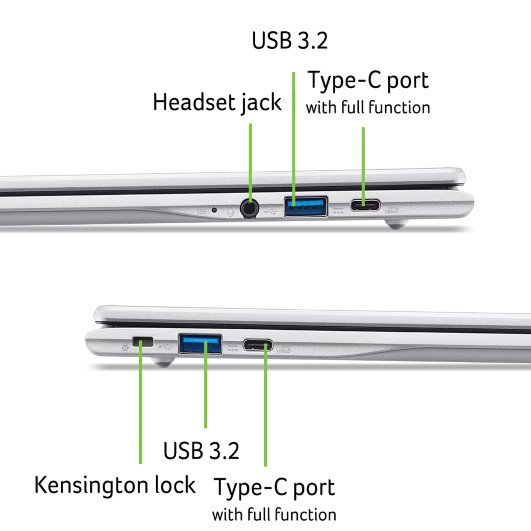
USB port

Number of USB ports

4

Type of USB port

Standard USB-A, USB-C

Protocol Female USB-C port

DisplayPort Alternative Mode, USB, USB electricity

USB version Female USB-C port

3.0

Video output via USB-C possible

Yes

Number of female standard USB-A ports

2

Female standard USB-A port version

3.0

Number of USB 3.0 Female USB-C ports

2

HDMI connector

DisplayPort connector

VGA connector

Network connector

Thunderbolt connector

Headphone jack

Memory card reader

Keyboard and touchpad

Keyboard and touchpad

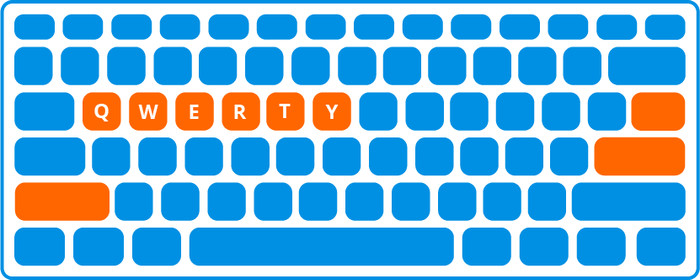
Keyboard layout

QWERTY

Physical keyboard layout

ANSI

Numeric keypad

Spill-resistant

Backlit keyboard

Mechanical keyboard

Programmable keys

Copilot test

Audio

Audio

Built-in microphone

Number of speakers

2

Sound reproduction

Stereo

Integrated computer speakers brand

Standard speakers

Webcam

Webcam

Built-in camera

Image definition webcams

Full HD (1080p)

Camera slider

Battery

Battery

Battery capacity laptop

45 Wh

Battery technology

Lithium-ion

Maximum battery life

13 hours

Power connector input type (female)

USB Type C

Laptop wattage

65 W

Suitable for fast charging

Charger included

Charging cable included

Extra manufacturer's warranty

Extra manufacturer's warranty

Manufacturer's warranty

Security

Security

TPM (Trusted platform module)

TPM type

Discrete TPM chip

Number of smart card locks

0

Kensington lock

Windows Hello

Fingerprint identity sensor

Security class laptops

Mid-range

Built-in privacy screen

Software

Software

Extra installed software

This is the one

Acer Chromebook 315 CB315-8H-893M
Retail price379,-

299,-

Recommended price by Acer

In stock