Welcome to your environment! You can order everything from your assortment with your personal budget here.

You can always return to the normal Coolblue website by clicking here.

Your outstanding budget (incl. VAT) is always visible here, so you know exactly how much you can spend.

Coolblue home

Help with your product
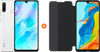
Huawei P30 Lite 128GB White + P30 Lite View Flip Cover Book Case Black
0 reviews

With the P30 Lite View Flip Cover Book Case from this bundle, you can protect your Huawei P30 Lite White 128GB against damage and dirt. You'll have enough space for your apps and files on the 128GB storage. The P30 Lite is a mid-range smartphone with a triple camera. In addition to the 48-megapixel camera and a 2-megapixel depth sensor, the device also has an 8-megapixel camera with a wide-angle lens. This ensures large groups and buildings fit on the photo completely. The 6.1-inch Full HD screen has thin bezels and a small notch containing the 24-megapixel selfie camera. Thanks to the quick charge function, the P30 Lite recharges quickly. The included cover folds open like a book and protects the front and back of your device. Part of the front flap is transparent, so you can see your notifications without opening the cover.

Read all tips here

Sell your old iPhone for a discount

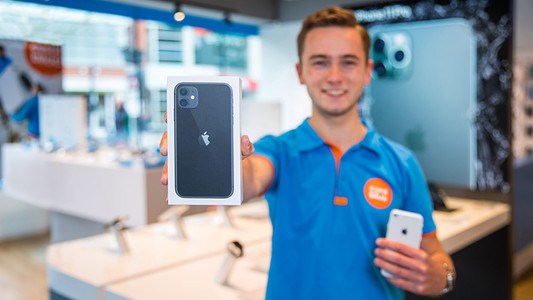
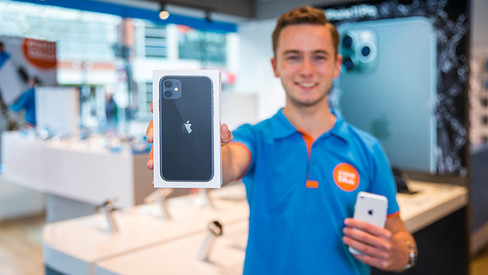
Want to sell your old iPhone? At Coolblue, you can trade in your old iPhone for a discount on a new one. Order your new iPhone and trade in your old device within 30 days in our store. We'll give you the trade-in value of your old model as a discount. Selling your iPhone is good for the environment and your wallet.

How can I find the IMEI number of my phone?

Every telephone has a unique IMEI number. This allows you to find useful information from a telephone, such as how old the device is or who the owner is. This can come in handy if your phone breaks so you can see if it's under warranty. Also useful if you want to report your stolen phone. I explain how to find the IMEI number here.

How do you update your Android smartphone?

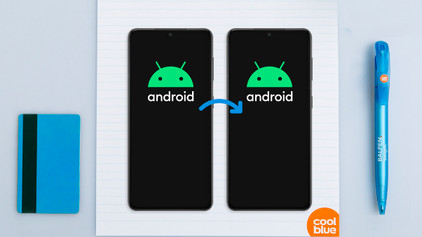
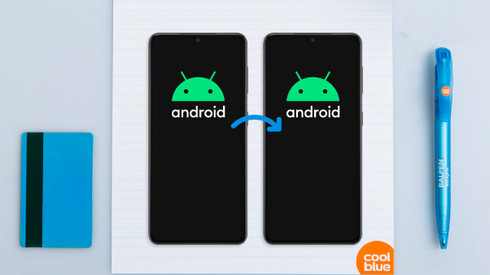
Every new version of Android provides improvements. In this article, I'll explain how to provide your smartphone with the latest version of Android. If you go through the steps below, you can be sure that your device has the latest Android operating system.

7 tips for charging your smartphone

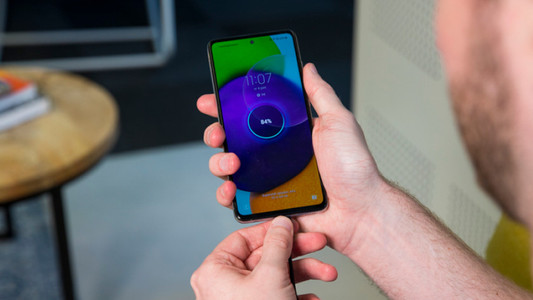
You probably charge your smartphone every day. When you charge it the right way, your battery wears less and your device lasts longer. We'll explain why it's better not to charge your smartphone up to 100% and why fast charging is convenient here. That way, you'll know exactly how to properly charge your smartphone, tablet, or other device.

5 tips to free up storage on your phone

You know the feeling: you're about to make a World-Press-Photo-worthy picture, only to get the 'Storage almost full' notification. Argh, no picture and frustration galore. Fortunately, there are some easy ways to free up storage on your phone, so you can make that award-winning photo after all.

How do I find my Android smartphone?

Did you loose your smartphone at home or on the go? You'll want to know where it is as soon as possible. Via the Find My Android function of your Google account, you can quickly and fairly precisely see where you can find your phone. In addition, you can temporarily lock your smartphone, so unwanted guests can't sneak a peak in your phone. In this article, we'll explain how.

How do you pay with your mobile phone?

Nowadays, most smartphones are suitable for making contactless payments. That's useful, because it'll save you a lot of hassle with wallets and cards. In this article, we'll explain how contactless payments with your smartphone work and how you can make your mobile phone suitable for this feature.

How do you download an app on your Android phone?

A smartphone is meant to make calls with, but it's much more fun to use all kinds of apps. For example, you can order a new washing machine with the Coolblue app or watch a movie on Netflix. In this article, we'll explain step by step where and how you download an app.

8 tips to take better photos with your smartphone

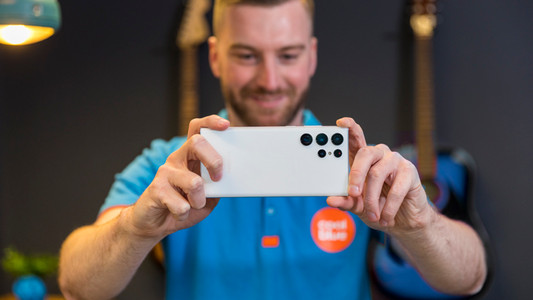
Did you get your new smartphone, and do you want to go out to take beautiful photos? In this article, we'll give you 8 tips on how to take the most beautiful smartphone photos. You'll get tips on the software of your smartphone camera, but we'll also explain about lighting and compositions. After reading this article, you'll know exactly how to take the right photo.

Subjects

Didn't find your answer?

Find an answer to your question quickly and easily via our customer service.

Coolblue specialist