Welcome to your environment! You can order everything from your assortment with your personal budget here.

You can always return to the normal Coolblue website by clicking here.

Your outstanding budget (incl. VAT) is always visible here, so you know exactly how much you can spend.

Coolblue home

Help with your product
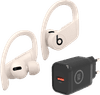
Beats Powerbeats Pro White + BlueBuilt Charger 18W

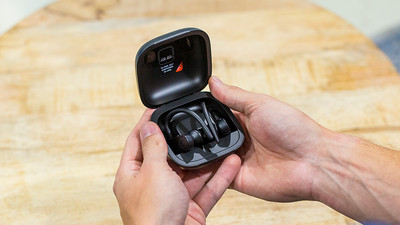
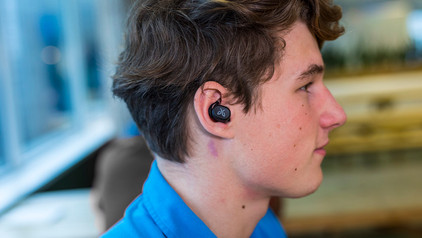
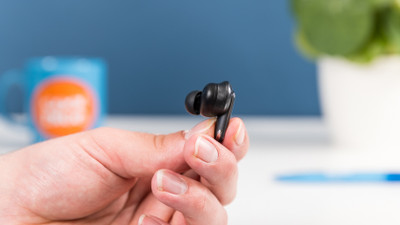
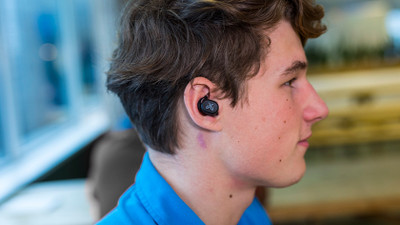
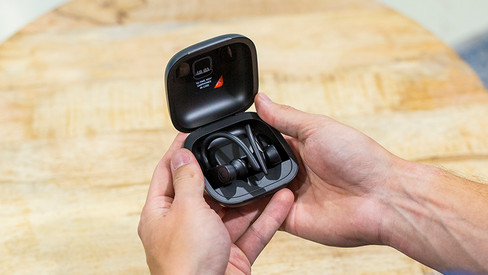
You charge your Beats Powerbeats Pro White after your workout with the BlueBuilt Charger 18W. These earbuds are fully wireless, so there's no cable around your neck or along your body. This allows you to exercise with complete freedom of movement. Thanks to the H1 chip, you can connect the earbuds to your iCloud devices, such as a Macbook or iPhone, wirelessly and within seconds. The chip also gives you access to Siri. You can control the music with this voice assistant, without taking your iPhone out of your pocket. Say "Hey Siri" to the built-in microphone and the voice assistant will help you out. Do you prefer to use the Google Assistant? Activate it by long pressing one of the control buttons. The total battery life is 9 hours. After 15 minutes of charging, you use them again for 4.5 hours. You charge your charging case with the included charger. With the different sizes of earbuds that are included, you can easily find the right fit. Always try various sizes. Adjustable ear hook The water-resistant design isn't the only thing that makes these earbuds ideal for exercise. The Powerbeats Pro also have an ear hook, so they'll stay in place even while you're exercising. Because the ear hooks are adjustable, you can make sure they'll fit snugly around your ears. H1 chip The Powerbeats Pro have the W1 chip by Apple, so you can connect the earbuds to your Apple devices extra quickly. Simply hold them a few centimeters from your iPhone and your device will recognize the earbuds right away. In addition, the chip saves battery and ensures better sound quality. Fast Fuel The Powerbeats Pro have a 9-hour battery life. The charging case offers another 24 hours of battery. You charge the earbuds in the charging case. The included lightning charging cable and charger allow you to charge the charging case. Thanks to the Fast Fuel technology, you can use the earbuds for 1.5 hours after a 5-minute charge.

Read all tips here

Which product do you want to see articles about?

How do I use Beats PowerBeats Pro with Apple iPhone?

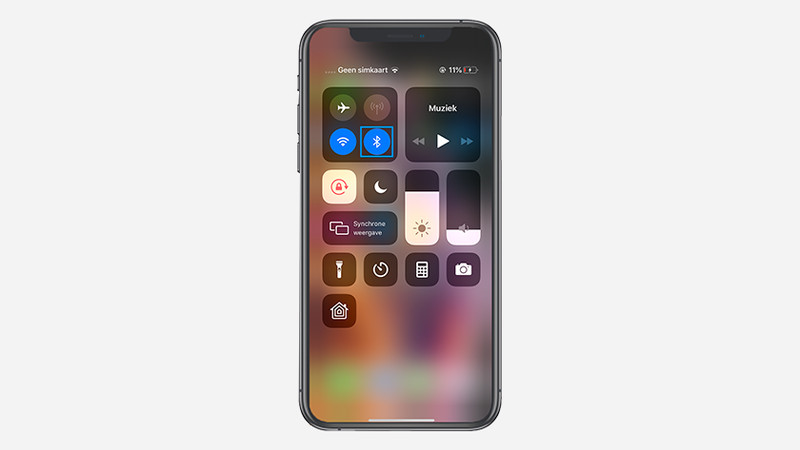
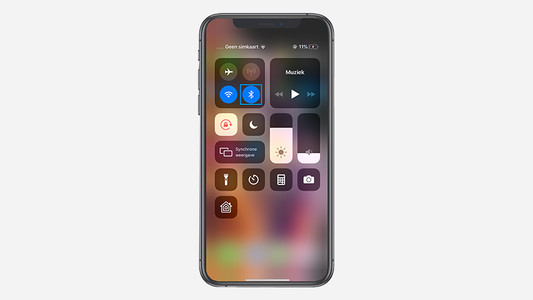
Beats Powerbeats Pro earbuds work together perfectly with the Apple iPhone. In this article, I'll explain how to connect these wireless earbuds to an Apple iPhone. In addition, you can read how to disconnect the Powerbeats Pro as well.


Repair Beats earbuds, headphones, and Bluetooth speakers

Is your Beats product no longer working as before? As an Apple Authorized Service Provider, we're happy to assist you. Whether you have a crackling sound in your earbuds or headphones or your Bluetooth speaker no longer charges. We'll make sure you're listening to music again as soon as possible. On this page, you can read which defects you can have repaired.

How do you put in your earbuds?

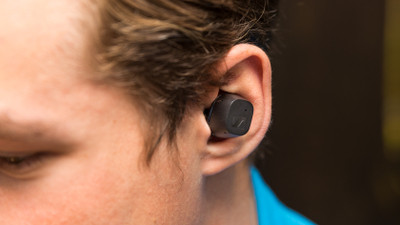
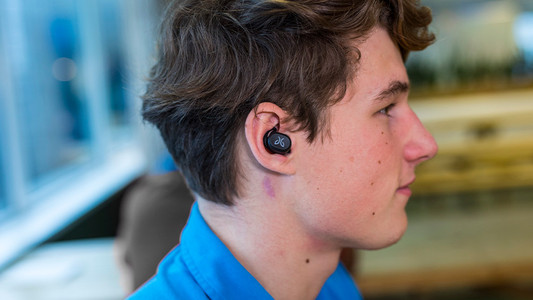
To enjoy music, you have to put your new earbuds in your ears well. This ensures higher sound quality and the earbuds fit in your ears better. In this article, we show you how to put the earbuds in your ears for each wearing method.

How do you solve uneven volume with your earbuds?

An uneven volume when you're listening to music is annoying. You'd much rather hear the same volume from both earbuds. To solve this problem, it's good to clean your earbuds regularly. We'll tell you what else you can do in this article.

How do you clean your earbuds?

If you buy earbuds, you want them to work well. That's why it's important to regularly clean your earbuds. This way, you can enjoy the same quality of your music or podcast for longer. We'll explain how to clean the different parts of your wireless earbuds.

7 tips for charging your smartphone

You probably charge your smartphone every day. When you charge it the right way, your battery wears less and your device lasts longer. We'll explain why it's better not to charge your smartphone up to 100% and why fast charging is convenient here. That way, you'll know exactly how to properly charge your smartphone, tablet, or other device.

How do I use Beats PowerBeats Pro with Apple iPhone?

Beats Powerbeats Pro earbuds work together perfectly with the Apple iPhone. In this article, I'll explain how to connect these wireless earbuds to an Apple iPhone. In addition, you can read how to disconnect the Powerbeats Pro as well.

Repair Beats earbuds, headphones, and Bluetooth speakers

Is your Beats product no longer working as before? As an Apple Authorized Service Provider, we're happy to assist you. Whether you have a crackling sound in your earbuds or headphones or your Bluetooth speaker no longer charges. We'll make sure you're listening to music again as soon as possible. On this page, you can read which defects you can have repaired.

How do you put in your earbuds?

To enjoy music, you have to put your new earbuds in your ears well. This ensures higher sound quality and the earbuds fit in your ears better. In this article, we show you how to put the earbuds in your ears for each wearing method.

How do you solve uneven volume with your earbuds?

An uneven volume when you're listening to music is annoying. You'd much rather hear the same volume from both earbuds. To solve this problem, it's good to clean your earbuds regularly. We'll tell you what else you can do in this article.

How do you clean your earbuds?

If you buy earbuds, you want them to work well. That's why it's important to regularly clean your earbuds. This way, you can enjoy the same quality of your music or podcast for longer. We'll explain how to clean the different parts of your wireless earbuds.

7 tips for charging your smartphone

You probably charge your smartphone every day. When you charge it the right way, your battery wears less and your device lasts longer. We'll explain why it's better not to charge your smartphone up to 100% and why fast charging is convenient here. That way, you'll know exactly how to properly charge your smartphone, tablet, or other device.

7 tips for charging your smartphone

You probably charge your smartphone every day. When you charge it the right way, your battery wears less and your device lasts longer. We'll explain why it's better not to charge your smartphone up to 100% and why fast charging is convenient here. That way, you'll know exactly how to properly charge your smartphone, tablet, or other device.

Subjects

Didn't find your answer?

Find an answer to your question quickly and easily via our customer service.

Coolblue specialist
Personal chat Digitalk.
You're now chatting with Coolblue customer service
This chat is closed
foo
Oeps File size is larger than 5MB. Upload a smaller file.