

Coolblue's Choice Monitors with a high contrast ratio
7 monitors
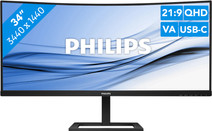
Our choice for an ultrawide monitor for daily use
|
34 inches
|
Refresh rate 100 Hz
|
Quad HD (1440p)

- Thanks to the ultrawide format, you can open multiple windows or programs side by side.
- You can read graphs and tables better and enjoy sharp images thanks to the Quad HD resolution.
- Thanks to the curved screen, you have to twist your head less and you're less likely to get a sore neck.
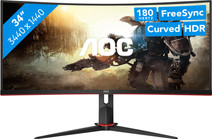

Our choice for a gaming monitor for Flight Simulator
|
34 inches
|
Refresh rate 180 Hz
|
Quad HD (1440p)

- Thanks to the large ultrawide size, you're completely immersed in the surroundings of Flight Simulator.
- The details of your game look realistic, thanks to the Quad HD resolution.
- You can play with smooth images without slowing down thanks to the 180Hz refresh rate and 1ms response time.
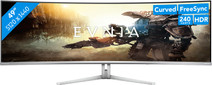
Our choice for an ultra-wide gaming monitor
|
49 inches
|
Refresh rate 240 Hz
|
Quad HD (1440p)
- Thanks to the curved ultrawide size, you can see even more of your favorite game and keep a good overview of the playing field.
- Thanks to the 240Hz refresh rate and 0.03ms response time, you see your opponents quickly and sharply without slowing down.
- Every detail of your game looks sharp thanks to the Quad HD resolution.
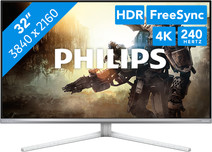
Our choice for a gaming monitor for 4K gaming or better with an RTX 4090 video card
|
32 inches
|
Refresh rate 240 Hz
|
4K (UHD)
- You can game with the sharpest images and the best color contrasts thanks to the 4K resolution and the OLED panel.
- Because of the 240Hz refresh rate and 0.03ms response time, opponents come into frame quickly and sharply.
- The G-Sync support adjusts the fps of your video card to the monitor refresh rate, so you can game without screen tearing.
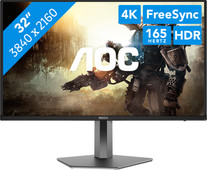
Our choice for a gaming monitor for Elden Ring
|
32 inches
|
Refresh rate 165 Hz
|
4K (UHD)
- Thanks to the 4K resolution on the large 32-inch screen, the Elden Ring landscapes look even more realistic.
- You can enjoy the best color contrasts and black levels thanks to the OLED panel with DisplayHDR 400 support.
- Thanks to the 165Hz refresh rate, you can control your character smoothly through the Elden Ring world.
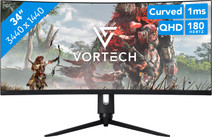
Our choice for Quad HD gaming or better with an RTX 5070 video card
|
34 inches
|
Refresh rate 180 Hz
|
Quad HD (1440p)
- You can game with smooth images because of the 180Hz refresh rate and 1ms response time.
- Thanks to the Quad HD resolution and HDR10 support, the virtual world around you looks lifelike.
- The G Sync support adjusts the fps of your video card to your monitor refresh rate, so you can game without screen tearing.
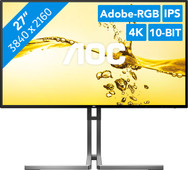
Our choice for a 27-inch monitor for photo and video editing
|
27 inches
|
Refresh rate 60 Hz
|
4K (UHD)
- You can edit the tiniest details of photos and videos thanks to the 4K resolution, DisplayHDR 400 support, and DCI-P3 color coverage.
- Thanks to the IPS panel, you can see bright colors and sharp images from every viewing angle.
- Thanks to the USB-C dock, you can charge your laptop, transfer data, and transmit image signals with 1 cable.
