Written by Stefan
Edited on
25 September 2026
·
11:07
How do you choose a MacBook for creative studies?
Are you following a creative course, such as Industrial Product Design or Multimedia Design? You need a MacBook that can handle all your schoolwork. With the right MacBook, you get the most out of your studies. For example, you can use it to edit photo and video files. You can read here which MacBook best suits your creative studies.
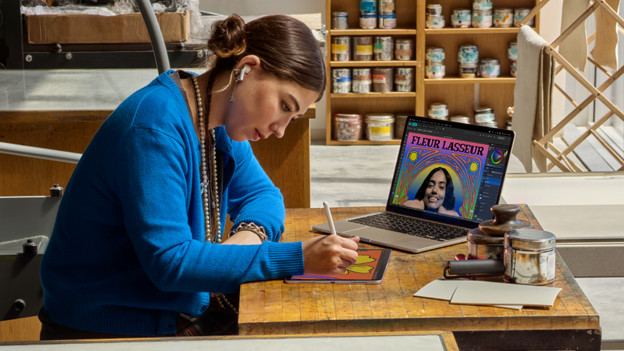
Do you recognize yourself in this study profile?
You're pursuing a creative degree in design, art, advertising, or graphic design. You attend lectures, but also complete many creative assignments with your fellow students. You also do an internship or work on a portfolio. For your studies, you create presentations and use graphic design programs. For example, you work in Adobe Photoshop, Premiere Pro, or
Aanbevolen specificaties
| Minimum specification | Explanation | |
|---|---|---|
| Processor | Apple M5 / M5 Pro | With the M5 processor, you edit photos in high quality. Choose M5 Pro to edit large videos as well. |
| RAM | At least 16GB | With 16GB RAM or more, you can easily open multiple apps or creative projects simultaneously. |
| Storage capacity | At least 1TB | Starting with 1TB storage capacity, you have enough space to keep all your creations for a few years. |
| Screen size | 14 inches / 16 inches | You can easily take a small 14-inch screen with you on the go. On a 16-inch screen, you see many details in your designs. |
Ons voorstel
- With the Apple MacBook Pro, you can work seamlessly with the most demanding apps and files.
- With the Apple M5 chip, you can open most apps without problems and connect up to 2 additional screens.
- Thanks to the small 14-inch screen, this model fits easily in your bag.
- On the small 14-inch screen, details are less clear, and it's harder to maintain an overview of your files.

2.049,-
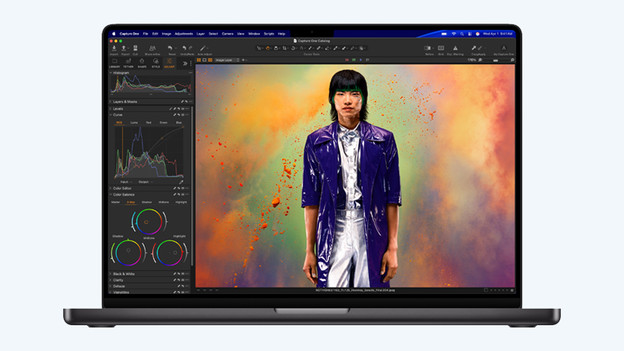
Processor en werkgeheugen
If you're going to pursue a creative degree, choose at least an Apple M5 chip. With this powerful processor, you can smoothly edit high-quality photo files. Do you also want to edit large video files? Then the faster Apple M5 Pro chip is the best choice. With 16GB RAM or more, you can be sure that all your creative projects load quickly and that you can switch between them quickly. Choose at least 1TB storage space and save all your creative projects without any problems.
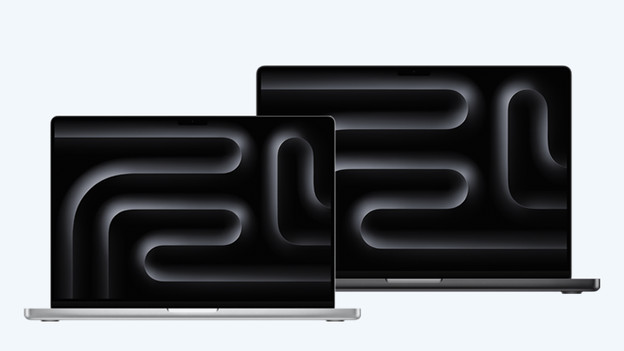
Beeldscherm
On the Apple MacBook Pro's Liquid Retina XDR display, you enjoy the sharpest, most colorful image of all MacBook models. Choose a smaller 14-inch screen size if you often work on the go. On a larger 16-inch screen, you see more details in your files, and multitasking is more pleasant. Due to its heavier weight, this large MacBook is less easy to carry in your school bag.