Written by Deanne
Edited on
10 August 2026
·
07:54
How do you choose a Windows laptop?
You're looking for a new Windows laptop, but which model should you choose? Think about what you want to use the laptop for. Which specifications your new Windows laptop should have depends on your usage situation. In this article, we'll help you choose the best Windows laptop for you.
How can I help you?
Our digital expert will help you, but it can sometimes make mistakes, like humans do.
Choose a Windows laptop
First consider what you'll use your Windows laptop for:
- Which operating system suits you?
- Will you use it for browsing the internet, text processing, or making spreadsheets?
- Will you use it for graphic design?
- Will you use it for gaming?
- Will you use the laptop for work?
- Will you use the laptop for school?
- Will you mainly use the laptop in 1 spot or also on the go?


Will you use the laptop for school?
For a student laptop, it's useful if it's not too large and heavy, That way, you can easily take it with you to school or your lectures. For a vocational study, an Intel Core i5 or AMD Ryzen 5 processor with 8GB RAM is enough. For social, cultural, and economic studies, we recommend 16GB RAM. If you're doing creative studies, we recommend at least an Intel Core i7 or AMD Ryzen 7 processor. For technical studies, we recommend an Intel Core i9 or AMD Ryzen 9 processor with a video card. Always be sure to check the requirements your school has for your laptop.
Will you use it for browsing the internet, text processing, or making spreadsheets?
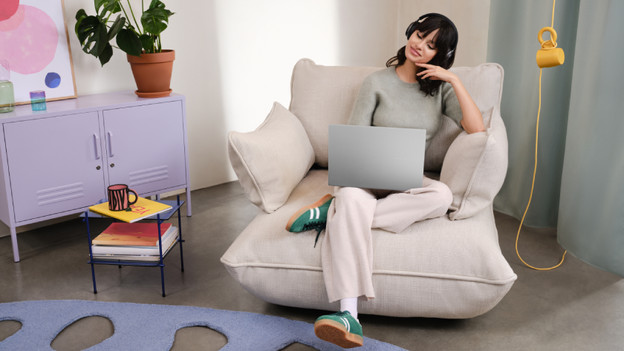
Will you mainly use your Windows laptop at home? You don't need a powerful laptop. For browsing the internet, sending emails, and text processing, we recommend an Intel Core i3 or AMD Ryzen 3 processor with 8GB RAM. Want to make spreadsheets and presentations as well? Choose an Intel Core i5 or AMD Ryzen 5 processor. With 16GB RAM, you can switch between programs more smoothly. Do you like to watch movies and series? We recommend at least a Full HD screen, so you can see all details clearly.
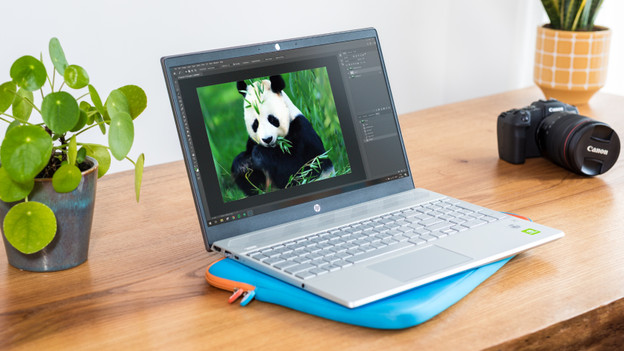
Will you use it for graphic design?
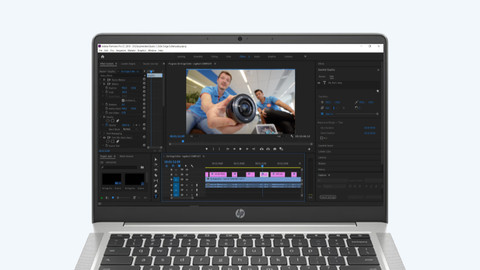
For graphic design, it depends on the type of editing you do. If you edit photos, we recommend at least an Intel Core i5 or AMD Ryzen 5 processor with 16GB RAM. Want to edit videos? You need at least an Intel Core i7 or AMD Ryzen 7. If you're going to edit large and RAW video files, you need a video card as well. For 3D designs, you need at least an Intel Core i9 or AMD Ryzen 9 processor, a video card, and at least 16GB RAM.
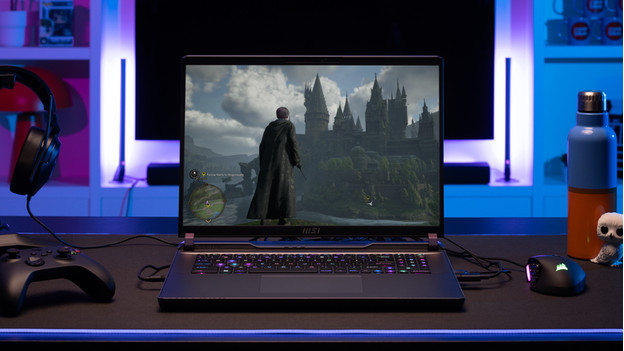
Do you want to game?
Do you like to play games? You need a Windows gaming laptop with an RTX or RX video card. For light games like Fortnite and Minecraft, you need an NVIDIA RTX 5050 video card. If you want to play medium demanding games like Hogwarts Legacy, we recommend an RTX 5060 video card. For the most demanding games like Flight Simulator, you need an RTX 5070 video card. Want to get started with mods, graphics packs, and 4K gaming? You need a more powerful video card and processor.
Will you use your laptop for work?
A business Windows laptop works with Windows Pro. You choose the business laptop based on which programs you use and what type of work you do. For accounting, we recommend a TPM chip that secures your files. If you'll use the laptop for programming and coding, we recommend at least an Intel Core i7 or AMD Ryzen 7 processor with 16GB RAM. For professional photo and video editing, you'll want a powerful video card that can process images fast. We also recommend laptops with a higher screen quality, so you can see all details well.
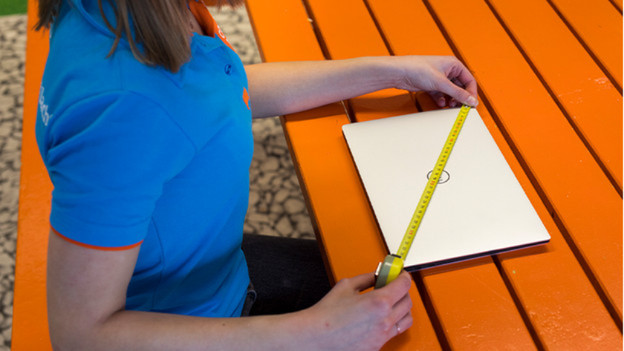
Do you often take it with you or do you mainly use it in 1 spot?
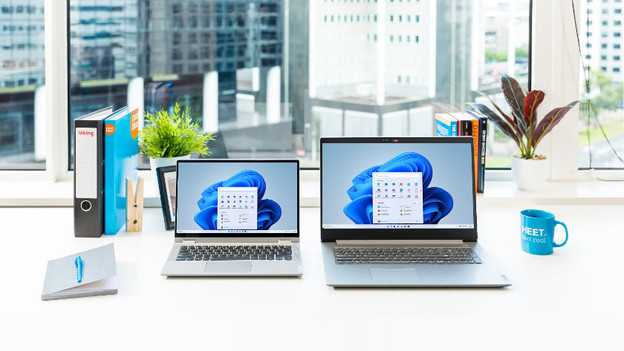
Which size suits you best, depends on your wishes. A small laptop of 14 inches or less is useful for on the go. A medium-sized 15 to 16-inch laptop is useful if you sometimes take your laptop with you, but also work at your desk. We recommend a large 17 to 18-inch laptop if you mainly work in 1 spot. The large size makes it more difficult to take these laptops with you, but you do see more details on the large screen. Think about the size of your old laptop. Do you like the size, or is too big or small?
How does Coolblue ensure that the laptops meet my needs?
Thanks to our expert knowledge, we know which specifications a laptop needs. That's why we have the best Windows laptop for you at Coolblue. Based on data and customer feedback, we have laptops assembled that exactly suit how you use your laptop. You can only find these laptops at Coolblue.


Complete your laptop
Article by Deanne
Laptop Expert.