
Written by Jan
Edited on
27 February 2025
·
15:41
How do you choose a silent laptop?
Finally! You're going to buy a new laptop. But some laptops can make a lot of noise. And you don't want to type a report or read an article on a laptop that makes noise. Which laptop should you choose? We'll help you get started with choosing a silent laptop here.
Choose silent laptop
Would you like a silent laptop? Choose a laptop with the following specifications:
- An Intel Core M processor
- A shared video card
- An SSD drive


The processor
Laptops with an Intel Core i5 or i7 processor often make noise. These processors are very powerful and they're cooled with a fan. These fans make a humming noise which can be distracting. Du you mainly use your laptop to browse the internet, write emails, and process texts? You can choose a laptop with a less powerful processor like an Intel Core i3, Intel Celeron, or Intel Pentium processor. Note: your laptop won't be as fast this way.

A shared video card
If you don't play demanding games on your laptop, choose a laptop with a shared video card. A built-in video card shares the storage with the processor and other components, so they're less powerful as with a dedicated video card, but it's a lot more silent. A dedicated video card gets hotter, so the fan of your laptop has to work harder.
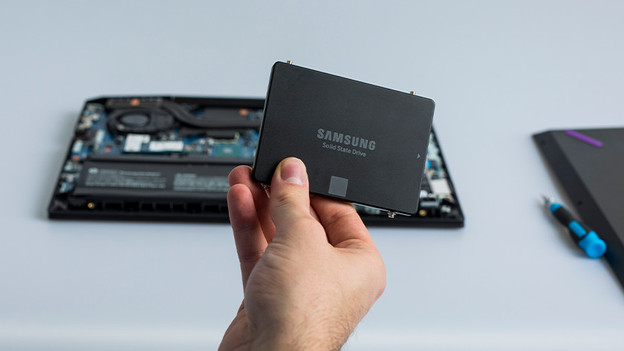
An SSD
A hard drive can make a lot of noise on its own, so choose a laptop with an SSD. An SSD makes your laptop silent and a lot faster. Programs and Windows launch within seconds with an SSD.
Need a more powerful laptop after all?
Do you really need an i5 or i7 processor to edit photos or videos, for example? Or are you a gaming enthusiast and do you have to have a dedicated video card? There's a big chance your laptop makes a lot of noise and there's often no solution. Read through the reviews of a laptop well, because it differs per model how much noise it makes.
Article by Jan
Laptop expert
