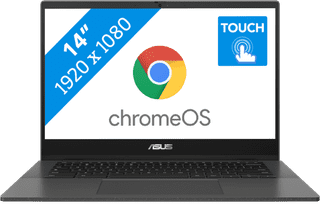
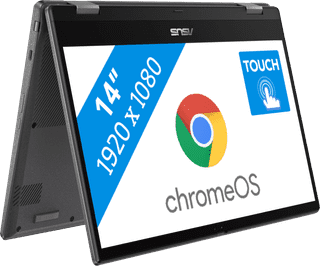
With a Chromebook with touchscreen, you can touch the screen and smoothly perform tasks. For example, you can use the Chromebook touchscreen to swipe away notification, or to make edits in documents. Swipe through your emails, scroll through your documents, and zoom in and out on your screen. You can also control a Chromebook with touchscreen via the keyboard and with a mouse.
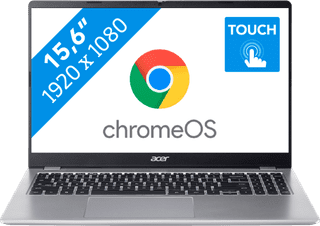

Center, Large|Medium|Higher education
Retail price479,-
399,-
In stock


Center, Small|Small|Manufacturer's warranty
Retail price479,-
399,-
In stock
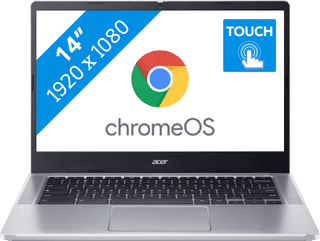
Center, Small|Small|Primary school
Retail price379,-
329,-
In stock
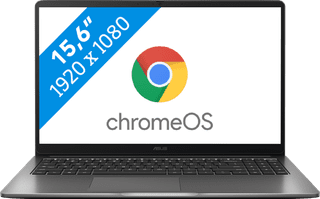
Center, Large|Medium|None manufacturer's warranty
Retail price569,-
489,-
In stock
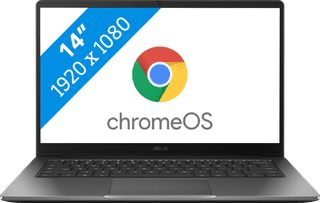
Center, Small|Small|None manufacturer's warranty
Retail price549,-
449,-
In stock
Center, Small|Small|None manufacturer's warranty
Retail price439,-
389,-
In stock
Center, Small|Small|None manufacturer's warranty
Retail price519,-
469,-
In stock