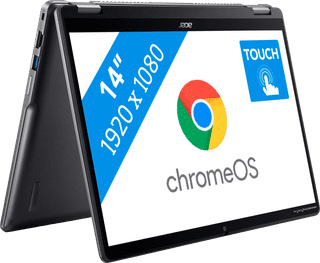
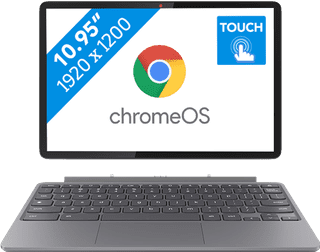
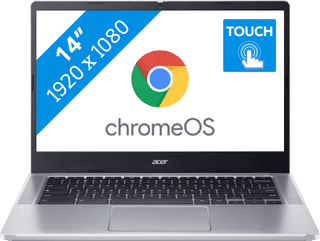
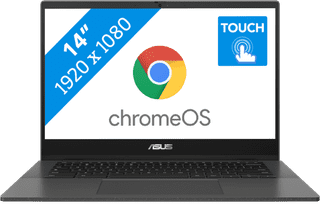
With a Chromebook with touchscreen, you can touch the screen and smoothly perform tasks. For example, you can use the Chromebook touchscreen to swipe away notification, or to make edits in documents. Swipe through your emails, scroll through your documents, and zoom in and out on your screen. You can also control a Chromebook with touchscreen via the keyboard and with a mouse.
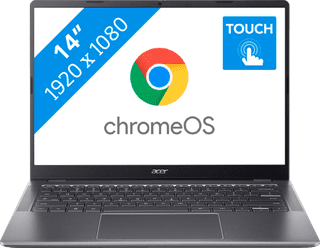
Purchase price
529,-471,-
In stock
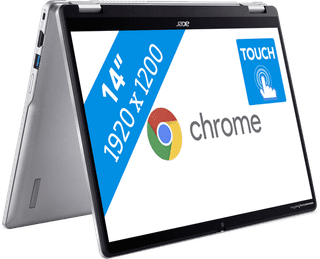
Purchase price
502,-402,-
In stock
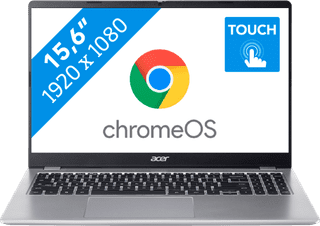

Purchase price
399,-349,-
In stock
More Second Chance varieties available
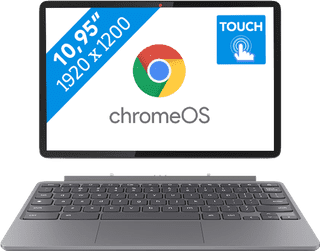
Purchase price
419,-324,-
In stock
More Second Chance varieties available
Purchase price
799,-672,-
In stock
Purchase price
549,-474,-
In stock
More Second Chance varieties available

Purchase price
569,-507,-
In stock

Purchase price
329,-285,-
In stock
Purchase price
449,-378,-
In stock
Purchase price
389,-347,-
In stock
Purchase price
469,-418,-
In stock