Monitors suitable for daisy chaining
Search results and filtering
6monitors
You can easily increase your screen space with a daisy chaining monitor. You can connect these monitors to each other directly via DisplayPort or USB-C/Thunderbolt 3 instead of connecting 2 monitors to your desktop or laptop. Daisy chaining a monitors saves a lot of effort and keeps ports open for different accessories. Do you want to connect more than 2 PC screens? No problem. With daisy chaining, you can easily connect 3 or even 4 monitors. Do keep the image signal in mid, as the quality will decrease when you connect more monitors.
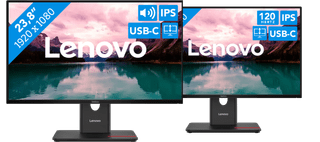
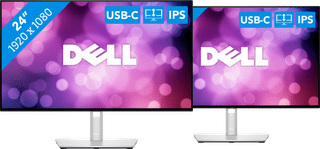
24 inches|1920x1080|HDMI, USB-A, USB-C
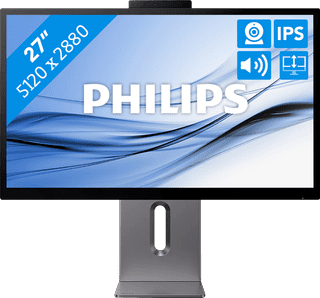
27 inches|5120x2880 resolution|HDMI, USB-C
Retail price999,-
799,-
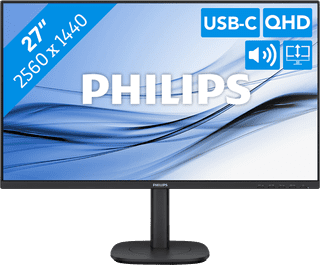
Our choice for a 27-inch monitor for your studies|27 inches|2560x1440 resolution|HDMI, DisplayPort, USB-C
Retail price269,-
249,-
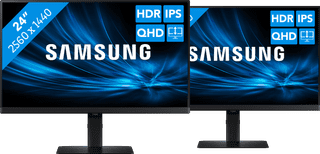
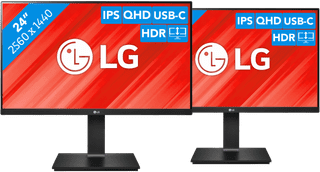
24 inches|2560x1440|HDMI, DisplayPort, USB-B, USB-C