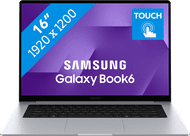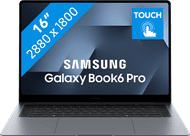
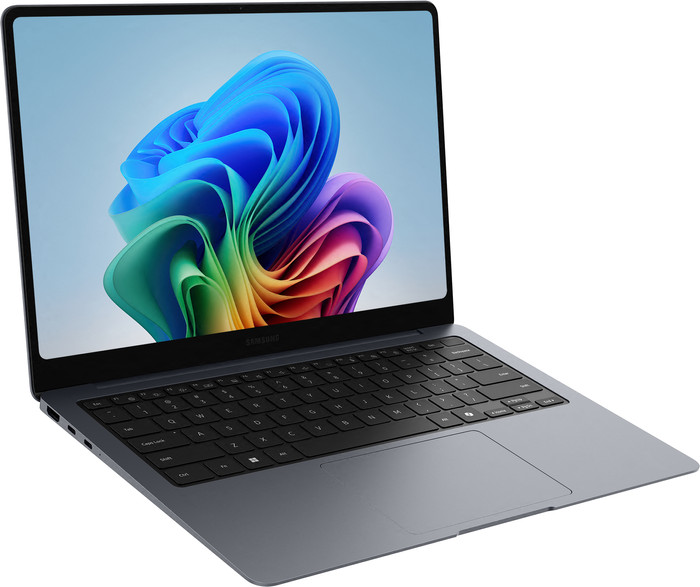


If you purchase a participating Samsung Galaxy Book between 5 October 2026 and 1 November 2026, you'll receive up to € 200 cashback from Samsung. Register before 4 January 2027 to benefit from the promotion. Go to the promotional Terms and Conditions (PDF) for more information.

If you purchase of a laptop or desktop, you receive 1 year of Norton 360 Deluxe for free. One day after purchase, you'll receive an email with a personal voucher code. Go to the promotional Terms and Conditions for more information.


Product number | 975430 | |
|---|---|---|
Manufacturer code | NP940XJG-KG1NL | |
Brand | Samsung | |
Processing of your defect | Via Coolblue | |
Old product returned for free |
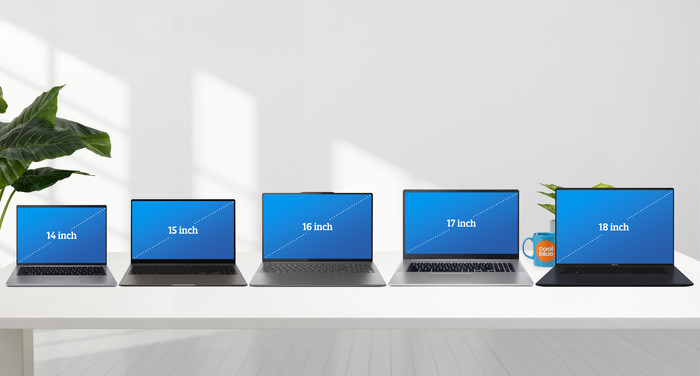
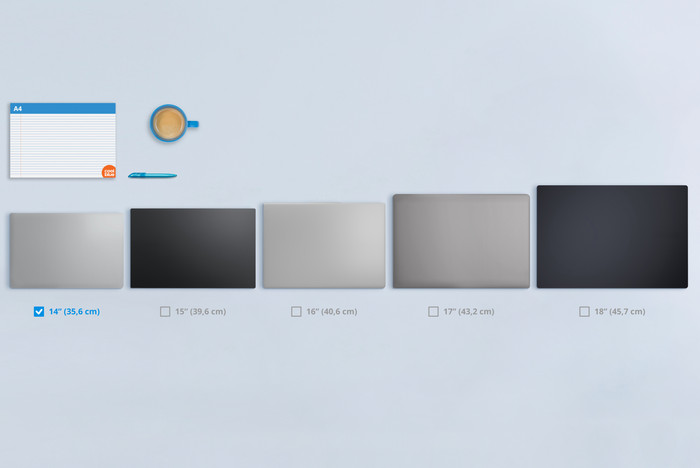
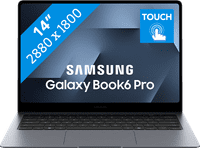
Screen size | 14 inches | |
|---|---|---|
Screen quality: laptops | High-end | |
Touchscreen | ||
Panel type | IPS panel | |
Sharpness | WQXGA+ | |
Resolution width | 2880 pixels | |
Resolution height | 1800 pixels | |
Refresh rate | 120 Hz | |
Aspect ratio | 16:10 | |
Screen reflection | Anti-glare | |
Color space | DCI-P3 | |
Adaptive Sync | ||
Brightness | 1000 cd/m2 | |
Blue light filter | ||
HDR support | ||
Type of HDR | DisplayHDR True Black 1000 |
Processor | Intel Core Ultra 5 | |
|---|---|---|
Processor number | 325 | |
Processor generation | Ultra Series 3 | |
Processor code name | Panther Lake | |
Processor cores | Octa-Core (8) | |
Threads | 8 | |
Clock speed | 1,6 GHz | |
Turbo speed | 4,5 GHz | |
Cache memory | 12 MB | |
Speed class laptops | Good | |
Intel Evo laptop |
Neural Processing Unit (NPU) | Intel AI Boost | |
|---|---|---|
TOPs | 47 | |
Microsoft Copilot+ PC | Yes |
Internal RAM | 16 GB | |
|---|---|---|
Memory composition | 4x 4GB | |
Memory slot 1 | 4 GB | |
Memory slot 2 | 4 GB | |
Total number of RAM slots | 4 | |
Maximum internal memory | 32 GB | |
RAM type (DDR type) | DDR5 | |
Memory speed | 7467 MHz | |
Number of replaceable RAM slots | 0 | |
Number of free RAM slots | 0 |
Total storage capacity | 512 GB | |
|---|---|---|
Storage type | SSD | |
SSD storage capacity | 512 GB | |
Hard drive type | NVMe | |
Number of replaceable storage slots | 0 | |
Number of free storage slots | 0 |
Video card | Intel Graphics | |
|---|---|---|
Video card brand | Intel | |
Type of video card | Shared |
Operating system | Windows | |
|---|---|---|
Windows OS version | Windows 11 Home | |
Operating system language | Multiple languages can be configured |
Recommended for use | Internet, email, and text processing, On the go, Photo editing, School, Spreadsheets and presentations, Streaming movies and series |
|---|
Build quality laptops | High-end | |
|---|---|---|
Laptop model | Laptop | |
Color | Gray | |
Material | Metal, Plastic | |
Metal type | Aluminum | |
Material top of laptop | Metal | |
Material keyboard casing laptop | Metal | |
Material bottom of laptop | Metal | |
Height | 1,16 cm | |
Width | 31,17 cm | |
Depth | 21,81 cm | |
Weight | 1,23 kg |
Mobile data connection | No | |
|---|---|---|
WiFi standards | Wireless A (WiFi 2), Wireless AC (WiFi 5), Wireless AX (WiFi 6), Wireless AXE (WiFi 6E), Wireless B (WiFi 1), Wireless BE (WiFi 7), Wireless G (WiFi 3), Wireless N (WiFi 4) | |
Bluetooth | ||
Bluetooth version | 5.4 |
USB port | ||
|---|---|---|
Number of USB ports | 3 | |
Type of USB port | Standard USB-A, USB-C | |
Protocol Female USB-C port | Thunderbolt Alternative Mode, USB, USB electricity | |
USB version Female USB-C port | 4.0 | |
Video output via USB-C possible | Yes | |
Number of female standard USB-A ports | 1 | |
Female standard USB-A port version | 3.2 | |
HDMI connector | ||
Number of HDMI connectors | 1 | |
Female HDMI Type A port version | 2.1 | |
DisplayPort connector | ||
VGA connector | ||
Network connector | ||
Thunderbolt connector | ||
Headphone jack | ||
Memory card reader |
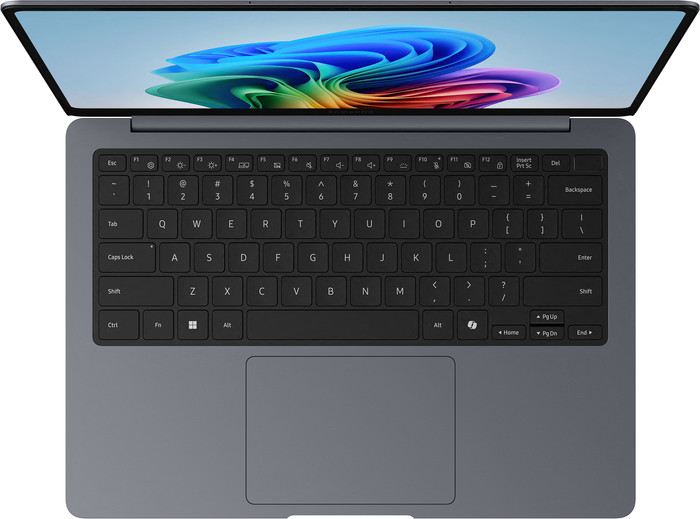
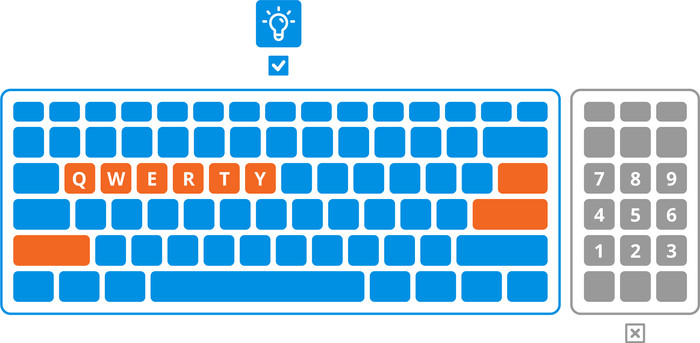
Keyboard layout | QWERTY | |
|---|---|---|
Physical keyboard layout | ANSI | |
Numeric keypad | ||
Spill-resistant | ||
Backlit keyboard | ||
Color keyboard lighting | White | |
Mechanical keyboard | ||
Programmable keys | ||
Copilot test |
Built-in microphone | ||
|---|---|---|
Number of speakers | 2 | |
Sound reproduction | Stereo | |
Integrated computer speakers brand | Dolby Atmos |
Built-in camera | ||
|---|---|---|
Image definition webcams | Full HD (1080p) | |
Camera slider |
Battery capacity laptop | 67,18 Wh | |
|---|---|---|
Battery technology | Lithium-ion | |
Power connector input type (female) | USB Type C | |
Laptop wattage | 65 W | |
Suitable for fast charging | ||
Charger included | ||
Charging cable included |
Manufacturer's warranty |
|---|
TPM (Trusted platform module) | ||
|---|---|---|
TPM type | Discrete TPM chip | |
Kensington lock | ||
Windows Hello | ||
Fingerprint identity sensor | ||
Infrared camera | ||
Security class laptops | Basic | |
Built-in privacy screen |
Extra installed software | ||
|---|---|---|
ISV certification |
Coolblue takes care of everything, from taking out an insurance to repairs
For almost all accidents (such as a spilled glass of water)
More coverage in case of damage than your standard warranty
No deductible
First, add your laptop to your shopping cart. On the next page, choose one of the Protection Plans below. You always have a 30-day return window and pay no deductible in case of damage or theft.
2-year Protection Plan
237,-
one-time2-year Protection Plan with theft cover
281,-
one-timeProtection Plan - Monthly cancelable
18,55
per monthProtection Plan with theft cover - Monthly cancelable
20,96
per month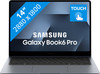
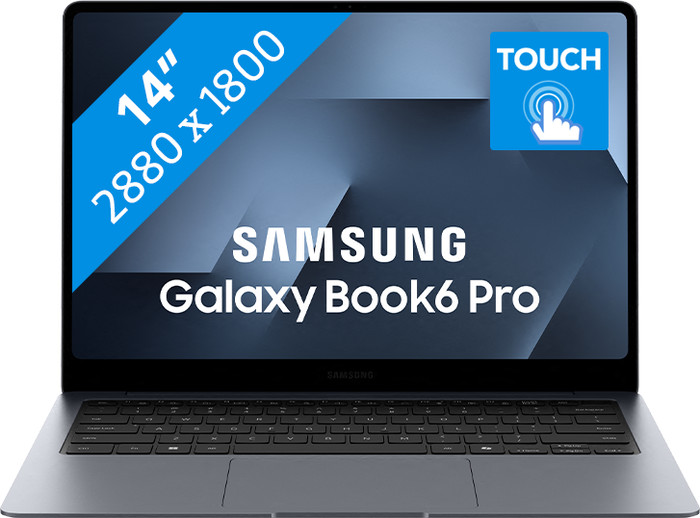
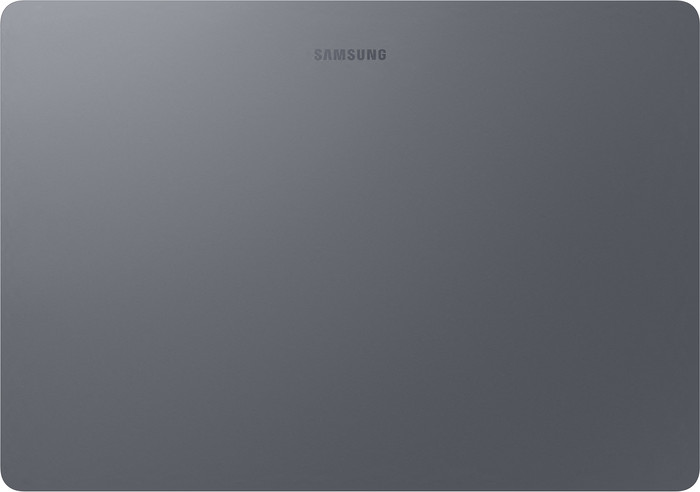
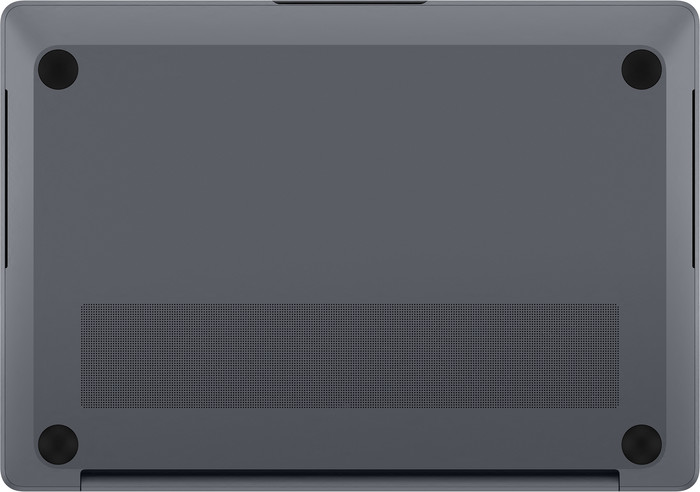
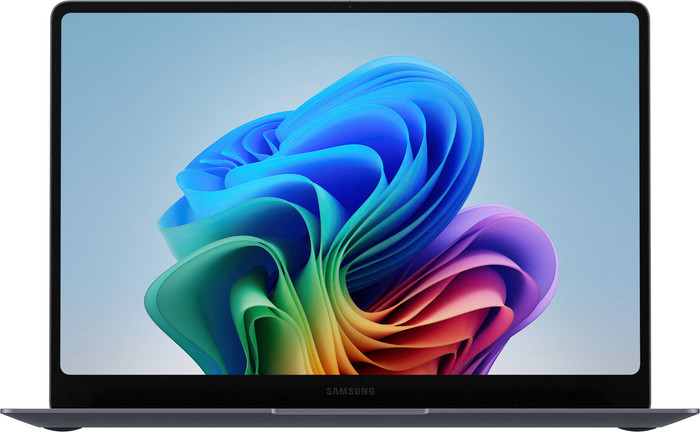
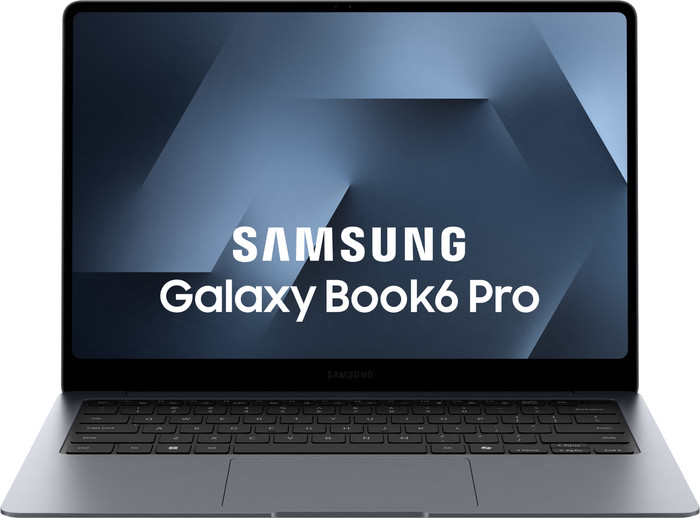
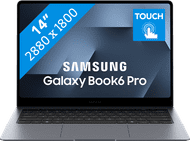
This Samsung Galaxy Book6 Pro is a thin, powerful laptop with a nice screen. Colors are bright and vibrant, and images are sharp and smooth on the screen. The haptic touchpad works well, allowing me to navigate smoothly. I can quickly swipe away notifications using the touchscreen, but this does leave fingerprints on the screen.
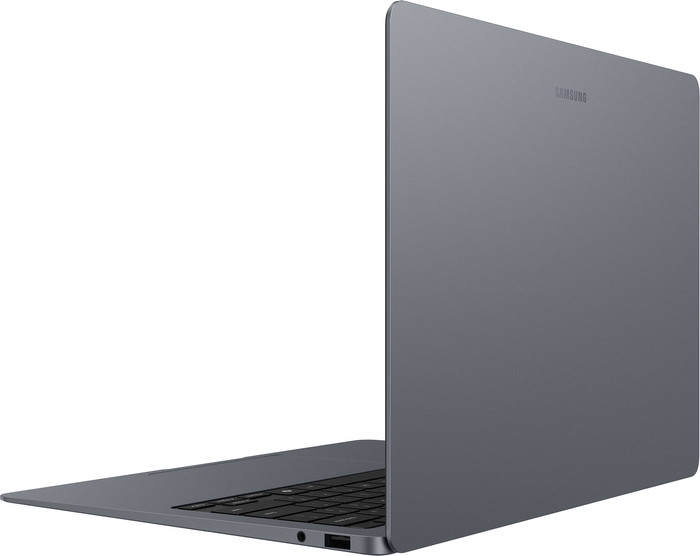
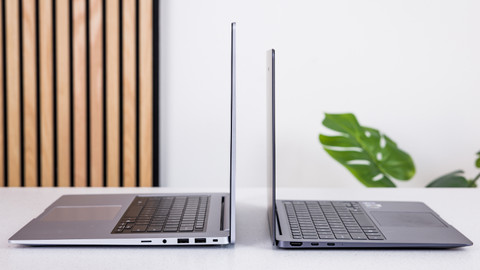
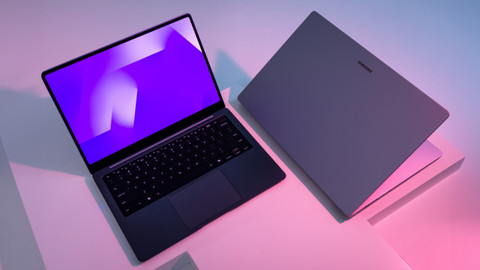
First Impression What immediately struck me is the symmetrical design of the Galaxy Book6 Pro. I especially notice this in the touchpad located in the middle of the laptop. Furthermore, this laptop is thin and light. It's about 1 centimeter high when closed and weighs only 1.2 kilograms. This makes the Galaxy Book6 Pro easy to carry. I really appreciate the 14-inch screen size. The laptop has a touchscreen, so I can easily swipe away notifications and make notes and sketches on the screen.
Colorful Displays and Useful Settings The Samsung Galaxy Book6 Pro has a Dynamic AMOLED 2X screen. This allows me to enjoy vibrant and clear colors. I easily edit photos and videos because every color is displayed realistically on the screen. Even in bright sunlight, I can see all colors clearly thanks to the high brightness of 1,000 nits. This makes it easy for me to work on my photos and videos outside on a sunny day. I can easily choose which color profile the laptop should use and adjust the HDR settings via the settings.
Sharp and smooth image Thanks to the 120 Hz refresh rate, I can see all the villains smoothly during fast-paced action movies. The adaptive refresh rate technology automatically adjusts the refresh rate based on the content on my screen. When I'm working in a text document, the refresh rate is lower than when I'm editing a video. This means I always have the correct refresh rate and no stuttering. Thanks to the high resolution, I see all the details clearly.
Comfortable keyboard and handy haptic touchpad The laptop's keyboard is relatively quiet, so I barely hear a tapping sound when I type. I also choose the keyboard backlight from three brightness levels. This way, I can see the keys clearly, even in the dark. The touchpad provides haptic feedback, so I click anywhere on the touchpad, instead of just the center. It also allows me to navigate much more precisely, making small movements with the mouse easier.
Deanne. Laptop specialist.
25 February 2026
Automatically translated from Nederlands
Very nice and solid laptop. Thanks to the new Intel CPU and GPU, you can even play quite a few games on it.
Deni
25 June 2026
Automatically translated from Nederlands
Recommended for use
Internet, email, and text processing, On the go, Photo editing, School, Spreadsheets and presentations, Streaming movies and seriesOur digital expert will help you, but it can sometimes make mistakes, like humans do.
According to our laptop expert
Click more precisely: you can click more precisely, quietly, and smoothly with the haptic touchpad.
Light tasks with AI: you can smoothly handle light tasks like photo editing and word processing with AI, and enjoy longer battery life.
Useful AI features: use useful AI features like Cocreate with this Copilot+ PC.
Not suitable for demanding tasks: your laptop will stutter sooner when you perform demanding tasks because you need a more powerful processor for that.
Recommended for use
Internet, email, and text processing, On the go, Photo editing, School, Spreadsheets and presentations, Streaming movies and series1.799,-
1.799,-
Current product
Intel Core Ultra 5
Intel Core Ultra 7
Intel Core Ultra 9
Intel Core Ultra 7
AMD Ryzen AI 9
16 GB
16 GB
32 GB
32 GB
32 GB
512 GB
1 TB
1 TB
1 TB
1 TB
IPS panel
IPS panel
OLED
Dynamic AMOLED 2X
OLED
1.799,-
1.899,-
2.199,-
2.549,-
2.199,-
In stock
In stock