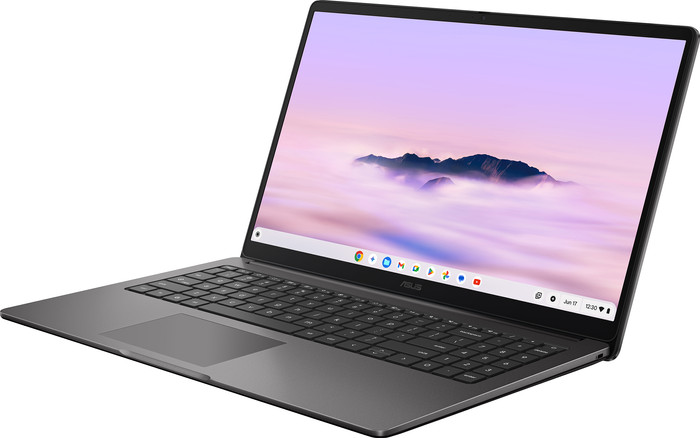
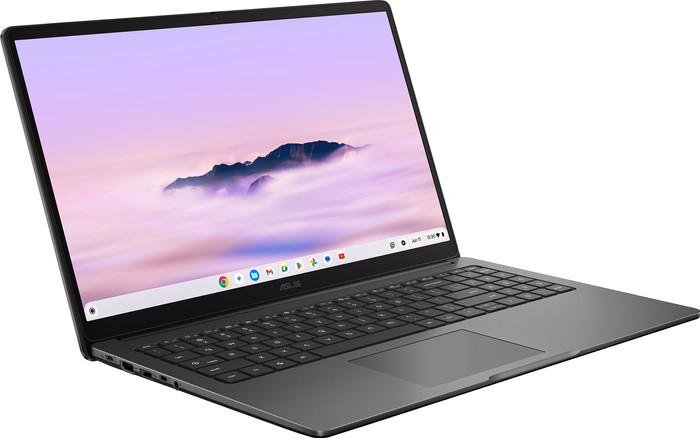
ASUS Chromebook Plus CX1505CTA-S70370
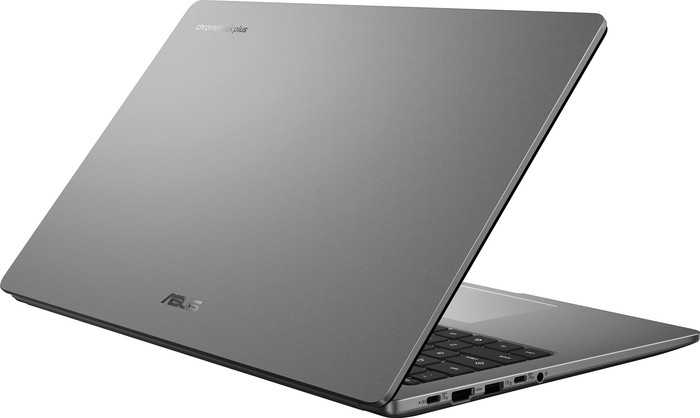
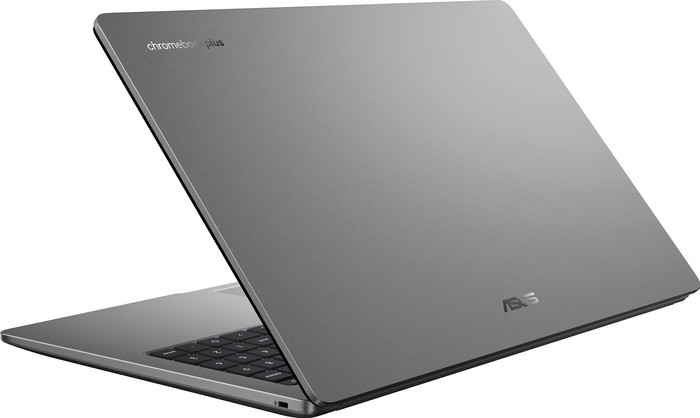
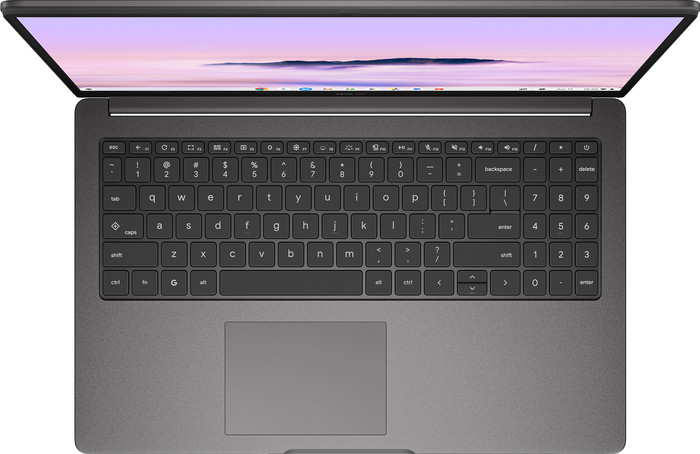
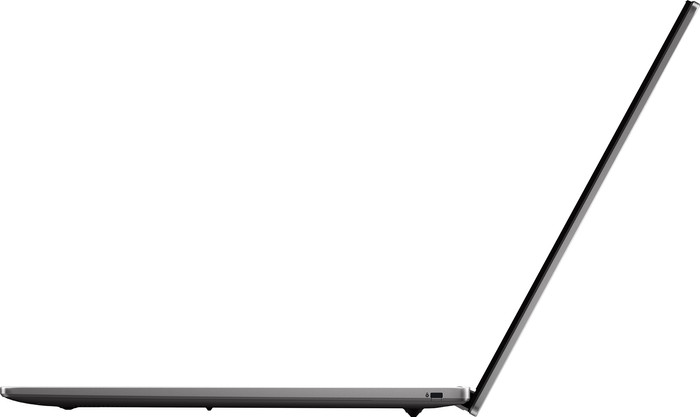


If you purchase a Chromebook, you receive free 100GB Google Drive storage space for 1 year. View all advantages here.



Product number | 978545 | |
|---|---|---|
Manufacturer code | 90NX0925-M00CY0 | |
Brand | ASUS | |
Processing of your defect | Via Coolblue | |
Old product returned for free |
Screen size | 15,6 inches | |
|---|---|---|
Screen quality: laptops | Mid-range | |
Touchscreen | ||
Panel type | IPS panel | |
Sharpness | Full HD (1080p) | |
Resolution width | 1920 pixels | |
Resolution height | 1080 pixels | |
Refresh rate | 60 Hz | |
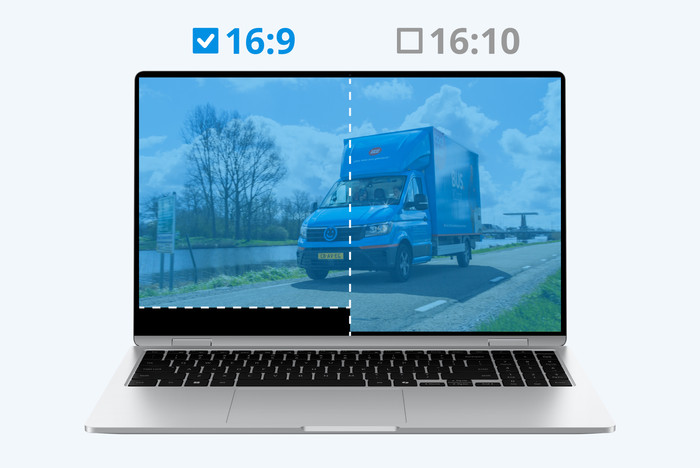
Aspect ratio | 16:9 | |
Screen reflection | Glossy | |
Color space | NTSC | |
Percentage color coverage NTSC | 45 % | |
Adaptive Sync | ||
Brightness | 300 cd/m2 | |
Blue light filter | ||
HDR support |
Processor | Intel Core 3 | |
|---|---|---|
Processor number | N355 | |
Processor generation | N Series | |
Processor cores | Octa-Core (8) | |
Threads | 8 | |
Clock speed | 1,9 GHz | |
Turbo speed | 3,9 GHz | |
Cache memory | 6 MB | |
Speed class laptops | Stand | |
Intel Evo laptop |
Internal RAM | 8 GB | |
|---|---|---|
Memory composition | 1x 8GB | |
Memory slot 1 | 8 GB | |
Total number of RAM slots | 1 | |
Maximum internal memory | 8 GB | |
RAM type (DDR type) | DDR5 |
Total storage capacity | 128 GB | |
|---|---|---|
Storage type | Flash | |
SSD storage capacity | 128 GB |
Video card | Intel UHD Graphics | |
|---|---|---|
Video card brand | Intel | |
Type of video card | Shared |
Operating system | Google ChromeOS | |
|---|---|---|
Operating system language | Multiple languages can be configured |
Recommended for use | Internet, email, and text processing, School, Streaming movies and series |
|---|
Build quality laptops | Basic | |
|---|---|---|
Laptop model | Chromebook, Laptop | |
Color | Gray | |
Material | Plastic | |
Material top of laptop | Plastic | |
Material keyboard casing laptop | Plastic | |
Material bottom of laptop | Plastic | |
Height | 2,01 cm | |
Width | 35,95 cm | |
Depth | 23,22 cm | |
Weight | 1,63 kg | |
Type of military test | MIL-STD-810H | |
Passed military test |
Mobile data connection | No | |
|---|---|---|
WiFi standards | Wireless AX (WiFi 6) | |
Bluetooth | ||
Bluetooth version | 5.4 |
USB port | ||
|---|---|---|
Number of USB ports | 3 | |
Type of USB port | Standard USB-A, USB-C | |
Protocol Female USB-C port | USB, USB electricity | |
USB version Female USB-C port | 3.2 | |
Number of female standard USB-A ports | 1 | |
Female standard USB-A port version | 3.2 | |
HDMI connector | ||
Number of HDMI connectors | 1 | |
Female HDMI Type A port version | 1.4 | |
DisplayPort connector | ||
VGA connector | ||
Network connector | ||
Thunderbolt connector | ||
Headphone jack | ||
Memory card reader |
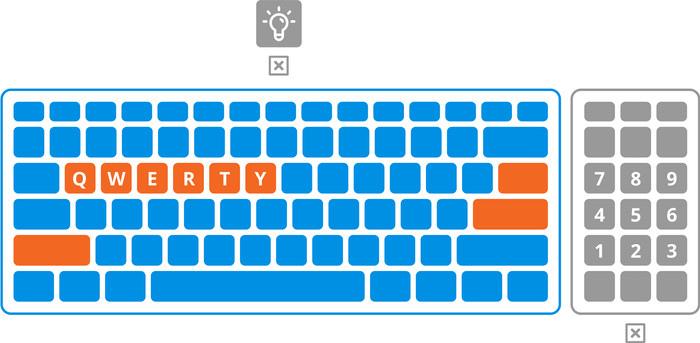
Keyboard layout | QWERTY | |
|---|---|---|
Physical keyboard layout | ANSI | |
Numeric keypad | ||
Spill-resistant | ||
Backlit keyboard | ||
Mechanical keyboard | ||
Programmable keys | ||
Copilot test |
Built-in microphone | ||
|---|---|---|
Number of speakers | 1 | |
Sound reproduction | Stereo | |
Integrated computer speakers brand | Standard speakers |
Built-in camera | ||
|---|---|---|
Image definition webcams | Full HD (1080p) | |
Camera slider |
Battery capacity laptop | 50 Wh | |
|---|---|---|
Battery technology | Lithium-ion | |
Power connector input type (female) | USB Type C | |
Laptop wattage | 45 W | |
Suitable for fast charging | ||
Charger included | ||
Charging cable included | ||
Power charger | 45 W |
Manufacturer's warranty | ||
|---|---|---|
Pickup and return warranty from the manufacturer | 2 years |
TPM (Trusted platform module) | ||
|---|---|---|
Kensington lock | ||
Windows Hello | ||
Fingerprint identity sensor | ||
Security class laptops | Mid-range | |
Built-in privacy screen |
Extra installed software | ||
|---|---|---|
ISV certification |
Coolblue takes care of everything, from taking out an insurance to repairs
For almost all accidents (such as a spilled glass of water)
More coverage in case of damage than your standard warranty
No deductible
First, add your laptop to your shopping cart. On the next page, choose one of the Protection Plans below. You always have a 30-day return window and pay no deductible in case of damage or theft.
2-year Protection Plan
41,99
one-time2-year Protection Plan with theft cover
54,-
one-timeProtection Plan - Monthly cancelable
4,04
per monthProtection Plan with theft cover - Monthly cancelable
4,66
per month
It is a fine Chromebook in itself, but the product description states that it has a touchscreen and folds into a tablet. This is NOT correct.
Erik
3 October 2026
Automatically translated from Nederlands
489,-
Recommended price by ASUS
489,-
Recommended price by ASUS
Recommended for use
Internet, email, and text processing, School, Streaming movies and seriesOur digital expert will help you, but it can sometimes make mistakes, like humans do.
Recommended for use
Internet, email, and text processing, School, Streaming movies and seriesIntel Core 3
MediaTek Kompanio
Intel Core 3
Intel Core 3
Intel N
8 GB
4 GB
8 GB
8 GB
8 GB
128 GB
128 GB
128 GB
128 GB
128 GB
According to our laptop expert
For medium demanding tasks: get started on medium demanding tasks, and make complex spreadsheets and presentations thanks to the Intel Core 3 processor.
Quickly switch to a tablet: you can quickly turn the laptop into a tablet, so you can easily make sketches and take notes on the touchscreen.
Control via the screen: on the touchscreen, you can swipe through apps with your fingers or make changes to notes or emails.
Not suitable for demanding tasks: your Chromebook slows down sooner when you run demanding tasks, and you'll need a more powerful processor for that.
No keyboard backlight: the keys don't have a backlight, so you can see them less clearly in the dark.
Current product
Retail price ASUS
569,-489,-
419,-
Retail price Acer
529,-429,-
549,-
479,-
In stock
In stock