Welcome to your environment! You can order everything from your assortment with your personal budget here.

You can always return to the normal Coolblue website by clicking here.

Your outstanding budget (incl. VAT) is always visible here, so you know exactly how much you can spend.

Coolblue home

Help with your product
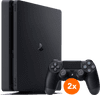
Sony PlayStation 4 Slim 1TB + 2 DualShock Controllers
0 reviews

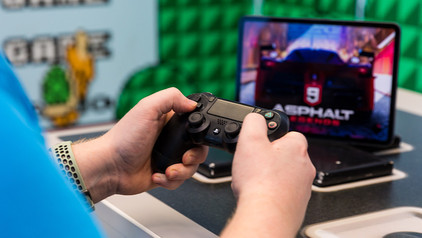
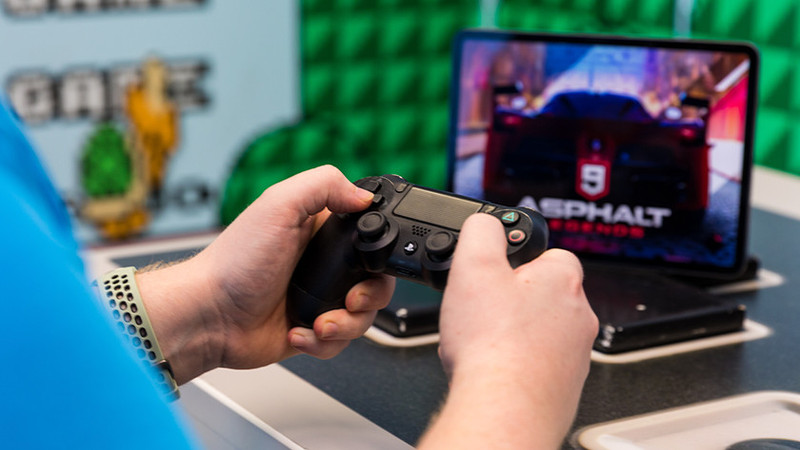
Play with a friend on the Sony PlayStation 4 Slim using the extra DualShock 4 controller. Play the latest games like FIFA, Need for Speed, and Battlefield with your friends on the couch. The stylish PS4 Slim is smaller, thinner, and more efficient than a PS4 Pro, so you can easily hide it in your television cabinet. Gaming, watching Blu-ray movies, or streaming Netflix, you can do it all with the same device with the PS4 Slim.

Read all tips here

Which product do you want to see articles about?

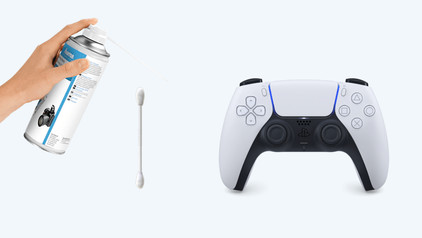
How do you fix PlayStation controller stick drift?

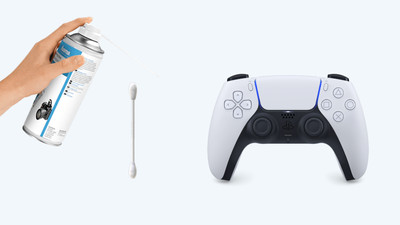
Stick drift on your PlayStation controller is a common problem. Controllers with stick drive seem to be moving on their own when you open the map in Warzone, for example, or when your character walks by themselves. Luckily, there are a number of solutions to get rid of stick drift. You can reset the controller, for example. In this article, we'll explain how to solve the stick drift of your DualShock or DualSense controller yourself.

How do you fix PlayStation controller stick drift?

Stick drift on your PlayStation controller is a common problem. Controllers with stick drive seem to be moving on their own when you open the map in Warzone, for example, or when your character walks by themselves. Luckily, there are a number of solutions to get rid of stick drift. You can reset the controller, for example. In this article, we'll explain how to solve the stick drift of your DualShock or DualSense controller yourself.

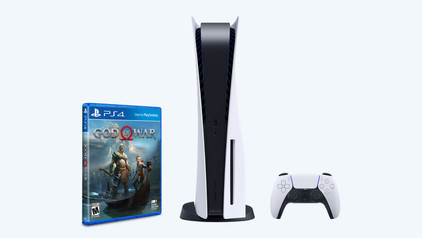
How do you play PlayStation 4 games on your PlayStation 5?

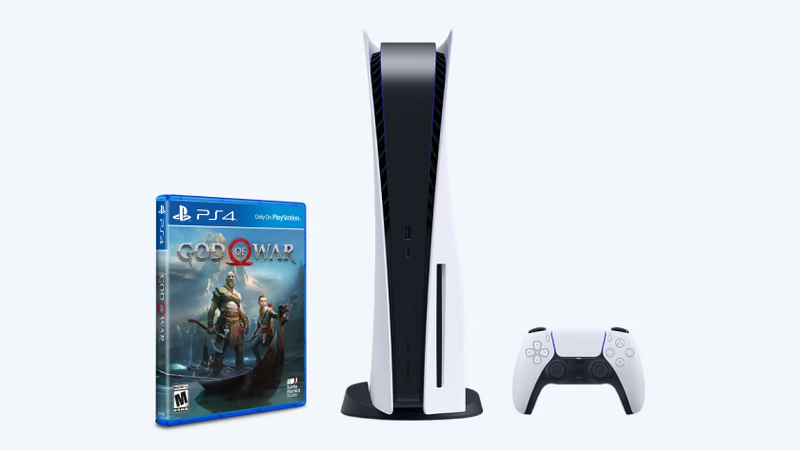
You bought a PlayStation 5, but you still have a huge collection of great PlayStation 4 games you want to play. How about Ghost of Tsushima and the Last of Us Part II? With the backwards compatbility on the PlaySTation 5, these legendary games don't end up in a shoebox in the attic. On this page, we'll explain how to play PlayStation 4 games on the PlayStation 5.

How do you fix PlayStation controller stick drift?

Stick drift on your PlayStation controller is a common problem. Controllers with stick drive seem to be moving on their own when you open the map in Warzone, for example, or when your character walks by themselves. Luckily, there are a number of solutions to get rid of stick drift. You can reset the controller, for example. In this article, we'll explain how to solve the stick drift of your DualShock or DualSense controller yourself.

How do you fix PlayStation controller stick drift?

Stick drift on your PlayStation controller is a common problem. Controllers with stick drive seem to be moving on their own when you open the map in Warzone, for example, or when your character walks by themselves. Luckily, there are a number of solutions to get rid of stick drift. You can reset the controller, for example. In this article, we'll explain how to solve the stick drift of your DualShock or DualSense controller yourself.

How do you play PlayStation 4 games on your PlayStation 5?

You bought a PlayStation 5, but you still have a huge collection of great PlayStation 4 games you want to play. How about Ghost of Tsushima and the Last of Us Part II? With the backwards compatbility on the PlaySTation 5, these legendary games don't end up in a shoebox in the attic. On this page, we'll explain how to play PlayStation 4 games on the PlayStation 5.

Subjects

Didn't find your answer?

Find an answer to your question quickly and easily via our customer service.

Coolblue specialist
Personal chat Digitalk.
You're now chatting with Coolblue customer service
This chat is closed
foo
Oeps File size is larger than 5MB. Upload a smaller file.