Welcome to your environment! You can order everything from your assortment with your personal budget here.

You can always return to the normal Coolblue website by clicking here.

Your outstanding budget (incl. VAT) is always visible here, so you know exactly how much you can spend.

Coolblue home

Help with your product

JBL Tour One M2 + JBL Charge 5 Black

With the JBL Tour One M2 + JBL Charge 5 Black bundle, you can listen to your favorite music everywhere. This bundle contains headphones and a Bluetooth speaker. The headphones have active noise canceling and technology that reduces white noise and ambient noise. That way, you don't have to turn up your volume in public transport. With the 4 built-in microphones, you can have clear phone calls. The Smart Talk function in the microphones also recognizes your voice. When you start a call with someone, this function lowers the volume of the music. The JBL Charge 5 is the ideal speaker for outdoors. Thanks to the IP67 certification, it's waterproof and dustproof. You can take it with you for the day at the beach without it breaking due to water or sand. Is the battery of your smartphone empty? Via the built-in power bank, you can charge your phone on the go and you won't be without music soon.

Read all tips here

Which product do you want to see articles about?

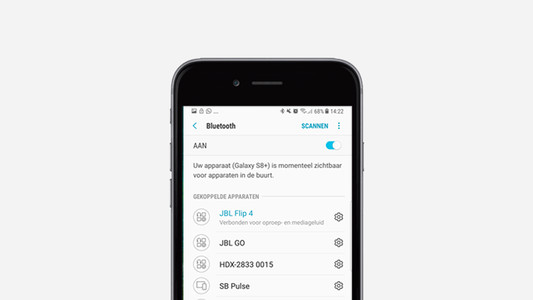
How do you connect multiple JBL speakers to each other?

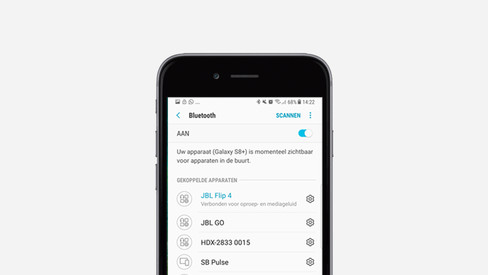
You can connect up to 100 JBL speakers wirelessly via Bluetooth. That way, you can increase the volume or listen to stereo sound. In this article, we'll explain how to connect multiple speakers with JBL Connect+ and JBL PartyBoost. Below, you'll see which speakers you can connect and how to do this.

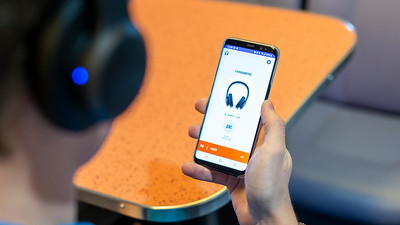
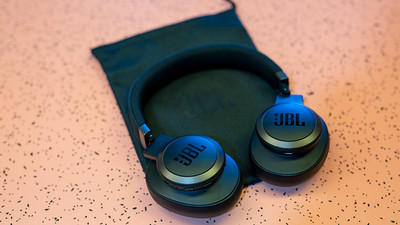
Get started with your JBL headphones

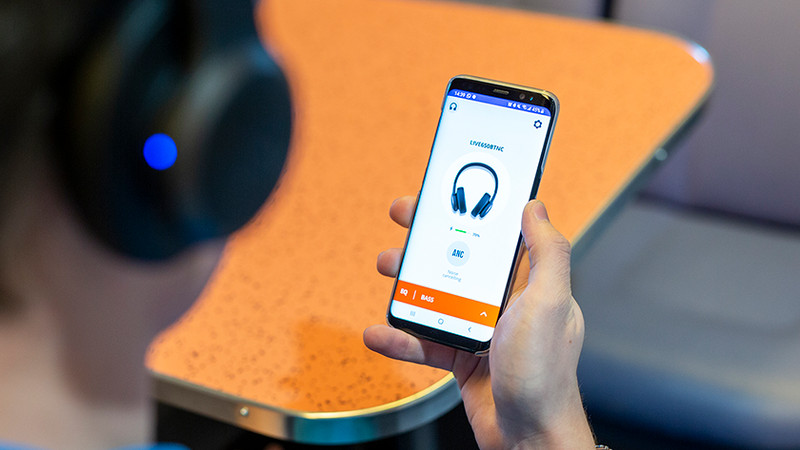
You've bought JBL headphones and want to start listening to music as soon as possible. In order to enjoy your favorite songs as long as you can, we have a couple of tips for you. That way, you can listen to your playlists without any connection issues and with a personalized sound.

How do you safely listen to music with your headphones?

Your hearing is valuable. That's why you want to keep it healthy and not get tinnitus due to loud music. For example, turn on the volume limit on your phone. In this article, we'll give more tips on how to listen to your music safely.

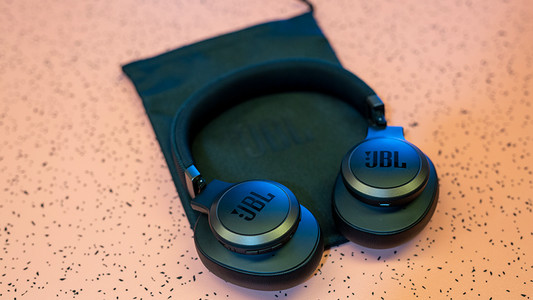
Get started with your JBL headphones

You've bought JBL headphones and want to start listening to music as soon as possible. In order to enjoy your favorite songs as long as you can, we have a couple of tips for you. That way, you can listen to your playlists without any connection issues and with a personalized sound.

How do you safely listen to music with your headphones?

Your hearing is valuable. That's why you want to keep it healthy and not get tinnitus due to loud music. For example, turn on the volume limit on your phone. In this article, we'll give more tips on how to listen to your music safely.

Subjects

Didn't find your answer?

Find an answer to your question quickly and easily via our customer service.

Coolblue specialist
Personal chat Digitalk.
You're now chatting with Coolblue customer service
This chat is closed
foo
Oeps File size is larger than 5MB. Upload a smaller file.