Monitors with VESA mount
If you want to hang your monitor on your wall or attach it to your desk, you want a monitor with a VESA mount. You can attach this monitor to a wall mount or monitor arm. This way, you can move the monitor in many different ways, without it taking up space on your desk. Are you looking at a wall? You can hang the monitor on a wall mount. If you don't have a wall opposite you, attach a monitor arm to the edge of your desk. You can then hang the monitor on there. Match the VESA standard of your monitor to that of the mount. The VESA standard indicates how far apart the holes are.
469,-
339,-
Temporarily sold out
129,-
166,-
Temporarily sold out
119,-
Not in stock
314,-
Temporarily sold out
189,-
Temporarily sold out
1.099,-
Temporarily sold out
299,-
Available soon
476,-
Temporarily sold out

935,-
Temporarily sold out
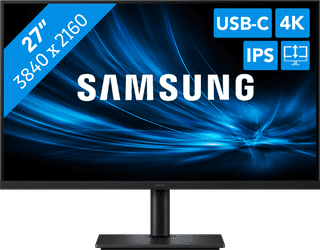
319,-
Temporarily sold out
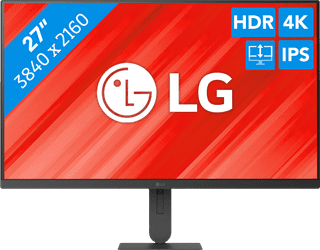
245,-
Temporarily sold out