Welcome to your environment! You can order everything from your assortment with your personal budget here.

You can always return to the normal Coolblue website by clicking here.

Your outstanding budget (incl. VAT) is always visible here, so you know exactly how much you can spend.

Coolblue home

Help with your product

Apple iPad Air (2025) 13 inches 128GB WiFi Space Gray + Apple Magic Keyboard QWERTY White
0 reviews

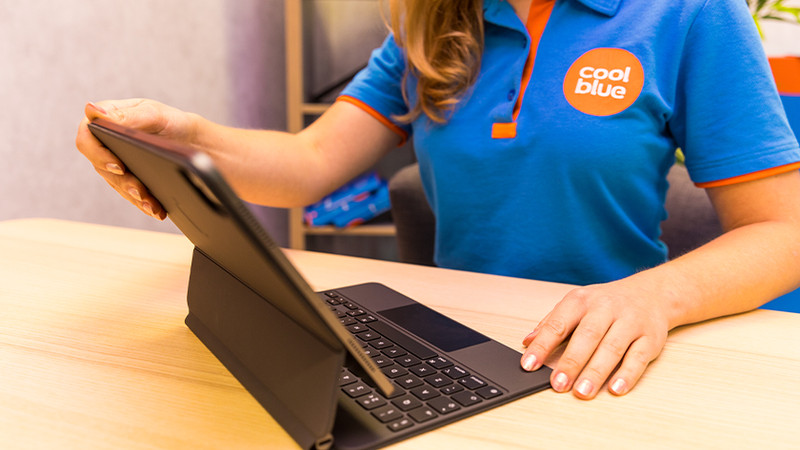
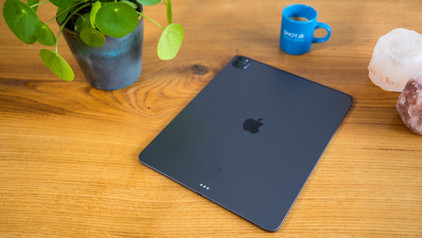
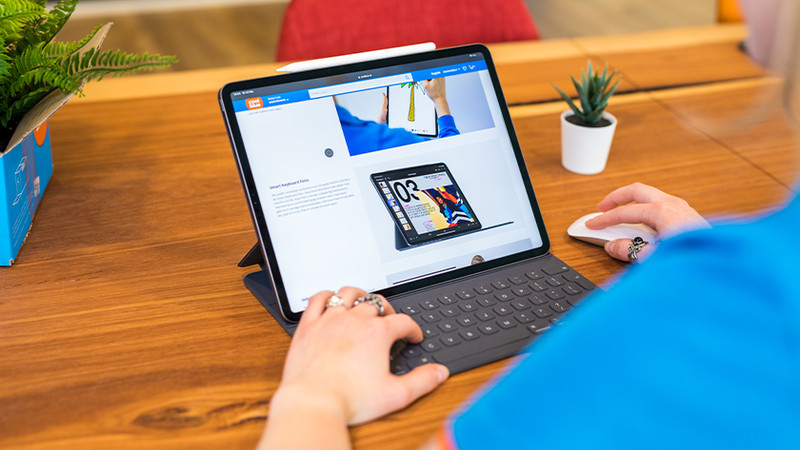
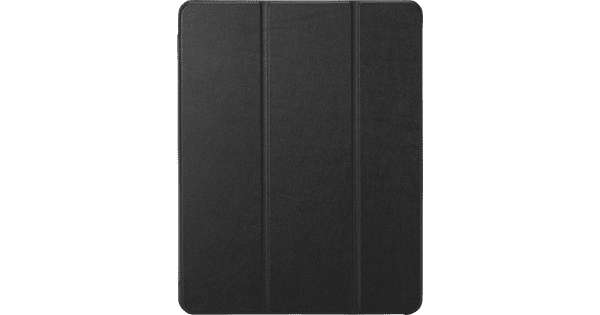
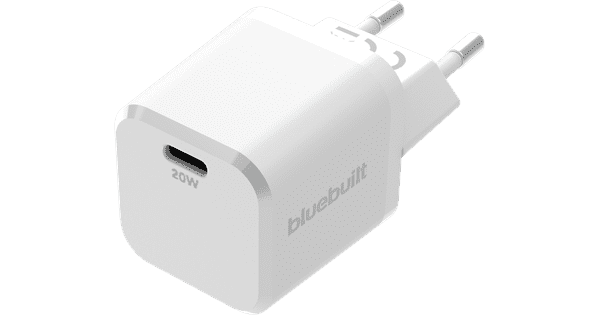
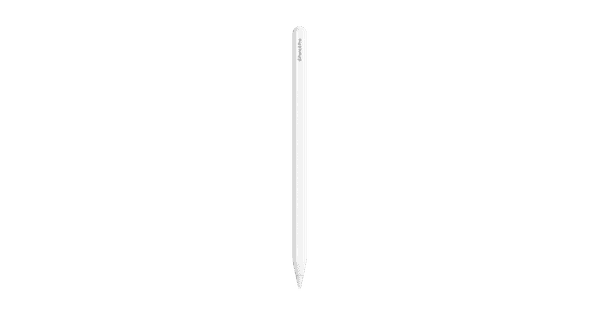
With the Apple iPad Air (2025) 11-inch 128GB WiFi Space Gray + Apple Magic Keyboard QWERTY White, you can use your iPad as a laptop and type emails quickly. You also protect your iPad from dirt and scratches with the keyboard cover. Thanks to the powerful M3 processor, you can use demanding programs smoothly. For example, Office or Adobe programs or more demanding games. You can also open multiple apps at the same time on the Apple iPad Air (2025) 13 inches 128GB WiFI Space Gray without problems. On the large 13-inch screen, you can see all details of movies and series and enjoy bright colors. It's less easy to take with you, due to the large size. With 128GB storage, your iPad Air fills up in about 1 year. Often download new apps? Choose 256GB. This model doesn't support 5G, so you only have internet in places with WiFi. Also order an Apple Pencil and draw accurately on your iPad. Note: a charger isn't included. Get a separate charger and charge your iPad Air right away.
Read all tips here

Which product do you want to see articles about?

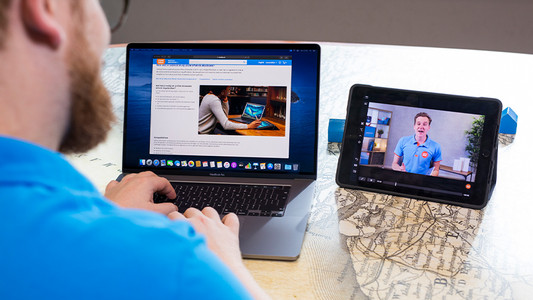
How do you connect an Apple iPad to a TV, monitor, or projector?

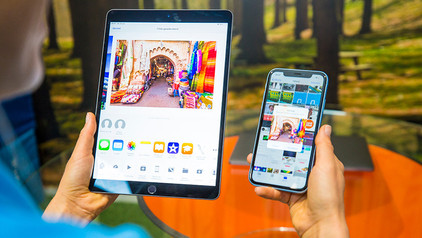
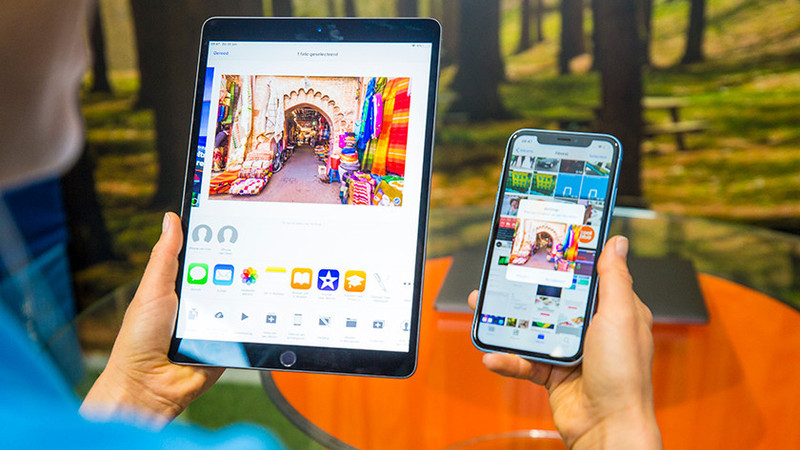
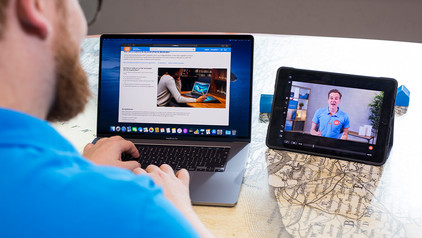
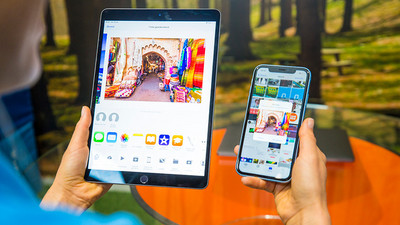
A second screen next to your iPad can be useful if you want to give a presentation via your iPad or if you want to show your friends and family your holiday photos. That's why we'll explain how to connect your iPad to a television, external monitor, or projector in this article. We'll also tell you how to use the iPad as the second screen

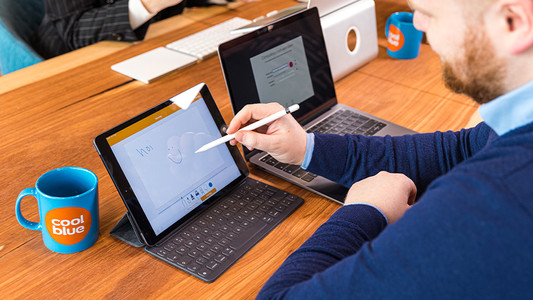
What do you need to use the Apple iPad for business?

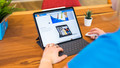
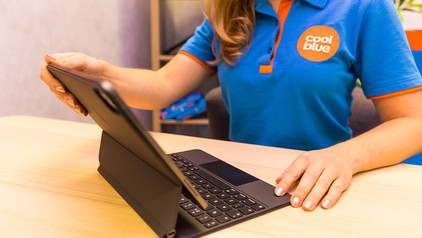
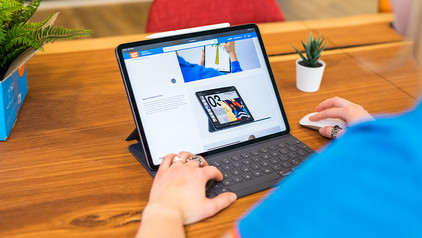
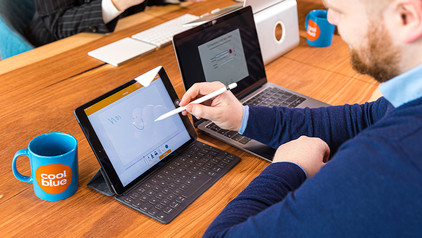
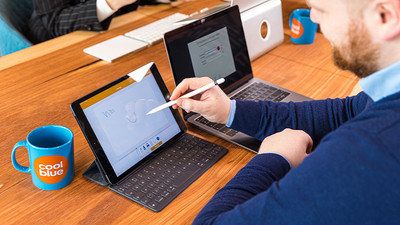
The Apple iPad has a compact size and many productivity apps, which is what makes it suitable for business use. And if you add accessories, you can create an alternative for your laptop and increase your working comfort. Read how to use your iPad for business below.

How do you make iPad child-friendly?

As a parent, you don't want your child to watch videos or apps that aren't suitable for them. Apple has made a useful setting for this. With the 4 tips below, you can determine the screen time and what your child sees, for example.

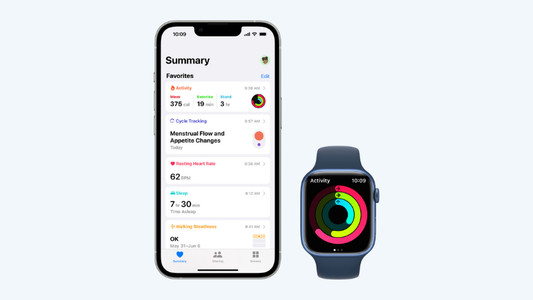
Get started with the Apple health functions

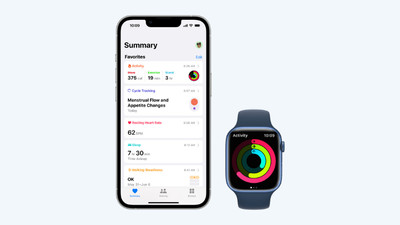
Want to be healthier? The health functions on your Apple devices will be useful. These allow you to track your exercise and heart rate with your Apple Watch and receive notifications if you're not so healthy. In this article, you can read all about the Apple health functions.

How do you connect an Apple iPad to a TV, monitor, or projector?

A second screen next to your iPad can be useful if you want to give a presentation via your iPad or if you want to show your friends and family your holiday photos. That's why we'll explain how to connect your iPad to a television, external monitor, or projector in this article. We'll also tell you how to use the iPad as the second screen

What do you need to use the Apple iPad for business?

The Apple iPad has a compact size and many productivity apps, which is what makes it suitable for business use. And if you add accessories, you can create an alternative for your laptop and increase your working comfort. Read how to use your iPad for business below.

How do you make iPad child-friendly?

As a parent, you don't want your child to watch videos or apps that aren't suitable for them. Apple has made a useful setting for this. With the 4 tips below, you can determine the screen time and what your child sees, for example.

Get started with the Apple health functions

Want to be healthier? The health functions on your Apple devices will be useful. These allow you to track your exercise and heart rate with your Apple Watch and receive notifications if you're not so healthy. In this article, you can read all about the Apple health functions.

What do you need to use the Apple iPad for business?

The Apple iPad has a compact size and many productivity apps, which is what makes it suitable for business use. And if you add accessories, you can create an alternative for your laptop and increase your working comfort. Read how to use your iPad for business below.

What do you need to use the Apple iPad for business?

The Apple iPad has a compact size and many productivity apps, which is what makes it suitable for business use. And if you add accessories, you can create an alternative for your laptop and increase your working comfort. Read how to use your iPad for business below.

What do you need to use the Apple iPad for business?

The Apple iPad has a compact size and many productivity apps, which is what makes it suitable for business use. And if you add accessories, you can create an alternative for your laptop and increase your working comfort. Read how to use your iPad for business below.

Get started with the Apple health functions

Want to be healthier? The health functions on your Apple devices will be useful. These allow you to track your exercise and heart rate with your Apple Watch and receive notifications if you're not so healthy. In this article, you can read all about the Apple health functions.

Subjects
Didn't find your answer?

Find an answer to your question quickly and easily via our customer service.

Coolblue specialist
Personal chat Digitalk.
You're now chatting with Coolblue customer service
This chat is closed
foo
Oeps File size is larger than 5MB. Upload a smaller file.