

Monitors with a thin bezel
Monitors with a thin bezel
- 125 monitors
If your monitor has a thin bezel, you can place a second monitor next to it without being bothered by a thick bezel in the middle. That way, the screens neatly blend into each other. This is nice when you're watching a movie or series. They also have a sleek design, so they look good on your desk.
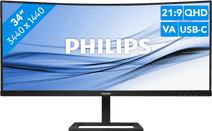

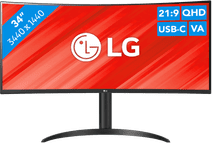
Our choice for an ultrawide monitor for daily use
|
34 inches
|
Refresh rate 100 Hz
|
Quad HD (1440p)

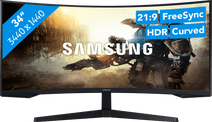
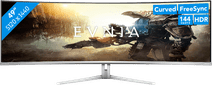
Our choice for a gaming monitor for racing games
|
34 inches
|
Refresh rate 165 Hz
|
Quad HD (1440p)

Affordable Second Chance
from
220,-

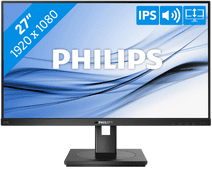
Our choice for a 27-inch monitor for your (home) office
|
27 inches
|
Refresh rate 75 Hz
|
Full HD (1080p)

Affordable Second Chance
from
126,-
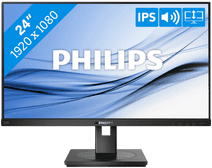

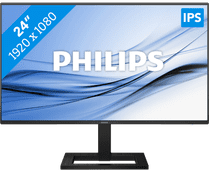
Our choice for a 24-inch monitor that's energy-efficient
|
24 inches
|
Refresh rate 75 Hz
|
Full HD (1080p)
Affordable Second Chance
from
123,-
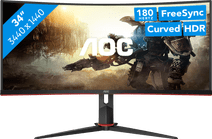
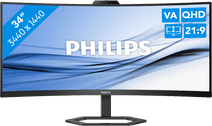
Our choice for a gaming monitor for Flight Simulator
|
34 inches
|
Refresh rate 180 Hz
|
Quad HD (1440p)
Affordable Second Chance
from
239,-
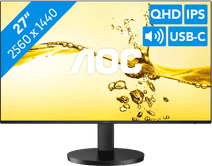
Our choice for a monitor for photo editing
|
27 inches
|
Refresh rate 100 Hz
|
Quad HD (1440p)

Affordable Second Chance
from
142,-

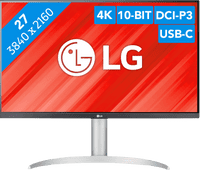
Our choice for a 24-inch monitor for your (home) office
|
24 inches
|
Refresh rate 100 Hz
|
Full HD (1080p)
Affordable Second Chance
from
117,-

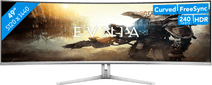
26,5 inches
|
Refresh rate 240 Hz
|
Quad HD (1440p)
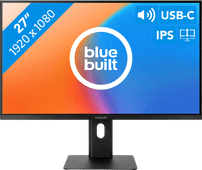
Our choice for a 27-inch monitor for daily use
|
27 inches
|
Refresh rate 100 Hz
|
Full HD (1080p)
Affordable Second Chance
from
179,-
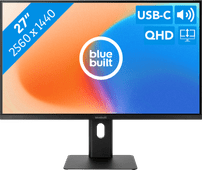
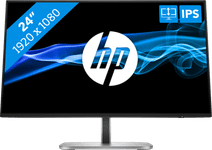

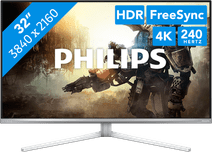
Our choice for a gaming monitor for 4K gaming or better with an RTX 4090 video card
|
32 inches
|
Refresh rate 240 Hz
|
4K (UHD)
Affordable Second Chance
from
653,-
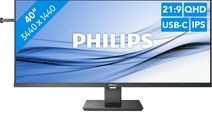
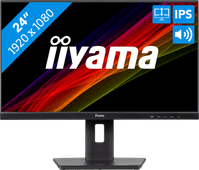
23,8 inches
|
Refresh rate 100 Hz
|
Full HD (1080p)
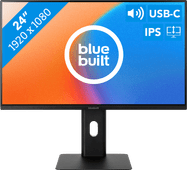
23,8 inches
|
Refresh rate 100 Hz
|
Full HD (1080p)

Advice on monitors with a thin bezel
Can't choose? View the advice from our expert.
