

Coolblue's Choice Monitors with pivot function
16 monitors
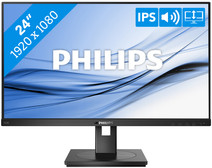

Our choice for a 24-inch monitor that's energy-efficient
|
24 inches
|
Refresh rate 75 Hz
|
Full HD (1080p)

- You can save on energy costs thanks to the B energy label and the low energy consumption.
- The automatic brightness adjustment, it lowers the consumption during low activity.
- This monitor is made of recycled plastics, which makes it more sustainable.
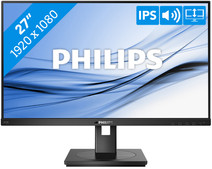

Our choice for a 27-inch monitor for your (home) office
|
27 inches
|
Refresh rate 75 Hz
|
Full HD (1080p)
- The Philips LightSensor and PowerSensor adjust the screen brightness automatically, so the energy consumption decreases.
- You have a better overview of your work, can open more windows side by side, and you can multitask better on the large 27-inch screen.
- You can rotate, tilt, and adjust the screen in height for a comfortable sitting posture.
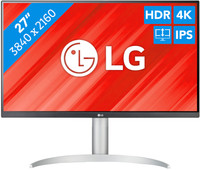
Our choice for a monitor for video editing
|
27 inches
|
Refresh rate 60 Hz
|
4K (UHD)

- You can edit the best videos with razor-sharp images and colorful details thanks to the 4K resolution, HDR10, and DisplayHDR 400 support.
- You can enjoy high color contrasts thanks to the DCI-P3 color space, so you can see more differences between light and dark colors.
- The screen is tiltable and adjustable in height, so you can work with a comfortable sitting posture and you're not bothered by your neck or back.
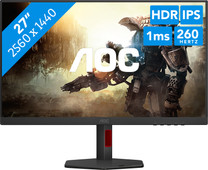
Our choice for a gaming monitor for competitie gameplay
|
27 inches
|
Refresh rate 260 Hz
|
Quad HD (1440p)
- Thanks to the 260Hz refresh rate and 1ms response time, you see every opponent in your shooter quickly and sharply.
- You can enjoy sharp images while gaming thanks to the Quad HD resolution.
- Thanks to the IPS panel, you can enjoy lifelike colors from every viewing angle.
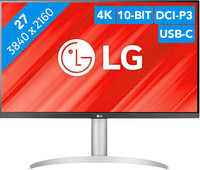
Our choice for a monitor with USB-C for your MacBook or iMac
|
27 inches
|
Refresh rate 60 Hz
|
4K (UHD)
- You can connect your MacBook or iMac to this USB-C monitor without a converter.
- Thanks to the 4K resolution, this monitor displays images from your MacBook or iMac sharply and in detail.
- You can adjust the monitor in height or tilt it for an ergonomic sitting posture, so you're less bothered by neck or back complaints.
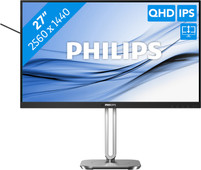

Our choice for a 27-inch monitor that's energy-efficient
|
27 inches
|
Refresh rate 100 Hz
|
Quad HD (1440p)
- You can save on energy costs thanks to the B energy label and low energy consumption.
- Thanks to the light and power sensor, you can adjust the brightness automatically and save on energy costs.
- This monitor is made of recycled plastics, which makes it more sustainable.
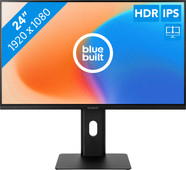
Our choice for a monitor for email and text processing
|
23,8 inches
|
Refresh rate 100 Hz
|
Full HD (1080p)

- You can work in the evening for longer thanks to the blue light filter, so you're not bothered by strained or irritated eyes.
- You can work with bright images from every viewing angle thanks to the IPS panel.
- Thanks to the HDMI port, you can easily connect a second montior.
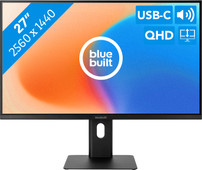
Our choice for a 27-inch monitor for your studies
|
27 inches
|
Refresh rate 100 Hz
|
Quad HD (1440p)
- Connect your laptop to the monitor via the USB-C port and use 1 cable for image, power, and data.
- You can tilt, turn, or adjust the monitor in height for a comfortable sitting posture, so you can work on your projects for longer.
- Thanks to the Quad HD resolution, every detail looks sharp on the screen
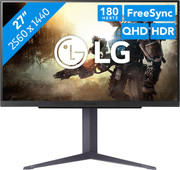
Our choice for a gaming monitor for immersive games
|
27 inches
|
Refresh rate 180 Hz
|
Quad HD (1440p)
- Thanks to the Quad HD resolution, the details of the characters and landscapes of your open world games look lifelike.
- Thanks to the IPS panel, you can enjoy lifelike colors from every viewing angle.
- You can game with smooth images without slowing down thanks to the 180Hz refresh rate and 1ms response time
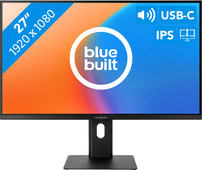
Our choice for a 27-inch monitor for daily use
|
27 inches
|
Refresh rate 100 Hz
|
Full HD (1080p)
- Thanks to the large 27-inch screen, you can work on multiple windows at the same time.
- You won't be bothered by neck and back complaints thanks to the ergonomically adjustable screen, so you can work for longer.
- Thanks to the built-in blue light filter, you're less bothered by strained eyes, so you can keep working for longer.
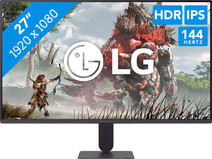
Our choice for a gaming monitor for Fortnite
|
27 inches
|
Refresh rate 144 Hz
|
Full HD (1080p)
- Thanks to the 144Hz refresh rate and 1ms response time, you see every opponent quickly and sharply while playing Fortnite.
- Thanks to the IPS panel, you can enjoy lifelike colors from every viewing angle.
- You can tilt the screen so you're less bothered by reflecting images due to sunlight, for example
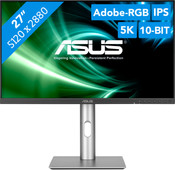
Our choice for a 27-inch monitor for demanding graphic design
|
27 inches
|
Refresh rate 60 Hz
|
5K
- You can enjoy razor-sharp details and realistic colors thanks to the 5K screen and HDR support.
- Thanks to the IPS panel, you can see bright colors from different viewing angles.
- Thanks to the DCI-P3 color space, you can work withvibrant and precise colors.
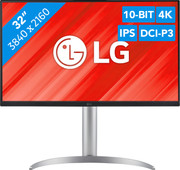
Our choice for a monitor for demanding graphic design
|
31,5 inches
|
Refresh rate 60 Hz
|
4K (UHD)

- You can enjoy sharp images and realistic colors thanks to the 4K resolution and HDR support.
- Thanks to the IPS panel, you can see bright colors from every viewing angle.
- You can enjoy high color contrasts thanks to the DCI-P3 color space, so you can see more differences between light and dark colors.
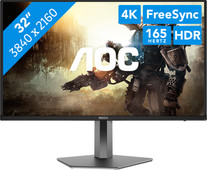
Our choice for a gaming monitor for Elden Ring
|
32 inches
|
Refresh rate 165 Hz
|
4K (UHD)
- Thanks to the 4K resolution on the large 32-inch screen, the Elden Ring landscapes look even more realistic.
- You can enjoy the best color contrasts and black levels thanks to the OLED panel with DisplayHDR 400 support.
- Thanks to the 165Hz refresh rate, you can control your character smoothly through the Elden Ring world.
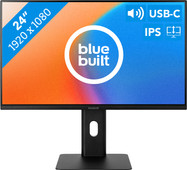
Our choice for a 24-inch monitor for your studies
|
23,8 inches
|
Refresh rate 100 Hz
|
Full HD (1080p)
- Connect your laptop to the monitor via the USB-C port and use 1 cable for image, power, and data.
- You can tilt, turn, or adjust the monitor in height for a comfortable sitting posture, so you can work on your projects for longer.
- Thanks to the built-in speakers, you can listen to your favorite podcast or artists while you work.
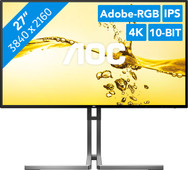
Our choice for a 27-inch monitor for photo and video editing
|
27 inches
|
Refresh rate 60 Hz
|
4K (UHD)
- You can edit the tiniest details of photos and videos thanks to the 4K resolution, DisplayHDR 400 support, and DCI-P3 color coverage.
- Thanks to the IPS panel, you can see bright colors and sharp images from every viewing angle.
- Thanks to the USB-C dock, you can charge your laptop, transfer data, and transmit image signals with 1 cable.
