Google Chromebook models
Find the Google Chromebook that suits you
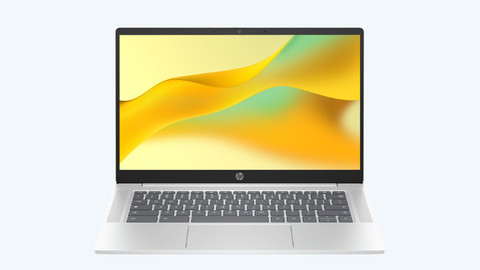
All Chromebook models
Chromebook promotions

Find the best Chromebook for you
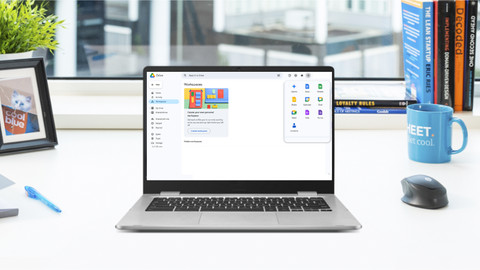
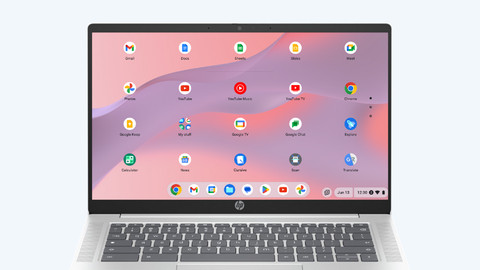
A Google Chromebook is a laptop that works with the ChromeOS operating system. This operating system works differently from Windows or macOS. You can only install apps from the Google Play Store, so your laptop is well-protected from viruses.
- Enjoy a longer battery life thanks to the energy-efficient operating system
- Chromebooks automatically perform security check and updates
- You mostly work in the cloud, so you won't lose your files

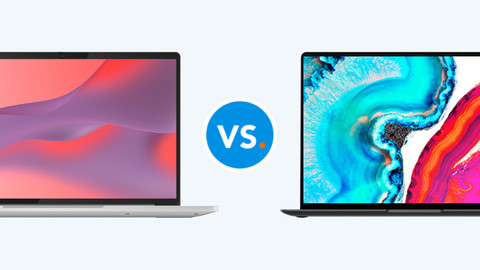




Compare the Chromebook models
Use the powerful Chromebook as a tablet
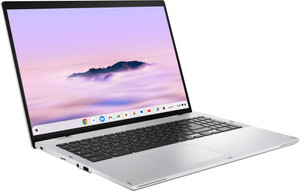
Also use your Chromebook as a tablet and take notes and make sketches. You can switch smoothly between demanding apps and use Gemini AI functions.
You can smoothly work in demanding apps thanks to the powerful processor and more extensive RAM.
You store files both online and offline, because this Chromebook has more local storage space.
You can use useful AI functions from Gemini, so you can make your work faster and easier.
Turn your Chromebook into a tablet and make sketches and take notes easily via the touchscreen.
From
to479,-
799,-
Work in demanding apps and use Gemini
Switch smoothly between multiple apps and store more files offline. You can also use useful AI functions from Gemini and perform daily tasks.
You can smoothly work in demanding apps thanks to the powerful processor and more extensive RAM.
You store files both online and offline, because this Chromebook has more local storage space.
You can use useful AI functions from Gemini, so you can make your work faster and easier.
From
to419,-
679,-
Turn the laptop into a tablet
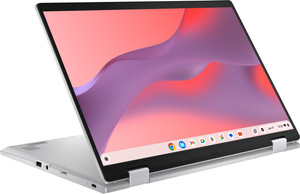
Flip the touchscreen 360 degrees and also use your Chromebook as a tablet. That way, you can comfortably watch movies or swipe through your apps.
Perform daily tasks like text processing and browsing the internet and work everywhere in the cloud.
Turn your Chromebook into a tablet and swipe through your apps via the touchscreen.
From
to299,-
569,-
Do your daily tasks
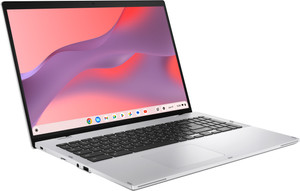
Do mostly daily tasks and use apps from the Google Play Store. You can use the Chromebook for a working day without charging it in between.
Perform daily tasks like text processing and browsing the internet and work everywhere in the cloud.
From
to269,-
569,-

Advice on Chromebook
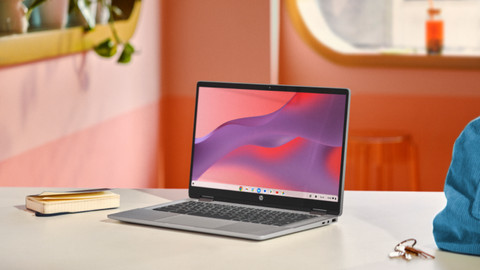
Chromebooks for every usage situation
Chromebook models for daily use
Browse the internet, scroll through your tabs, write texts, or type an email. You can work in apps like Google Chrome, Google Docs, and Gmail.Chromebooks for your school and study
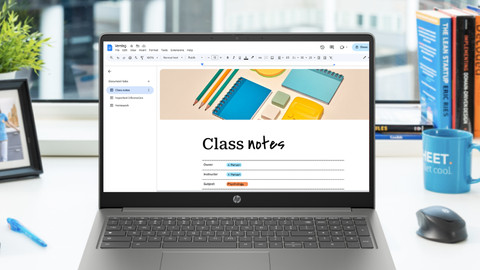
Write reports and make tasks in apps like Google Docs, Google Sheets, or Google Slides. These Chromebooks are small, so you can easily put them in your bag.Chromebooks for watching movies and series
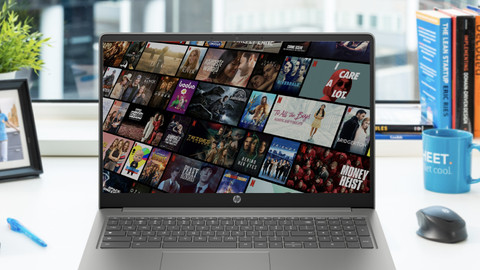
Comfortably watch your favorite movie or series via Netflix, YouTube, or Disney+. You can see all details well on the Full HD screen.Chromebooks for on the go
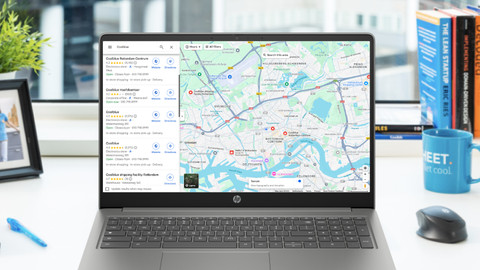
Bring your Chromebook easily with you on the go. Thanks to the compact size and the low weight, you can put the Chromebooks in your bag carefree.
Frequently asked questions
What do I need to work on a Chromebook?
To get started with your Chromebook, you only need a Google account.
Can I also work offline with my Chromebook?
Yes, you can. Most apps can also work without internet. You can edit drive documents offline and they'll be saved when you go online again. You can also use apps and files that your store locally.
Can I use Windows on my Chromebook?
No, that's not possible. A Chromebook runs on the ChromeOS operating system. You can't install Windows or macOS on a Chromebook.
Can I use Word and Excel on my Chromebook?
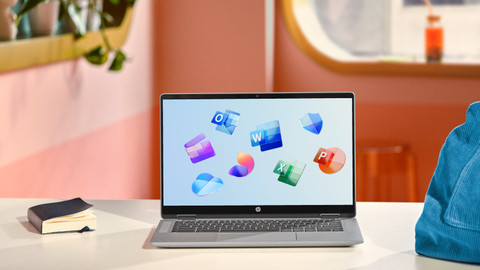
Yes, you can. You co need a Microsoft 365 subscription. You can download the app of Office programs like Word, Excel, and PowerPoint in the Google Play Store.
Do I need antivirus software?
No. A Chromebook has built-in virus protection. The ChromeOS operating system is also less vulnerable to viruses, because you only use programs from the Google Play Store.
What's the difference between a Chromebook and a Windows laptop?
A Chromebook and Windows laptop are very different. The main difference is the operating system, ChromeOS vs Windows.


Advice on Google Chromebook models
Can't choose? View the advice from our expert.