Welcome to your environment! You can order everything from your assortment with your personal budget here.

You can always return to the normal Coolblue website by clicking here.

Your outstanding budget (incl. VAT) is always visible here, so you know exactly how much you can spend.

Coolblue home

Help with your product
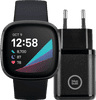
Fitbit Sense Gray + BlueBuilt Charger

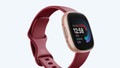
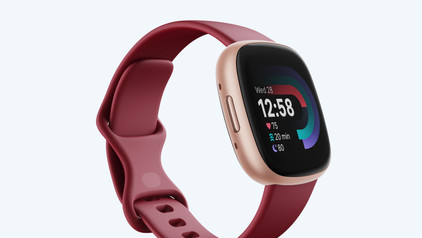
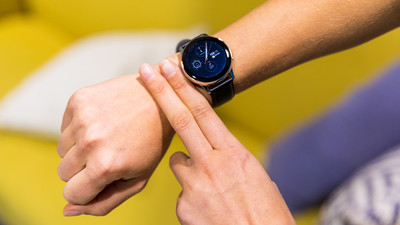
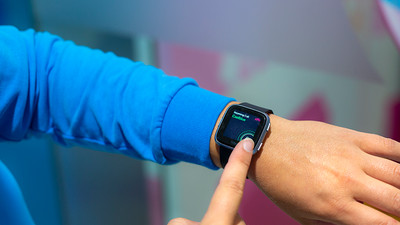
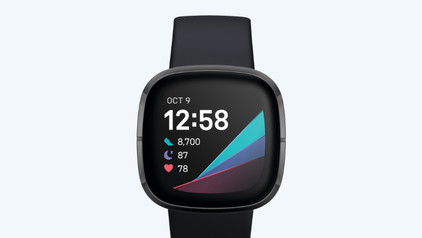
Charge your Fitbit after your workout with the Fitbit Sense Gray + BlueBuilt Charger. The Sense smartwatches are the most advanced Fitbit smartwatches. The Sense helps you balance your mind and body and reduce stress thanks to the EDA scanner. If you experience too much stress, you'll receive tips to reduce this. The watch also measures your skin temperature and the oxygen level in your blood. This gives you insight into your mental and physical condition and you get tips to improve. You can also make cardiograms with the ECG heart rate monitor. You can keep track of all your routes and running performance thanks to the built-in GPS function, without your smartphone nearby. Do you want to make a contactless payment with the watch? You can do this via Fitbit Pay. Swimming or showering isn't a problem either, because the Sense is waterproof to a depth of 50m. You can charge your Fitbit right away with the included charger. This watch is recommended for a wrist circumference of 15 to 17cm.

Read all tips here

Which product do you want to see articles about?

7 tips for charging your smartphone

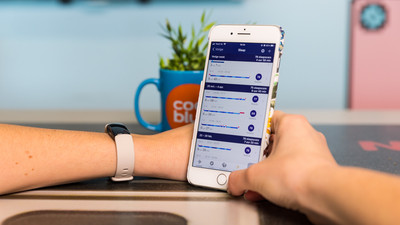
You probably charge your smartphone every day. When you charge it the right way, your battery wears less and your device lasts longer. We'll explain why it's better not to charge your smartphone up to 100% and why fast charging is convenient here. That way, you'll know exactly how to properly charge your smartphone, tablet, or other device.

How do you solve problems with your Fitbit screen?

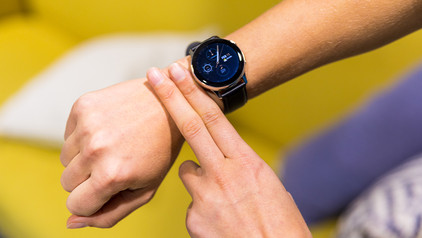
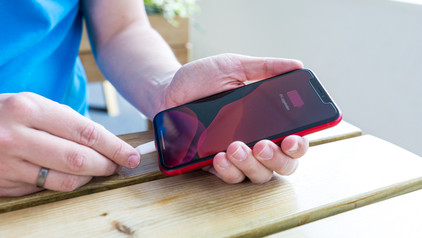
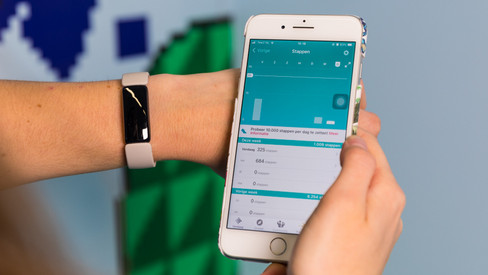
Does your Fitbit show a black screen? Doesn't your Fitbit respond to anything? You can sometimes solve this problem yourself. We'll give 2 tips to solve this problem in this article.

How do you solve problems with your Fitbit screen?

Does your Fitbit show a black screen? Doesn't your Fitbit respond to anything? You can sometimes solve this problem yourself. We'll give 2 tips to solve this problem in this article.

7 tips for charging your smartphone

You probably charge your smartphone every day. When you charge it the right way, your battery wears less and your device lasts longer. We'll explain why it's better not to charge your smartphone up to 100% and why fast charging is convenient here. That way, you'll know exactly how to properly charge your smartphone, tablet, or other device.

7 tips for charging your smartphone

You probably charge your smartphone every day. When you charge it the right way, your battery wears less and your device lasts longer. We'll explain why it's better not to charge your smartphone up to 100% and why fast charging is convenient here. That way, you'll know exactly how to properly charge your smartphone, tablet, or other device.

Subjects

Didn't find your answer?

Find an answer to your question quickly and easily via our customer service.

Coolblue specialist
Personal chat Digitalk.
You're now chatting with Coolblue customer service
This chat is closed
foo
Oeps File size is larger than 5MB. Upload a smaller file.