Welcome to your environment! You can order everything from your assortment with your personal budget here.

You can always return to the normal Coolblue website by clicking here.

Your outstanding budget (incl. VAT) is always visible here, so you know exactly how much you can spend.

Coolblue home

Help with your product
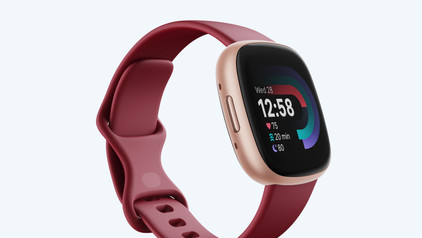
Fitbit Versa 4 Pink + BlueBuilt Charger
0 reviews

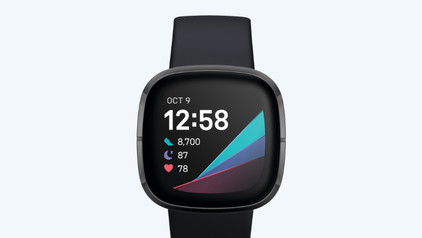
With the Fitbit Versa 4 Pink + BlueBuilt Charger bundle, you can easily charge your smartwatch. Thanks to the Fitbit Versa 4, you can keep an eye on your health and prevent wrong training. You'll receive a readiness score every day via Fitbit Premium. This way, you know if you can work out again, or if your body still needs some rest. The Versa 4 has 40 different sports modes and is waterproof up to 50m, so your watch is suitable for almost every activity. You'll have insight into your data during your workout. For example, you can see your heart rate zone and how intense your training is. Keep your Fitbit on at night to measure your sleep quality. Thanks to the built-in GPS, you don't need to take your smartphone with you while working out. After your workout, you can get a refreshing drink which you can pay via Fitbit Pay.

Read all tips here

Which product do you want to see articles about?

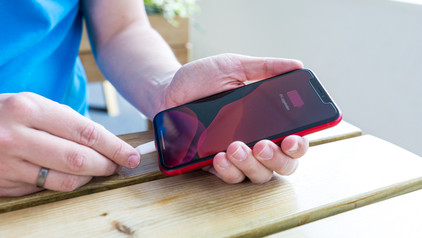
7 tips for charging your smartphone

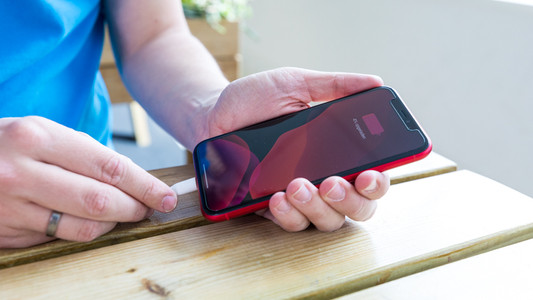
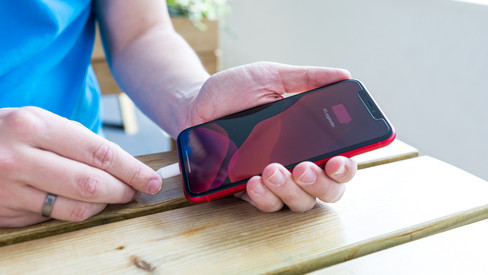
You probably charge your smartphone every day. When you charge it the right way, your battery wears less and your device lasts longer. We'll explain why it's better not to charge your smartphone up to 100% and why fast charging is convenient here. That way, you'll know exactly how to properly charge your smartphone, tablet, or other device.

How do you solve problems with your Fitbit screen?

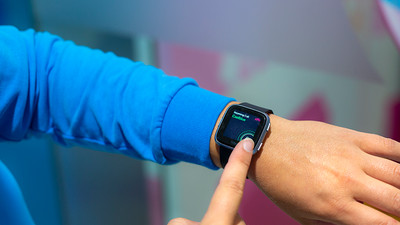
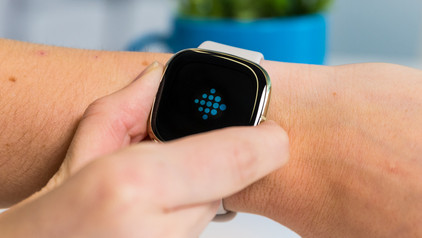
Does your Fitbit show a black screen? Doesn't your Fitbit respond to anything? You can sometimes solve this problem yourself. We'll give 2 tips to solve this problem in this article.

How do you track your health with your Fitbit?

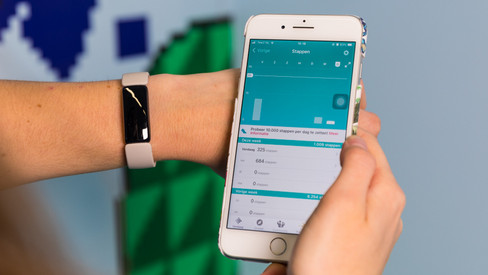
Your Fitbit allows you to track your health information, such as your heart rate and movement. You can view these statistics on your Fitbit or in the Fitbit app. It's possible that your Fitbit isn't actively tracking anything, leaving you without insight into your health. In this article, you can read what the problem is and how to solve it.

7 tips for charging your smartphone

You probably charge your smartphone every day. When you charge it the right way, your battery wears less and your device lasts longer. We'll explain why it's better not to charge your smartphone up to 100% and why fast charging is convenient here. That way, you'll know exactly how to properly charge your smartphone, tablet, or other device.

7 tips for charging your smartphone

You probably charge your smartphone every day. When you charge it the right way, your battery wears less and your device lasts longer. We'll explain why it's better not to charge your smartphone up to 100% and why fast charging is convenient here. That way, you'll know exactly how to properly charge your smartphone, tablet, or other device.

How do you solve problems with your Fitbit screen?

Does your Fitbit show a black screen? Doesn't your Fitbit respond to anything? You can sometimes solve this problem yourself. We'll give 2 tips to solve this problem in this article.

How do you track your health with your Fitbit?

Your Fitbit allows you to track your health information, such as your heart rate and movement. You can view these statistics on your Fitbit or in the Fitbit app. It's possible that your Fitbit isn't actively tracking anything, leaving you without insight into your health. In this article, you can read what the problem is and how to solve it.

Subjects

Didn't find your answer?

Find an answer to your question quickly and easily via our customer service.

Coolblue specialist
Personal chat Digitalk.
You're now chatting with Coolblue customer service
This chat is closed
foo
Oeps File size is larger than 5MB. Upload a smaller file.