Welcome to your environment! You can order everything from your assortment with your personal budget here.

You can always return to the normal Coolblue website by clicking here.

Your outstanding budget (incl. VAT) is always visible here, so you know exactly how much you can spend.

Coolblue home

Help with your product
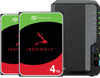
Synology DS225+ + Seagate IronWolf 4TB Duo Pack

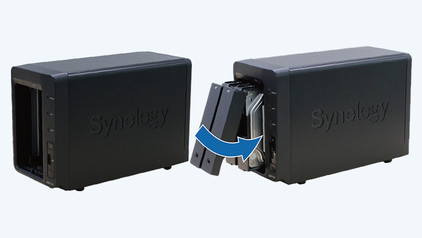
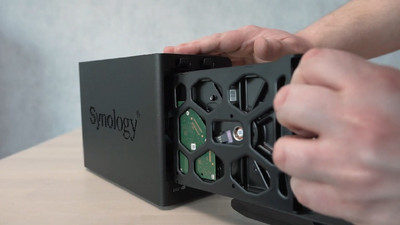
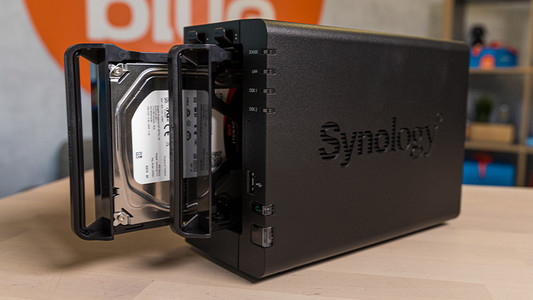
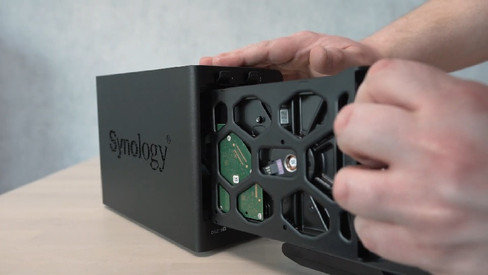
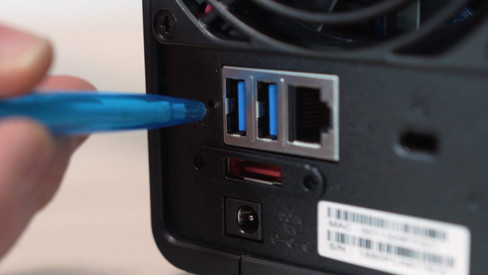
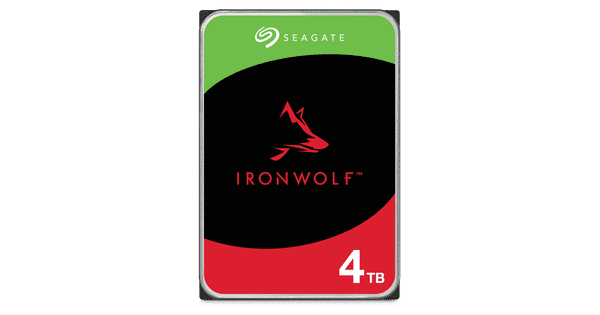
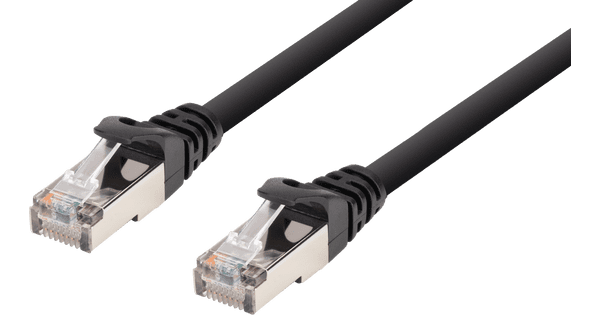
Create a small server with the Synology DS225+ + Seagate IronWolf 4TB Duo Pack. This bundle includes 2 Seagate IronWolf hard drives with a 4TB storage capacity per drive. This way, you can store all your files right away on one drive and make backups on the other one. The DS225+ has 2 Ethernet ports. Via the 1 GbE port, you can connect older devices. The 2.5 GbE port has a faster connection than the 1 GbE port, which is useful when you transfer a lot of files. For example, datasets, 4K videos, or an entire photo library. The NAS supports 512 user accounts and 128 shared folders. Thanks to this, you and your colleagues work with the NAS at the same time without problems. The NAS also performs 2 tasks at the same time, thanks to the Dual-Core Intel processor. This way, you're not bothered by slowdowns while you work. The Seagate IronWolf drives have a 5900RPM rotation speed on average. Thanks to this, you can quickly load files. With this bundle, you get 8TB of storage. This is enough for use at home or at a small office. You receive 3 years of Seagate Rescue Services for data recovery with the hard drives.

Read all tips here

Which product do you want to see articles about?

How do you transfer data to your Synology NAS from Windows?

After creating a shared folder, you also want to quickly transfer your files from your Windows computer to your Synology NAS. In this article, we'll explain how you can add your folders to the file explorer.

How do you make IP camera recordings with your Synology NAS?

With Synology Surveillance Station, you can capture and store IP camera footage. A NAS also has more storage capacity than the SD card you can put in your camera. In addition, Surveillance Station has a useful interface you can use to watch your live footage. In this advice article, we'll explain how to make IP camera recordings with your NAS via Surveillance Station.

How do I change the raid setup on my Synology NAS?

Do you have a NAS with 2 or more hard drives? It's a good idea to to work with a RAID setup. You can combine multiple hard drives into one safe storage space. Is a disk broken? Your files are still on the other disk. In this step-by-step plan, I'll show you how to create or customize a RAID setup on your Synology NAS.

How do you transfer files from macOS to your Synology NAS?

Do you have a Synology NAS and want to use it with your Apple MacBook or Apple MacBook? You have to add the Synology NAS to your Finder. This way, you can access all of the files you have stored on your NAS. Wherever you are. Go through the following steps to connect your Synology NAS to your MacBook.

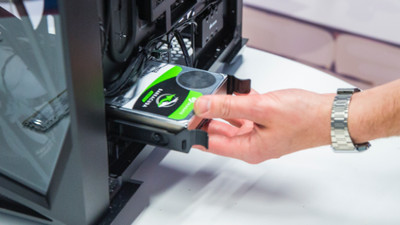
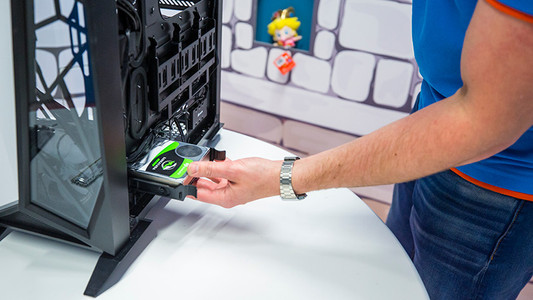
How do you install an internal hard drive?

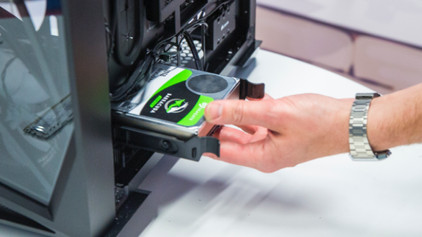
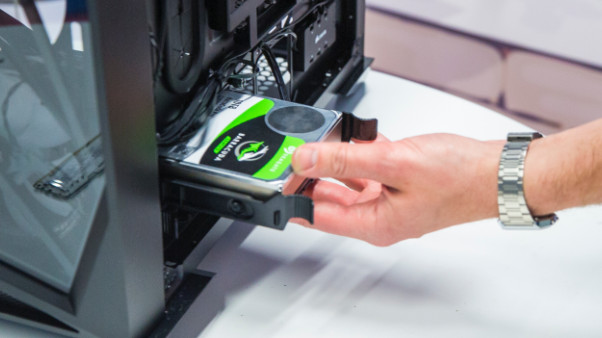
You have purchased a hard drive to replace your old drive or for more storage space in your computer. But how do you actually install such an internal HDD? In this article, I will explain that to you.

How do you prevent a static shock while building your PC?

When you're building your PC, static shocks could be dangerous for your computer parts. A small static shock is enough to destroy your parts. Luckily, there are things you can do to safely work in your PC. Wear a antistatic wrist strap and work on a solid surface, for example. In this article, we'll explain what you should and shouldn't do when building your PC.

How do you prevent a static shock while building your PC?

When you're building your PC, static shocks could be dangerous for your computer parts. A small static shock is enough to destroy your parts. Luckily, there are things you can do to safely work in your PC. Wear a antistatic wrist strap and work on a solid surface, for example. In this article, we'll explain what you should and shouldn't do when building your PC.

How do you install an internal hard drive?

You have purchased a hard drive to replace your old drive or for more storage space in your computer. But how do you actually install such an internal HDD? In this article, I will explain that to you.

How do you prevent a static shock while building your PC?

When you're building your PC, static shocks could be dangerous for your computer parts. A small static shock is enough to destroy your parts. Luckily, there are things you can do to safely work in your PC. Wear a antistatic wrist strap and work on a solid surface, for example. In this article, we'll explain what you should and shouldn't do when building your PC.

How do you prevent a static shock while building your PC?

When you're building your PC, static shocks could be dangerous for your computer parts. A small static shock is enough to destroy your parts. Luckily, there are things you can do to safely work in your PC. Wear a antistatic wrist strap and work on a solid surface, for example. In this article, we'll explain what you should and shouldn't do when building your PC.

How do you transfer data to your Synology NAS from Windows?

After creating a shared folder, you also want to quickly transfer your files from your Windows computer to your Synology NAS. In this article, we'll explain how you can add your folders to the file explorer.

How do you make IP camera recordings with your Synology NAS?

With Synology Surveillance Station, you can capture and store IP camera footage. A NAS also has more storage capacity than the SD card you can put in your camera. In addition, Surveillance Station has a useful interface you can use to watch your live footage. In this advice article, we'll explain how to make IP camera recordings with your NAS via Surveillance Station.

How do I change the raid setup on my Synology NAS?

Do you have a NAS with 2 or more hard drives? It's a good idea to to work with a RAID setup. You can combine multiple hard drives into one safe storage space. Is a disk broken? Your files are still on the other disk. In this step-by-step plan, I'll show you how to create or customize a RAID setup on your Synology NAS.
How do you transfer files from macOS to your Synology NAS?

Do you have a Synology NAS and want to use it with your Apple MacBook or Apple MacBook? You have to add the Synology NAS to your Finder. This way, you can access all of the files you have stored on your NAS. Wherever you are. Go through the following steps to connect your Synology NAS to your MacBook.

Subjects

Didn't find your answer?

Find an answer to your question quickly and easily via our customer service.

Coolblue specialist
Personal chat Digitalk.
You're now chatting with Coolblue customer service
This chat is closed
foo
Oeps File size is larger than 5MB. Upload a smaller file.