Advice on SSDs
You want to expand your computer or game console with extra storage capacity via a Solid State Drive (SSD). Or do you want to replace a slow HDD with an SSD and want to know how to install it? We'll list all our advice on SSDs for you. In addition to different specifications, we'll also explain what you should keep in mind when choosing an SSD and we'll highlight the models and brands for you.
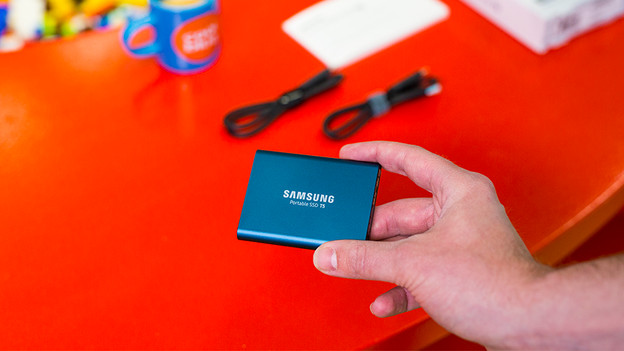
Wat is een SSD?
A Solid State Drive (SSD), is comparable to a hard drive, but more energy-efficient and mostly just faster. An SSD doesn't have moving parts, so you can start all your files within a couple of seconds. Here, you'll read what an SSD is and what you can use it for.
Alles over specificaties
An SSD has different specifications than an HDD, partly due to lacking moving parts. In the following articles, we'll explain the speeds and storage capacities, and how long an SSD will last.
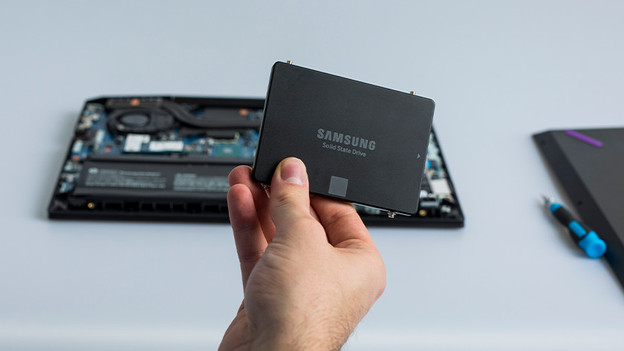
Advice on choosing
While choosing an SSD, there are a number of things you should keep in mind. For example, the type of SSD you choose, or which key you need. We're happy to help you on your way in the following articles, both for internal and external SSDs.

Advice on SSDs in stores
Do you prefer personal advice based on your wishes? Visit one of our stores, where we sell both internal and external SSDs. Our experts are happy to help you on your way with choosing the most suitable SSD for you.
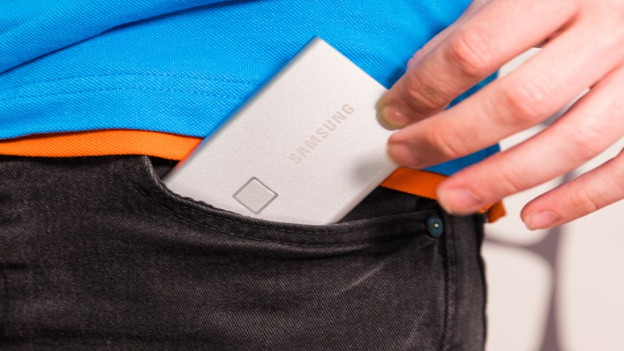
Advice on external SSDs
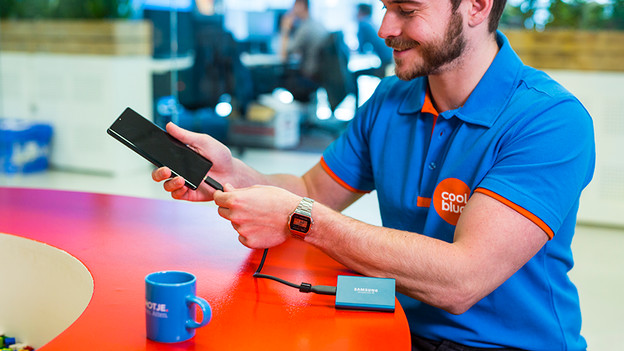
With an external SSD, you don't just have all your files with you, you can also open them within a couple of seconds anywhere. You can take these small powerhouses anywhere with you and connect them to multiple devices. For example, to your smartphone or MacBook. In this article, you'll find all our advice on external SSDs.
Advice on internal SSDs
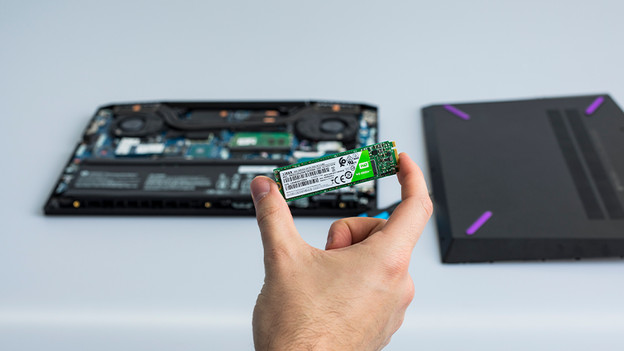
With an internal SSD, you can boot your computer up to 5 times faster than with an internal HDD. You can also use an internal SSD in a barebone, PlayStation 5, or even in a NAS nowadays. In this article, you'll find all our advice on internal SSDs. We'll help you on your way, so you can make the best choice.
Advice on SSD brands and models
Do you want to know more on a specific brand, or even on a specific model? Our storage experts have tested various SSDs and wrote a review. You can also read different comparisons and summaries of certain SSDs, both internal and external ones.
Installeren van een 2,5 inch SSD
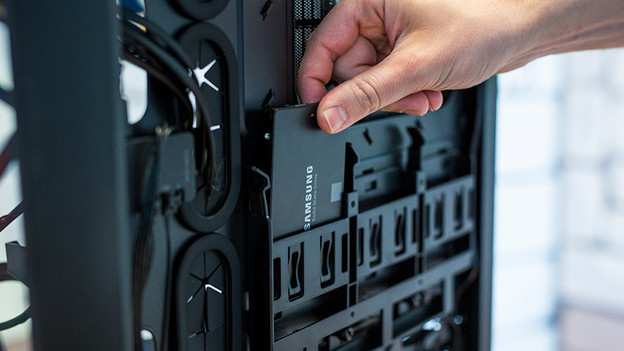
You've bought a 2.5-inch internal SSD, and you want to use it in your computer or PlayStation 4. But, how do you install it correctly? Our experts are happy to help you on your way step-by-step.

Installing an M.2 SSD
You can directly install an M.2 SSD on the motherboard, without cables or other parts. But, there's a lot more to it than it seems, no matter if it's for your desktop, laptop, or PlayStation 5. We're happy to help you out.

Use of an SSD
Using an SSD is often a matter of plug and play, but sometimes you'll have to go through a few extra steps before use. In these advice articles, our experts will help you on your way with using an SSD.