Student laptops

Want to buy a new student laptop? It's important that you pay attention to the size of the processor. If you often take your laptop with you to class, a small student laptop is nice. Often study in 1 place and work in multiple windows next to each other? A larger student laptop suits you better. Which processor you need depends on what you're going to study. For example, you need a more powerful laptop for creative or technical studies than for social or economic ones.
Our laptop assortment for students
The laptop that suits your studies
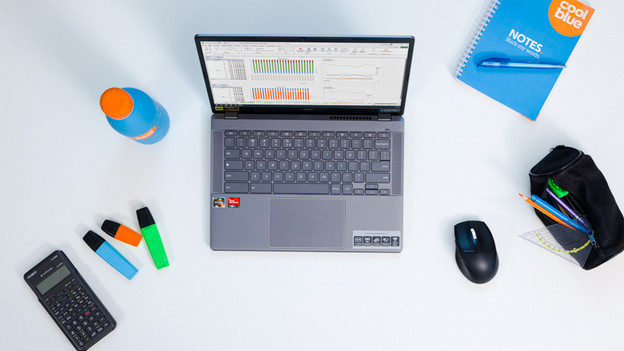
Laptops for economic or cultural studies
- You can write reports, make calculations, and do online research.
- Choose at least an Intel Core 5 or Ryzen 5 processor or Apple A18 Pro chip, so you can smoothly do your homework.
- With at least 16GB RAM, you can easily switch between your school tasks.
- These Windows laptops don't have a dedicated video card, so graphic tasks render less quickly.

Laptops for creative studies
- You can do all your school tasks and edit photos and videos.
- Choose at least an Intel Core 7 or Ryzen 7 processor or Apple M5 chip, so you can work smoothly on your creations.
- Get a dedicated video card with a Windows laptop, so your creations render smoothly.
- It's less easy to take laptops that weigh more than 2kg with you to lectures.
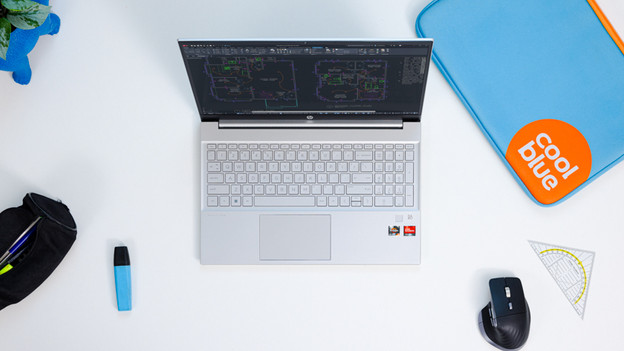
Laptops voor technische studies
- You can smoothly edit graphic files and develop software in demanding programs.
- Choose at least an Intel Core 7 or Ryzen 7 processor or Apple M5 Pro chip, so you can smoothly make designs.
- These Windows laptops have a dedicated video card, so you can edit and render 3D models.
- Choose an Intel Core 9, Ryzen 9, or Apple M5 Max processor, so that you can smoothly run the most demanding programs.
- It's less easy to take laptops that weigh more than 2kg with you in your backpack or laptop bag.






Advice for your studies

Advantages of an insurance for your laptop
During your studies, you need your laptop a lot. That's why a Coolblue Backup Plan is useful. This covers all the costs outside the 2-year standard warranty and you receive CoolblueCredit if the repair fails. You have the choice between 2 Backup Plans: Damage and Complete.
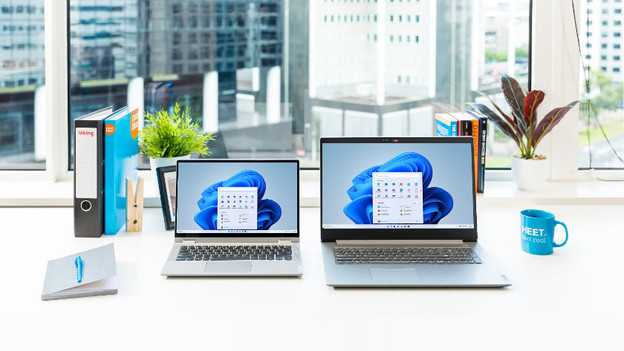
Which student laptop suits you?
The laptop you need and the size that suits you depends on your study and what you want to use the laptop for. Think about the programs you need an if you want to take your laptop to college often. We're happy to help you choose the best student laptop.
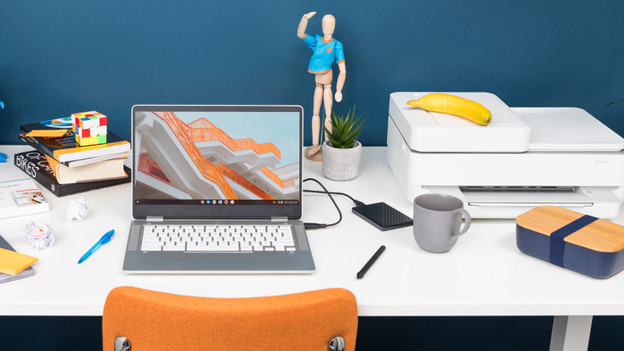
What accessories do I need?
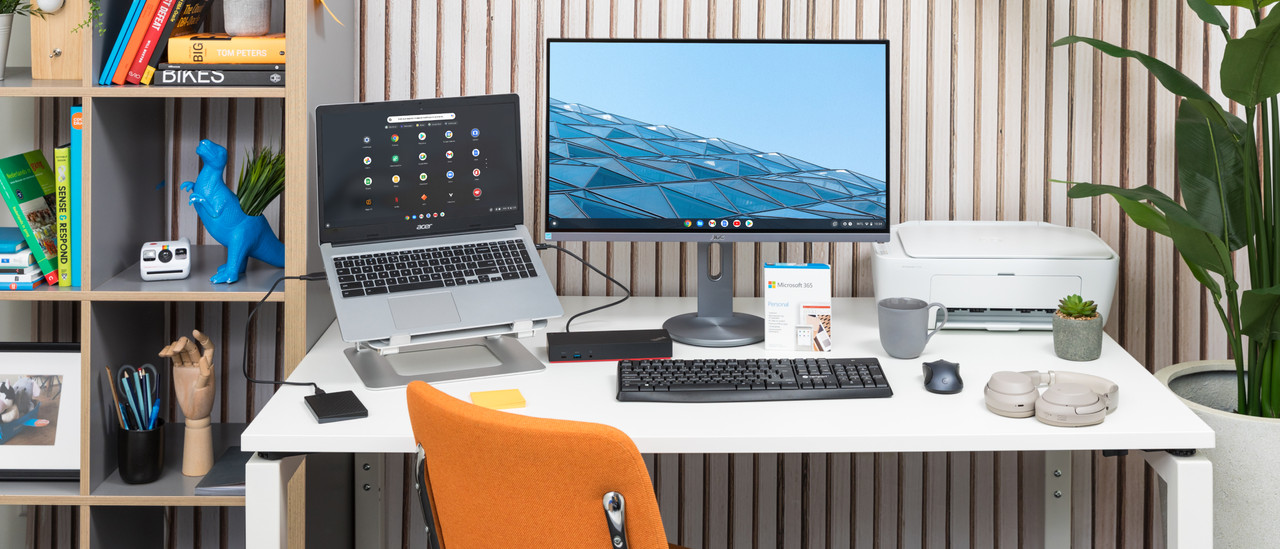
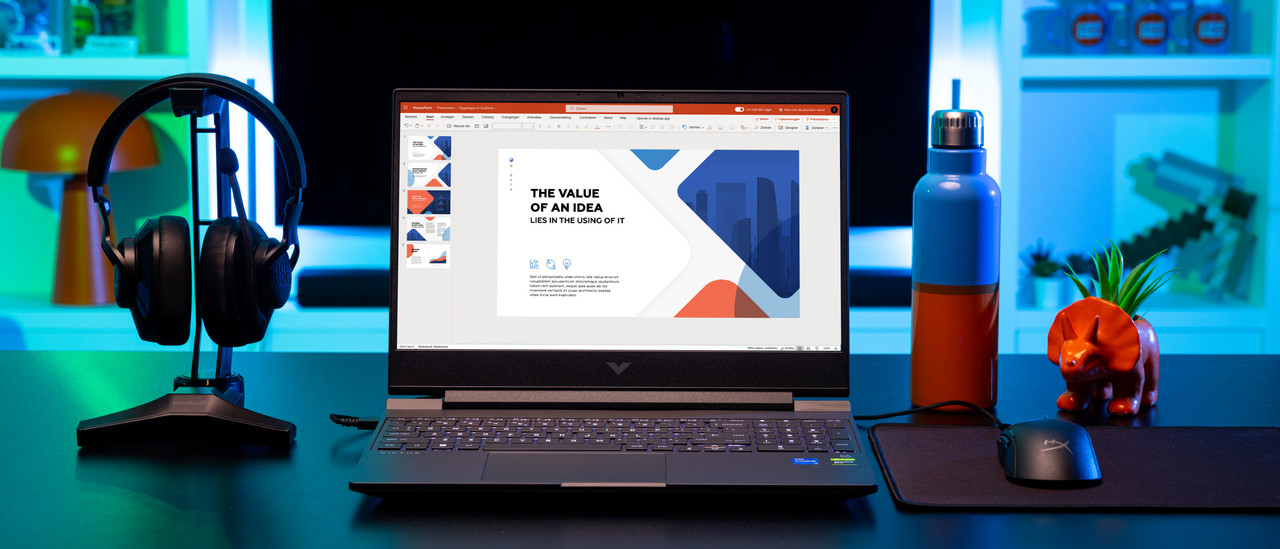
Complete your study space with different accessories. For example a mouse or mouse pad, but also the Microsoft Office software suite. Do you use a monitor? A docking station is useful. We're happy to help you choose the right accessories for your student laptop.
Get inspired

FREQUENTLY ASKED QUESTIONS
Which operating system do I need?
The operating system you need depends on your preference. You can use Windows for every usage situation. You can use macOS with other Apple devices and for task from surfing the internet to creating complex 3D designs. Every MacBook works with macOS. Chromebook models work with ChromeOS. This operating system is useful if you work in the cloud a lot and you can use it for tasks from surfing the internet to photo and video editing.
Which Windows laptop is suitable for my studies?
We recommend a Windows laptop with at least an Intel Core i5 or AMD Ryzen 5 processor for social, cultural, and economic degrees. For creative degrees, we recommend at least an Intel Core i7 or AMD Ryzen 7 processor and 16GB RAM. If you're a technical student, an Intel Core i9 or AMD Ryzen 9 processor and 16GB RAM is the best choice.
Which MacBook is suitable for my studies?
The MacBook Air with Apple M3 or Apple M2 is suitable for writing reports, analyzing data, and doing online research. Are you a creative or technical student? We recommend a MacBook Pro with an M3 Pro or M3 Max chip. Make sure to keep the size in mind. If you're on the go a lot or go to lectures, a 13 or 14-inch size is nice. Do a lot of graphic edits and want to see every detail? Get a 15 to 16-inch size.
Which Chromebook is suitable for my studies?
If you're mainly going to write reports, a Chromebook with a Celeron processor is enough. If you want to edit images and make graphic edits, you need an Intel Core i5 or AMD Ryzen 5 processor. Want to work in a lot of apps at once? Choose more RAM.
What size laptop do I need?
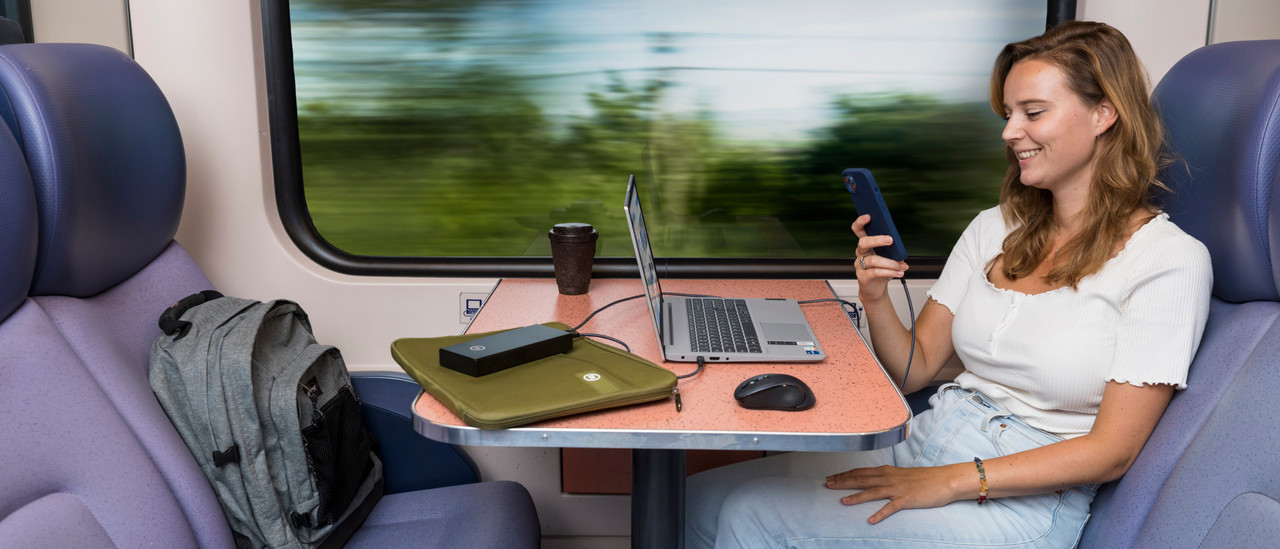
If you often work in the train or take your laptop to college, a smaller laptop is the best choice for you. Choose a laptop with a 14-inch screen at most. Do you take your laptop with you every now and then? Choose a 15 or 16-inch laptop. If you're going to use your laptop mainly in one location, go for a 17 or 18-inch laptop.
Which laptops are suitable for use with AI?
If you want to work with AI during your study, it's important your laptop has enough power for these tasks. You need a lot of TOPS (trillions of operations per second) for that.

Looking for a student laptop for your studies? Find the best laptops for students at Coolblue. That way, you can smoothly complete your assignments, reports, and exams. Compare the laptops from different brands, like an HP or Lenovo student laptop. That makes buying a laptop as a student much easier. A good laptop for students is easy to take with you, so you can also work on your homework on the train.