Welcome to your environment! You can order everything from your assortment with your personal budget here.

You can always return to the normal Coolblue website by clicking here.

Your outstanding budget (incl. VAT) is always visible here, so you know exactly how much you can spend.

Coolblue home

Help with your product
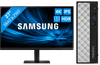
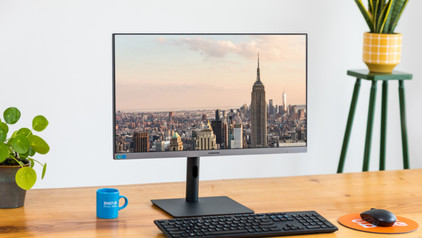
MEDION Akoya T80 MD34590 + Samsung LS27D800UAUXEN
0 reviews

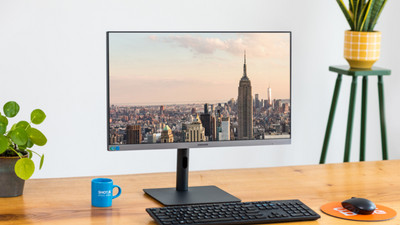
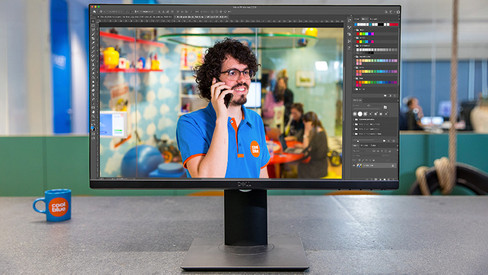
With the MEDION Akoya T80 MD34590 + Samsung LS27D800UAUXEN PC and monitor bundle, you can get right to work in demanding Adobe creative software, for example. Thanks to the small size, the PC leaves you with enough space on your desk. Inside this mini PC is a 12th generation Intel Core i7 processor and 16GB DDR4 RAM. This way, you can easily switch between demanding programs. Want to get your tasks done even faster? Expand the RAM to up to 32GB. Whatever you do on the MEDION, this 4K monitor allows the images to stand out from your screen. That's also thanks to the HDR10 support and 350 nits, which makes this monitor ideal for photo and video editing and watching movies. The Samsung even has a KVM Switch. This lets you easily switch between different computers and devices connected to your monitor. Advice from our desktop expert Internet, email, and text processing: suitable Watching movies and series: suitable Photo editing: suitable Video editing: suitable Industrial design: unsuitable, at least an i7/Ryzen 7 processor and an RTX/RX/Quadro video card Game design and 3D animation: unsuitable, at least an i9/Ryzen 9 processor and an RTX/RX/Quadro video card Gaming: unsuitable, at least a GTX 1650 or RX 6500/5500 video card Receive an email with a personal voucher code for 1 free year of Norton 360 Deluxe antivirus 24 hours after purchase, worth € 94.99.
Read all tips here

Which product do you want to see articles about?

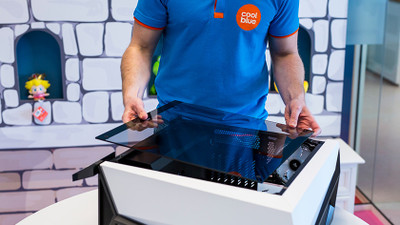
5 tips to keep your desktop up to date

You want to make your new desktop feel like new for as long as possible. That way, you can enjoy using the PC even longer. To best maintain your new computer, we have 5 tips to keep your computer up-to-date. This will make the PC feel like the day you unboxed it for as long as possible.

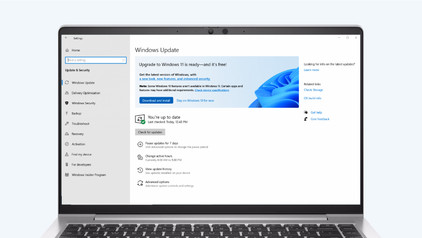
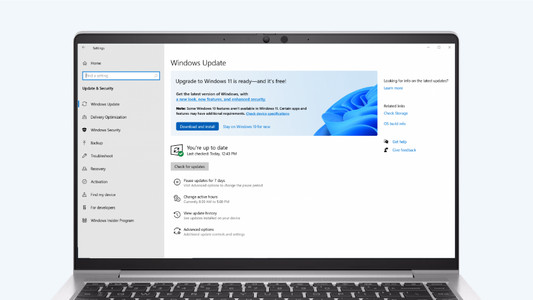
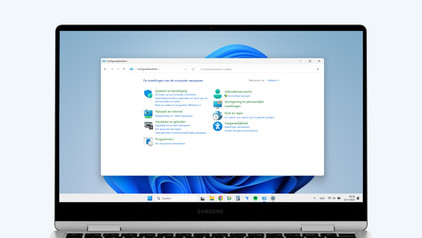
How do you upgrade to Windows 11?

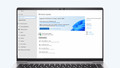
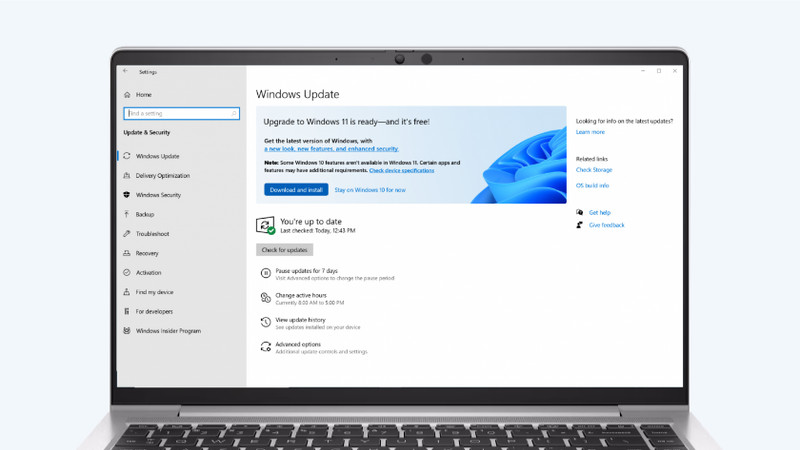
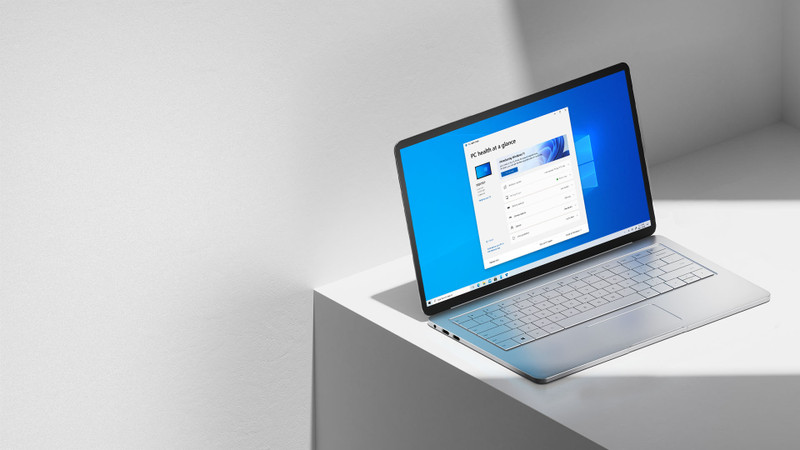
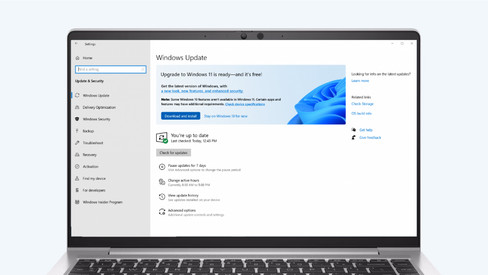
Do you want to upgrade Windows 10 to Windows 11, but don't know how that works? In this article, we'll help you out. You can update many Windows 10 laptops and desktops to Windows 11 for free. This is the latest Windows version. You can easily install the Windows 11 upgrade in 4 steps.

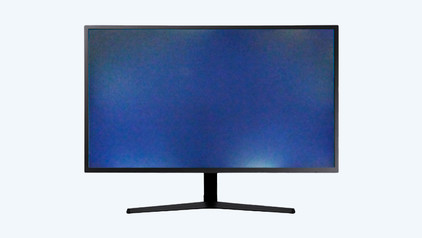
Solve dead pixels on your monitor

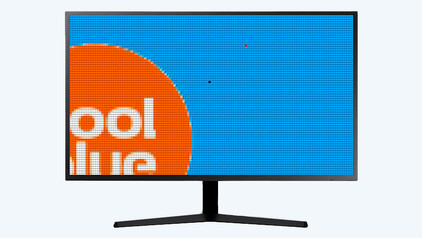
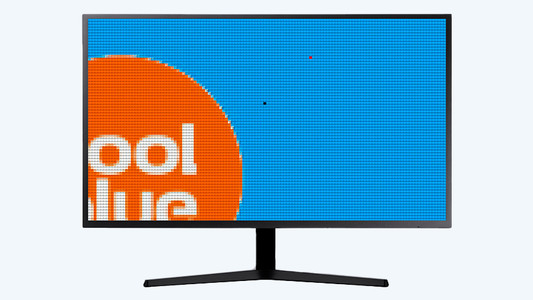
If a pixel on your monitor has a different color, you're dealing with a dead or stuck pixel. These pixel problems are quite different, in terms of both cause and solution. For example, a stuck pixel can be fixed, but a dead pixel can't. In this article, we'll explain what causes these problems, how to discover them, and what you should do.

Solve dead pixels on your monitor

If a pixel on your monitor has a different color, you're dealing with a dead or stuck pixel. These pixel problems are quite different, in terms of both cause and solution. For example, a stuck pixel can be fixed, but a dead pixel can't. In this article, we'll explain what causes these problems, how to discover them, and what you should do.

How do I connect a monitor to a tablet?

A tablet is a good replacement for your laptop or desktop. But what if you want to work with your tablet on a slightly larger screen? In this article, I'll explain how to connect your iPad or Android tablet to an external monitor.

How do I set up a second display?

A second screen gives you extra screen space when you're working on a laptop or desktop. You can connect this in no time. Plug the connector of the monitor into a socket before you start. We'll explain how to install the screen and connect it to your computer.

5 tips to keep your desktop up to date

You want to make your new desktop feel like new for as long as possible. That way, you can enjoy using the PC even longer. To best maintain your new computer, we have 5 tips to keep your computer up-to-date. This will make the PC feel like the day you unboxed it for as long as possible.

How do you downgrade from Windows 11 to Windows 10?

If you're not happy with Windows 11, you can easily downgrade your laptop or PC back to Windows 10. Keep in mind that Microsoft won't support security updates for Windows 10 from 14 October 2025. In this article, we'll explain 2 ways in which you can revert Windows 11 back to Windows 10.

How do I transfer files from an old PC to a new one?

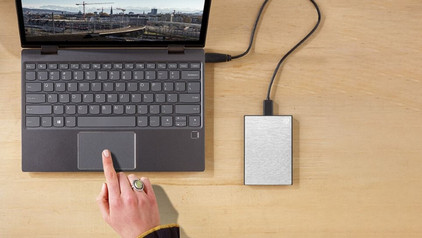
Do you still have files on your old PC that you'd like to have on your new one? It's time to transfer this data. That way, you can also use these files on your new desktop. But how do you transfer data from one computer to the other? In this article, we'll explain how to do this.

How do you ensure a good sitting posture?

Sometimes it's hard to find the correct sitting position, especially when you work from home. We explain how to sit in the best sitting position on your desk chair, what the ideal height is for your desk, and how to setup your equipment ergonomically. That way, you can work comfortably both at home or at the office.

How do you upgrade to Windows 11?

Do you want to upgrade Windows 10 to Windows 11, but don't know how that works? In this article, we'll help you out. You can update many Windows 10 laptops and desktops to Windows 11 for free. This is the latest Windows version. You can easily install the Windows 11 upgrade in 4 steps.

5 tips to keep your desktop up to date

You want to make your new desktop feel like new for as long as possible. That way, you can enjoy using the PC even longer. To best maintain your new computer, we have 5 tips to keep your computer up-to-date. This will make the PC feel like the day you unboxed it for as long as possible.

How do you downgrade from Windows 11 to Windows 10?

If you're not happy with Windows 11, you can easily downgrade your laptop or PC back to Windows 10. Keep in mind that Microsoft won't support security updates for Windows 10 from 14 October 2025. In this article, we'll explain 2 ways in which you can revert Windows 11 back to Windows 10.

How do I transfer files from an old PC to a new one?

Do you still have files on your old PC that you'd like to have on your new one? It's time to transfer this data. That way, you can also use these files on your new desktop. But how do you transfer data from one computer to the other? In this article, we'll explain how to do this.

My desktop doesn't have an image signal, what do I do?

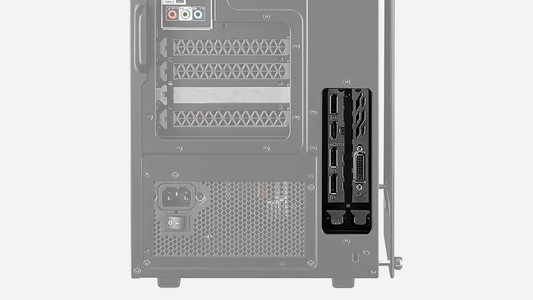
You have a desktop with a video card, but when you connect a monitor, the monitor doesn't transmit an image. Annoying. Often, this has to do with the ports you connect the monitor to. In this article, we'll explain what to do when your desktop doesn't transmit an image signal.

Solve dead pixels on your monitor

If a pixel on your monitor has a different color, you're dealing with a dead or stuck pixel. These pixel problems are quite different, in terms of both cause and solution. For example, a stuck pixel can be fixed, but a dead pixel can't. In this article, we'll explain what causes these problems, how to discover them, and what you should do.

Solve dead pixels on your monitor

If a pixel on your monitor has a different color, you're dealing with a dead or stuck pixel. These pixel problems are quite different, in terms of both cause and solution. For example, a stuck pixel can be fixed, but a dead pixel can't. In this article, we'll explain what causes these problems, how to discover them, and what you should do.

How do I connect a monitor to a tablet?

A tablet is a good replacement for your laptop or desktop. But what if you want to work with your tablet on a slightly larger screen? In this article, I'll explain how to connect your iPad or Android tablet to an external monitor.

How do I set up a second display?

A second screen gives you extra screen space when you're working on a laptop or desktop. You can connect this in no time. Plug the connector of the monitor into a socket before you start. We'll explain how to install the screen and connect it to your computer.

How do you ensure a good sitting posture?

Sometimes it's hard to find the correct sitting position, especially when you work from home. We explain how to sit in the best sitting position on your desk chair, what the ideal height is for your desk, and how to setup your equipment ergonomically. That way, you can work comfortably both at home or at the office.

How do you ensure a good sitting posture?

Sometimes it's hard to find the correct sitting position, especially when you work from home. We explain how to sit in the best sitting position on your desk chair, what the ideal height is for your desk, and how to setup your equipment ergonomically. That way, you can work comfortably both at home or at the office.

How do you solve connection issues with your monitor and laptop?

You bought a monitor, but you can't get it to connect to your laptop. In this article, you can read how to connect your monitor to your laptop in 4 steps.

Subjects
Didn't find your answer?

Find an answer to your question quickly and easily via our customer service.

Coolblue specialist
Personal chat Digitalk.
You're now chatting with Coolblue customer service
This chat is closed
foo
Oeps File size is larger than 5MB. Upload a smaller file.