

Monitors
Monitors per usage situation
4K monitors
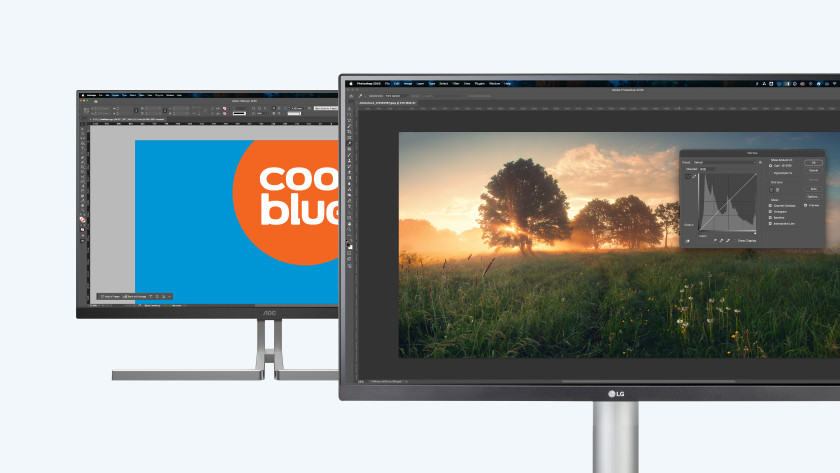
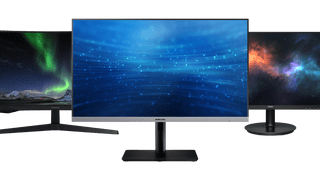
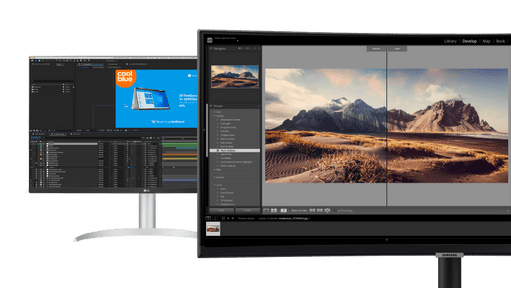
Enjoy sharp images and edit photos or videos down to the smallest detail. When you zoom in, the quality of your photo or video doesn't decrease.
Ultrawide monitors
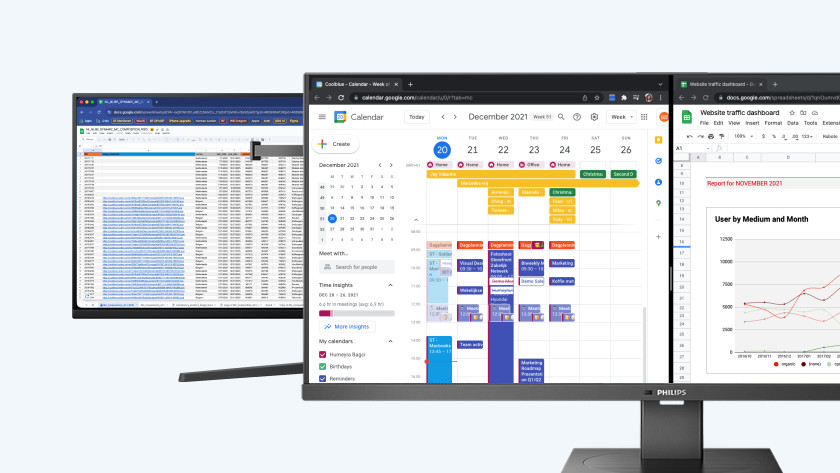
Keep a better overview of your work thanks to the large screen size. You can open multiple windows or tabs next to each other.
Curved monitors
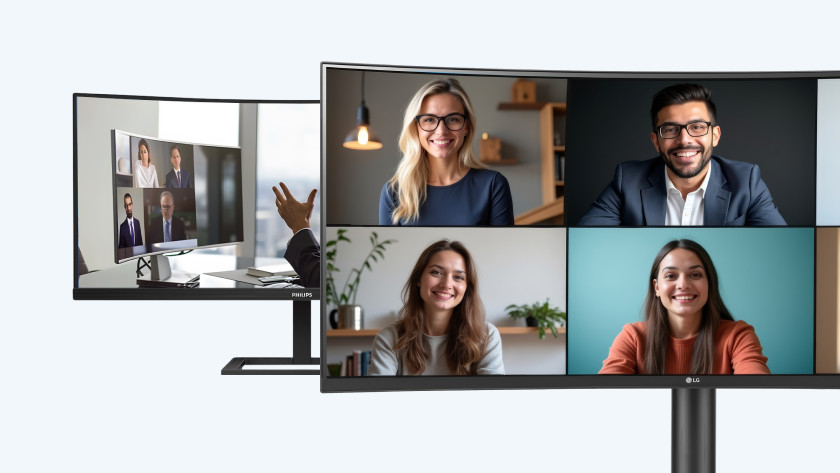
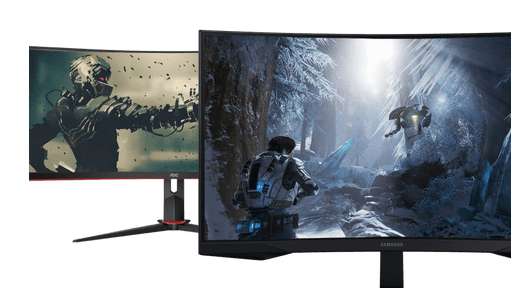
Completely immerse yourself in your favorite movie or series with the curved screen. You don't have to turn your head as much, so you're less bothered by neck pain.
Choosing the right monitor size
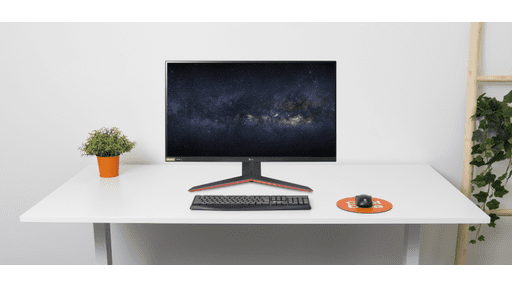
Choose the size of your monitor here
You can work more effectively with a large monitor, but it doesn't always fit on your desk. It's important to measure the size and depth of your desk before choosing a monitor. The wider and deeper your desk is, the more space you have for a monitor.
View which setup fits your usage situation best here
Ultrawide monitors
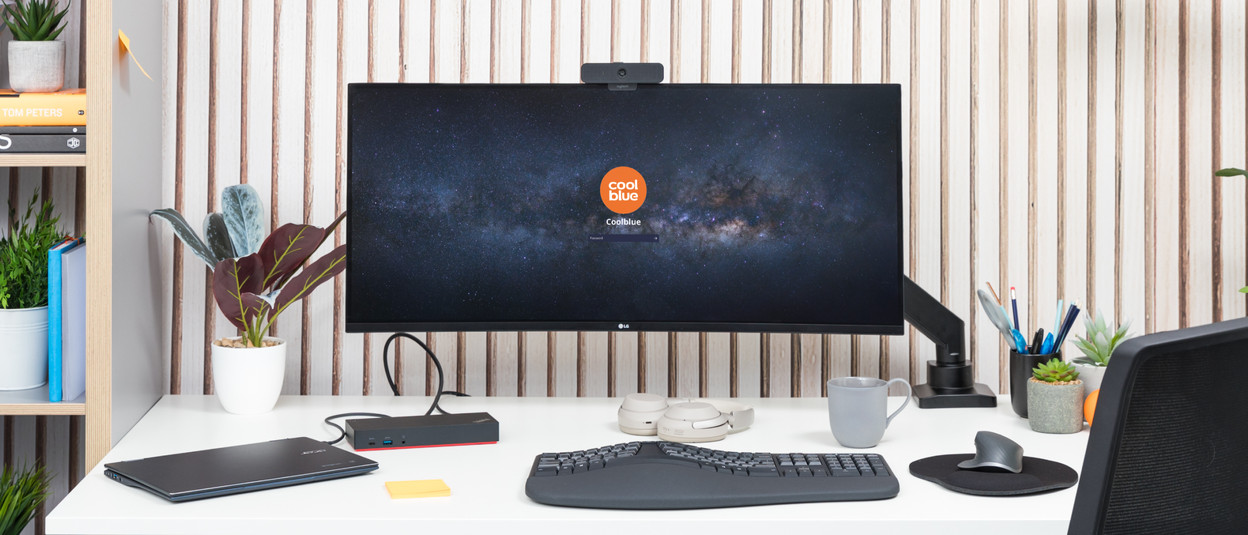
A 21:9 monitor offers more screen space when you work. It's also known as an ultrawide monitor. It allows you to open more windows and programs next to each other and it makes multitasking easier.
View all ultrawide monitorsErgonomic keyboards
Thanks to the special design of an ergonomic keyboard, you improve your posture while you work. This reduces the risk of RSI in your hands and arms and feels more pleasant for your wrists, lower arms, and hands.
View all ergonomic keyboardsNoise-canceling headphones
Ambient noise can be distracting when you're in a meeting. Noise canceling headphones filter out these external white noise and ensure you can focus on your meeting. So you won't be bothered by noise as much.
View all noise-canceling headphonesDocking stations
A laptop docking station provides an easy and fast connection between your laptop and all peripherals. That's useful for the office, on the go, or working from home. Connect your monitor(s), mouse, keyboard, printer, network cable, adapter, and other peripherals to your docking station and organize your entire desk quickly and easily.
View all docking stationsErgonomic mice
Do you work with a PC every day for hours on end? An ergonomic mouse is a logical choice. With ergonomic mouses, you prevent RSI complaints and improve your posture. And the trackball reduces the risk of wrist complaints even further.
View all ergonomic miceMonitor arms
With a monitor arm, you ensure that your screen is always at eye level. This prevents neck and back problems after a long working day and keeps your desk tidy. You can choose between a desk clamp or a wall mount, for example.
View all monitor armsHome office webcams
Our home office webcams are suitable for all your daily activities that require video calls. In addition to making video calls, they're also suitable for recording videos. That's useful if you're presenting via Zoom.
View all home office webcams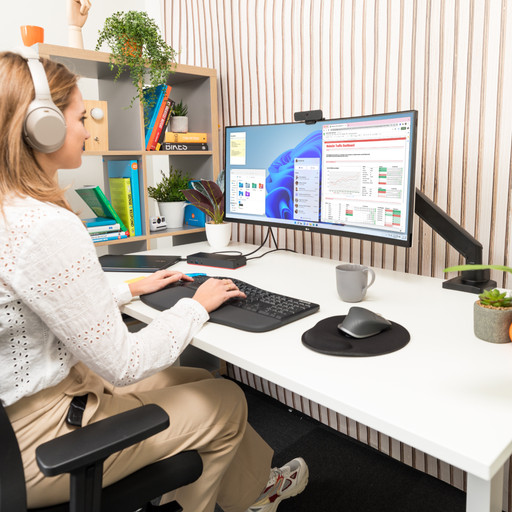
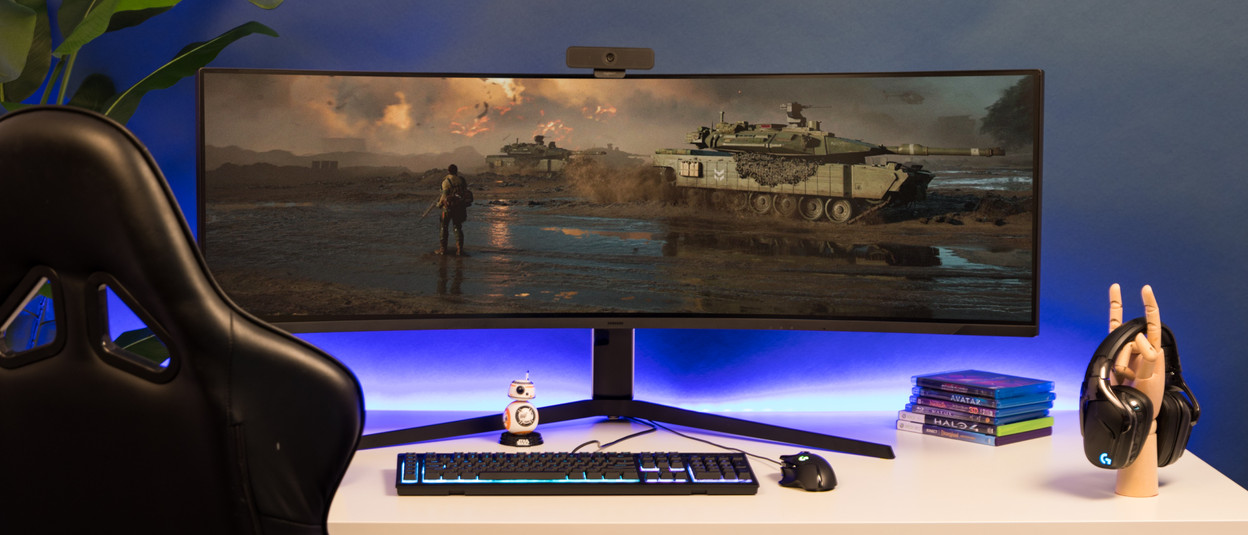
Ultrawide gaming monitors
An ultrawide monitor allows you to see more of the playing field, giving you an advantage over your opponents. You can adjust the in-game field of view and enjoy an amazing overview.
View all ultrawide gaming monitorsGaming keyboards
With a gaming keyboard, you take charge in your game with your fingers. Program your commands and carry them out with the mechanical keyboard. The RGB LED lighting provides a real light show on your desk.
View all gaming keyboardsGaming mice
You don't game with one of those gray mouses. With a gaming mouse, you can program all the necessary commands and adjust the sensitivity of it on the screen.
View all gaming miceGaming headsets
Whether it's for your next gen console or desktop, you can hear even the most silent ninjas with a gaming headset. With the noise-suppressing microphone, you can quickly discuss tactics and strategies with your teammates.
View all gaming headsetsGaming chairs
A comfortable sitting posture is useful if you're starting a gaming marathon. From basic desk chairs to adjustable racing cockpits, a gaming chair completes your setup.
View all gaming chairsStreaming webcams
With a streaming webcam, you can take your content to the next level. They record images in very high resolution and are suitable for every creator. With a good gaming webcam, you can create an even intenser experience while you game.
View all streaming webcams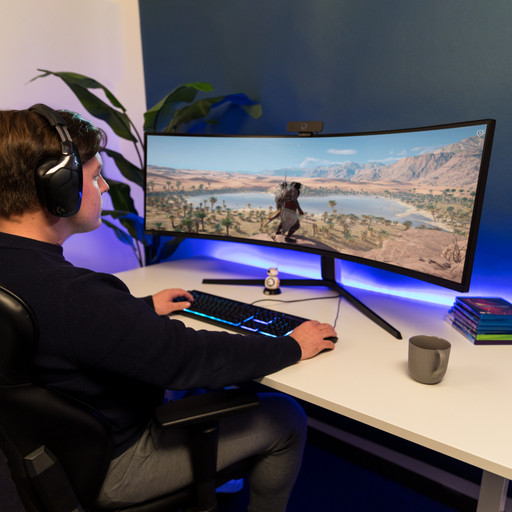
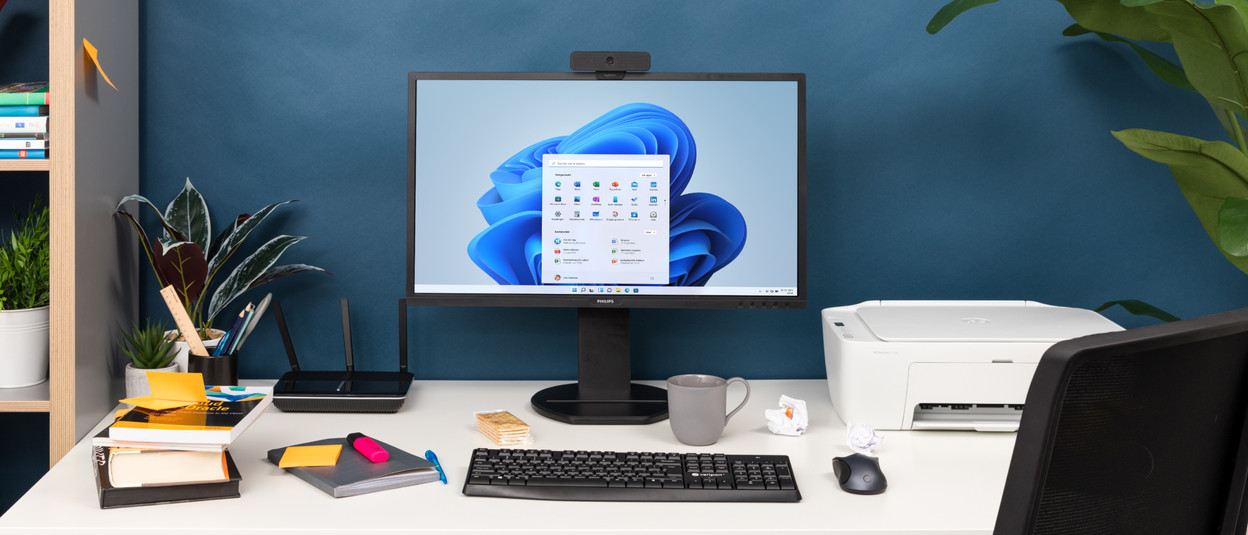
Monitors that are adjustable in height
Typing reports takes up a lot of time, so you need to have a good sitting posture. With a monitor that's adjustable in height, the screen is always at eye level. This prevents neck and back problems.
View all monitors with adjustable heightKeyboard and mouse sets
With a keyboard and mouse set, you have everything you need to get started right away. Typing a report without these 2 accessories would be quite difficult. The sets are geared to one another, so you always have the right combination.
View all keyboard and mouse setsWebcams
With a webcam, you're always clearly visible during an online lecture or pub quiz. The webcam stays in place with the universal clip. With a webcam with a built-in microphone, everybody can hear you clearly.
View all webcamsNetwork routers
A good internet connection in your student room is important. You want stable WiFi while studying at home, but also when gaming or streaming. With a router, you can ensure a fast and stable connection with coverage throughout your entire room.
View all routersPrinters
With a printer for at home, you always have all paper documents on hand. These printers don't take up a lot of space, make little noise, and are mostly practical. Useful for when you travel, for example.
View all printers for at home
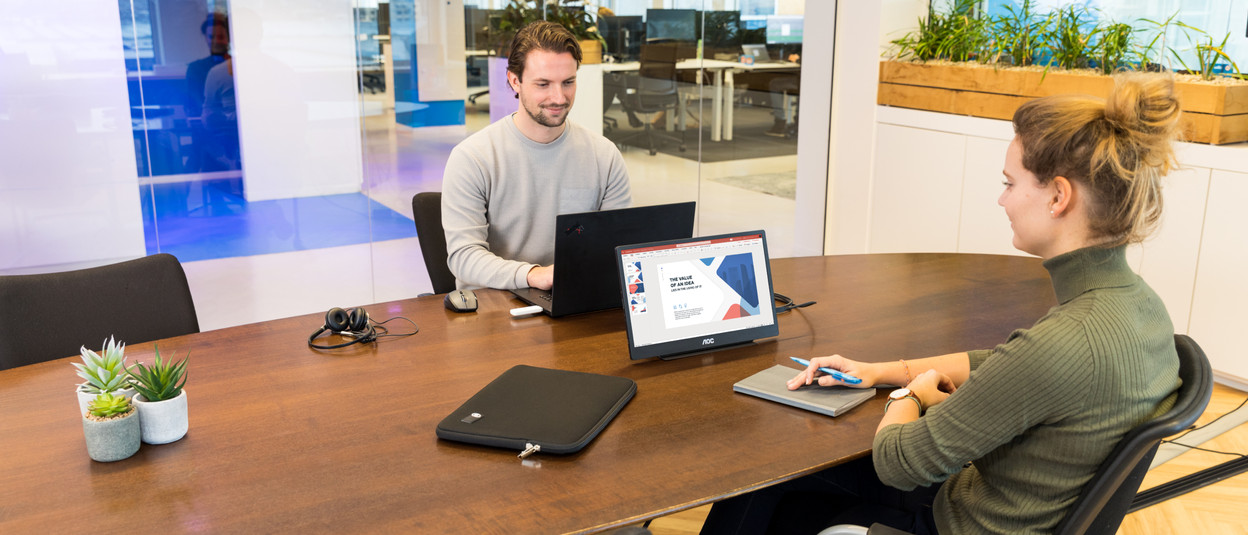
Portable monitors
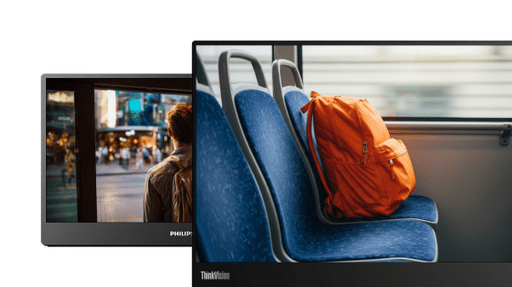
Dragging along a 24-inch monitor is a lot of work. A portable monitor offers the luxury of a screen for on the go. Connect it to your laptop for an effective setup on the train, in the garden, or on location with a customer.
View all portable monitorsWireless mice
With wireless mouses, you're no longer bound by the length of a cable, like you are with wired mouses. For wireless mouses, you can plug the USB receiver into your laptop's USB port to make a quick and easy connection. Some wireless mouses also feature Bluetooth, which also means you can easily adjust the speed of your mouse. There are also mouses specially designed to reduce RSI. These are our ergonomic mouses.
View all wireless miceDongles
With a 3G dongle or 4G dongle, you make your laptop suitable for a mobile data plan. This way, you can go online anywhere you want on your laptop, for example. A Bluetooth adapter is the solution for USB devices without a Bluetooth receiver.
View all donglesLaptop sleeves
Protect your laptop from dents and scratches with a laptop cover.
View all laptop covers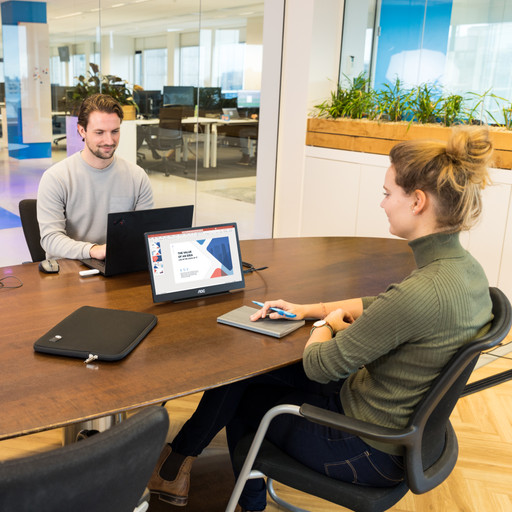
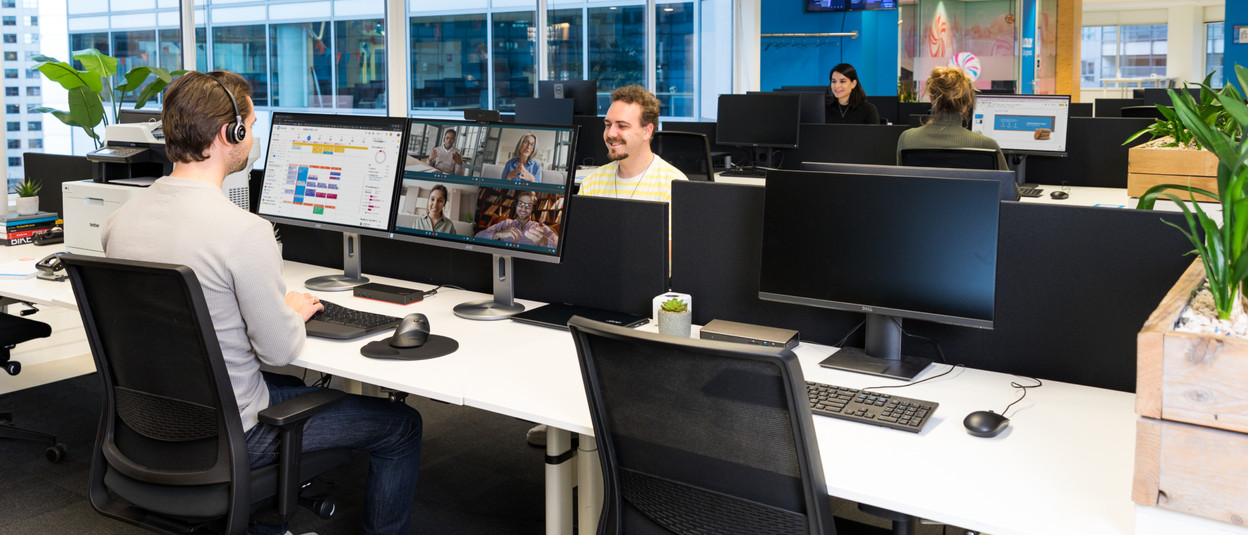
Dual screen setup
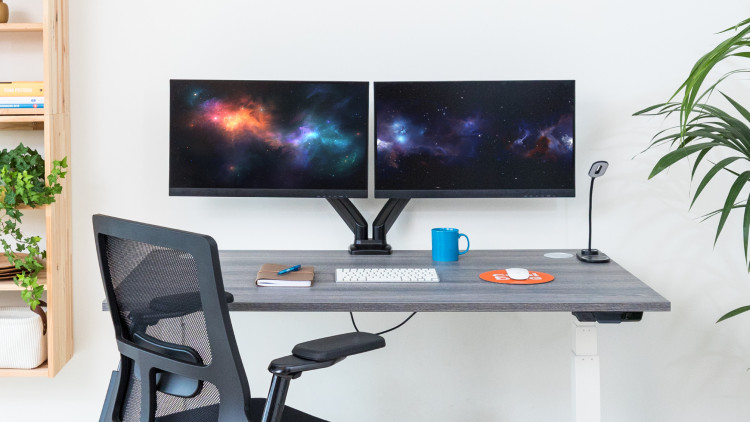
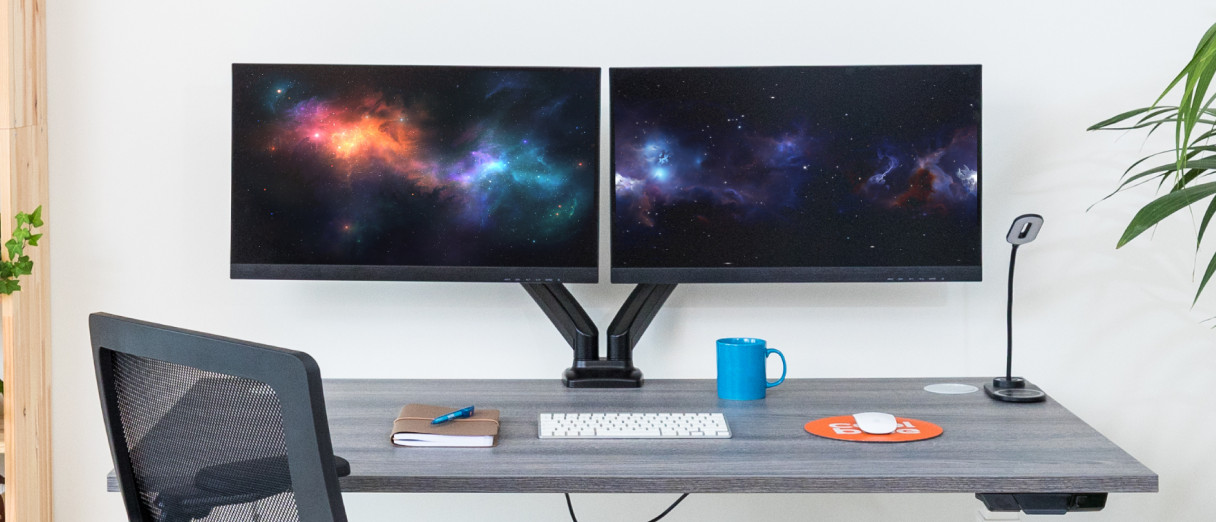
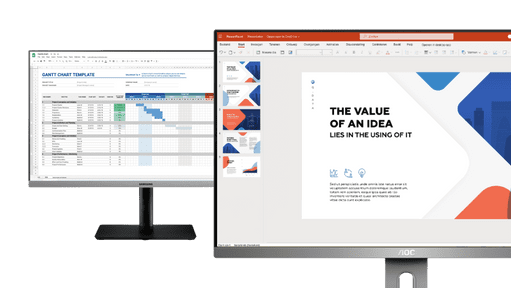
Expand your screen space with a dual screen setup and get started efficiently. With a second screen, you can open multiple windows and tabs next to each other for a better overview. You always have all necessary information on hand as a result.
View all monitors suitable for a dual setupPrinters for the office
A business printer for at the office prints faster and more efficiently, without losing quality. That way, you'll always have your papers ready for an important presentation or interview, for example.
View all office printersBlueBuilt mouses
BlueBuilt is Coolblue's own brand, with products that are built based on data and customer needs. The user-friendliness of a BlueBuilt mouse is paramount, so you can use it without hassle. And with a silent click, for example.
View all BlueBuilt mousesErgonomic keyboards
When you work, you use your keyboard a lot. In addition to comfort, an ergonomic keyboard also provides functions keys to switch between windows and programs, for example.
View all ergonomic keyboardsErgonomic mouse pads
Your wrists move a lot during a working day, which isn't always very comfortable. With an ergonomic mouse pad, there's a cushion under your wrist. This makes it more comfortable to move over your desk.
View al ergonomic mouse padsDocking stations
A laptop docking station ensures an easy and fast connection between your laptop and all peripherals. That's useful for at the office.
View all docking stations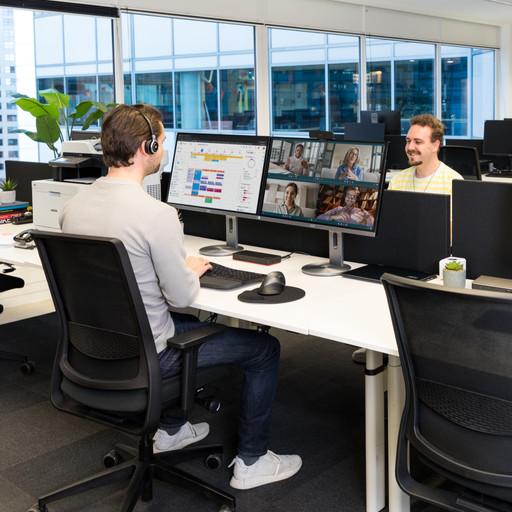
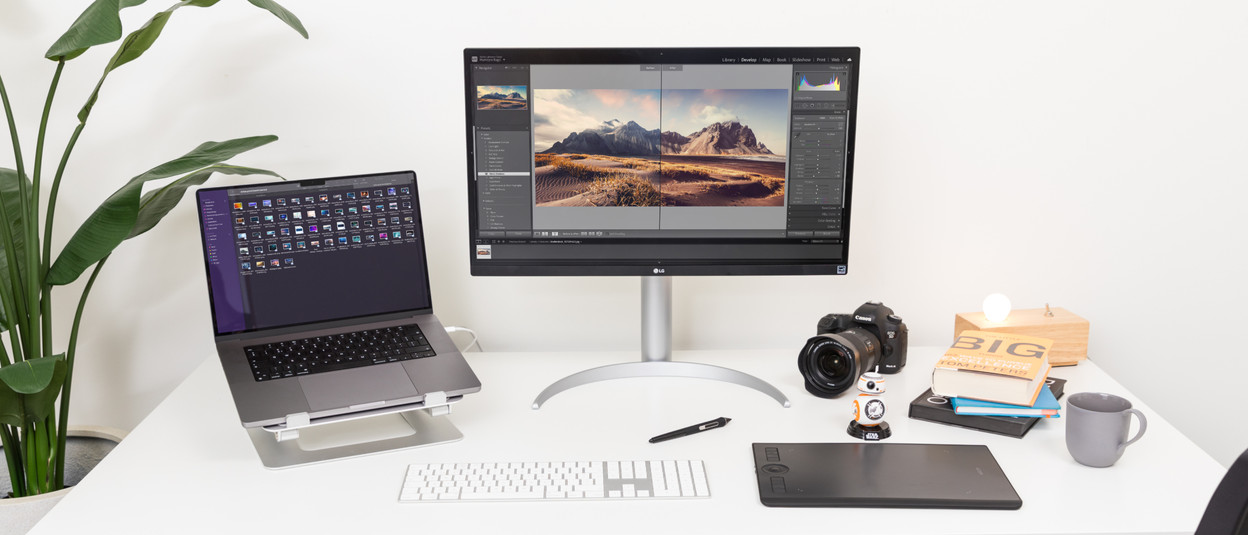
Photo and video editing monitors
For photo and video editing, a monitor needs a sharp resolution, a high brightness, and a wide coverage within the sRGB, Adobe RGB, or DCI-P3 color profiles. With these monitors, you can edit and design your art down to the smallest details.
View all photo and video editing monitorsDrawing tablets
With a drawing tablet, you work with the extreme accuracy needed for image editing. The digital pen is more accurate than a mouse, which allows you to edit the tiniest details with more precision.
View all drawing tabletsLaptop stands
With a laptop stand, you can place your laptop at the same height as the monitor. That way, you can see everything more clearly and don't have to move your neck as much. This prevents complaints.
View all laptop standsApple keyboards
Light, compact, and stylish, that's what the Apple keyboards are. You can choose a wired keyboard with a numeric keypad, or an Apple Magic wireless keyboard if you don't want any cables on your desk.
View all Apple keyboards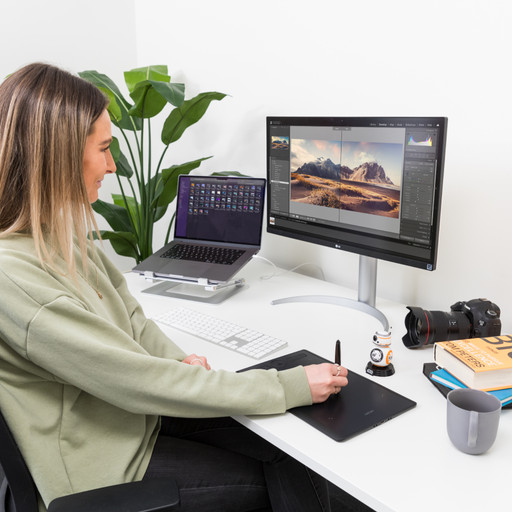
Type of screens






Advice on monitors
Advice on monitors
-
A
-
B
-
C
-
D
-
E
-
F
-
G
-
H
-
I
-
L
-
M
- Medium-sized monitors (23 - 25 inches)
- Monitor promotions
- Monitors bundles
- Monitors for graphic design
- Monitors for MacBook
- Monitors for photo and video editing
- monitors for work and school
- Monitors recommended for dual or triple setups
- Monitors suitable for daisy chaining
- Monitors with a high contrast ratio
- Monitors with a thin bezel
- Monitors with adjustable height
- Monitors with HDMI connector
- Monitors with high brightness
- Monitors with pivot function
- Monitors with VESA mount
- Monitors with webcam
- Monitors you can experience in the store
- MSI monitors
-
O
-
P
-
Q
-
R
-
S
-
T
-
U
-
V
-
W
-
#
-
Advice
- Advice on monitors
- How can you work ergonomically?
- How do you choose a monitor for everyday use?
- How do you connect the AOC 16T2 to your laptop?
- What are the advantages of a thin bezel around your monitor?
- What do you keep in mind when choosing the screen size of your monitor?
- What does the NEN ISO 9241-3 certification mean for monitors?
- What does the pixel density of your monitor indicate?
- What's the panel type of your monitor?
