Welcome to your environment! You can order everything from your assortment with your personal budget here.

You can always return to the normal Coolblue website by clicking here.

Your outstanding budget (incl. VAT) is always visible here, so you know exactly how much you can spend.

Coolblue home

Help with your product

Sonos Arc + Sonos Sub G3

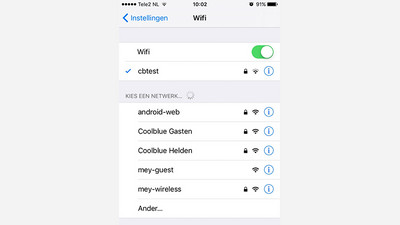
With the Sonos Arc 3.1 + Sub G3, you can create a 3.1 sound setup. The set consists of a soundbar and a subwoofer. This way, you can listen to a detailed sound with a powerful bass. Thanks to the Dolby Atmos technology of the soundbar, the sound is directed to your listening position via the ceiling. This way, it sounds like a helicopter is really flying overhead. You can add the speakers to your smart home, thanks to the built-in Google Assistant. It's possible to control the speakers and other smart devices with your voice. Note: Sonos products don't work via the 5GHz network. Make sure your WiFi is set up on the 2.4GHz network before you purchase a Sonos product. 

Read all tips here

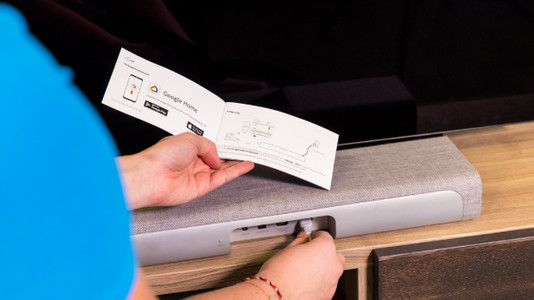
Connect your soundbar to your television in 5 steps

Your new soundbar has arrived. The sound from your television will now sound a lot more powerful and fuller. But before that, you first connect the soundbar to your television. Below, you can read exactly how to do this.

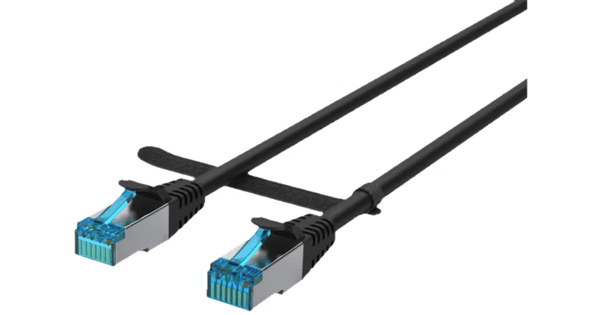
With these 7 tips, you'll enjoy your Sonos system even more

You have a Sonos system so you can enjoy wireless music. With these practical tips, we'll help you have even more fun with your Sonos system.

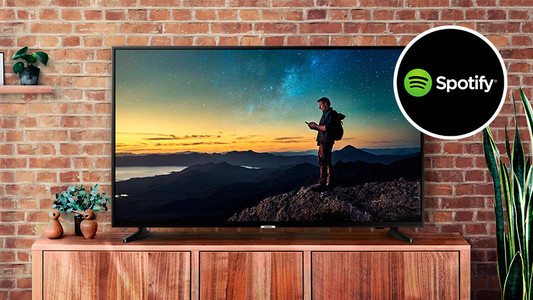
How do you play Spotify on you soundbar?

In addition to improving the sound of your television, your soundbar also functions as a music player. It even works in a multi-room setup if you also have speakers in other rooms. Do you have a Spotify account? Down below, you can read how to play your favorite songs on your soundbar via Spotify.

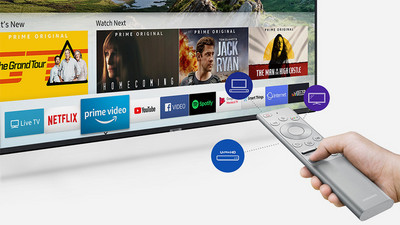
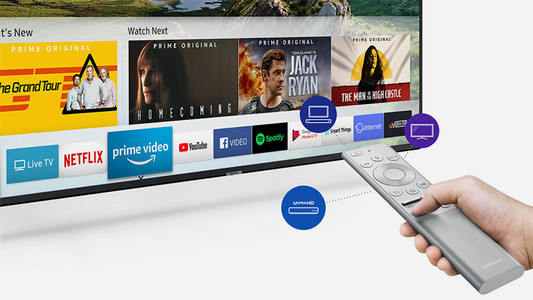
How do you prevent an extra remote for your soundbar?

It's nice if your soundbar is connected. You finally have better sound with your television. The only thing that is less practical is that you now have an extra remote to control the sound. Below, you can read 3 options to prevent stressful situations.

Connect your soundbar to your television in 5 steps

Your new soundbar has arrived. The sound from your television will now sound a lot more powerful and fuller. But before that, you first connect the soundbar to your television. Below, you can read exactly how to do this.

With these 7 tips, you'll enjoy your Sonos system even more

You have a Sonos system so you can enjoy wireless music. With these practical tips, we'll help you have even more fun with your Sonos system.

How do you play Spotify on you soundbar?

In addition to improving the sound of your television, your soundbar also functions as a music player. It even works in a multi-room setup if you also have speakers in other rooms. Do you have a Spotify account? Down below, you can read how to play your favorite songs on your soundbar via Spotify.

How do you prevent an extra remote for your soundbar?

It's nice if your soundbar is connected. You finally have better sound with your television. The only thing that is less practical is that you now have an extra remote to control the sound. Below, you can read 3 options to prevent stressful situations.

Subjects

Didn't find your answer?

Find an answer to your question quickly and easily via our customer service.

Coolblue specialist
Personal chat Digitalk.
You're now chatting with Coolblue customer service
This chat is closed
foo
Oeps File size is larger than 5MB. Upload a smaller file.