Welcome to your environment! You can order everything from your assortment with your personal budget here.

You can always return to the normal Coolblue website by clicking here.

Your outstanding budget (incl. VAT) is always visible here, so you know exactly how much you can spend.

Coolblue home

Help with your product

Apple iPad (2019) 32GB WiFi + Apple AirPods 2 with charging case
0 reviews

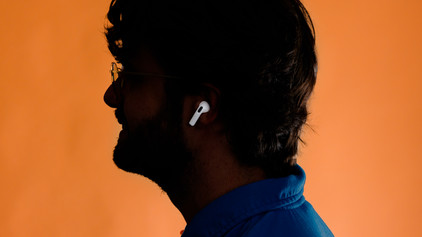
With the Apple iPad (2019) 32GB WiFi + Apple AirPods 2 with charging case, you can optimally enjoy your favorite movies and series. The 10.2-inch Retina Display is larger than that of its predecessor, the Apple iPad (2018). This means you have more screen space available to check out the latest Apple TV+ additions. You can also easily open multiple apps at the same time. This way, you can listen music and send some messages while working on a project. Thanks to the powerful A10 Fusion processor, the Apple iPad (2019) will always run smoothly. Thanks to the iPadOS, the operating system especially made for the iPad, all apps run optimally in split-screen mode. The Apple AirPods 2 allow you to listen to the sound effects of the latest Apple TV+ series for 5 hours. When you add the battery life of the charging case to that, you'll be able to enjoy these earbuds for up to 24 hours.

Read all tips here

Which product do you want to see articles about?

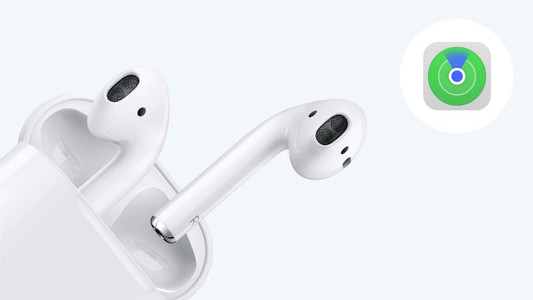
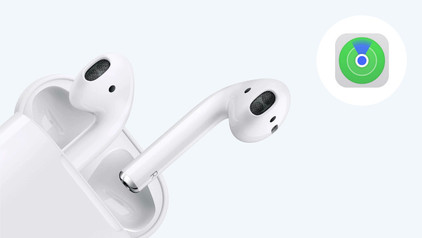
How do I find my Apple AirPods when they're lost?

You open the case of your AirPods but your AirPods are nowhere to be found. Luckily, you don't have to start searching everywhere, because Apple came up with something for this. Via the 'Find My' app on your iPhone, you can easily find your AirPods again. We'll explain how this works.
How do you connect an Apple iPad to a TV, monitor, or projector?

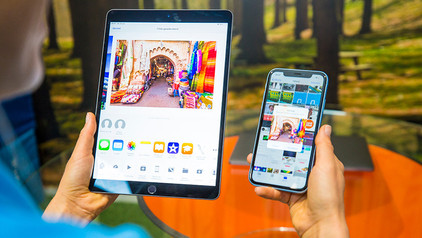
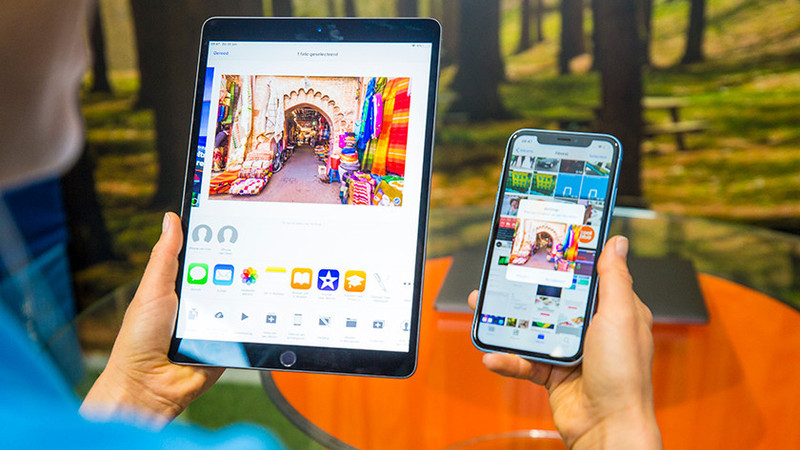
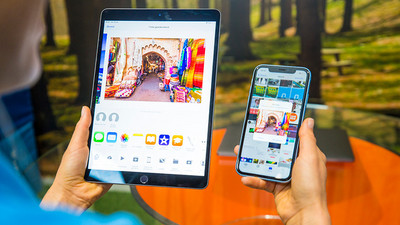
A second screen next to your iPad can be useful if you want to give a presentation via your iPad or if you want to show your friends and family your holiday photos. That's why we'll explain how to connect your iPad to a television, external monitor, or projector in this article. We'll also tell you how to use the iPad as the second screen

How do you put in your earbuds?

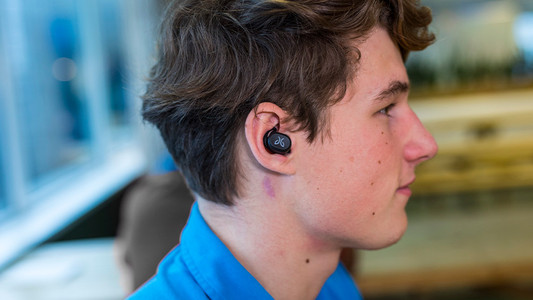
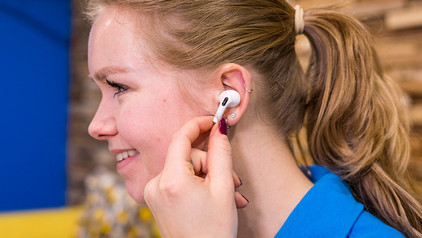
To enjoy music, you have to put your new earbuds in your ears well. This ensures higher sound quality and the earbuds fit in your ears better. In this article, we show you how to put the earbuds in your ears for each wearing method.

How do you put in your earbuds?

To enjoy music, you have to put your new earbuds in your ears well. This ensures higher sound quality and the earbuds fit in your ears better. In this article, we show you how to put the earbuds in your ears for each wearing method.

5 tips to get more out of your Apple AirPods

You've been using your Apple AirPods for a while and you listen to your favorite songs every single day. The earbuds have a number of useful functions that offer extra user-friendliness. In this article, you can read 5 tips to get more out of your AirPods.

How do I find my Apple AirPods when they're lost?

You open the case of your AirPods but your AirPods are nowhere to be found. Luckily, you don't have to start searching everywhere, because Apple came up with something for this. Via the 'Find My' app on your iPhone, you can easily find your AirPods again. We'll explain how this works.

How do you put in your earbuds?

To enjoy music, you have to put your new earbuds in your ears well. This ensures higher sound quality and the earbuds fit in your ears better. In this article, we show you how to put the earbuds in your ears for each wearing method.
How do you put in your earbuds?

To enjoy music, you have to put your new earbuds in your ears well. This ensures higher sound quality and the earbuds fit in your ears better. In this article, we show you how to put the earbuds in your ears for each wearing method.
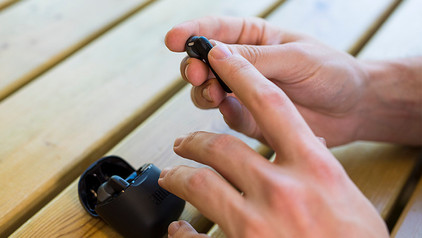
How do you put in your earbuds?

To enjoy music, you have to put your new earbuds in your ears well. This ensures higher sound quality and the earbuds fit in your ears better. In this article, we show you how to put the earbuds in your ears for each wearing method.

Get started with your fully wireless earbuds

WIth wireless earbuds, you can listen to music without a cable in your neck or along your body. The advantage is that you have a lot of freedom of movement. In this article, you can read how to get started with your earbuds. That way, you can enjoy your favorite music as soon as possible.

How do you clean your earbuds?

If you buy earbuds, you want them to work well. That's why it's important to regularly clean your earbuds. This way, you can enjoy the same quality of your music or podcast for longer. We'll explain how to clean the different parts of your wireless earbuds.

How do you connect an Apple iPad to a TV, monitor, or projector?

A second screen next to your iPad can be useful if you want to give a presentation via your iPad or if you want to show your friends and family your holiday photos. That's why we'll explain how to connect your iPad to a television, external monitor, or projector in this article. We'll also tell you how to use the iPad as the second screen

How do you make iPad child-friendly?

As a parent, you don't want your child to watch videos or apps that aren't suitable for them. Apple has made a useful setting for this. With the 4 tips below, you can determine the screen time and what your child sees, for example.

What do you need to use the Apple iPad for business?

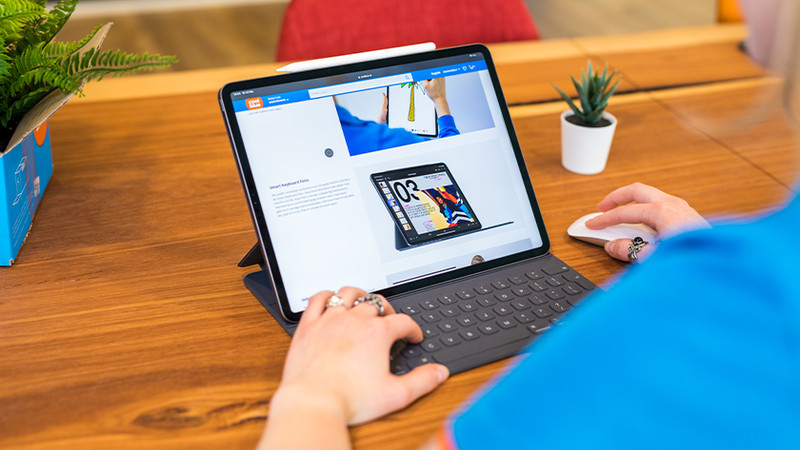
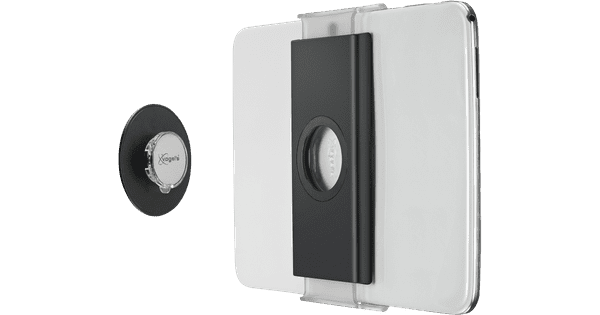
The Apple iPad has a compact size and many productivity apps, which is what makes it suitable for business use. And if you add accessories, you can create an alternative for your laptop and increase your working comfort. Read how to use your iPad for business below.

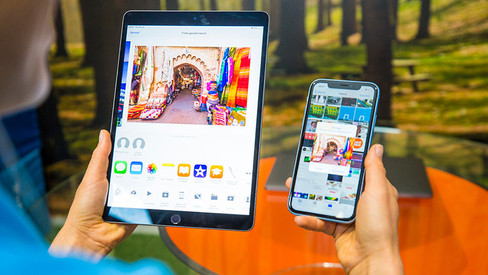
5 apps that let you edit photos on your iPhone or iPad

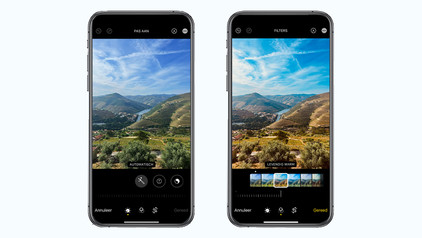
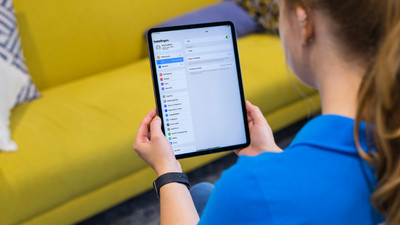
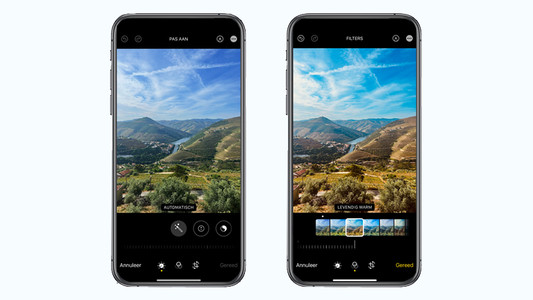
Want to edit a photo? With all the possibilities on the iPhone and iPad, you no longer need a laptop for this. You can replace your digital camera with your portable iPhone and edit your photo on the same device or on the larger screen of your iPad. There are so many photo editing apps out there that it can be hard to choose one. We'll list a few.

Get started with the Apple health functions

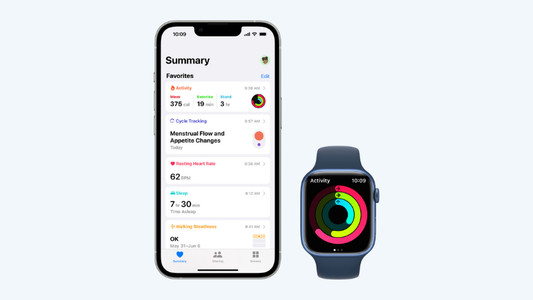
Want to be healthier? The health functions on your Apple devices will be useful. These allow you to track your exercise and heart rate with your Apple Watch and receive notifications if you're not so healthy. In this article, you can read all about the Apple health functions.

Subjects
Didn't find your answer?

Find an answer to your question quickly and easily via our customer service.

Coolblue specialist
Personal chat Digitalk.
You're now chatting with Coolblue customer service
This chat is closed
foo
Oeps File size is larger than 5MB. Upload a smaller file.