Welcome to your environment! You can order everything from your assortment with your personal budget here.

You can always return to the normal Coolblue website by clicking here.

Your outstanding budget (incl. VAT) is always visible here, so you know exactly how much you can spend.

Coolblue home

Help with your product
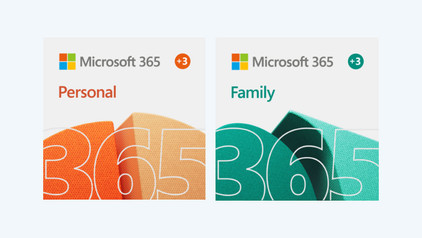
Acer Chromebook Spin 311 CP311-2H-C3DE + Microsoft 365 Personal
0 reviews

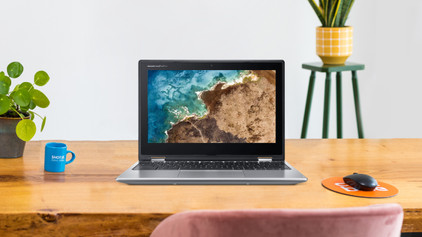
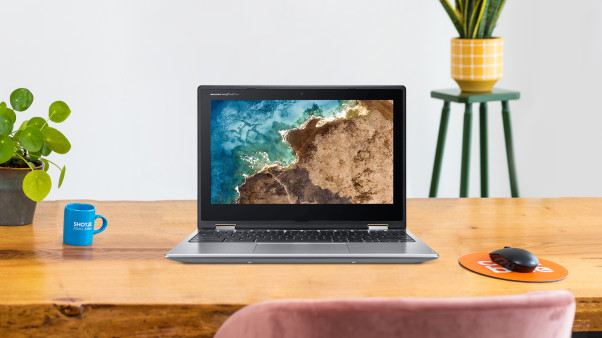
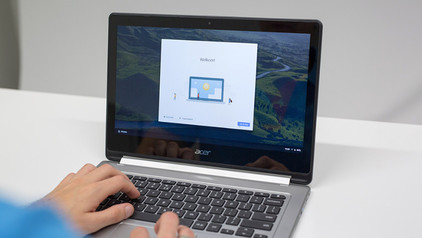
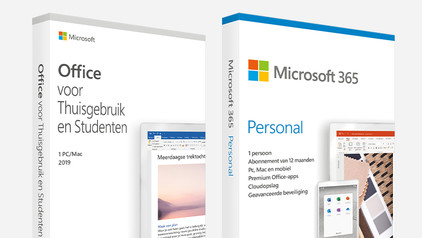
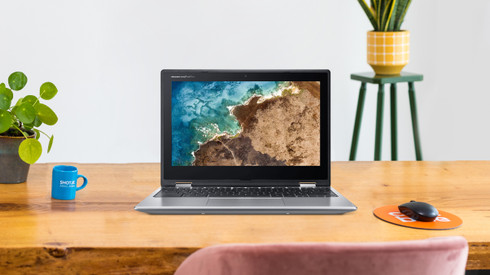
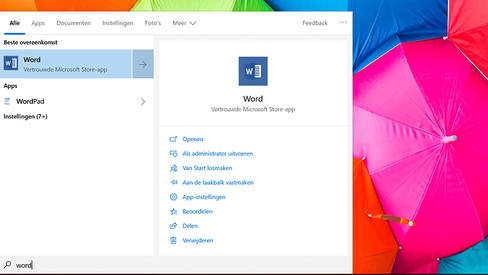
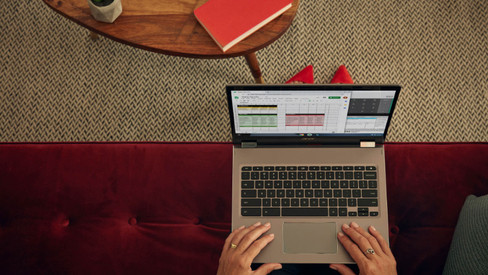
With the Acer Chromebook Spin 311 CP311-2H-C3DE + Microsoft 365 Personal NL 1-year subscription, you can get started right away with Office programs like Word, PowerPoint, and Excel. The Acer Chromebook Spin is easy to take on the go thanks to its 11.6-inch size. This 2-in-1 laptop and tablet combination is suitable for tasks like text processing, browsing the internet, and emailing while you're on the train. This device runs on Chrome OS, which means you can log in with your Google account and edit files via Google Drive. If you fold the 360-degree tiltable screen, you can use the Chromebook in multiple positions. You can use the Chromebook as a tablet and swipe through your apps on the multi-touch screen. The tent position can be used for showing a presentation to your colleagues or customers. When typing the annual report on the keyboard, you can put the device in the laptop position. The Chromebook is energy-efficient, so you can use it the entire day without having to search for a socket. Note: You can't run Windows programs on a Chromebook. Do you want to use Microsoft Office? If so, buy Office 365. Advice from our expert Choose a Chromebook when: You're on the road a lot and need long battery life. You don't need a lot of storage space and mostly work in the cloud. You mainly take notes for your work or studies. You occasionally edit a photo using an app from the Play Store. You play basic games like Clash of Clans.

Read all tips here

Which product do you want to see articles about?

How do you activate free Google advantages on your Chromebook?

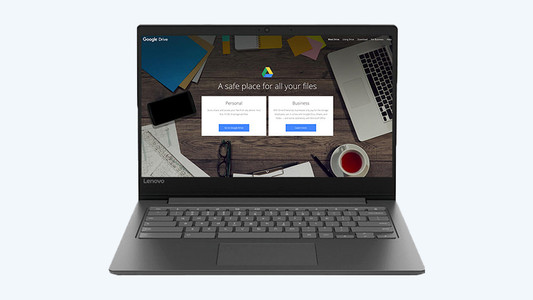
You just bought your new Chromebook. That means you get 1 year of 100GB of storage space in Google Drive for free. That's useful as you mostly work online on a Chromebook. In this article, we'll explain how to activate the free storage.

How do you turn on the keyboard lighting on your laptop?

Some laptops have a backlit keyboard, but how do you turn on the keyboard backlight? In this article, we'll explain how to turn on the backlight, because every laptop is different.

How do you turn on the keyboard lighting on your laptop?

Some laptops have a backlit keyboard, but how do you turn on the keyboard backlight? In this article, we'll explain how to turn on the backlight, because every laptop is different.

How do I connect my printer to my Chromebook?

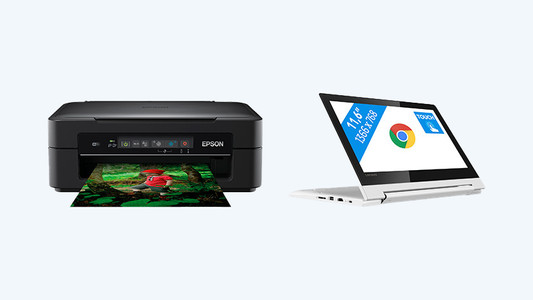
You don't use a Chromebook in the same way as you do a MacBook or laptop with Windows. It's the same when you set up a printer, slightly different than what you're used to. In this article, you can read how to connect a printer to your Chromebook.

What connectors does a laptop have?

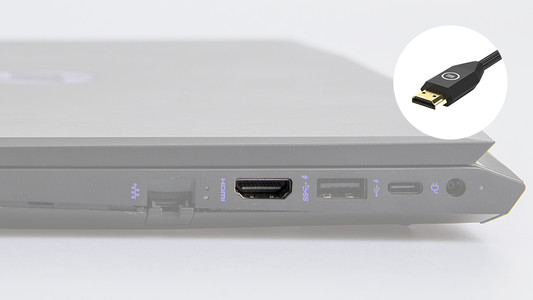
You're looking for a connector on your laptop, but you don't know what it looks like. Or you want to buy a laptop and you want to know what you can use the connectors for. On this page, we'll list the most important connectors for you. This way, you can be sure you have the right connector.

How do I set up a VPN on a Chromebook?

Via a VPN connection, your Chromebook connects to a private network, such as the network of your work or school. So you have access to files, websites, or the intranet of school or work with a VPN. On this page, you can read how to make a connection with a VPN on a Chromebook.

How do you transfer files from a laptop to a new one?

You have a new laptop and want to transfer the files from your old laptop. In this article, you can read how to transfer data from your old laptop to your new laptop.

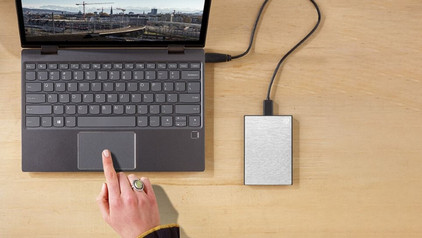
3 tips for increasing the storage capacity of your laptop

Is the storage of your laptop full? Luckily, there are many options for extra storage space. Cloud storage or external storage, for example. In this article, you'll read 3 tips to expand the storage capacity of your laptop.

How do you use Microsoft Office on your Chromebook?

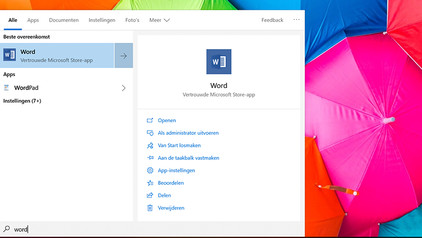
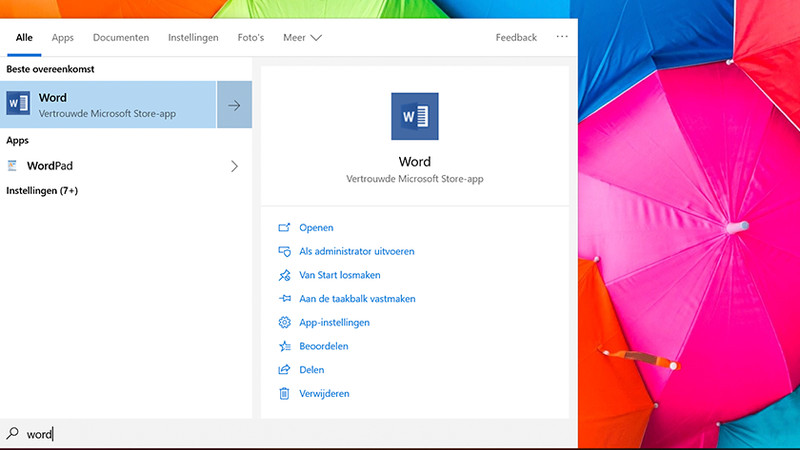
Microsoft Office programs work differently on a Chromebook than on a Windows laptop or MacBook. That's because you don't download the programs from the internet, but work in an online version or online web app (PWA). In this article, we'll explain how to use Microsoft Office on your Chromebook.
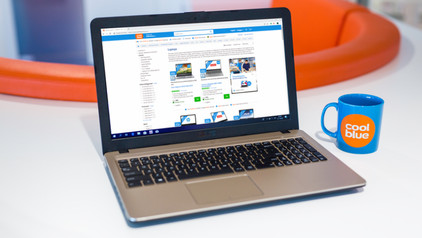
How do you activate free Google advantages on your Chromebook?

You just bought your new Chromebook. That means you get 1 year of 100GB of storage space in Google Drive for free. That's useful as you mostly work online on a Chromebook. In this article, we'll explain how to activate the free storage.

How do you turn on the keyboard lighting on your laptop?

Some laptops have a backlit keyboard, but how do you turn on the keyboard backlight? In this article, we'll explain how to turn on the backlight, because every laptop is different.

How do you turn on the keyboard lighting on your laptop?

Some laptops have a backlit keyboard, but how do you turn on the keyboard backlight? In this article, we'll explain how to turn on the backlight, because every laptop is different.

How do I connect my printer to my Chromebook?

You don't use a Chromebook in the same way as you do a MacBook or laptop with Windows. It's the same when you set up a printer, slightly different than what you're used to. In this article, you can read how to connect a printer to your Chromebook.

What connectors does a laptop have?

You're looking for a connector on your laptop, but you don't know what it looks like. Or you want to buy a laptop and you want to know what you can use the connectors for. On this page, we'll list the most important connectors for you. This way, you can be sure you have the right connector.

How do I set up a VPN on a Chromebook?

Via a VPN connection, your Chromebook connects to a private network, such as the network of your work or school. So you have access to files, websites, or the intranet of school or work with a VPN. On this page, you can read how to make a connection with a VPN on a Chromebook.
How do you transfer files from a laptop to a new one?

You have a new laptop and want to transfer the files from your old laptop. In this article, you can read how to transfer data from your old laptop to your new laptop.

3 tips for increasing the storage capacity of your laptop

Is the storage of your laptop full? Luckily, there are many options for extra storage space. Cloud storage or external storage, for example. In this article, you'll read 3 tips to expand the storage capacity of your laptop.

Subjects

Didn't find your answer?

Find an answer to your question quickly and easily via our customer service.

Coolblue specialist
Personal chat Digitalk.
You're now chatting with Coolblue customer service
This chat is closed
foo
Oeps File size is larger than 5MB. Upload a smaller file.