Welcome to your environment! You can order everything from your assortment with your personal budget here.

You can always return to the normal Coolblue website by clicking here.

Your outstanding budget (incl. VAT) is always visible here, so you know exactly how much you can spend.

Coolblue home

Help with your product
Apple Watch Series 10 42mm Rose Gold Sport Band S/M + AirPods 4 Active Noise Canceling
0 reviews

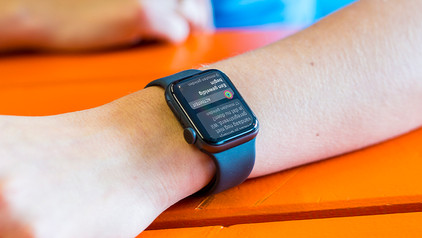
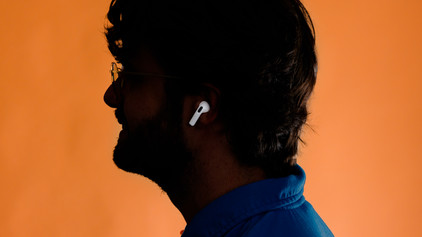
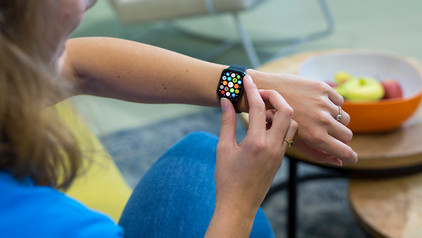
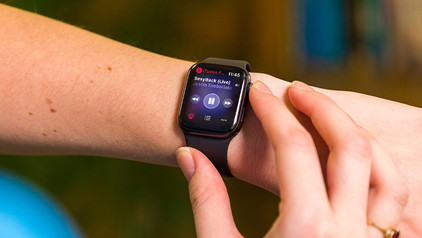
Expand your Apple collection with the Apple Watch Series 10 42mm Rose Gold Sport Band S/M + AirPods 4 Active Noise Canceling. You can listen to your favorite music without interruptions via your AirPods, because AirPods 4 ANC reduce annoying ambient noise. With the Apple Watch Series 10, you're always up to date on your health and smartphone notifications. This new Apple Watch has a larger screen than its predecessors. Thanks to this, you can easily read all your messages and notifications. With the Apple Watch, you can keep track of your heart rate, sleep, and stress and receive exercises and tips to improve your mental health. Double tap with your index finger and thumb and pause your music, answer a call, or start your timer this way. The battery life is 1 day with average use.

Read all tips here

Which product do you want to see articles about?

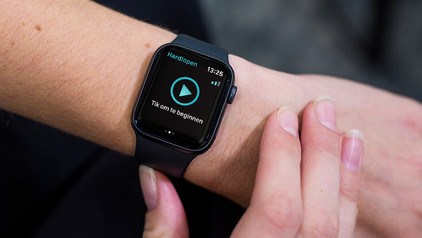
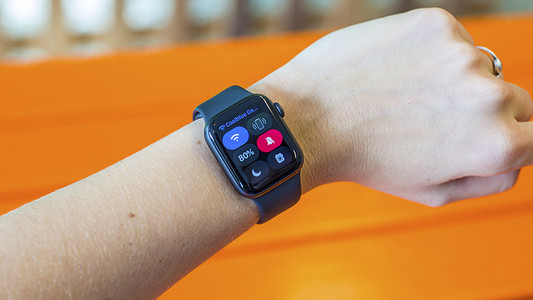
What do the icons on the Apple Watch mean?

There are different symbols that may appear on your Apple Watch. A little airplane at the top of your screen means you've activated airplane mode. But what does the lightning bolt mean? Or a red cross? In this article, we'll tell you more about the meaning of the icons on your Apple Watch.

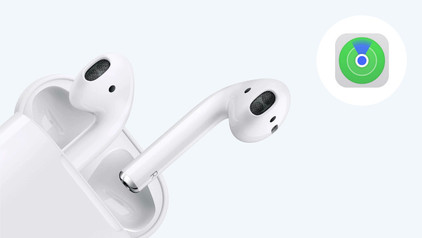
How do I find my Apple AirPods when they're lost?

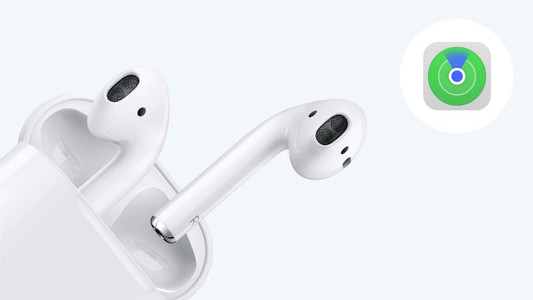
You open the case of your AirPods but your AirPods are nowhere to be found. Luckily, you don't have to start searching everywhere, because Apple came up with something for this. Via the 'Find My' app on your iPhone, you can easily find your AirPods again. We'll explain how this works.

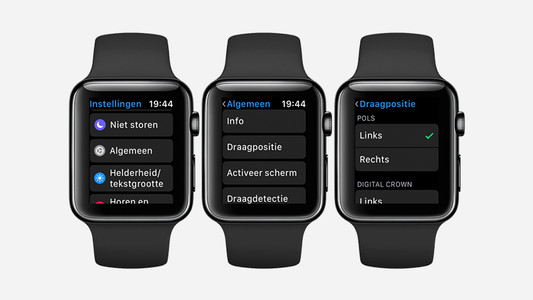
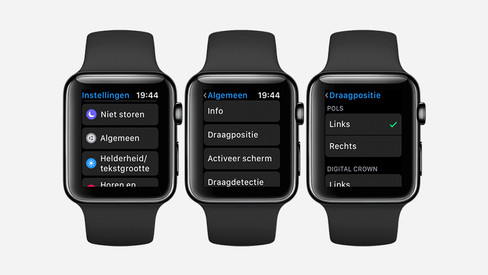
How do you set up the Apple Watch for left-handed use?

When you purchase a new Apple Watch, you will soon discover that it is set to right-handed use as standard. But what if you are left-handed? Nothing wrong. You wear Apple Watch on every wrist. All you have to do is adjust some settings. We'll tell you how to do that.

How can you get your Apple Watch repaired?

If your Apple Watch is broken, Coolblue can repair it for you. We're happy to help you with your Apple Watch repairs. Whether your screen is broken or your battery will no longer charge: our Apple-certified repair service is ready to help you out in our warehouse. We'll tell you more about having your Apple Watch repaired at Coolblue here.

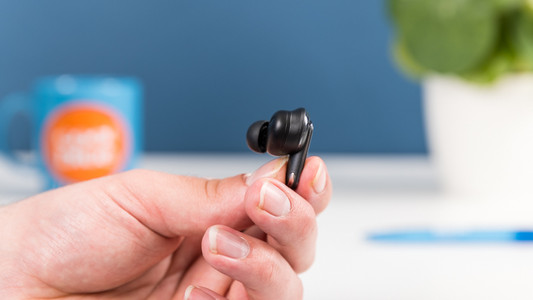
How do you put in your earbuds?

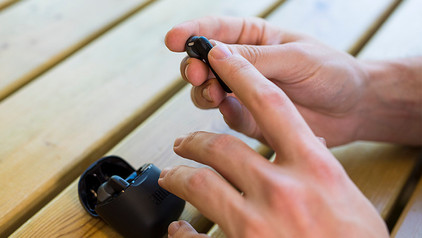
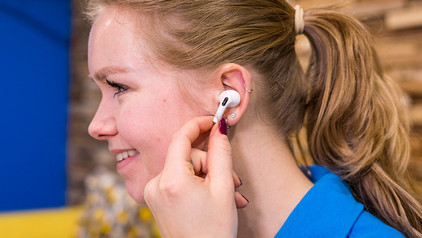
To enjoy music, you have to put your new earbuds in your ears well. This ensures higher sound quality and the earbuds fit in your ears better. In this article, we show you how to put the earbuds in your ears for each wearing method.

How do you put in your earbuds?

To enjoy music, you have to put your new earbuds in your ears well. This ensures higher sound quality and the earbuds fit in your ears better. In this article, we show you how to put the earbuds in your ears for each wearing method.

How do you put in your earbuds?

To enjoy music, you have to put your new earbuds in your ears well. This ensures higher sound quality and the earbuds fit in your ears better. In this article, we show you how to put the earbuds in your ears for each wearing method.

Style your Apple Watch for every occasion

You can easily style your Apple Watch for any occasion, because there's a watch strap for any situation. There are casual straps, straps suitable for sports, and straps for a professional environment. On this page, you can read all about what Apple Watch straps there are and what strap best suits which occasion.

What do the icons on the Apple Watch mean?

There are different symbols that may appear on your Apple Watch. A little airplane at the top of your screen means you've activated airplane mode. But what does the lightning bolt mean? Or a red cross? In this article, we'll tell you more about the meaning of the icons on your Apple Watch.

How do you set up the Apple Watch for left-handed use?

When you purchase a new Apple Watch, you will soon discover that it is set to right-handed use as standard. But what if you are left-handed? Nothing wrong. You wear Apple Watch on every wrist. All you have to do is adjust some settings. We'll tell you how to do that.

How can you get your Apple Watch repaired?

If your Apple Watch is broken, Coolblue can repair it for you. We're happy to help you with your Apple Watch repairs. Whether your screen is broken or your battery will no longer charge: our Apple-certified repair service is ready to help you out in our warehouse. We'll tell you more about having your Apple Watch repaired at Coolblue here.

Style your Apple Watch for every occasion

You can easily style your Apple Watch for any occasion, because there's a watch strap for any situation. There are casual straps, straps suitable for sports, and straps for a professional environment. On this page, you can read all about what Apple Watch straps there are and what strap best suits which occasion.

How do you navigate your Apple Watch?

The Apple Watch has 2 buttons, the Digital Crown and the side button. You can use these buttons to navigate your Apple Watch. You can also use the touchscreen of the Apple Watch to switch between apps and go back to the home screen. In this article, we'll explain how you can navigate the Apple Watch as easily as possible.

How do you calibrate your Apple Watch?

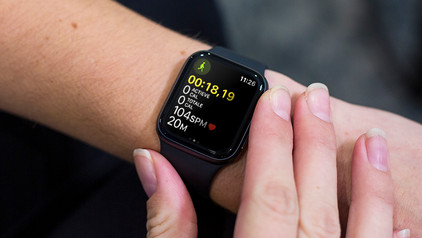
An Apple Watch tracks everything for you. How many kilometers you walk a day, how fast you walk, how many calories you burn. If you want to make these measurements even more accurate, you calibrate your Apple Watch. In this article, we'll explain what calibrating your Apple Watch is and how to do it.

This is how you zoom in on your Apple Watch

On the Apple Watch, you can read your messages and the time at any time moment. But if your eyes are strained at the end of the day, you might not be able to see the small letters sharply. Fortunately, you can easily zoom in on your Apple Watch. In this article, we'll tell you how to turn on Zoom on your Apple Watch.

6 life hacks for your Apple Watch

Once you buy an Apple Watch, you'll soon won't be able to live without it. You can receive messages on your wrist and use the Apple Watch to start a workout. But the Apple Watch has much more to offer. Things you might not even know exist. Which of the following life hacks on the Apple Watch did you know already?

What's Apple Watch insurance and how does it benefit you?

With an insurance for your Apple Watch, you can be sure that your smartwatch will be repaired in no time if it gets damaged. Some insurances even cover theft of your Apple Watch. At Coolblue, we have 2 different insurances. Apple themselves also offer an insurance. In this article, you can read what these insurances cover and what the benefits are.

How do I find my Apple AirPods when they're lost?

You open the case of your AirPods but your AirPods are nowhere to be found. Luckily, you don't have to start searching everywhere, because Apple came up with something for this. Via the 'Find My' app on your iPhone, you can easily find your AirPods again. We'll explain how this works.
How do you put in your earbuds?

To enjoy music, you have to put your new earbuds in your ears well. This ensures higher sound quality and the earbuds fit in your ears better. In this article, we show you how to put the earbuds in your ears for each wearing method.
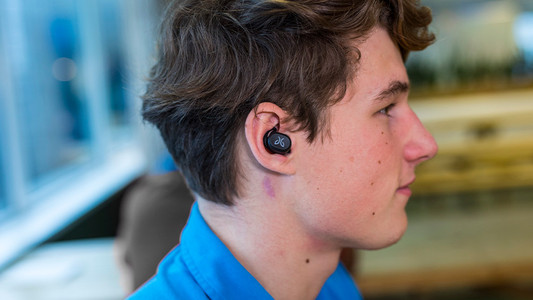
How do you put in your earbuds?

To enjoy music, you have to put your new earbuds in your ears well. This ensures higher sound quality and the earbuds fit in your ears better. In this article, we show you how to put the earbuds in your ears for each wearing method.

How do you put in your earbuds?

To enjoy music, you have to put your new earbuds in your ears well. This ensures higher sound quality and the earbuds fit in your ears better. In this article, we show you how to put the earbuds in your ears for each wearing method.

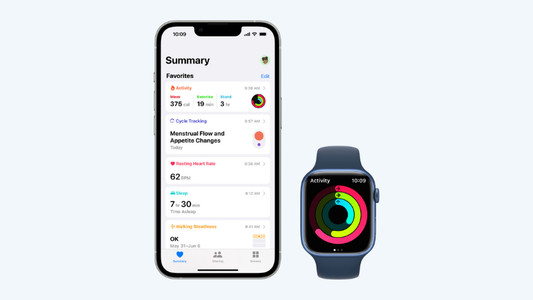
Get started with the Apple health functions

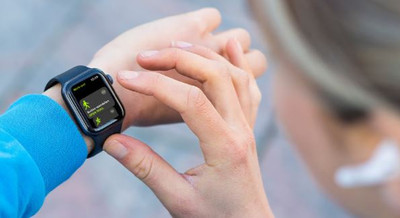
Want to be healthier? The health functions on your Apple devices will be useful. These allow you to track your exercise and heart rate with your Apple Watch and receive notifications if you're not so healthy. In this article, you can read all about the Apple health functions.

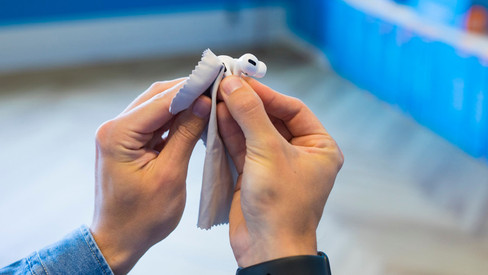
How do you clean your earbuds?

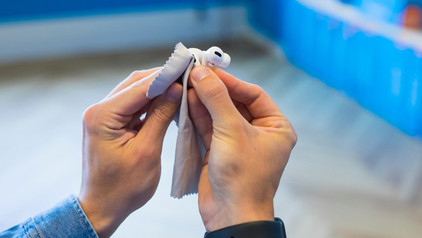
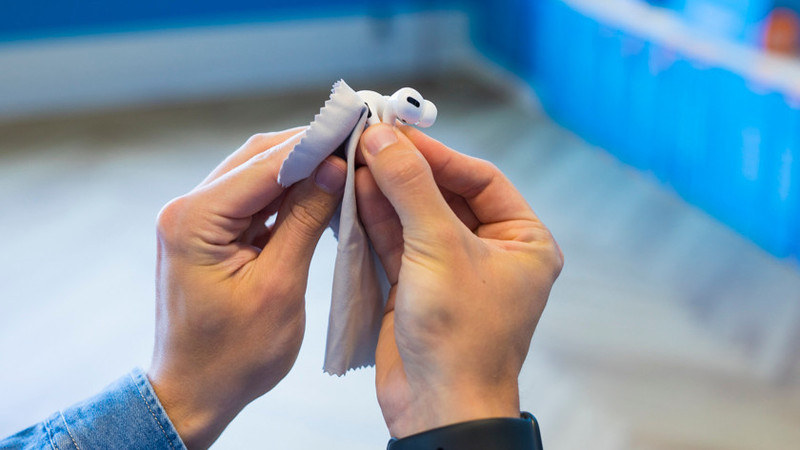
If you buy earbuds, you want them to work well. That's why it's important to regularly clean your earbuds. This way, you can enjoy the same quality of your music or podcast for longer. We'll explain how to clean the different parts of your wireless earbuds.

Get started with your fully wireless earbuds

WIth wireless earbuds, you can listen to music without a cable in your neck or along your body. The advantage is that you have a lot of freedom of movement. In this article, you can read how to get started with your earbuds. That way, you can enjoy your favorite music as soon as possible.

Subjects

Didn't find your answer?

Find an answer to your question quickly and easily via our customer service.

Coolblue specialist
Personal chat Digitalk.
You're now chatting with Coolblue customer service
This chat is closed
foo
Oeps File size is larger than 5MB. Upload a smaller file.