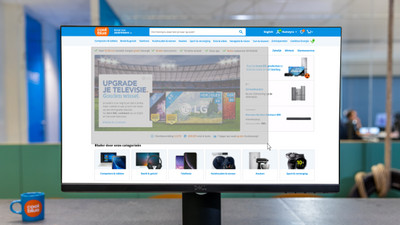
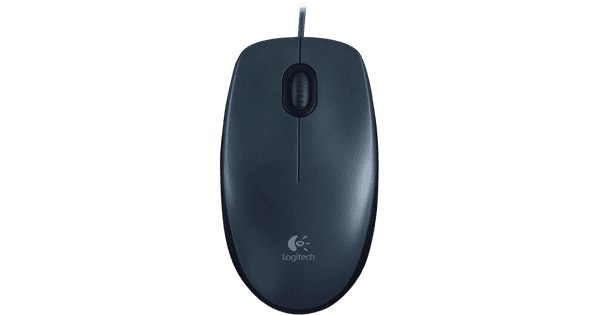
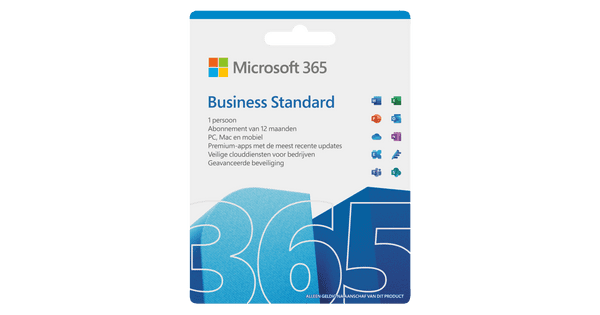
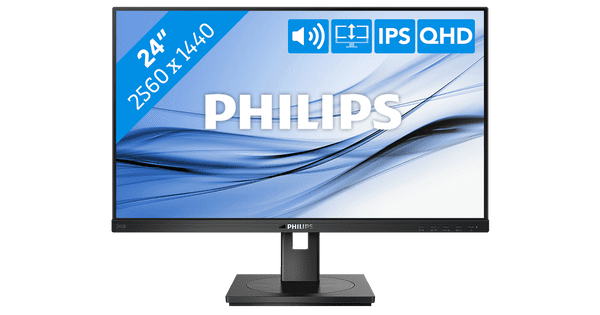
Welcome to your environment! You can order everything from your assortment with your personal budget here.

You can always return to the normal Coolblue website by clicking here.

Your outstanding budget (incl. VAT) is always visible here, so you know exactly how much you can spend.

Coolblue home

Help with your product

Student Pack - HP Pavilion 15-eh0948nd

You can work more comfortably with a mouse and take your laptop with you anywhere safely in the cover with the Student Pack - HP Pavilion 15-eh0948nd. You can multitask with demanding programs like Adobe Photoshop on the HP. With 16GB RAM, you have enough RAM at your disposal. The AMD Ryzen 5 processor is powerful enough to edit photos. As a result, you can easily switch between different programs without the HP slowing down. You can turn the HP on and get started in just 15 seconds thanks to the 512GB SSD. With the fingerprint scanner, you can log in easily without typing in any passwords. After work, you can watch your favorite movies and series on the 15.6-inch full HD screen. Advice from our expert Internet, email & text processing: suitable Watching movies & series: suitable Photo editing: suitable Video editing: possible, but faster with a Ryzen 7 processor Gaming: unsuitable, at least GTX 1050 video card Receive an email with a personal voucher code for 1 free year of Norton 360 Deluxe antivirus one day after purchase.
Read all tips here

Which product do you want to see articles about?

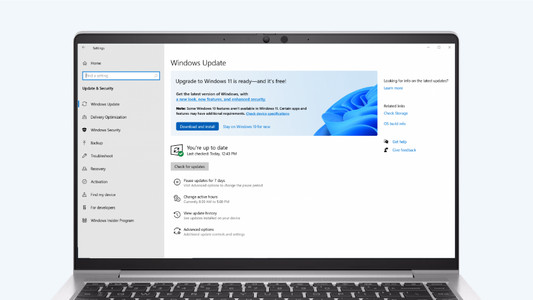
How do you upgrade to Windows 11 with end of support of Windows 10?

On 14 October 2025, Microsoft will stop supporting Windows 10. We call that end of support, which means there will no longer be technical support and security updates for Windows 10. That's why we recommend switching to Windows 11. You can update Windows 10 to Windows 11 or get a new PC. In this article, we'll explain what to do with end of support for Windows 10.

How do you delete programs in Windows?

You want to delete a program in Windows, but you need some help. In this article, you'll find 3 tips to help you delete programs.

How do you upgrade to Windows 11?

Do you want to upgrade Windows 10 to Windows 11, but don't know how that works? In this article, we'll help you out. You can update many Windows 10 laptops and desktops to Windows 11 for free. This is the latest Windows version. You can easily install the Windows 11 upgrade in 4 steps.

How do you turn on the keyboard lighting on your laptop?

Some laptops have a backlit keyboard, but how do you turn on the keyboard backlight? In this article, we'll explain how to turn on the backlight, because every laptop is different.

How do I connect my wireless mouse?

With a wireless mouse, your desk stays tidy and you have more freedom of movement than with a wired mouse. But how do you connect a wireless mouse? In this article, you can read step by step what you need to do to connect a wireless mouse to your laptop or PC. These steps apply to wireless mouses from any brand.

How do you upgrade to Windows 11 with end of support of Windows 10?

On 14 October 2025, Microsoft will stop supporting Windows 10. We call that end of support, which means there will no longer be technical support and security updates for Windows 10. That's why we recommend switching to Windows 11. You can update Windows 10 to Windows 11 or get a new PC. In this article, we'll explain what to do with end of support for Windows 10.

How do you delete programs in Windows?

You want to delete a program in Windows, but you need some help. In this article, you'll find 3 tips to help you delete programs.

How do you upgrade to Windows 11?

Do you want to upgrade Windows 10 to Windows 11, but don't know how that works? In this article, we'll help you out. You can update many Windows 10 laptops and desktops to Windows 11 for free. This is the latest Windows version. You can easily install the Windows 11 upgrade in 4 steps.

How do you turn on the keyboard lighting on your laptop?

Some laptops have a backlit keyboard, but how do you turn on the keyboard backlight? In this article, we'll explain how to turn on the backlight, because every laptop is different.

Subjects
Didn't find your answer?

Find an answer to your question quickly and easily via our customer service.

Coolblue specialist
Personal chat Digitalk.
You're now chatting with Coolblue customer service
This chat is closed
foo
Oeps File size is larger than 5MB. Upload a smaller file.