Welcome to your environment! You can order everything from your assortment with your personal budget here.

You can always return to the normal Coolblue website by clicking here.

Your outstanding budget (incl. VAT) is always visible here, so you know exactly how much you can spend.

Coolblue home

Help with your product
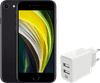
Refurbished iPhone SE 2020 64GB Black (as good as new) + XtremeMac Charger USB-A
0 reviews

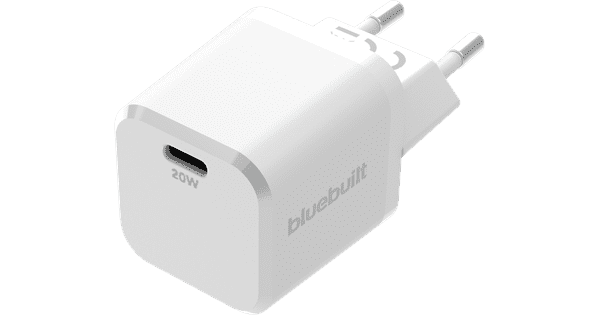
Note: this isn't a new iPhone. This device has been used, so it may show minor traces of use. In addition, an adapter and earbuds aren't included by default, so use your own accessories or purchase them separately. You can charge your device via a socket with the Refurbished iPhone SE 2 64GB Zwart + XtremeMac Oplader with 2 USB-A Ports 12W. Thanks to the superfast A13 Bionic chip, all your apps boot quickly and you can navigate without crashes. The smaller size ensures that it easily fits in your pocket. On the 4.7-inch screen, you can watch your favorite movies and series and send your messages. You can unlock the phone with Touch ID via the physical home button below the screen. With the refurbished iPhone SE 2020, you can take the most beautiful photos and record 4K videos with the 12-megapixel camera with portrait mode. The included XtremeMac charger with 2 USB-A ports is extra useful if you're in a hotel with few sockets, for example. Keep in mind that the charging cables of other devices you want to charges need to have a USB-A connector. Refurbished This is a second-hand iPhone that has been refurbished with original Apple parts. The device may show minor signs of use, such as scratches on the screen or the casing. A Renewd iPhone has been thoroughly cleaned and tested by an Apple Authorized Service Provider. All devices at Coolblue are a-grade refurbished. This is the highest quality within the refurbished category on the market. You receive a 2-year warranty on the Renewd refurbished devices.
Read all tips here

Which product do you want to see articles about?

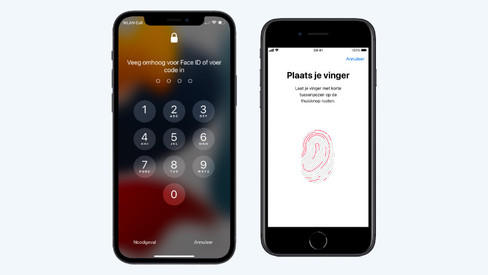
How do you secure your Apple iPhone?

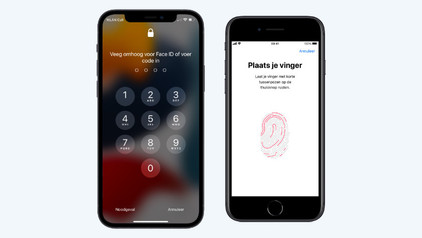
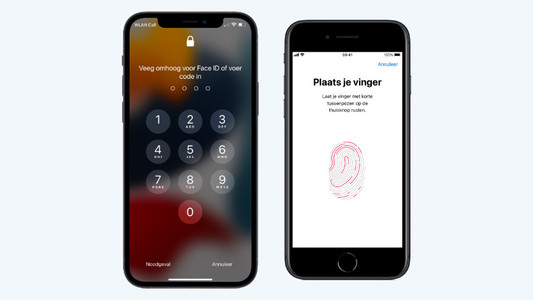
Your iPhone contains a lot of personal information that's for your eyes only. This includes passwords, notes, and photos. You can secure your iPhone easily with Face ID or a passcode, for example. This way, you can be sure that your information is secure if your phone gets lost or stolen. In this article, we'll give you tips to secure your iPhone.

How do you secure your Apple iPhone?

Your iPhone contains a lot of personal information that's for your eyes only. This includes passwords, notes, and photos. You can secure your iPhone easily with Face ID or a passcode, for example. This way, you can be sure that your information is secure if your phone gets lost or stolen. In this article, we'll give you tips to secure your iPhone.

How do you remove accounts from your Apple iPhone?

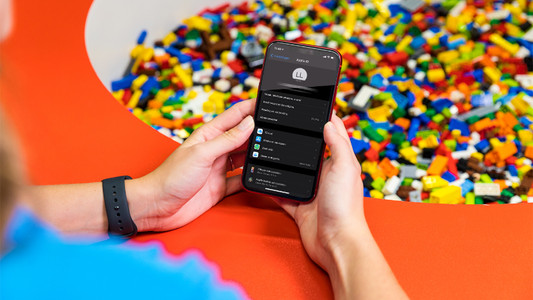
Going to send in your iPhone for repairs or want to sell it? You want to empty your iPhone to make sure your personal information is safe. Turn of 'Find my iPhone' and return your iPhone to factory settings before you hand over your device. In this article, you can read how.

How do you secure your Apple iPhone?

Your iPhone contains a lot of personal information that's for your eyes only. This includes passwords, notes, and photos. You can secure your iPhone easily with Face ID or a passcode, for example. This way, you can be sure that your information is secure if your phone gets lost or stolen. In this article, we'll give you tips to secure your iPhone.

How do you secure your Apple iPhone?

Your iPhone contains a lot of personal information that's for your eyes only. This includes passwords, notes, and photos. You can secure your iPhone easily with Face ID or a passcode, for example. This way, you can be sure that your information is secure if your phone gets lost or stolen. In this article, we'll give you tips to secure your iPhone.

How do you remove accounts from your Apple iPhone?

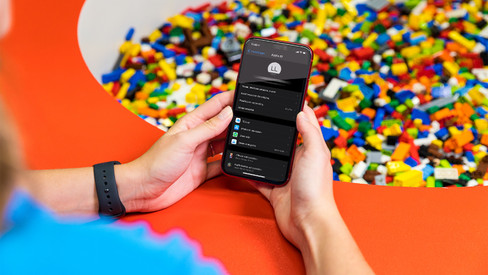
Going to send in your iPhone for repairs or want to sell it? You want to empty your iPhone to make sure your personal information is safe. Turn of 'Find my iPhone' and return your iPhone to factory settings before you hand over your device. In this article, you can read how.

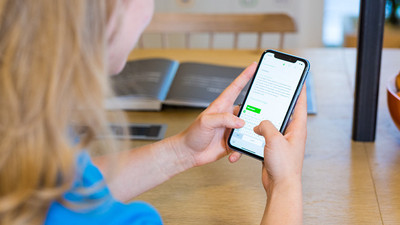
7 tips for charging your smartphone

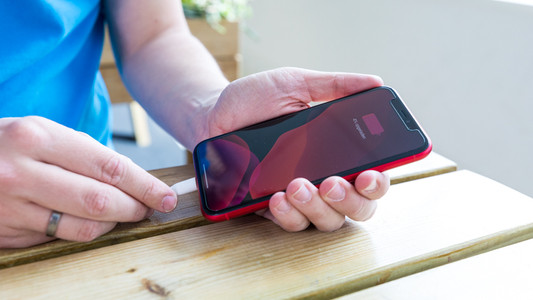
You probably charge your smartphone every day. When you charge it the right way, your battery wears less and your device lasts longer. We'll explain why it's better not to charge your smartphone up to 100% and why fast charging is convenient here. That way, you'll know exactly how to properly charge your smartphone, tablet, or other device.

7 tips for charging your smartphone

You probably charge your smartphone every day. When you charge it the right way, your battery wears less and your device lasts longer. We'll explain why it's better not to charge your smartphone up to 100% and why fast charging is convenient here. That way, you'll know exactly how to properly charge your smartphone, tablet, or other device.

Subjects
Didn't find your answer?

Find an answer to your question quickly and easily via our customer service.

Coolblue specialist
Personal chat Digitalk.
You're now chatting with Coolblue customer service
This chat is closed
foo
Oeps File size is larger than 5MB. Upload a smaller file.