Welcome to your environment! You can order everything from your assortment with your personal budget here.

You can always return to the normal Coolblue website by clicking here.

Your outstanding budget (incl. VAT) is always visible here, so you know exactly how much you can spend.

Coolblue home

Help with your product
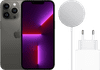
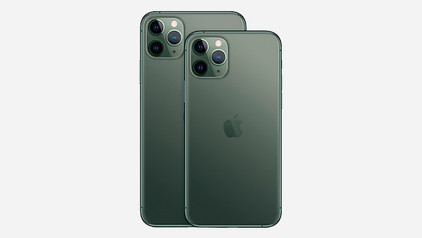
Apple iPhone 13 Pro Max 256GB Graphite - MagSafe Charger Pack
0 reviews

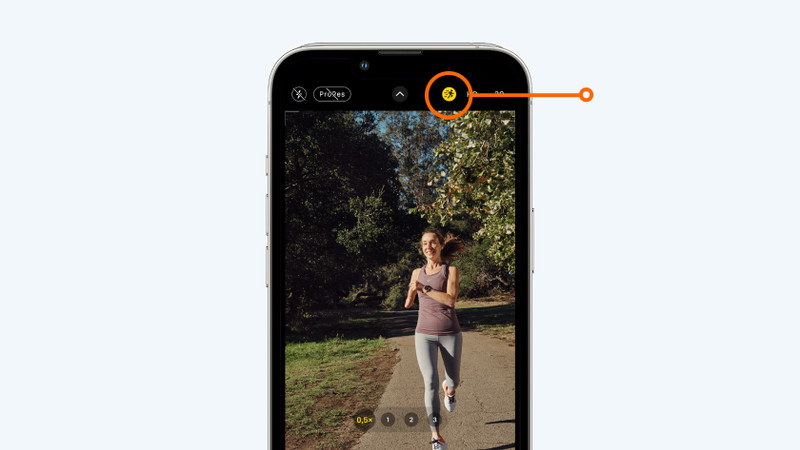
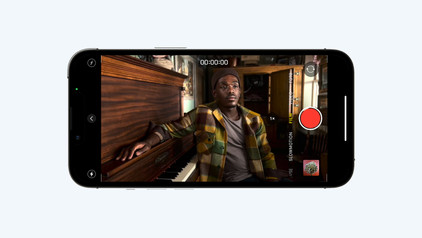
You can charge your iPhone fast and wirelessly with the Apple iPhone 13 Pro 256GB Graphite - MagSafe Charger Pack. You can click the wireless charger onto your iPhone 13 Pro Max magnetically. Thanks to 15W fast charging, you can charge the battery of your device for 50% in 1 hour. The included USB-C hub allows you to plug your MagSafe charger into the socket. The refresh rate of the screen of the iPhone 13 Pro Max adjusts itself automatically. While you scroll or game, the animations look smooth this way. That's easier on your eyes. With the improved camera, you can take nice photos in any situation. With the telephoto lens, you can zoom in up to 3 times without quality loss. Use the Cinematic Mode to switch the focus while you record, or simply change this afterwards. The battery lasts 2.5 hours longer that that of the iPhone 12 Pro Max, so it can easily last the whole day. Note: Apple doesn't include earbuds. Use your current accessories or purchase them separately.
Read all tips here

Which product do you want to see articles about?

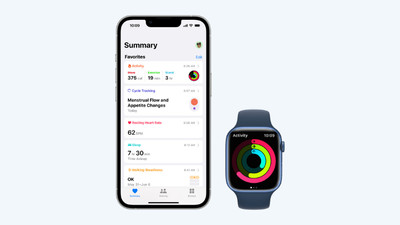
Get started with the Apple health functions

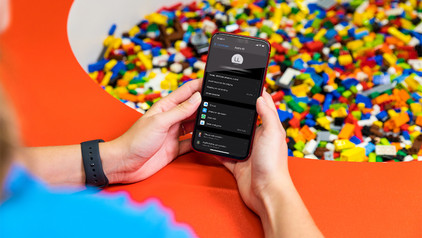
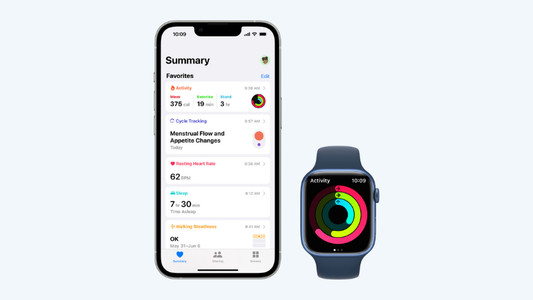
Want to be healthier? The health functions on your Apple devices will be useful. These allow you to track your exercise and heart rate with your Apple Watch and receive notifications if you're not so healthy. In this article, you can read all about the Apple health functions.

7 tips for charging your smartphone

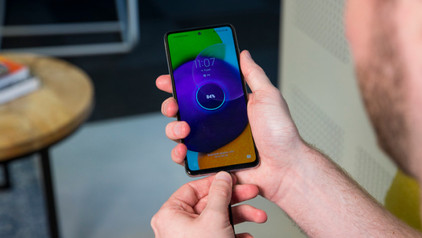
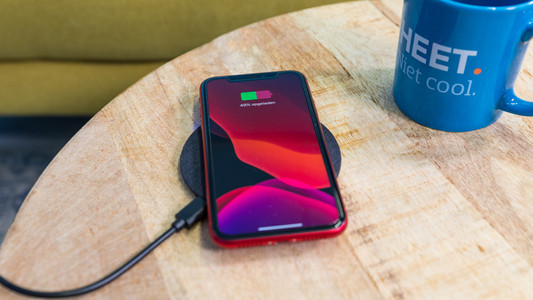
You probably charge your smartphone every day. When you charge it the right way, your battery wears less and your device lasts longer. We'll explain why it's better not to charge your smartphone up to 100% and why fast charging is convenient here. That way, you'll know exactly how to properly charge your smartphone, tablet, or other device.

5 tips if your wireless charger doesn't work

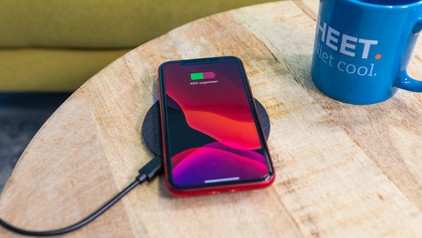
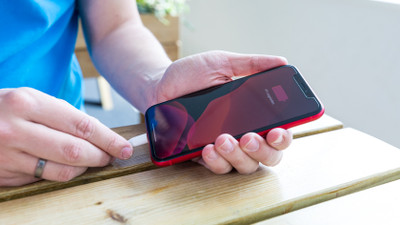
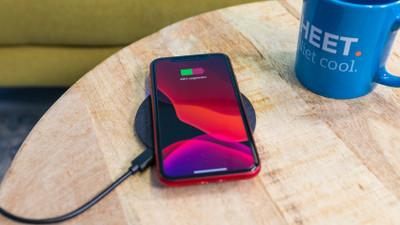
Don't your devices charge when you put them on your wireless charger? There may be a couple of reasons for this. For example, you have to place your smartphone on the charger properly and sometimes you have to remove your case from your device. We'll give 5 tips for when your wireless charger isn't working.

5 tips if your wireless charger doesn't work

Don't your devices charge when you put them on your wireless charger? There may be a couple of reasons for this. For example, you have to place your smartphone on the charger properly and sometimes you have to remove your case from your device. We'll give 5 tips for when your wireless charger isn't working.

7 tips for charging your smartphone

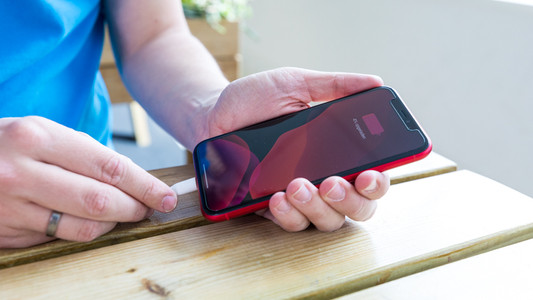
You probably charge your smartphone every day. When you charge it the right way, your battery wears less and your device lasts longer. We'll explain why it's better not to charge your smartphone up to 100% and why fast charging is convenient here. That way, you'll know exactly how to properly charge your smartphone, tablet, or other device.

Subjects
Didn't find your answer?

Find an answer to your question quickly and easily via our customer service.

Coolblue specialist
Personal chat Digitalk.
You're now chatting with Coolblue customer service
This chat is closed
foo
Oeps File size is larger than 5MB. Upload a smaller file.