Welcome to your environment! You can order everything from your assortment with your personal budget here.

You can always return to the normal Coolblue website by clicking here.

Your outstanding budget (incl. VAT) is always visible here, so you know exactly how much you can spend.

Coolblue home

Help with your product
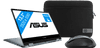
Student Pack - Asus ZenBook Flip 13 UX363JA-EM120T
0 reviews

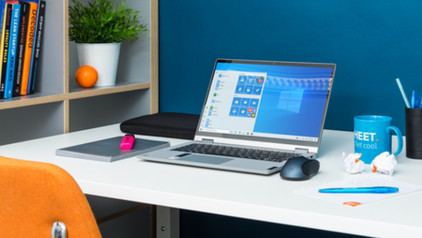
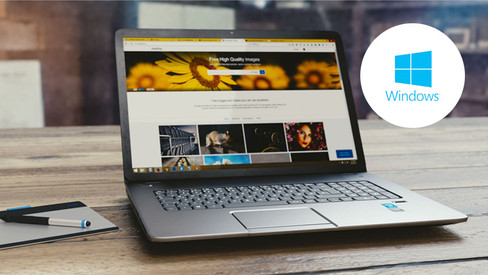
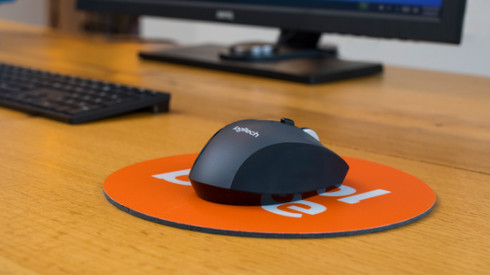
You can work more comfortably with a mouse and take your laptop with you anywhere in the cover with the Student Pack - Asus ZenBook Flip 13 UX363JA-EM120T. The ZenBook Flip 13 is a 13.3-inch laptop and tablet in one. Fold the touchscreen behind the keyboard and use your fingers to swipe through programs. This ZenBook has an Intel Core i5 processor and 8GB RAM. You can use it for demanding programs like Adobe Photoshop and multitask with Microsoft Office programs. With a weight of only 1.4kg, it's easy to take with you. You can boot it and log in with your smile thanks to the infrared camera. And with the 512GB SSD, it only takes 15 seconds to get started. Advice from our expert Internet, email & text processing: suitable Watching movies & series: suitable Photo editing: suitable Video editing: possible, but faster with an i7 processor Gaming: unsuitable, at least a GTX 1050 video card Receive an email with a personal voucher code for 1 free year of Norton 360 Deluxe antivirus one day after purchase.

Read all tips here

Which product do you want to see articles about?

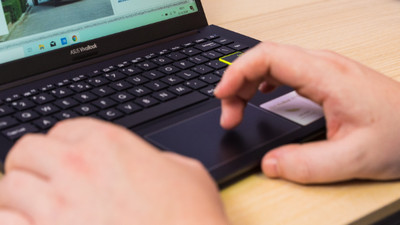
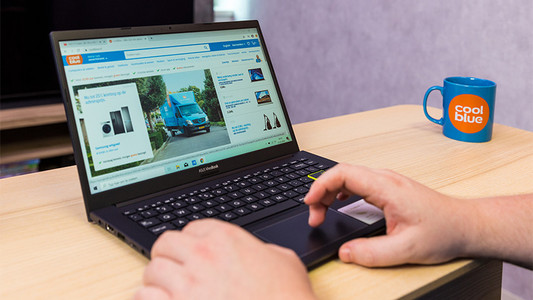
How do you turn off the numeric keypad in the touchpad of your ASUS laptop?

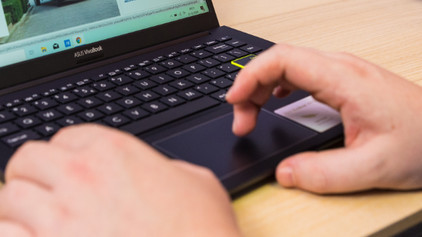
With some ASUS laptops, there's a numeric keypad incorporated in the touchpad. This allows you to enter numbers easily. Do you prefer not to use this function? Turn it off via the settings in 2 steps.
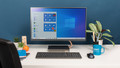
How do you delete programs in Windows?

You want to delete a program in Windows, but you need some help. In this article, you'll find 3 tips to help you delete programs.

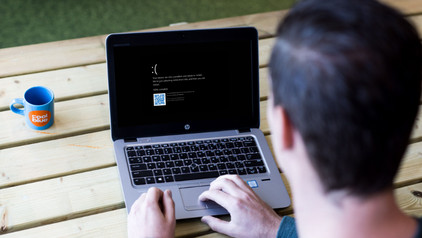
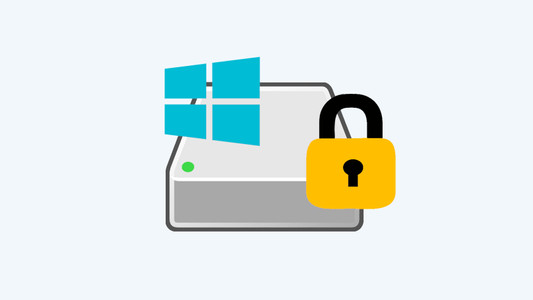
Where can you find the BitLocker recovery key for your Windows PC?

When you log in, your Windows PC will ask for a BitLocker recovery key. This may be because the PC detected a suspicious login attempt. You can find this recovery key in various places that you set in advance, such as on a USB flash drive or a printed piece of paper. Read this article to find out where you can find the BitLocker recovery key online.

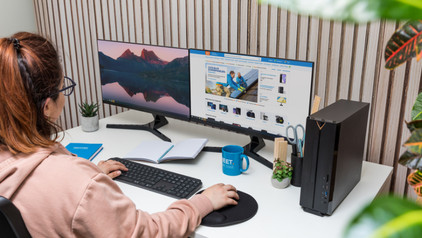
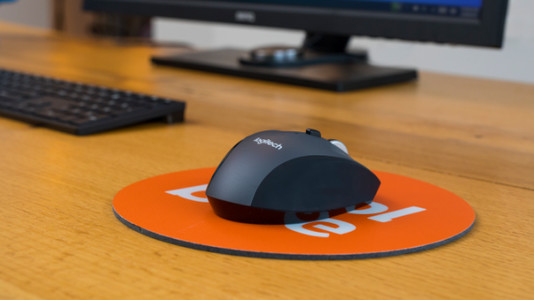
How do I connect my wireless mouse?

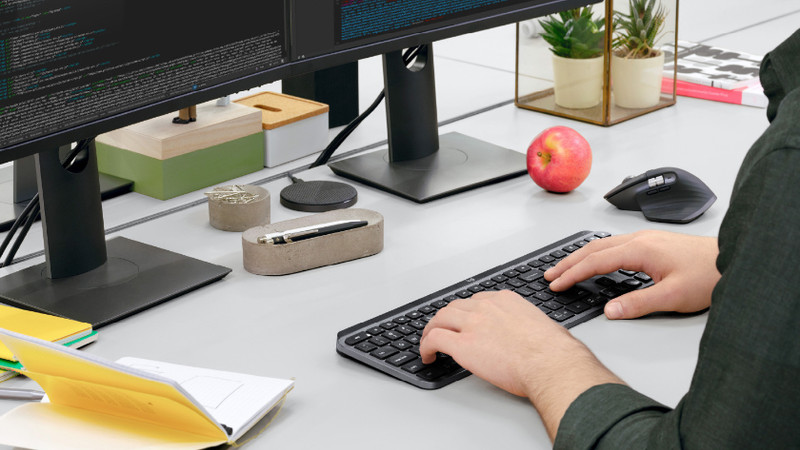
With a wireless mouse, your desk stays tidy and you have more freedom of movement than with a wired mouse. But how do you connect a wireless mouse? In this article, you can read step by step what you need to do to connect a wireless mouse to your laptop or PC. These steps apply to wireless mouses from any brand.

How do you turn off the numeric keypad in the touchpad of your ASUS laptop?

With some ASUS laptops, there's a numeric keypad incorporated in the touchpad. This allows you to enter numbers easily. Do you prefer not to use this function? Turn it off via the settings in 2 steps.

How do you delete programs in Windows?

You want to delete a program in Windows, but you need some help. In this article, you'll find 3 tips to help you delete programs.
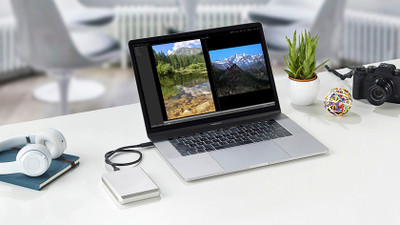
Where can you find the BitLocker recovery key for your Windows PC?

When you log in, your Windows PC will ask for a BitLocker recovery key. This may be because the PC detected a suspicious login attempt. You can find this recovery key in various places that you set in advance, such as on a USB flash drive or a printed piece of paper. Read this article to find out where you can find the BitLocker recovery key online.
Subjects

Didn't find your answer?

Find an answer to your question quickly and easily via our customer service.

Coolblue specialist
Personal chat Digitalk.
You're now chatting with Coolblue customer service
This chat is closed
foo
Oeps File size is larger than 5MB. Upload a smaller file.