Welcome to your environment! You can order everything from your assortment with your personal budget here.

You can always return to the normal Coolblue website by clicking here.

Your outstanding budget (incl. VAT) is always visible here, so you know exactly how much you can spend.

Coolblue home

Help with your product

Read all tips here
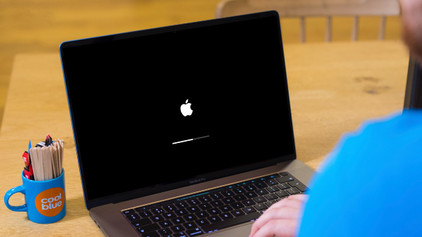
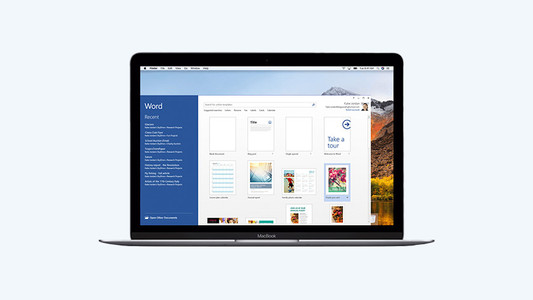
How do you use Microsoft Office on your Apple Mac?

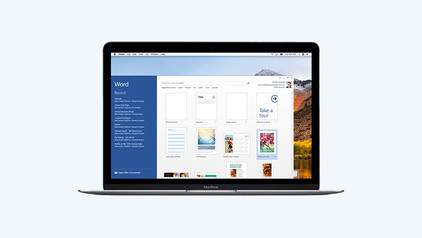
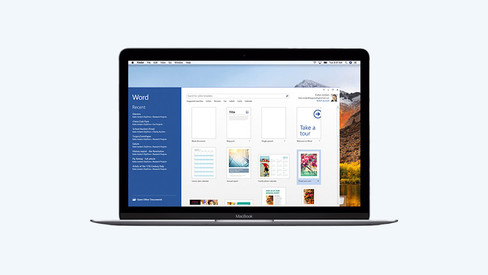
Are you looking for a new MacBook, but want to work with Microsoft Office instead of Apple iWork? That's no problem, because you can also use programs such as Microsoft Word and Excel with macOS. You do need a Microsoft Office suite for this. Read how to use this license and which version to choose in this article.

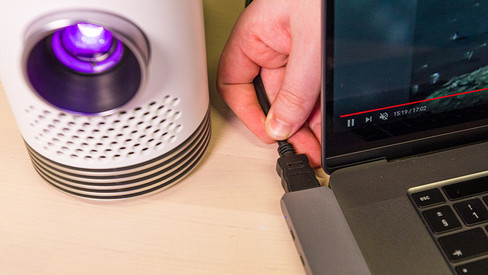
How do you connect a projector to your Apple MacBook?

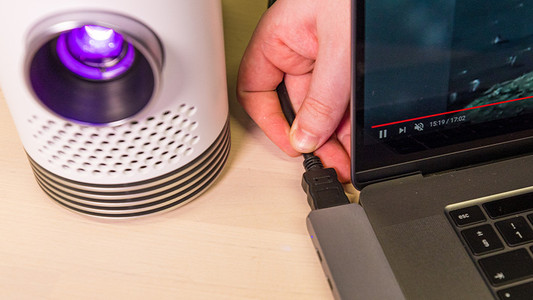
You've made a nice presentation on your Apple MacBook and now you want to show it to your colleagues. With a projector, you can be sure you get your message across clearly. If you connect a projector to a MacBook, you have to keep the connector of your projector and MacBook in mind. If you have the right cable converter, you'll be done in no time. In this article, we'll explain how you can easily and quickly connect a projector to your MacBook.

Which MacBook do you have?

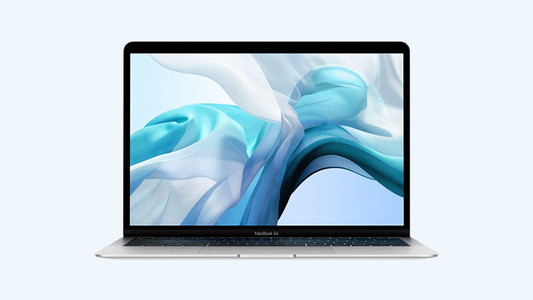
On the exterior of your MacBook, it's not easy to see which model it is. Did you forget which model you have? No worries. In this article, we'll tell you how to quickly and easily find out which MacBook you have.

How do you turn on the keyboard lighting on your laptop?

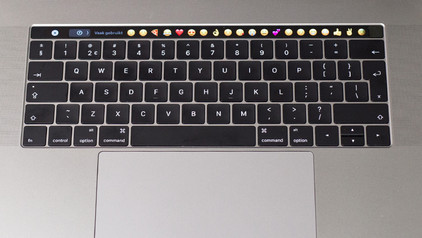
Some laptops have a backlit keyboard, but how do you turn on the keyboard backlight? In this article, we'll explain how to turn on the backlight, because every laptop is different.

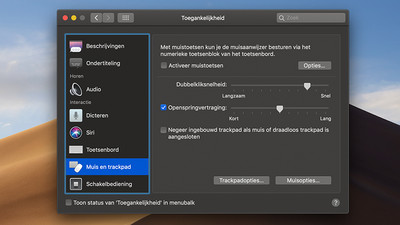
How do you set up split screen on your MacBook?

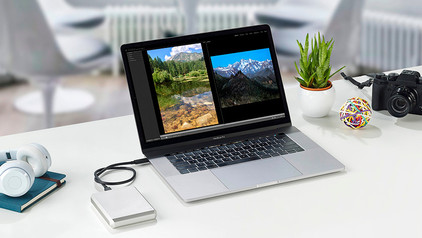
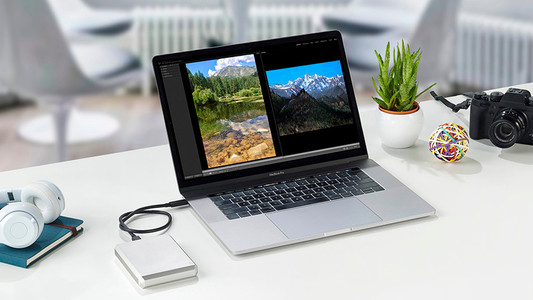
When you want to be as productive as possible, working with split screen is a great option. Thanks to split screen, you can use 2 apps full-screen side by side. That way, everything you need is shown in a clear overview. You can read how split screen works on your MacBook here. It takes some time getting used to in the beginning, but it's not complicated.
Subjects

Didn't find your answer?

Find an answer to your question quickly and easily via our customer service.
Coolblue specialist
Personal chat Digitalk.
You're now chatting with Coolblue customer service
This chat is closed
foo
Oeps File size is larger than 5MB. Upload a smaller file.