Welcome to your environment! You can order everything from your assortment with your personal budget here.

You can always return to the normal Coolblue website by clicking here.

Your outstanding budget (incl. VAT) is always visible here, so you know exactly how much you can spend.

Coolblue home

Help with your product
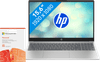
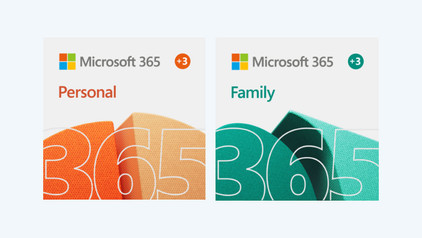
HP Pavilion SE 15-fd1951nd + Microsoft 365 Personal NL 1 Year

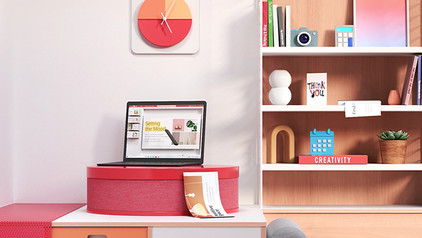
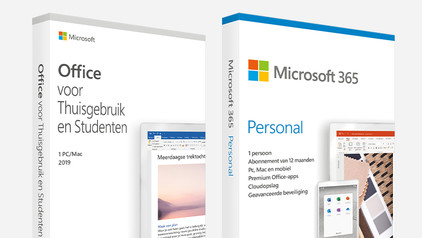
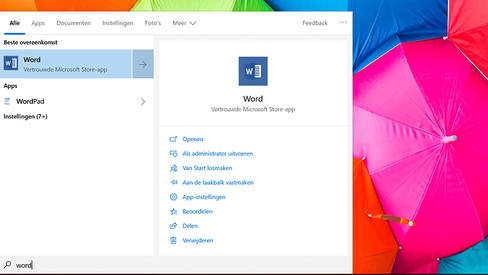
Get started with Microsoft 365 right away with the HP Pavilion SE 15-fd1951nd + Microsoft 365 Personal NL 1 Year. That way, you can make reports in Word, spreadsheets in Excel, and presentations in PowerPoint. Keep track of your email in Outlook and take notes via OneNote at the same time. The Intel Core Ultra 5 Series 1 processor and 24GB DDR5 RAM are powerful enough for that. Thanks to the NPU of the Ultra processor, the battery lasts longer. You can also smoothly get started with photo editing. Quickly want to get an image made or edited? Do this with Designer, a Microsoft tool that works with AI. Feel free to continue working in the evening, as you can still see the keys well in the dark thanks to the backlit keyboard. Easily store your files online thanks to the 1TB OneDrive cloud storage.

Read all tips here

Which product do you want to see articles about?

Where can you find the BitLocker recovery key for your Windows PC?

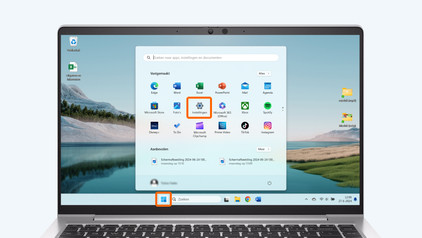
When you log in, your Windows PC will ask for a BitLocker recovery key. This may be because the PC detected a suspicious login attempt. You can find this recovery key in various places that you set in advance, such as on a USB flash drive or a printed piece of paper. Read this article to find out where you can find the BitLocker recovery key online.

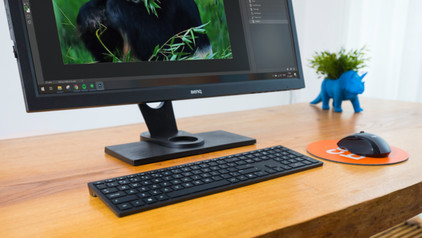
How do you turn on the keyboard lighting on your laptop?

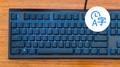
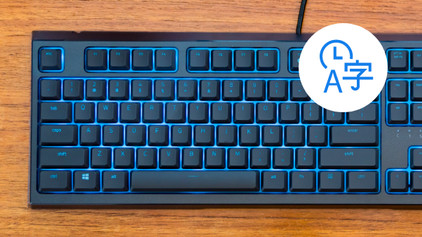
Some laptops have a backlit keyboard, but how do you turn on the keyboard backlight? In this article, we'll explain how to turn on the backlight, because every laptop is different.

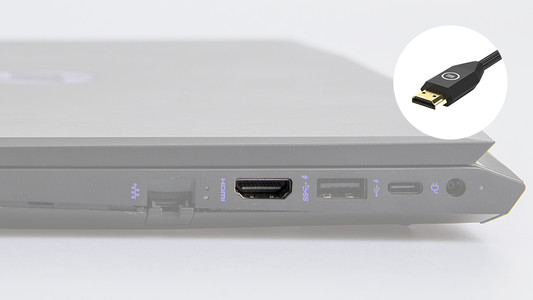
What connectors does a laptop have?

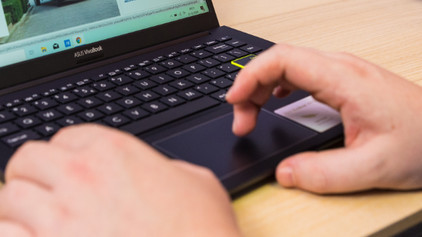
You're looking for a connector on your laptop, but you don't know what it looks like. Or you want to buy a laptop and you want to know what you can use the connectors for. On this page, we'll list the most important connectors for you. This way, you can be sure you have the right connector.

Where can you find the BitLocker recovery key for your Windows PC?

When you log in, your Windows PC will ask for a BitLocker recovery key. This may be because the PC detected a suspicious login attempt. You can find this recovery key in various places that you set in advance, such as on a USB flash drive or a printed piece of paper. Read this article to find out where you can find the BitLocker recovery key online.

How do you turn on the keyboard lighting on your laptop?

Some laptops have a backlit keyboard, but how do you turn on the keyboard backlight? In this article, we'll explain how to turn on the backlight, because every laptop is different.

What connectors does a laptop have?

You're looking for a connector on your laptop, but you don't know what it looks like. Or you want to buy a laptop and you want to know what you can use the connectors for. On this page, we'll list the most important connectors for you. This way, you can be sure you have the right connector.

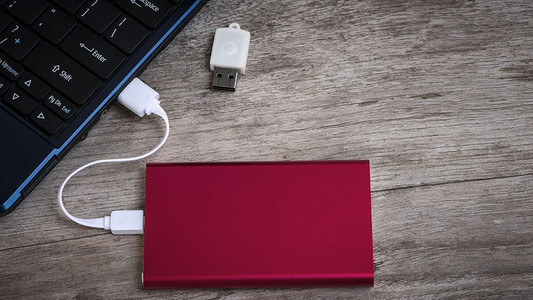
How do you transfer files from a laptop to a new one?

You have a new laptop and want to transfer the files from your old laptop. In this article, you can read how to transfer data from your old laptop to your new laptop.

Subjects
Didn't find your answer?

Find an answer to your question quickly and easily via our customer service.

Coolblue specialist
Personal chat Digitalk.
You're now chatting with Coolblue customer service
This chat is closed
foo
Oeps File size is larger than 5MB. Upload a smaller file.