Welcome to your environment! You can order everything from your assortment with your personal budget here.

You can always return to the normal Coolblue website by clicking here.

Your outstanding budget (incl. VAT) is always visible here, so you know exactly how much you can spend.

Coolblue home

Help with your product

Apple MacBook Air 13 inches (2025) M4 (10/8) 16GB/256GB Midnight QWERTY + Magic Mouse
0 reviews

With the Apple MacBook Air 13 inches (2025) M4 (10 CPU/8 GPU) 16GB/256GB Midnight QWERTY + Apple Magic Mouse (2024) bundle, you can smoothly scroll through all your documents and texts. Get started with photo and video editing in programs like Adobe Photoshop and iMovie, for example. The Apple M4 chip and 16GB RAM are powerful enough for that. You can also switch between different programs and tabs more easily, because you can connect up to 2 external 6K monitors while keeping your Apple MacBook open. Don't have a fixed workplace? Thanks to the low 1.2kg weight and 18-hour battery life, you can easily take your MacBook with you wherever you go. Advice from our Apple expert Internet, email, and text processing: suitable Watching movies and series: suitable Photo editing: suitable Video editing: possible, but faster with 24GB RAM Creating and rendering 3D designs: unsuitable, at least an M4 Pro Developing apps in Xcode: unsuitable, at least an M4 Max Gaming: possible, but mainly light games. All Apple Arcade games are suitable.

Read all tips here

Which product do you want to see articles about?

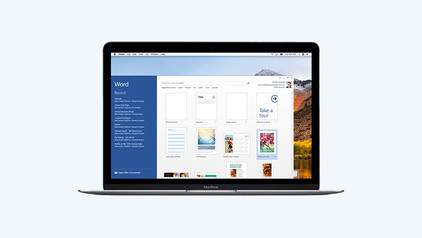
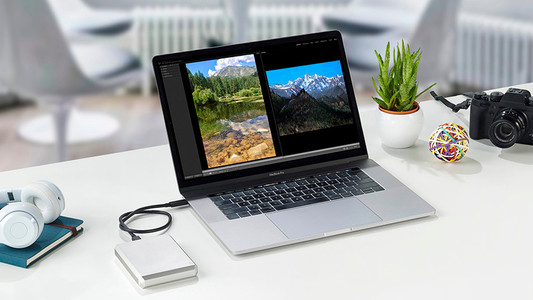
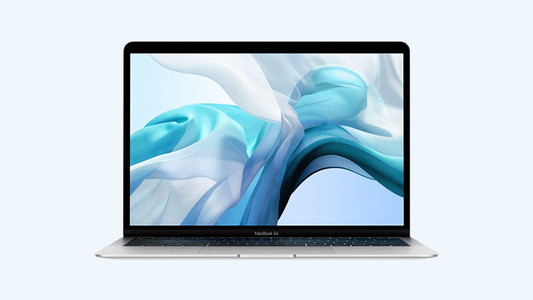
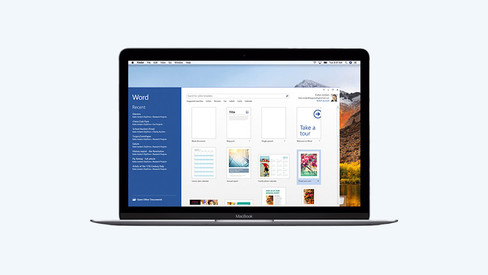
How do you use Microsoft Office on your Apple Mac?

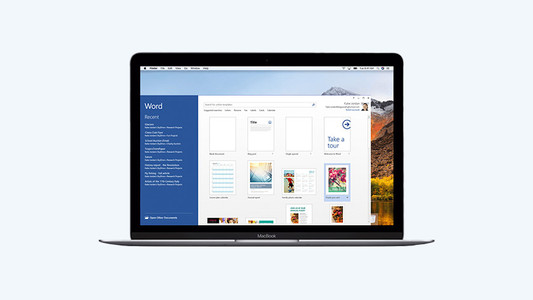
Are you looking for a new MacBook, but want to work with Microsoft Office instead of Apple iWork? That's no problem, because you can also use programs such as Microsoft Word and Excel with macOS. You do need a Microsoft Office suite for this. Read how to use this license and which version to choose in this article.

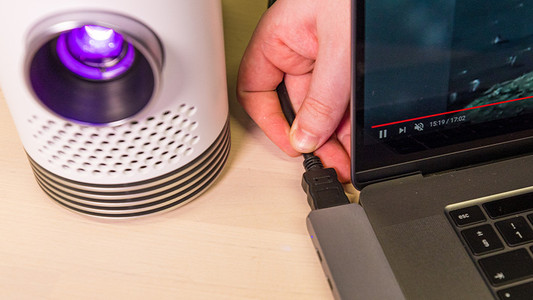
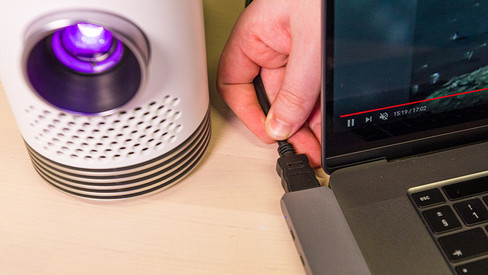
How do you connect a projector to your Apple MacBook?

You've made a nice presentation on your Apple MacBook and now you want to show it to your colleagues. With a projector, you can be sure you get your message across clearly. If you connect a projector to a MacBook, you have to keep the connector of your projector and MacBook in mind. If you have the right cable converter, you'll be done in no time. In this article, we'll explain how you can easily and quickly connect a projector to your MacBook.

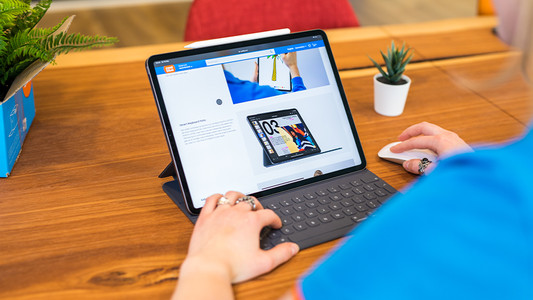
How do you use Apple iPad as a laptop?

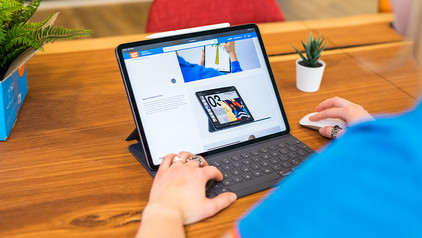
With the arrival of Smart Keyboard, Magic Keyboard, and Magic Keyboard Folio, you can convert the Apple iPad into a complete text editor. In addition, you can connect a Bluetooth mouse, and an iPad is a good alternative to a laptop. In this article, you can find out how to get the most out of your iPad with the right accessories and iPadOS.

How do you use Apple iPad as a laptop?

With the arrival of Smart Keyboard, Magic Keyboard, and Magic Keyboard Folio, you can convert the Apple iPad into a complete text editor. In addition, you can connect a Bluetooth mouse, and an iPad is a good alternative to a laptop. In this article, you can find out how to get the most out of your iPad with the right accessories and iPadOS.

Which MacBook do you have?

On the exterior of your MacBook, it's not easy to see which model it is. Did you forget which model you have? No worries. In this article, we'll tell you how to quickly and easily find out which MacBook you have.

How do you turn on the keyboard lighting on your laptop?

Some laptops have a backlit keyboard, but how do you turn on the keyboard backlight? In this article, we'll explain how to turn on the backlight, because every laptop is different.

How do you set up split screen on your MacBook?

When you want to be as productive as possible, working with split screen is a great option. Thanks to split screen, you can use 2 apps full-screen side by side. That way, everything you need is shown in a clear overview. You can read how split screen works on your MacBook here. It takes some time getting used to in the beginning, but it's not complicated.
How do you use Apple iPad as a laptop?

With the arrival of Smart Keyboard, Magic Keyboard, and Magic Keyboard Folio, you can convert the Apple iPad into a complete text editor. In addition, you can connect a Bluetooth mouse, and an iPad is a good alternative to a laptop. In this article, you can find out how to get the most out of your iPad with the right accessories and iPadOS.

How do you use Apple iPad as a laptop?

With the arrival of Smart Keyboard, Magic Keyboard, and Magic Keyboard Folio, you can convert the Apple iPad into a complete text editor. In addition, you can connect a Bluetooth mouse, and an iPad is a good alternative to a laptop. In this article, you can find out how to get the most out of your iPad with the right accessories and iPadOS.

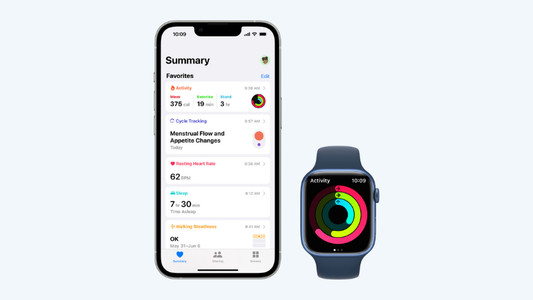
Get started with the Apple health functions

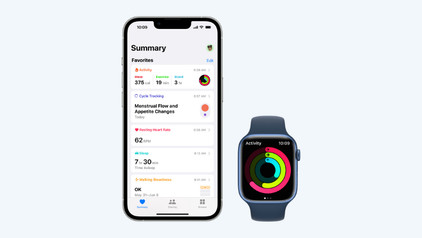
Want to be healthier? The health functions on your Apple devices will be useful. These allow you to track your exercise and heart rate with your Apple Watch and receive notifications if you're not so healthy. In this article, you can read all about the Apple health functions.

How do you use Microsoft Office on your Apple Mac?

Are you looking for a new MacBook, but want to work with Microsoft Office instead of Apple iWork? That's no problem, because you can also use programs such as Microsoft Word and Excel with macOS. You do need a Microsoft Office suite for this. Read how to use this license and which version to choose in this article.

How do you connect a projector to your Apple MacBook?

You've made a nice presentation on your Apple MacBook and now you want to show it to your colleagues. With a projector, you can be sure you get your message across clearly. If you connect a projector to a MacBook, you have to keep the connector of your projector and MacBook in mind. If you have the right cable converter, you'll be done in no time. In this article, we'll explain how you can easily and quickly connect a projector to your MacBook.

Which MacBook do you have?

On the exterior of your MacBook, it's not easy to see which model it is. Did you forget which model you have? No worries. In this article, we'll tell you how to quickly and easily find out which MacBook you have.

How do you turn on the keyboard lighting on your laptop?

Some laptops have a backlit keyboard, but how do you turn on the keyboard backlight? In this article, we'll explain how to turn on the backlight, because every laptop is different.

How do you set up split screen on your MacBook?

When you want to be as productive as possible, working with split screen is a great option. Thanks to split screen, you can use 2 apps full-screen side by side. That way, everything you need is shown in a clear overview. You can read how split screen works on your MacBook here. It takes some time getting used to in the beginning, but it's not complicated.

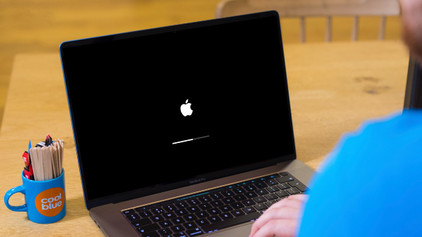
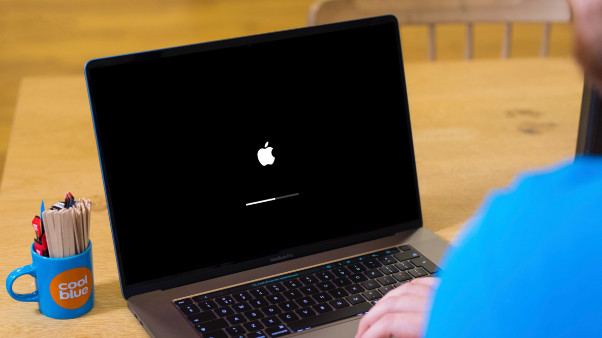
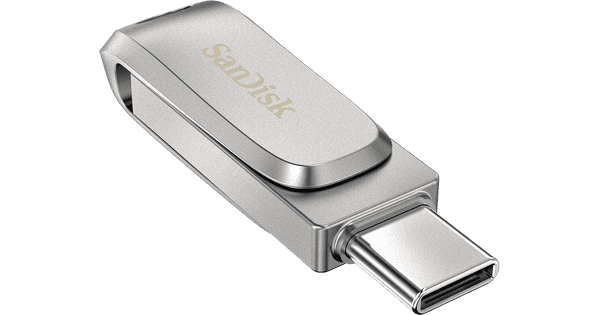
Does your dock not work with your MacBook? Try resetting the SMC

If your docking station no longer works well with your MacBook, chances are something's wrong on the software-side of things. When you reset a System Manager Controller (SMC), you can solve a number of software problems. It also solves a lot of problems with your dock, so your docking station works with your MacBook without issues once again.

How do you expand the memory of your MacBook?

If your MacBook is slowly filling up, you might consider expanding the memory. Whether that's possible depends on which MacBook you have. On this page, you can read if you can expand your Apple MacBook and how that works.
Subjects
Didn't find your answer?

Find an answer to your question quickly and easily via our customer service.

Coolblue specialist
Personal chat Digitalk.
You're now chatting with Coolblue customer service
This chat is closed
foo
Oeps File size is larger than 5MB. Upload a smaller file.