Welcome to your environment! You can order everything from your assortment with your personal budget here.

You can always return to the normal Coolblue website by clicking here.

Your outstanding budget (incl. VAT) is always visible here, so you know exactly how much you can spend.

Coolblue home

Help with your product

Read all tips here

How do you use Microsoft Office on your Apple Mac?

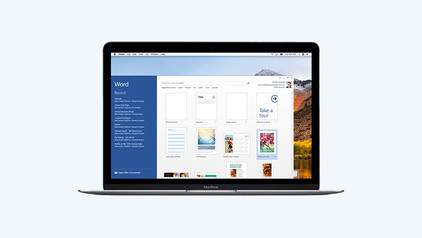
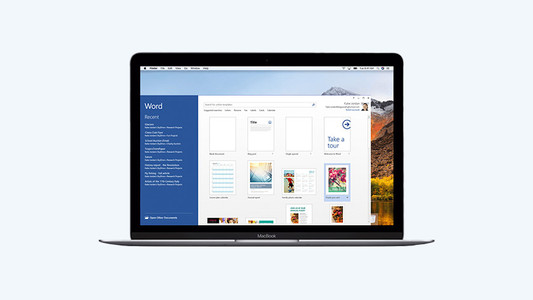
Are you looking for a new MacBook, but want to work with Microsoft Office instead of Apple iWork? That's no problem, because you can also use programs such as Microsoft Word and Excel with macOS. You do need a Microsoft Office suite for this. Read how to use this license and which version to choose in this article.

How do you turn on the keyboard lighting on your laptop?

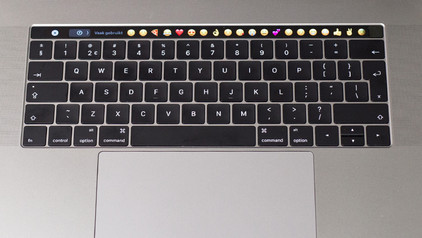
Some laptops have a backlit keyboard, but how do you turn on the keyboard backlight? In this article, we'll explain how to turn on the backlight, because every laptop is different.

How do you turn on the keyboard lighting on your laptop?

Some laptops have a backlit keyboard, but how do you turn on the keyboard backlight? In this article, we'll explain how to turn on the backlight, because every laptop is different.

Everything on MacBook Upgrade at Coolblue

With MacBook Upgrade, you can trade in your old MacBook for a new model. This is a more affordable and sustainable choice. That's because you get a discount on your new MacBook and we give your old device a second life. In this article, we'll explain everything about MacBook Upgrade at Coolblue.

How do you set up split screen on your MacBook?

When you want to be as productive as possible, working with split screen is a great option. Thanks to split screen, you can use 2 apps full-screen side by side. That way, everything you need is shown in a clear overview. You can read how split screen works on your MacBook here. It takes some time getting used to in the beginning, but it's not complicated.
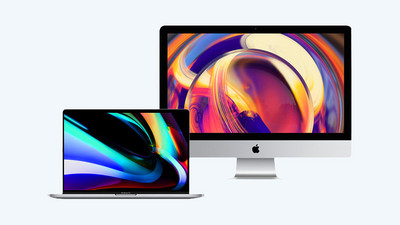
What connectors does a laptop have?

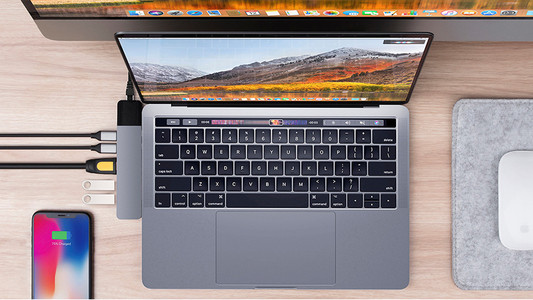
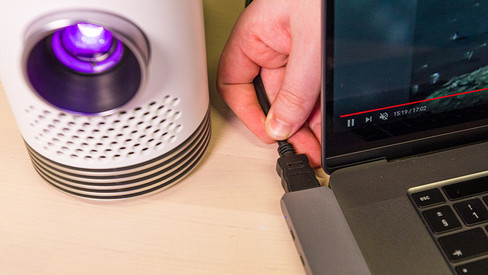
You're looking for a connector on your laptop, but you don't know what it looks like. Or you want to buy a laptop and you want to know what you can use the connectors for. On this page, we'll list the most important connectors for you. This way, you can be sure you have the right connector.
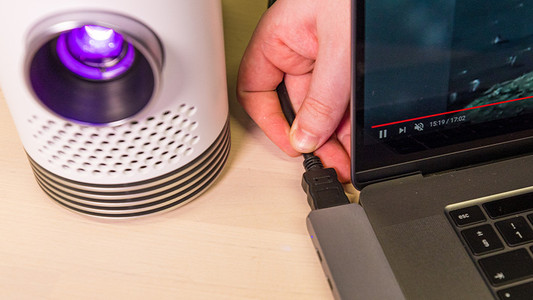

3 tips for increasing the storage capacity of your laptop

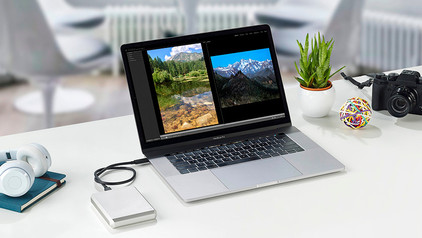
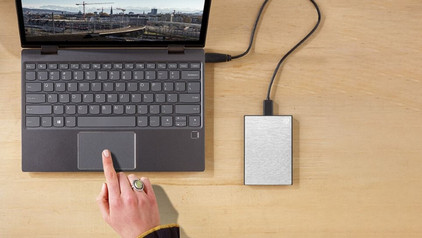
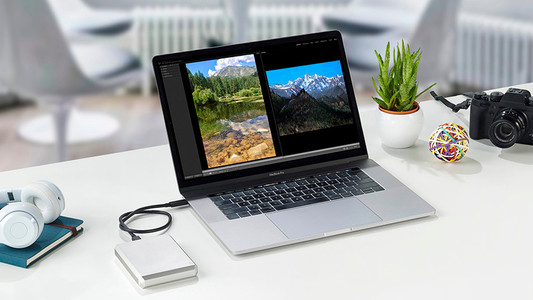
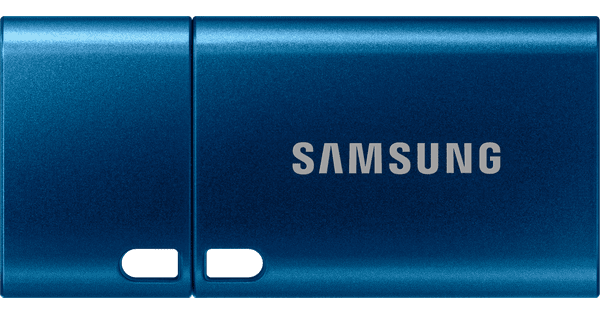
Is the storage of your laptop full? Luckily, there are many options for extra storage space. Cloud storage or external storage, for example. In this article, you'll read 3 tips to expand the storage capacity of your laptop.

How do you transfer files from a laptop to a new one?

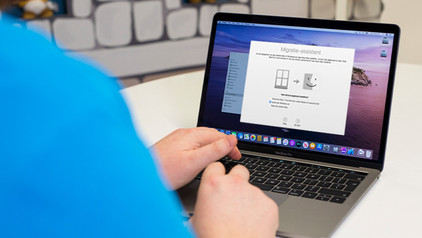
You have a new laptop and want to transfer the files from your old laptop. In this article, you can read how to transfer data from your old laptop to your new laptop.

4 tips to use the Apple iPad with your Apple MacBook

One of the most important reasons to choose Apple is the eco system. The products have been designed so that they work well together. This is also true for the Apple iPad and the Apple MacBook. They complement each other well, so you can perform your tasks smoothly on them. Here, we'll give you 4 tips to use your Apple iPad with your Apple MacBook.

How do you keep in touch with friends and family thanks to Apple?

If you live far away from friends or family or can't see them for a long time for some other reason, it's nice to stay in touch. Apple offers various fun ways to do this. You can make video calls with your grandma, share memories via the shared photo albums, and send your friends drawings via iMessage. In this article, you can read how to stay in touch with your loved ones with your Apple products.

How do you make your noisy laptop more silent?

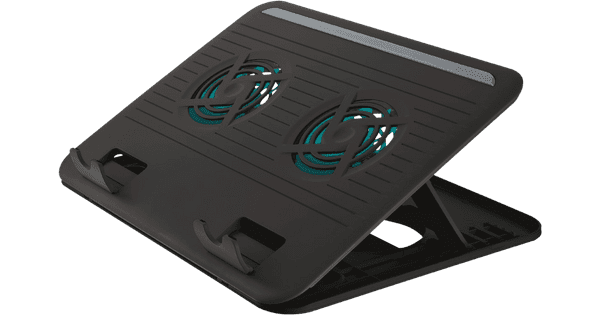
Your laptop is making a blowing sound and you want to stop it. There are various reasons why a laptop makes noise, like using video editing programs that are too demanding for the laptop. There are also some issues you can solve that don't have to do with the operating system of your laptop. In this article, you can read 3 tips to make your noisy laptop more silent.

Subjects
Didn't find your answer?

Find an answer to your question quickly and easily via our customer service.

Coolblue specialist
Personal chat Digitalk.
You're now chatting with Coolblue customer service
This chat is closed
foo
Oeps File size is larger than 5MB. Upload a smaller file.